Check local requirements
Fiscal workflows and food information depend on your location and service model; verify the concrete setup before opening.
Industry solution / Gastronomy
A food business must line up bookings, dishes, ingredients, stock and staff before the first plate leaves the pass. The gastronomy desk records these working facts; kitchen and floor still decide what to serve.
Pricing & getting started
Review bookings against the table plan so two extra guests do not surprise the kitchen at the pass.
Menu items link to allergen records. A cook must still verify the current recipe, substitutions and cross-contact.
Food cost, stock and shifts help compare what is available with what the service needs; purchasing stays a business decision.
How Sektura helps with everyday work
Example: An eight-person booking becomes ten. A guest asks about sesame in a starter while the kitchen finds an ingredient running low.
Floor staff update the booking and review the tables before promising the change.
The chef checks the recipe and stock, updates the dish record if needed and gives the floor a verified answer about sesame.
Kitchen and floor agree on portions, course order and staffing; a food cost entry records the changed assumptions.
Both teams have a current plan. Staff decide whether the dish suits the guest and whether more stock is needed.
Getting started is simple
Add three dishes with checked prices, ingredients and allergen information.
Create a sample booking and table plan, then change the guest count.
Record a low-stock ingredient, review food cost and shifts, and discuss the effect on service.
Fiscal workflows and food information depend on your location and service model; verify the concrete setup before opening.
No credit card is needed to start your trial.
Industry solution
Food service businesses with kitchens
Editorial workflow draft — not a product screenshot.
A food service business has changed reservations and needs to prepare the kitchen for the evening.
Review bookings and dietary requests with the service team.
Discuss the order of courses with the kitchen lead.
Note staffing needs and outstanding ingredient purchases for the shift.
Kitchen and service staff have an agreed working plan for the evening.
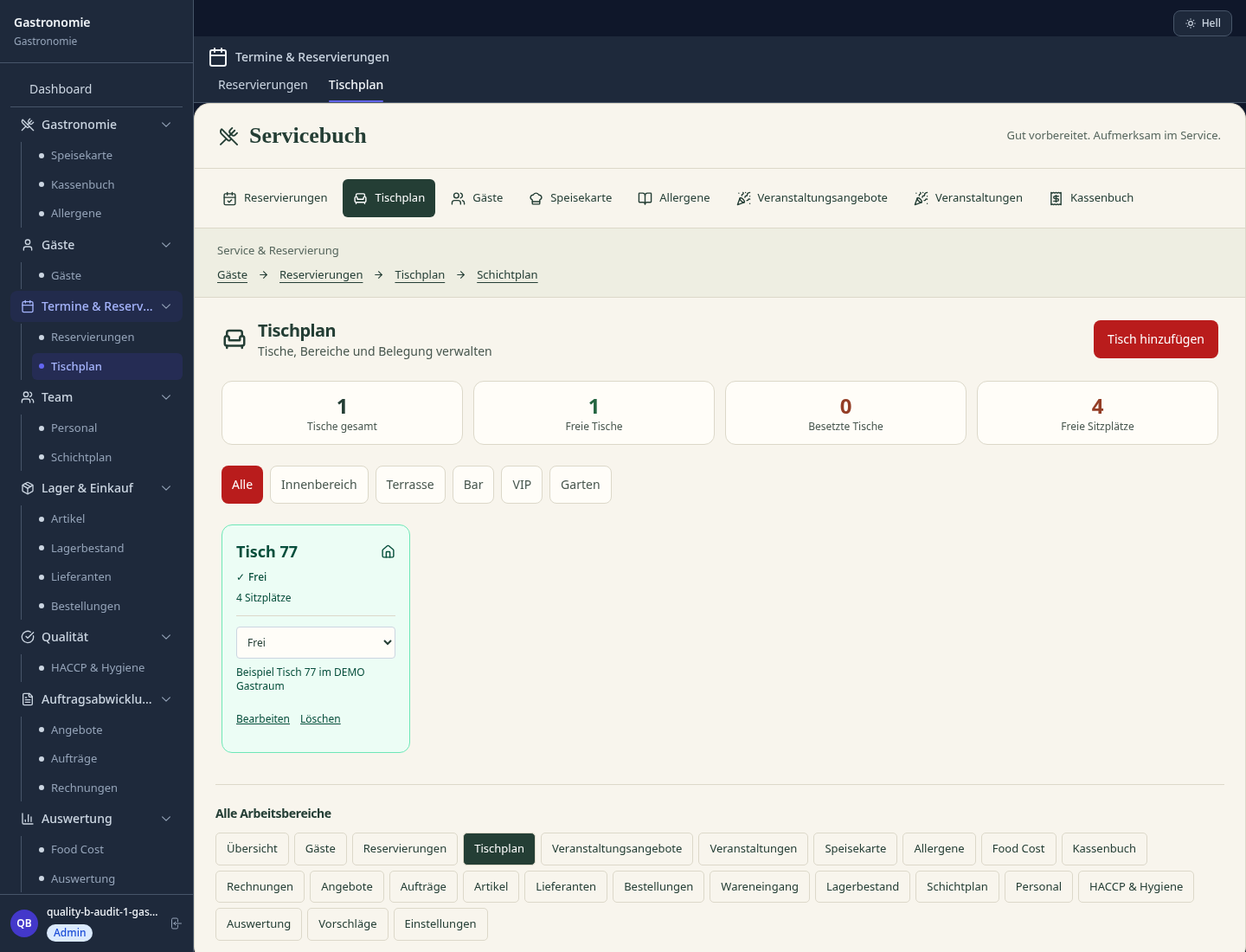
Central menu, prices and reporting for all branches – changes instantly active everywhere
Evaluate kitchen, bar, terrace and events separately – contribution margin per area transparent
Recall, delay or advance courses separately – usable for banquet and catering events too
Plan shifts, track working hours and analyse staff costs per revenue centre
Maintain purchase prices centrally, monitor food cost % and automate orders
Less paperwork
These features are included in every sektura solution.
Guests and regular customers with preferences, allergies, reservation history and contact details.
Invoices for GastronomyDesk services under local law. Automatic numbering, PDF export and dunning management.
Table reservations, events and deliveries. With guest count and special requests.
Menus, HACCP records, hygiene plans, supplier contracts and certificates.
Events, banquets and special dining with guest count, menu, staffing and budget.
Reports for GastronomyDesk: revenue by service type, utilisation, averages and profitability per job.
Vote on new GastronomyDesk features. Which functions matter most? Your vote counts in product development.
Getting started is simple
Import or create menu, dishes and prices
Configure multi-location management and enter initial data
Configure revenue centre analysis and enter initial data
Configure course control & management and enter initial data
Create the first invoice or quote and test the workflow
Before you switch, we check which data we can transfer from your existing system.
orderbird · Lightspeed Restaurant · gastromatic · ready2order
Germany · Austria · Switzerland · United Kingdom · France · Spain · Italy · Netherlands · Poland · Portugal · Sweden · Denmark · Norway · Finland · Czechia · Romania · Hungary · Türkiye · Russia · Ukraine · Indonesia · Vietnam · Thailand · Saudi Arabia · China · Japan · South Korea · India · Greece · Croatia · Serbia · Bulgaria · Slovakia · Slovenia · Lithuania · Latvia · Estonia · Albania · Malaysia · Philippines · Bangladesh · Pakistan
04 / Getting started
Choose your industry, country and billing cycle. You will see the corresponding industry price; book add-ons separately when needed.
days free trial
No credit card is needed to start your trial.
No credit card is needed to start your trial.
Add-ons are billed separately in EUR. Displayed prices reflect your selected country and billing cycle.

Order management for bakeries, pastry shops and confectioneries
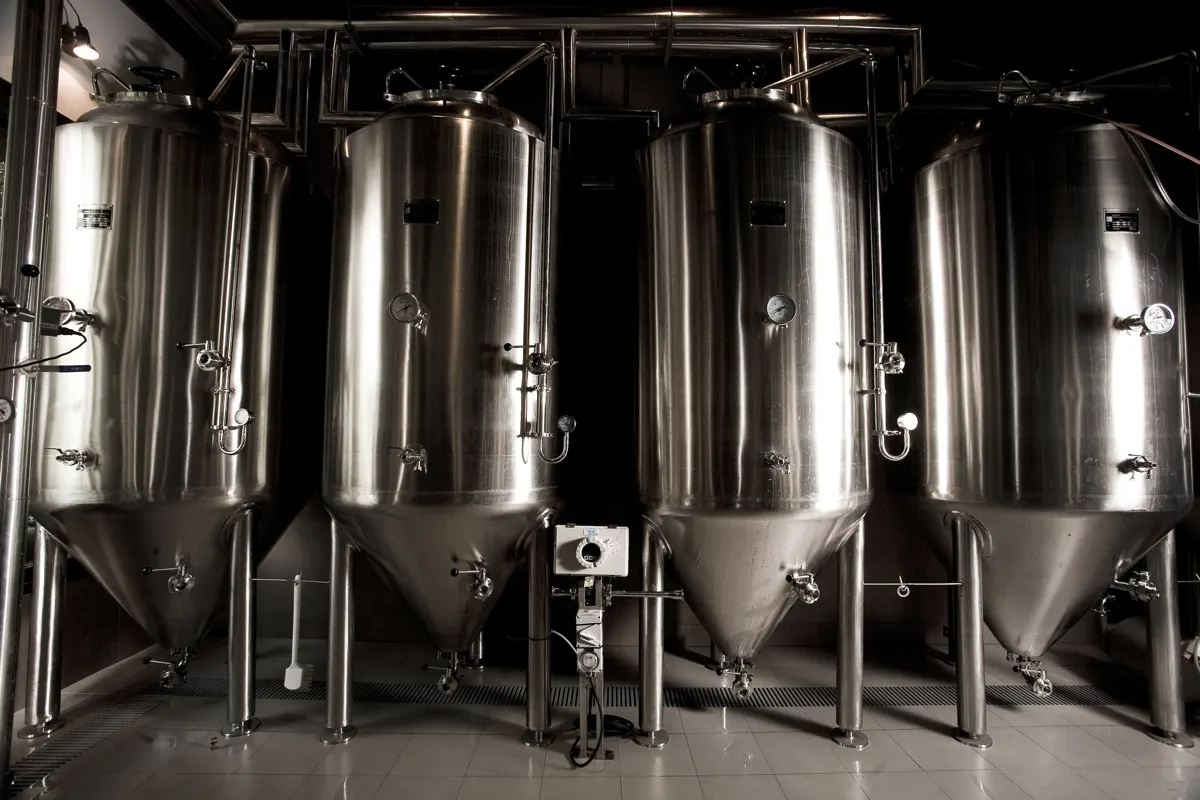
Software for breweries – professional management of batches, recipes, bottling and storage.
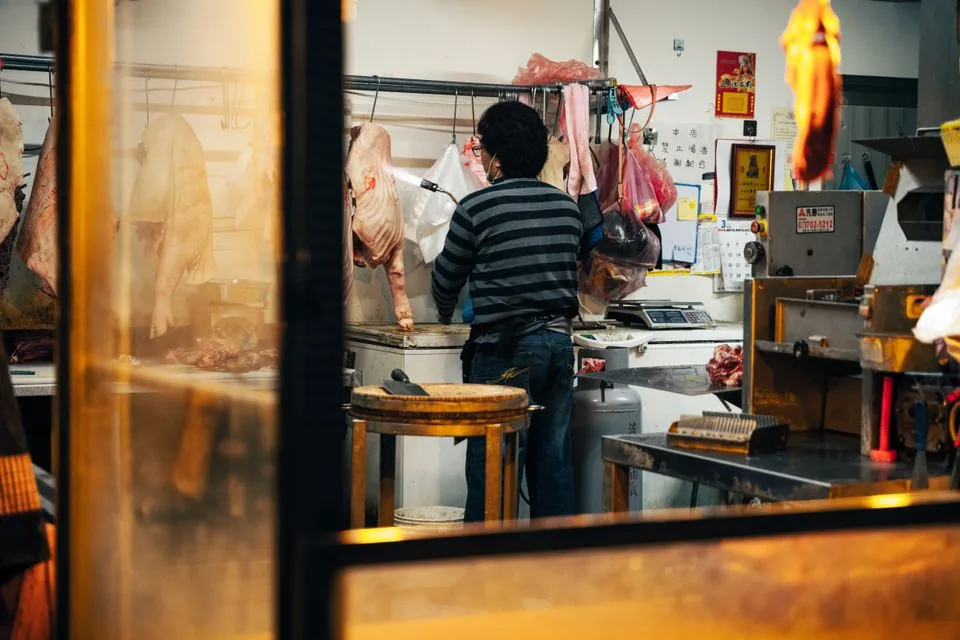
Software for butcheries – manage orders, product groups, origin and expiry dates with ease.

Reservation and customer management for cafés, coffee shops and bistros
