A record supports a decision
Measurements help the team review fermentation; they are not a laboratory result or quality release.
Industry solution / Gastronomy
For breweries making their own beer: create a brew, record gravity and temperature against a date, and reopen those readings at the next tank check. Ingredients have a separate stock record; the brewing team still makes the process decisions.
Pricing & getting started
The brew list holds its name, date, planned volume and target original gravity so the next shift can select the correct record.
Enter the measured gravity, temperature, date and a note on the brew’s fermentation page; revisit the sequence at the next check.
Keep malt, hops and yeast in the separate raw materials register with lot and storage location. Automatic allocation to a brew is not claimed.
How Sektura helps with everyday work
Example from a working brewery: the Friday brew shows a lower gravity in the morning than at the previous check. The incoming brewer wants to see the sequence before planning another sample.
Compare the tank label with the brew name and date.
Enter the gravity and temperature actually measured, the check date and a note about the change.
Review earlier entries with the team and decide when to measure again.
The readings are available for handover. The brewer remains responsible for interpreting them.
Getting started is simple
Add a few real or fictional malt, hop and yeast lots with their storage locations.
Fill in the date, planned volume and target original gravity.
Open that brew, save a dated gravity and temperature reading, and reopen its history.
Measurements help the team review fermentation; they are not a laboratory result or quality release.
No credit card is needed to start your trial.
Industry solution
Breweries producing their own beer
Editorial workflow draft — not a product screenshot.
A new brew is underway and its fermentation needs watching.
Record the brew and ingredients used.
Note the measured fermentation temperature and check time.
Schedule the next tank check for that brew.
The brewery has a record for the next check.
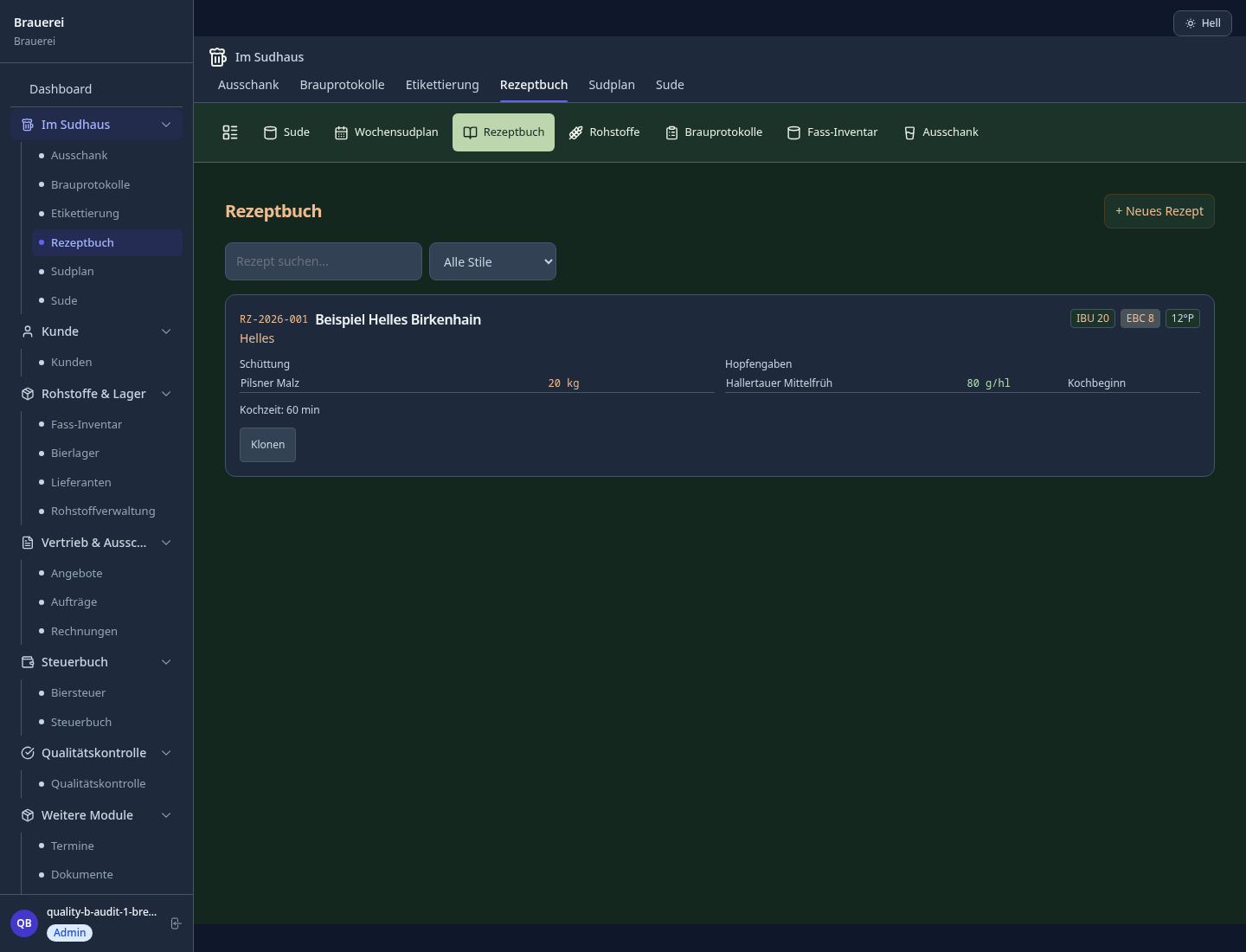
Record OG/FG, pH, temperature and oxygen content per brew – complete batch history for QA
Visually plan brews, fermentation tanks and storage tanks – automatic conflict alert on overbooking
Track barrel locations, fill levels, returns and deposit balances per restaurateur in real time
Automatically order ingredients per recipe, track hop lots and reduce storage costs
Original gravity-based volume calculation for EU brewery tax and US TTB reports from production data
Less paperwork
These features are included in every sektura solution.
Customer records with full project history for all BrauerDesk jobs and relevant contact and location information.
Invoices for BrauerDesk services under local law. Automatic numbering, PDF export and dunning management.
Appointments for BrauerDesk deployments with GPS address, staff assignment and automatic email reminders.
All BrauerDesk documents managed centrally: plans, protocols, warranties, certificates and manufacturer documentation.
BrauerDesk jobs with industry-specific fields, status tracking and automatic cost calculation.
Reports for BrauerDesk: revenue by service type, utilisation, averages and profitability per job.
Vote on new BrauerDesk features. Which functions matter most? Your vote counts in product development.
Getting started is simple
Set up beer types, recipes and prices
Configure brew log & fermentation monitoring and enter initial data
Configure tank allocation plan (drag & drop) and enter initial data
Configure barrel & keg logistics with deposit account and enter initial data
Create the first invoice or quote and test the workflow
Before you switch, we check which data we can transfer from your existing system.
BrewMonitor · Ollie · Ekos Brewmaster · ready2order
Germany · Austria · Switzerland · United Kingdom · France · Spain · Italy · Netherlands · Poland · Portugal · Sweden · Denmark · Norway · Finland · Czechia · Romania · Hungary · Türkiye · Russia · Ukraine · Indonesia · Vietnam · Thailand · Saudi Arabia · China · Japan · South Korea · India · Greece · Croatia · Serbia · Bulgaria · Slovakia · Slovenia · Lithuania · Latvia · Estonia · Albania · Malaysia · Philippines · Bangladesh · Pakistan
04 / Getting started
Choose your industry, country and billing cycle. You will see the corresponding industry price; book add-ons separately when needed.
days free trial
No credit card is needed to start your trial.
No credit card is needed to start your trial.
Add-ons are billed separately in EUR. Displayed prices reflect your selected country and billing cycle.

Order management for bakeries, pastry shops and confectioneries
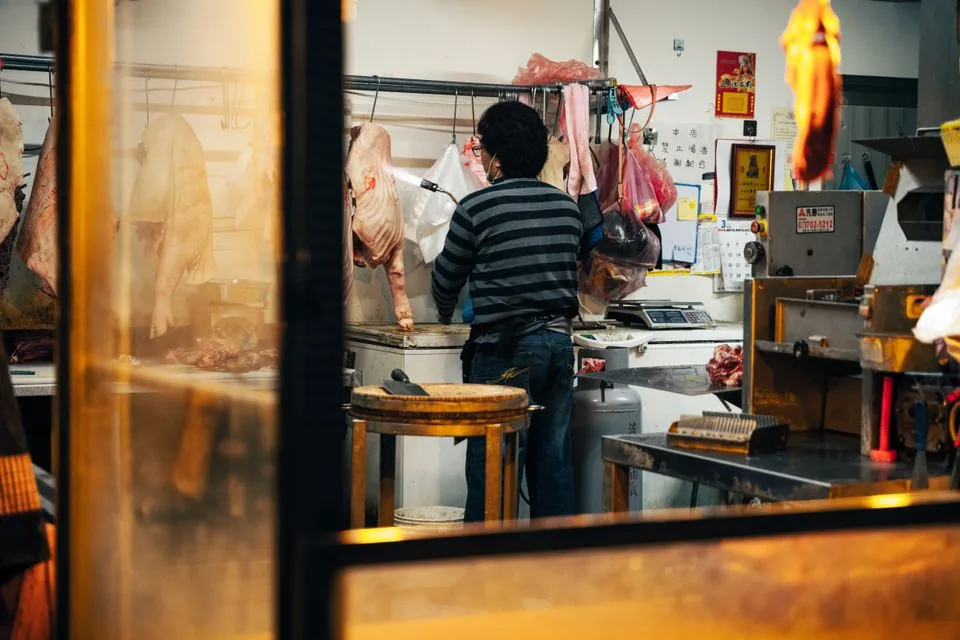
Software for butcheries – manage orders, product groups, origin and expiry dates with ease.

Reservation and customer management for cafés, coffee shops and bistros
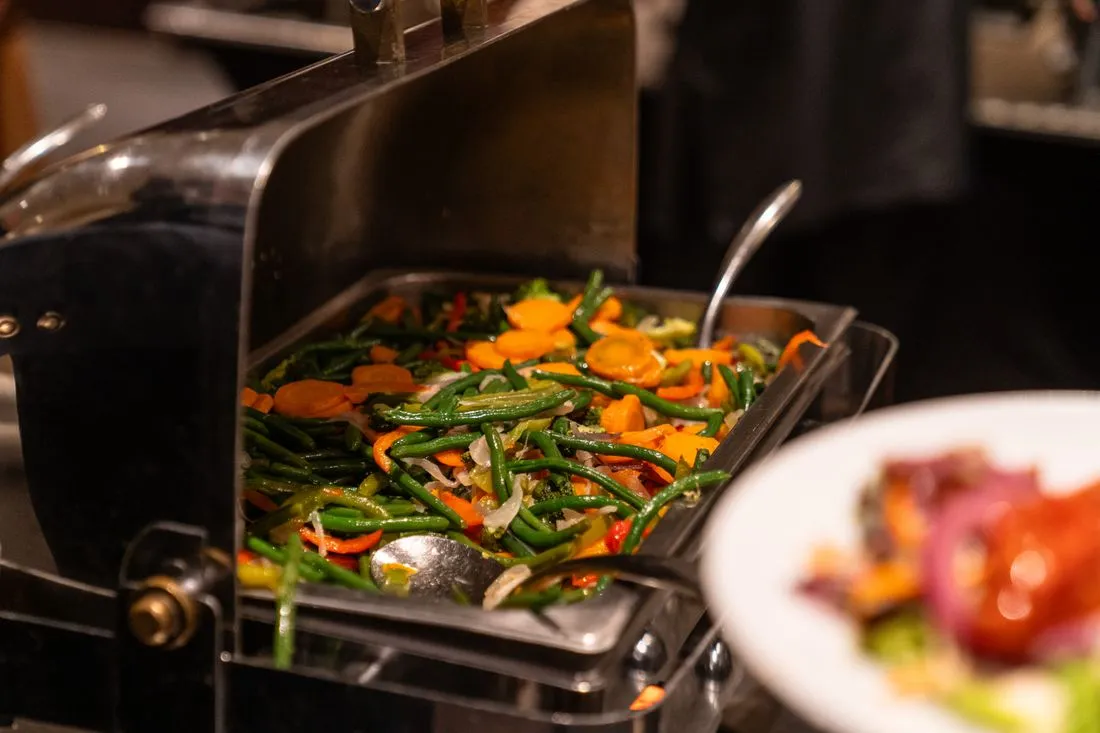
Daily planning and billing for company canteens, school cafeterias and hospital catering.