Food safety review
Hygiene records support your process but do not replace your own checks or professional advice.
Industry solution / Gastronomy
For butchers who need to connect recipes, batches, cooling records and customer orders during a busy day.
Pricing & getting started
Record product group, weight and origin at intake and relate them to production records.
Enter a measured temperature and time for review; the desk does not measure the cooler itself.
Follow a preorder through preparation, collection or delivery and a checked invoice.
How Sektura helps with everyday work
In this fictional example, meat arrives on Friday for a sausage batch while two customers have ordered platters for Saturday.
Record origin and weight, then review the recipe.
Link ingredients to the batch and enter a temperature that staff measured.
Check preorders and review invoices after collection or delivery.
The team can find the recorded batch and order details; staff still make the food safety decisions.
Getting started is simple
Enter the meat and sausage products you actually sell.
Use synthetic intake and temperature data to learn the record flow.
Take a sample preorder through the invoice review.
Hygiene records support your process but do not replace your own checks or professional advice.
No credit card is needed to start your trial.
Industry solution
Butcher shops making their own sausage
Editorial workflow draft — not a product screenshot.
A sausage batch is being prepared and its meat origin needs documenting.
Check the recipe and amount of meat used.
Record the source lots of the ingredients.
Note the measured cooling temperature and time.
The butcher has details for reviewing the batch.
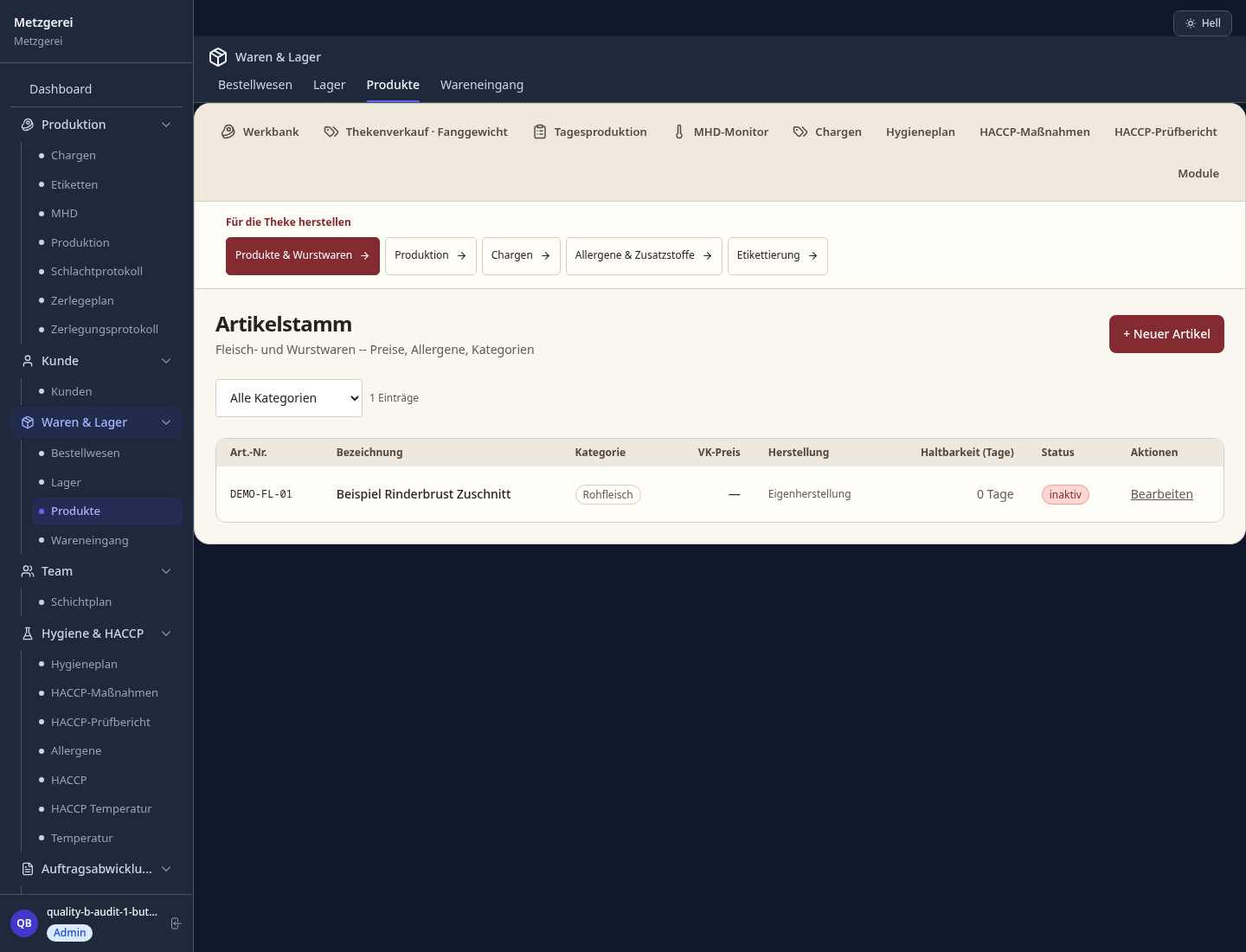
From carcass side to retail cut – calculate yield, shrinkage and margin per cut
End-to-end batch traceability from supplier to shop counter – audit-ready for HACCP
Piece weighing at the counter, automatic price calculation and label printing directly at the counter
Digitally record temperature checkpoints and hygiene plans – export audit reports at the click of a button
Recipes with spice blends and EU labelling requirements – batch log maintained automatically
Less paperwork
These features are included in every sektura solution.
Customer records with full project history for all MetzgerDesk jobs and relevant contact and location information.
Invoices for MetzgerDesk services under local law. Automatic numbering, PDF export and dunning management.
Appointments for MetzgerDesk deployments with GPS address, staff assignment and automatic email reminders.
All MetzgerDesk documents managed centrally: plans, protocols, warranties, certificates and manufacturer documentation.
MetzgerDesk jobs with industry-specific fields, status tracking and automatic cost calculation.
Reports for MetzgerDesk: revenue by service type, utilisation, averages and profitability per job.
Vote on new MetzgerDesk features. Which functions matter most? Your vote counts in product development.
Getting started is simple
Import or create products, meat types and prices
Configure slaughter yield & cut optimization and enter initial data
Configure traceability (eu reg. 931/2011) and enter initial data
Configure catch weight & counter pos and enter initial data
Create the first invoice or quote and test the workflow
Before you switch, we check which data we can transfer from your existing system.
CSB-System · ready2order · helloCash · FoodNotify
Germany · Austria · Switzerland · United Kingdom · France · Spain · Italy · Netherlands · Poland · Portugal · Sweden · Denmark · Norway · Finland · Czechia · Romania · Hungary · Türkiye · Russia · Ukraine · Indonesia · Vietnam · Thailand · Saudi Arabia · China · Japan · South Korea · India · Greece · Croatia · Serbia · Bulgaria · Slovakia · Slovenia · Lithuania · Latvia · Estonia · Albania · Malaysia · Philippines · Bangladesh · Pakistan
04 / Getting started
Choose your industry, country and billing cycle. You will see the corresponding industry price; book add-ons separately when needed.
days free trial
No credit card is needed to start your trial.
No credit card is needed to start your trial.
Add-ons are billed separately in EUR. Displayed prices reflect your selected country and billing cycle.
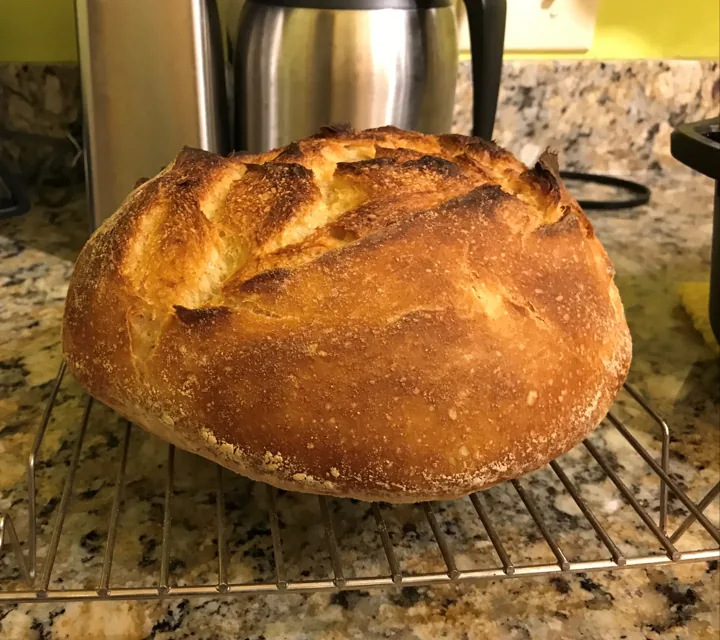
Order management for bakeries, pastry shops and confectioneries
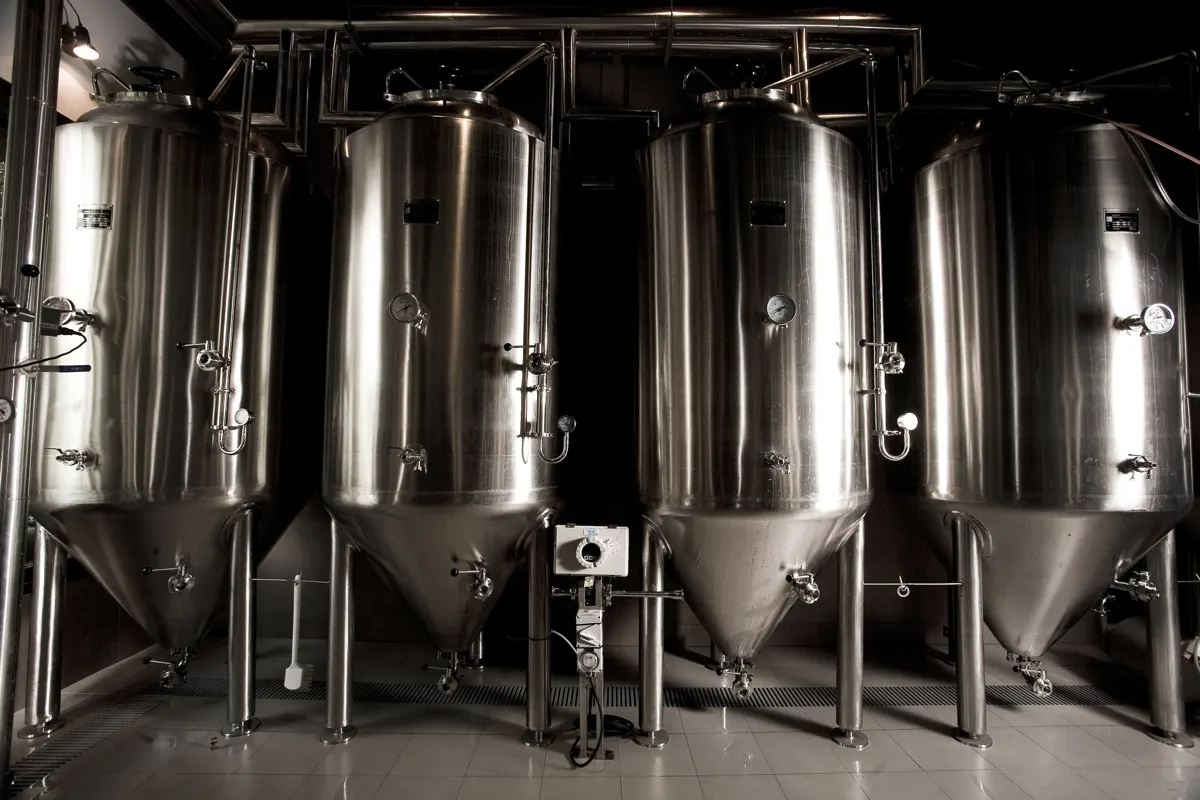
Software for breweries – professional management of batches, recipes, bottling and storage.

Reservation and customer management for cafés, coffee shops and bistros
Daily planning and billing for company canteens, school cafeterias and hospital catering.
