Review before closing
The daily view reflects recorded transactions; correct missed or incorrect entries before using it for accounting.
Industry solution / Gastronomy
In a café, bookings, walk-ins and drink changes arrive together. Keep a table window, the ordered item and its preparation note visible while staff decide what can actually be served.
Pricing & getting started
Enter a date, party size and time window; an exclusive booking for the same table can trigger a conflict.
Create menu items and order lines, then move an order from open to preparation and served. The bar still needs to read the note.
Review till entries, invoices and daily totals against what the shift actually recorded.
How Sektura helps with everyday work
Example: A party booked for three asks to arrive half an hour early. One guest also asks whether a drink can be made with oat milk.
Service checks the new window and confirms it with the guest before changing the plan.
At the table, staff select the drink and put the preparation request in the order note for the bar.
The bar updates preparation status; service checks the finished drink and marks it served.
The team can see the agreed table time and order status. Ingredient suitability still needs a staff check.
Getting started is simple
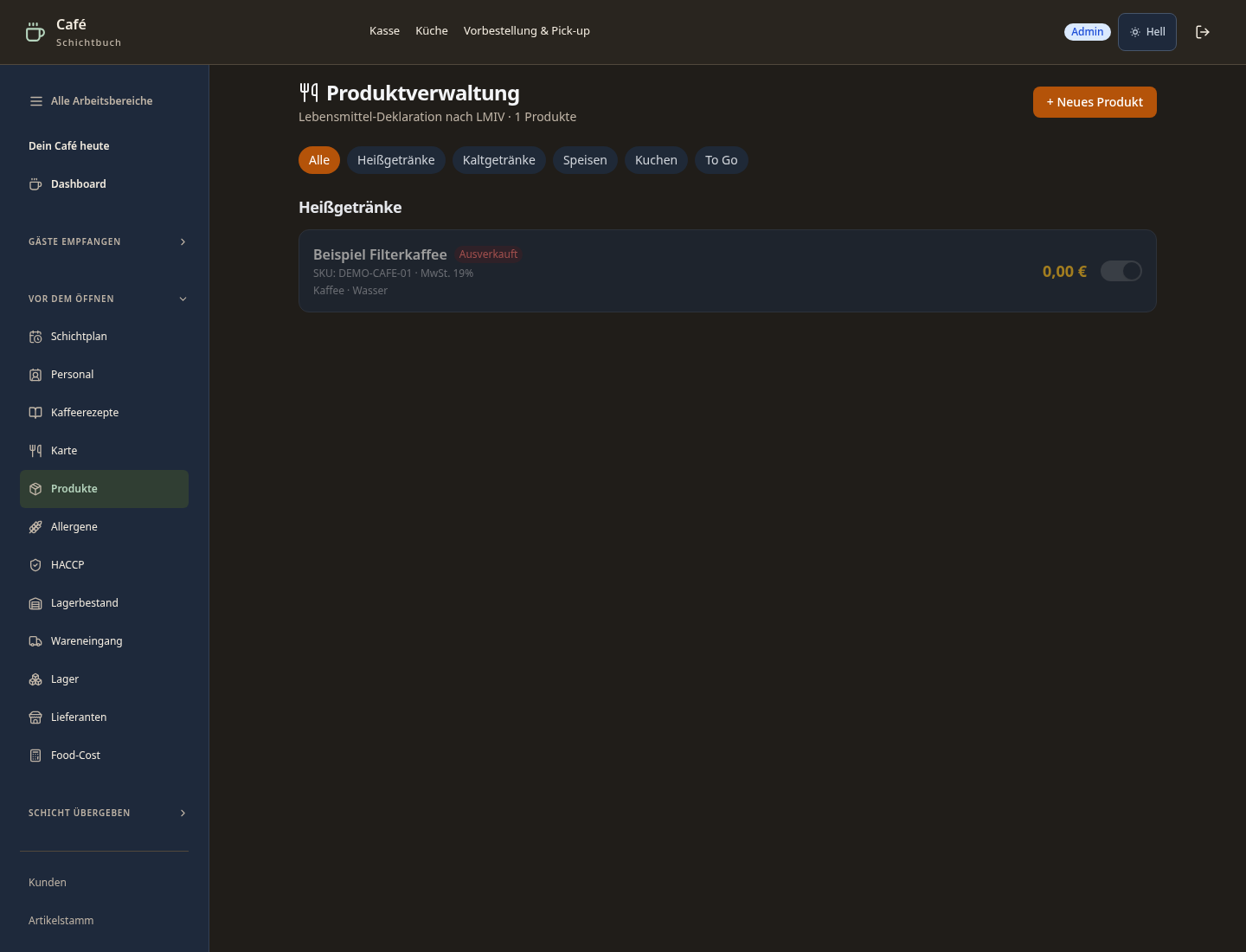
Add actual drinks, categories and checked prices; mark one unavailable item to see how it appears.
Enter a table, date and party size, then test an overlapping exclusive window.
Create a sample order, change its status and review its till record and daily close.
The daily view reflects recorded transactions; correct missed or incorrect entries before using it for accounting.
No credit card is needed to start your trial.
Industry solution
Cafés serving tables and coffee
Editorial workflow draft — not a product screenshot.
A guest asks for a table and a particular coffee preparation.
Record the requested table and time.
Discuss the preparation with the barista.
Note the reply for the guest and service shift.
Service staff know the table and drink request.
Points, stamps, cashback and coffee flat rate in one app – Apple/Google Wallet integration
Guests order via app in advance – pick-up slot prevents queues during peak hours
Roast profiles, brew methods and grind settings per origin – versioned and consistent across all branches
Revenue, top products and tips per barista and shift – basis for performance bonuses
Manage coffee deliveries with flexible intervals, pause function and automatic billing
Less paperwork
These features are included in every sektura solution.
Customer records with full project history for all CafeDesk jobs and relevant contact and location information.
Invoices for CafeDesk services under local law. Automatic numbering, PDF export and dunning management.
Appointments for CafeDesk deployments with GPS address, staff assignment and automatic email reminders.
All CafeDesk documents managed centrally: plans, protocols, warranties, certificates and manufacturer documentation.
CafeDesk jobs with industry-specific fields, status tracking and automatic cost calculation.
Reports for CafeDesk: revenue by service type, utilisation, averages and profitability per job.
Vote on new CafeDesk features. Which functions matter most? Your vote counts in product development.
Getting started is simple
Set up drinks menu, food items and prices
Configure coffee loyalty program & subscription and enter initial data
Configure mobile pre-order & pick-up and enter initial data
Configure specialty coffee recipe book and enter initial data
Create the first invoice or quote and test the workflow
Before you switch, we check which data we can transfer from your existing system.
orderbird · helloCash · ready2order · Shore
Germany · Austria · Switzerland · United Kingdom · France · Spain · Italy · Netherlands · Poland · Portugal · Sweden · Denmark · Norway · Finland · Czechia · Romania · Hungary · Türkiye · Russia · Ukraine · Indonesia · Vietnam · Thailand · Saudi Arabia · China · Japan · South Korea · India · Greece · Croatia · Serbia · Bulgaria · Slovakia · Slovenia · Lithuania · Latvia · Estonia · Albania · Malaysia · Philippines · Bangladesh · Pakistan
04 / Getting started
Choose your industry, country and billing cycle. You will see the corresponding industry price; book add-ons separately when needed.
days free trial
No credit card is needed to start your trial.
No credit card is needed to start your trial.
Add-ons are billed separately in EUR. Displayed prices reflect your selected country and billing cycle.
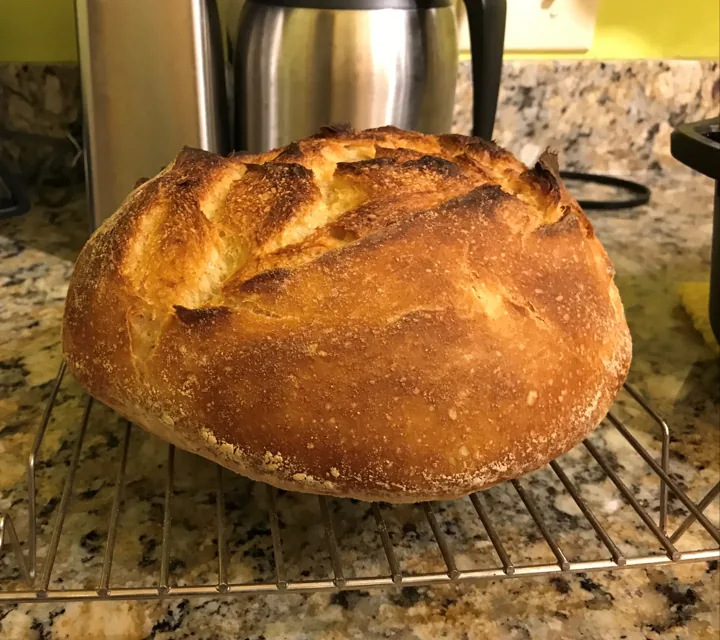
Order management for bakeries, pastry shops and confectioneries
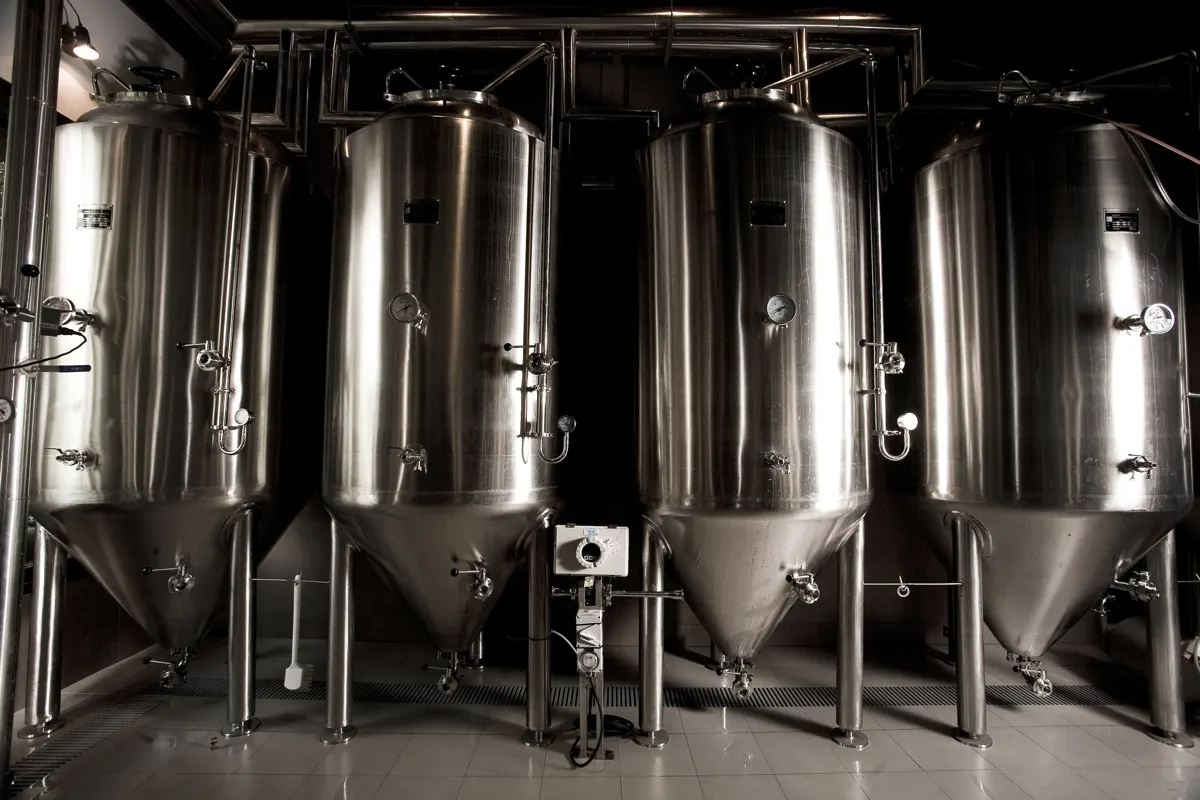
Software for breweries – professional management of batches, recipes, bottling and storage.
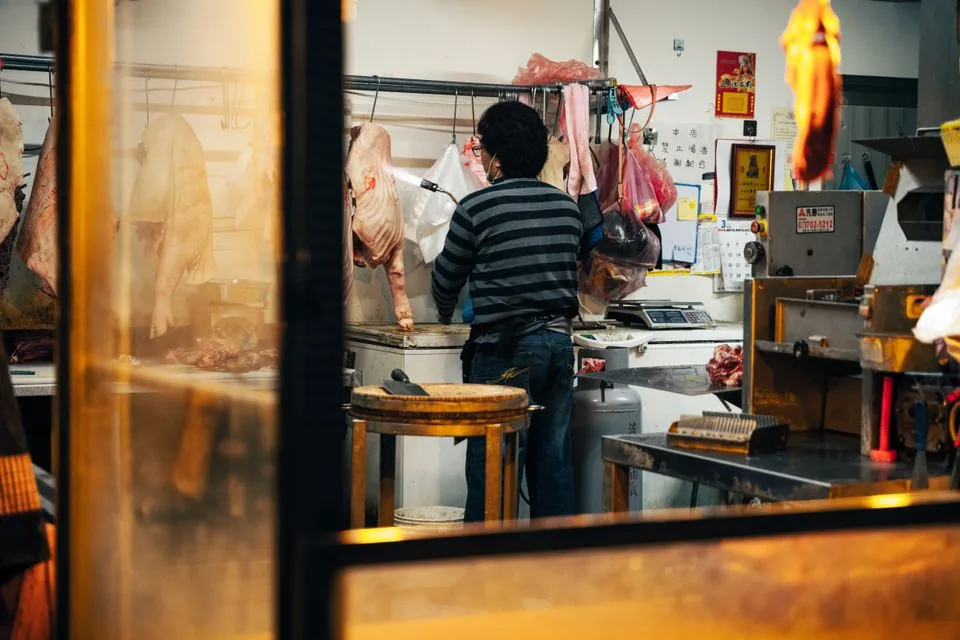
Software for butcheries – manage orders, product groups, origin and expiry dates with ease.
Daily planning and billing for company canteens, school cafeterias and hospital catering.
