Allergens
Review ingredient and allergen information against the current recipe before answering guests.
Industry solution / Gastronomy
For restaurants coordinating booking requests, the dining room plan and the evening service.
Pricing & getting started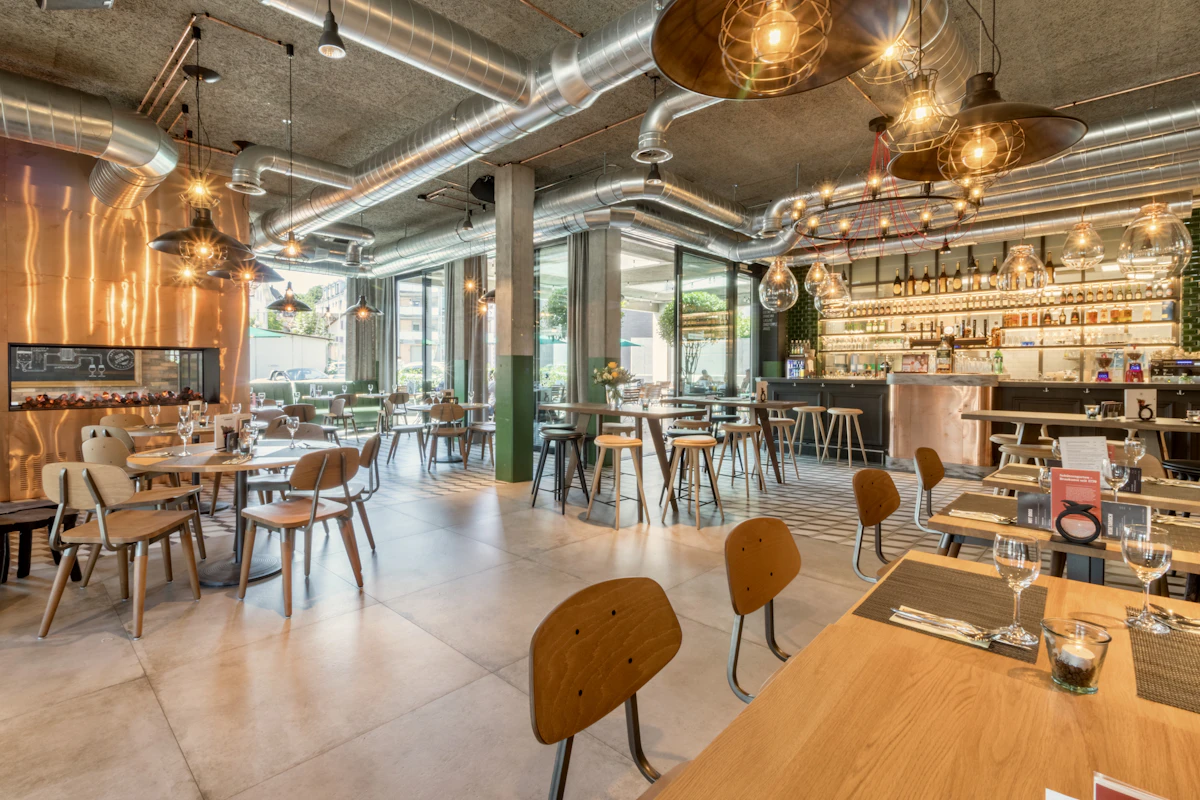
Note time, party size and special requests before offering a table.
Compare suitable tables with other bookings and service capacity.
Keep confirmed booking details visible for the shift.
How Sektura helps with everyday work
In this illustrative restaurant example, a group asks for an evening table but confirms the final party size only after a call back.
The host notes the time, provisional size and relevant wishes.
Suitable tables and nearby bookings are reviewed in the room plan.
After the call back, the party size and agreed booking are updated.
The service team sees the planned table, time and number of guests; the restaurant makes the actual promise.
Getting started is simple
Enter tables and areas as your team uses them.
Record the dishes and service details the team needs.
Create synthetic bookings, then test a party-size change in the table plan.
Review ingredient and allergen information against the current recipe before answering guests.
No credit card is needed to start your trial.
Industry solution
Restaurants taking table reservations
Editorial workflow draft — not a product screenshot.
A group requests a table and confirms its final party size only after a follow-up.
Record time, party size and special requests.
Check suitable tables in the room plan.
Confirm the booking with the group and note it.
Table needs, time and party size are recorded for service.
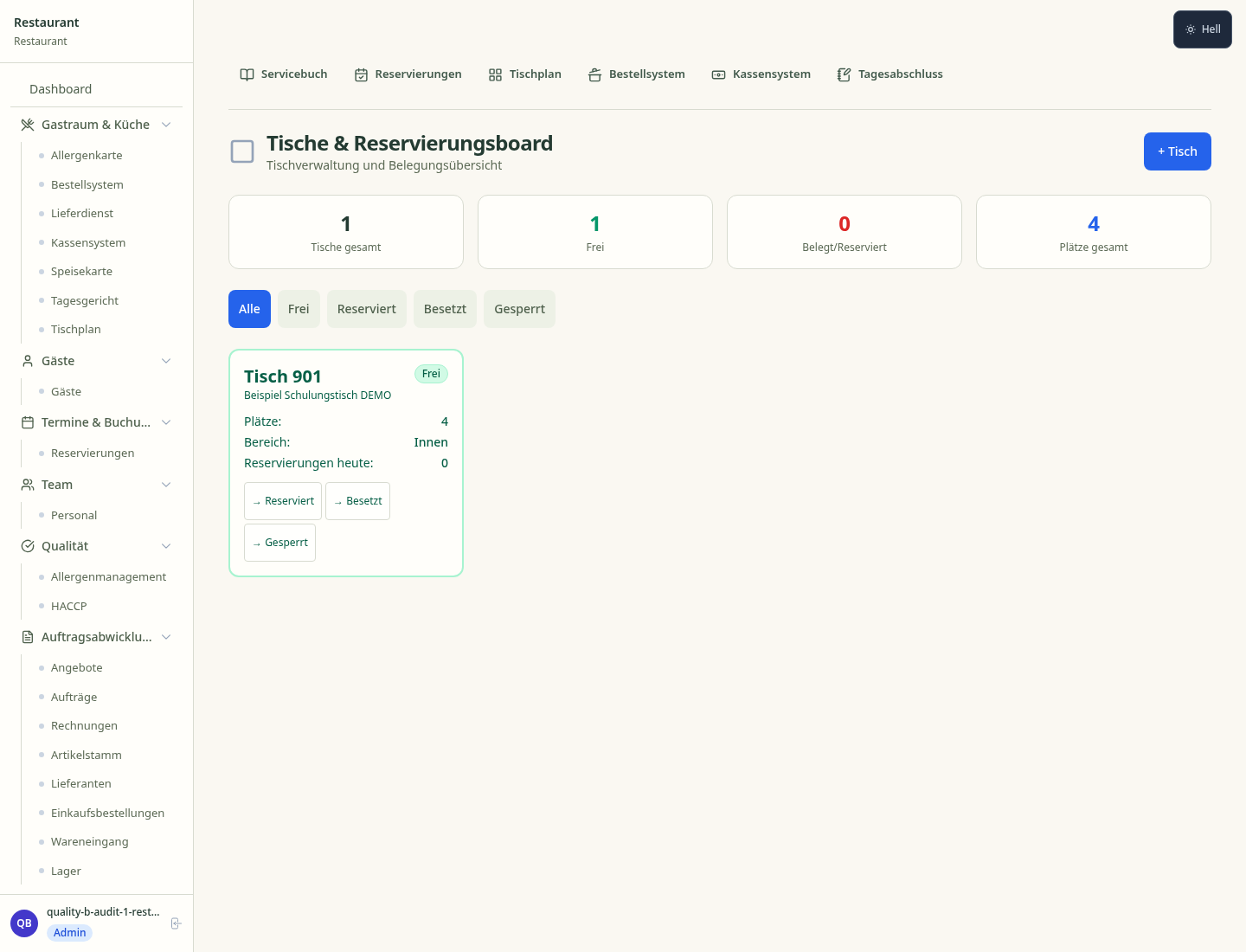
Interactive floor plan: table status, service and order progress at a glance
Order routing to stations, course control and colour prioritisation for smooth service
Manage Tischreservierungen
Cost of goods per dish, margin analysis and costing comparison
Handheld POS for ordering and payment directly at the guest – fewer trips, fewer mistakes
Less paperwork
These features are included in every sektura solution.
Customer records with full project history for all RestaurantDesk jobs and relevant contact and location information.
Invoices for RestaurantDesk services under local law. Automatic numbering, PDF export and dunning management.
Appointments for RestaurantDesk deployments with GPS address, staff assignment and automatic email reminders.
All RestaurantDesk documents managed centrally: plans, protocols, warranties, certificates and manufacturer documentation.
RestaurantDesk jobs with industry-specific fields, status tracking and automatic cost calculation.
Reports for RestaurantDesk: revenue by service type, utilisation, averages and profitability per job.
Vote on new RestaurantDesk features. Which functions matter most? Your vote counts in product development.
Getting started is simple
Set up menu, table plan and prices
Configure table plan & hall management and enter initial data
Configure kitchen display system (kds) and enter initial data
Configure table reservation & pre-payment and enter initial data
Create the first invoice or quote and test the workflow
Before you switch, we check which data we can transfer from your existing system.
orderbird · Lightspeed Restaurant · gastromatic · ready2order
Germany · Austria · Switzerland · United Kingdom · France · Spain · Italy · Netherlands · Poland · Portugal · Sweden · Denmark · Norway · Finland · Czechia · Romania · Hungary · Türkiye · Russia · Ukraine · Indonesia · Vietnam · Thailand · Saudi Arabia · China · Japan · South Korea · India · Greece · Croatia · Serbia · Bulgaria · Slovakia · Slovenia · Lithuania · Latvia · Estonia · Albania · Malaysia · Philippines · Bangladesh · Pakistan
04 / Getting started
Choose your industry, country and billing cycle. You will see the corresponding industry price; book add-ons separately when needed.
days free trial
No credit card is needed to start your trial.
No credit card is needed to start your trial.
Add-ons are billed separately in EUR. Displayed prices reflect your selected country and billing cycle.

Order management for bakeries, pastry shops and confectioneries
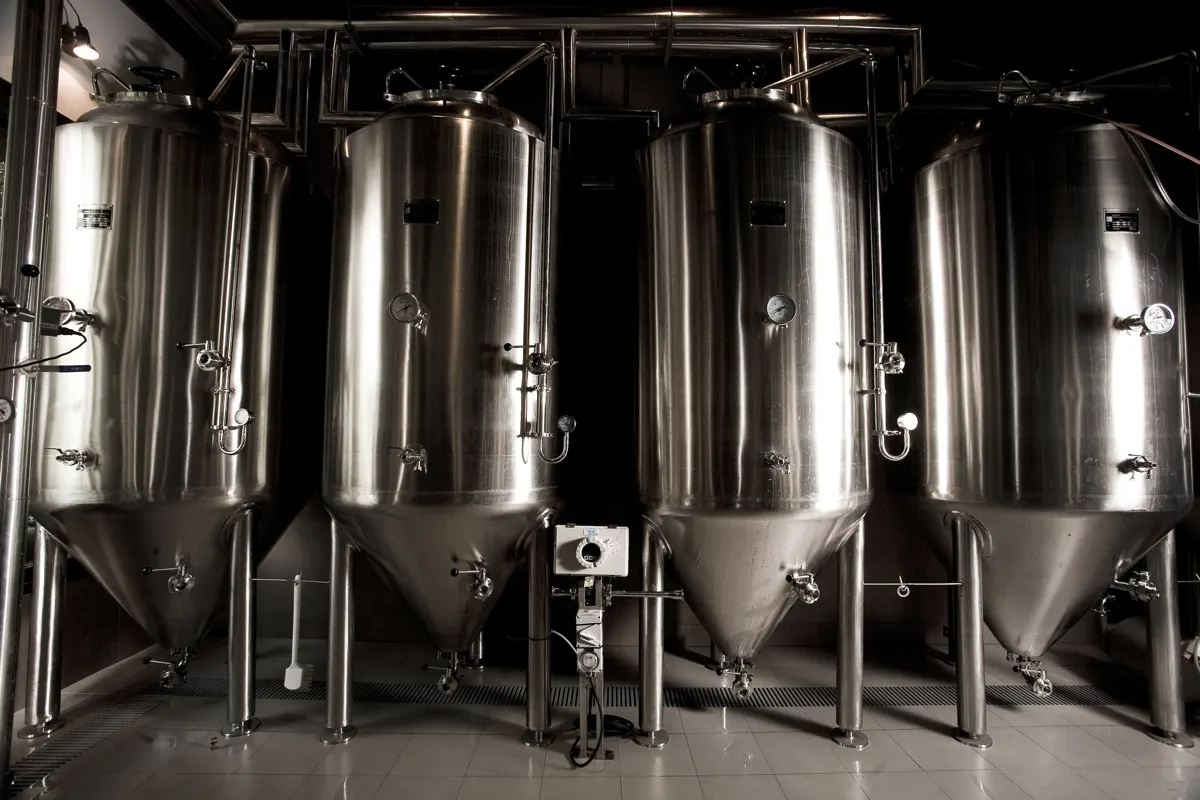
Software for breweries – professional management of batches, recipes, bottling and storage.
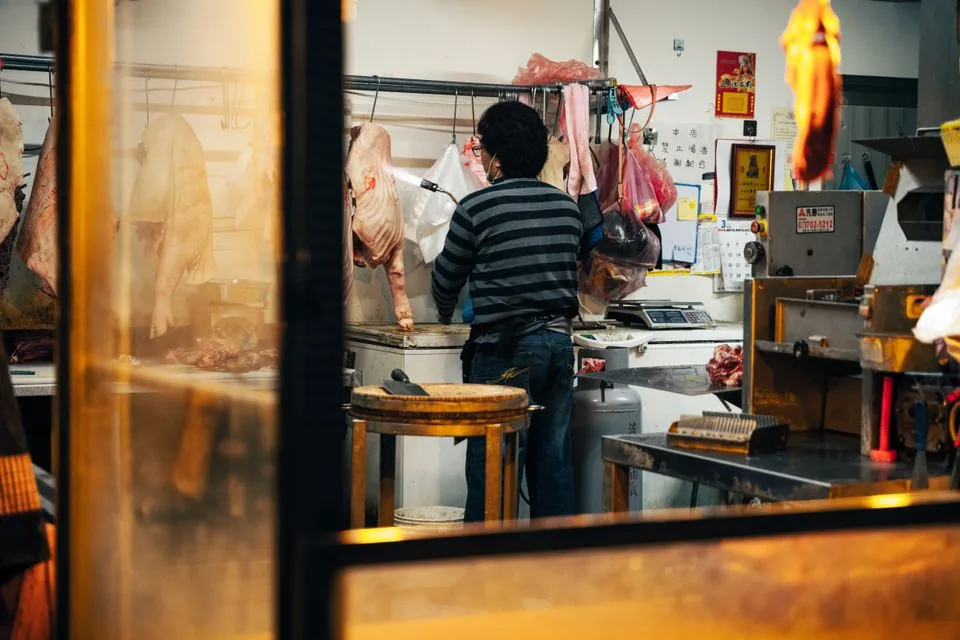
Software for butcheries – manage orders, product groups, origin and expiry dates with ease.

Reservation and customer management for cafés, coffee shops and bistros
