Food safety
Recorded notes support review; kitchen checks remain necessary.
Industry solution / Gastronomy
For workplace and school canteens: follow the menu, preorders, service and invoices through a real lunch shift. Kitchen staff still assess ingredients and safe service.
Pricing & getting started
Compare preorders with the menu and review quantities before cooking.
Recorded notes can be reviewed during planning; the kitchen must assess recipes and cross-contact.
Orders, service records and invoices can be reviewed as distinct steps.
How Sektura helps with everyday work
An example in a workplace canteen: pasta, stew and salad have been preordered; one order includes an allergy note.
The manager compares ordered portions with the menu.
The kitchen checks ingredients and cross-contact before service.
The team reviews the recorded orders and serving details.
Lunch is prepared against recorded orders; safe food service remains the team’s responsibility.
Getting started is simple
Add dishes and the serving day, then review ingredients.
Use a fictional guest and add an allergy note.
Follow the test order through service and inspect the invoice flow.
Recorded notes support review; kitchen checks remain necessary.
No credit card is needed to start your trial.
Industry solution
Canteens preparing daily lunches
Editorial workflow draft — not a product screenshot.
Tomorrow’s lunch preorders include allergy notes.
Count dishes and portions ordered.
Check allergy notes against the menu.
Pass unresolved questions to the kitchen before service.
The kitchen has a list to review for tomorrow.
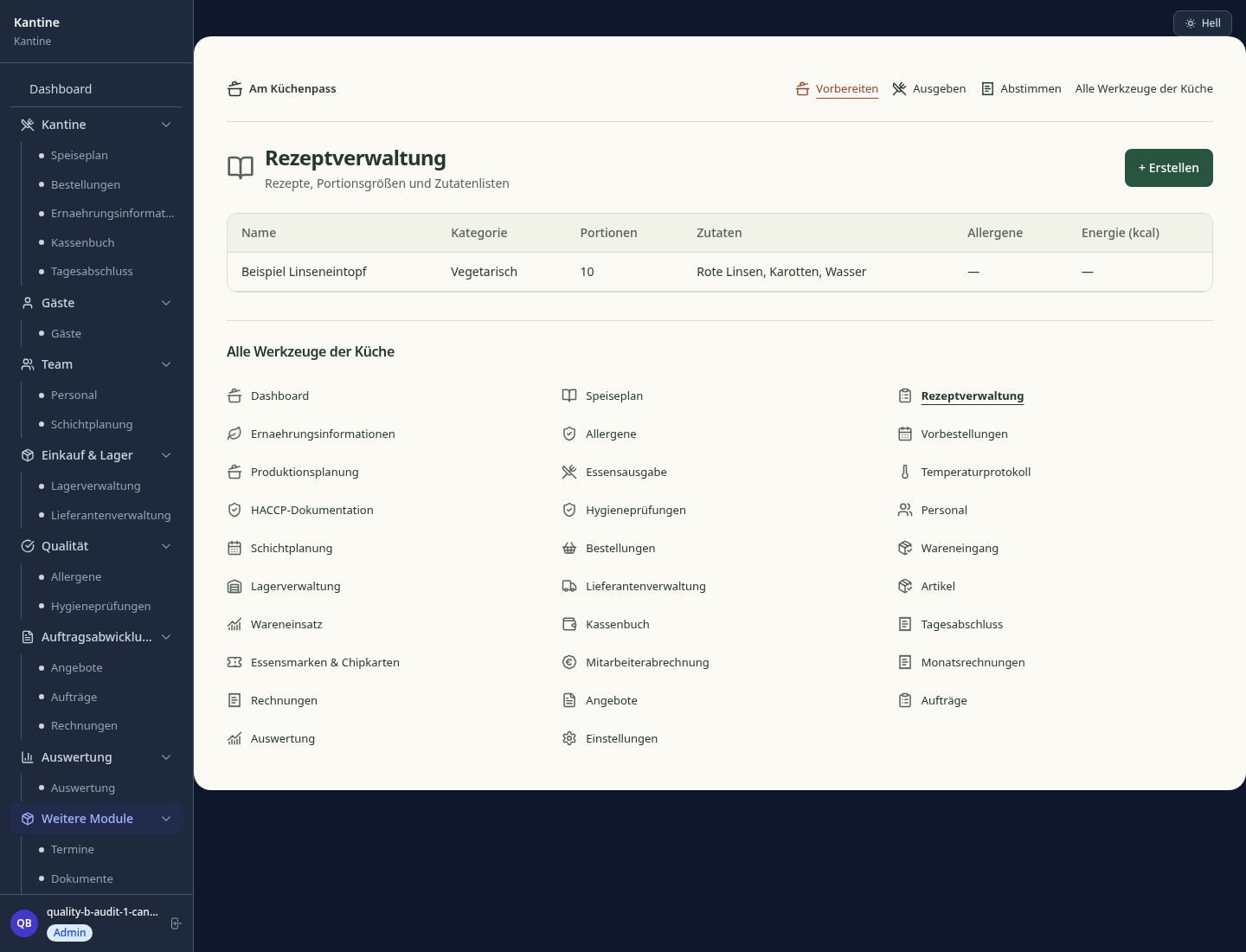
Create and manage weekly meal plans easily
Pre-order meals and calculate ingredients
Manage regular customers and client data
Automatic allergen and nutritional labeling per EU FIC.
Document allergens, nutritional values and additives per dish according to EU regulation.
What sets sektura apart from generic systems.
Less paperwork
These features are included in every sektura solution.
Getting started is simple
Set up meal plan, dishes and portion sizes
Configure meal planner and enter initial data
Configure order management and enter initial data
Configure guests & subscriptions and enter initial data
Configure nutritional analysis and enter initial data
Create the first invoice or quote and test the workflow
Before you switch, we check which data we can transfer from your existing system.
FoodNotify · gastromatic · Sodexo Manager · ready2order
Germany · Austria · Switzerland · United Kingdom · France · Spain · Italy · Netherlands · Poland · Portugal · Sweden · Denmark · Norway · Finland · Czechia · Romania · Hungary · Türkiye · Russia · Ukraine · Indonesia · Vietnam · Thailand · Saudi Arabia · China · Japan · South Korea · India · Greece · Croatia · Serbia · Bulgaria · Slovakia · Slovenia · Lithuania · Latvia · Estonia · Albania · Malaysia · Philippines · Bangladesh · Pakistan
04 / Getting started
Choose your industry, country and billing cycle. You will see the corresponding industry price; book add-ons separately when needed.
days free trial
No credit card is needed to start your trial.
No credit card is needed to start your trial.
Add-ons are billed separately in EUR. Displayed prices reflect your selected country and billing cycle.
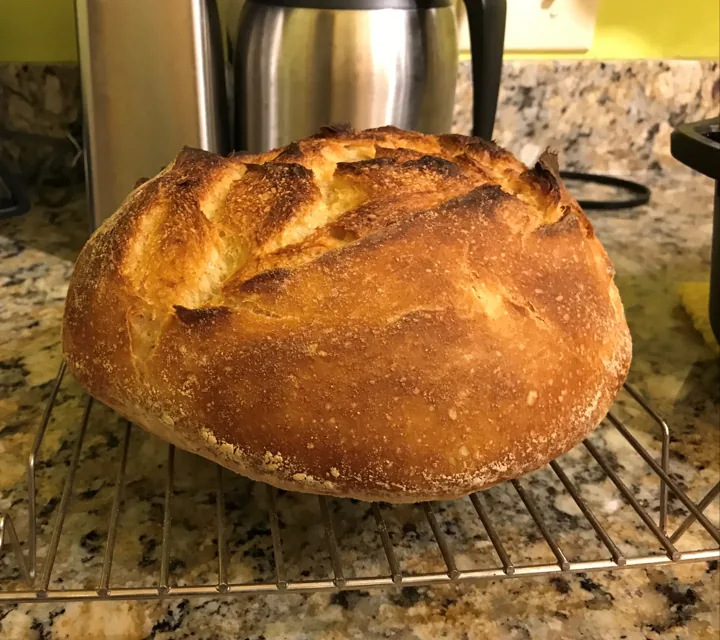
Order management for bakeries, pastry shops and confectioneries
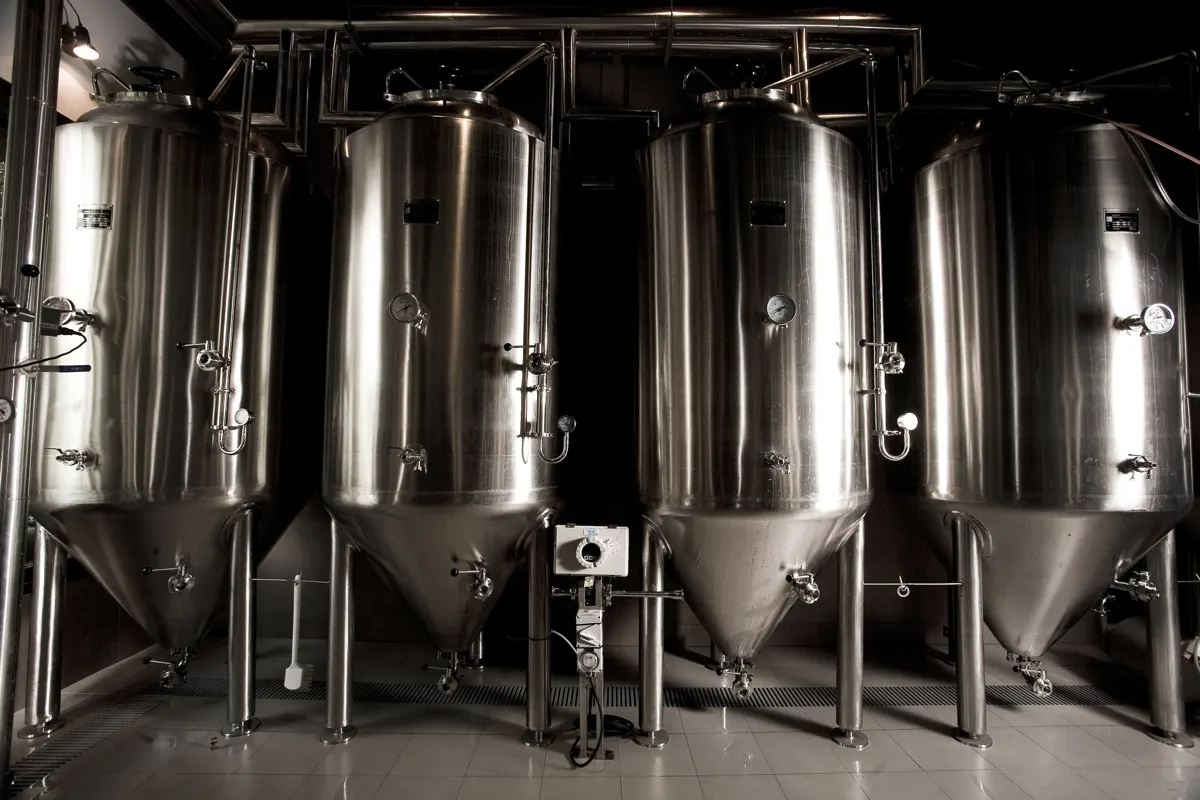
Software for breweries – professional management of batches, recipes, bottling and storage.
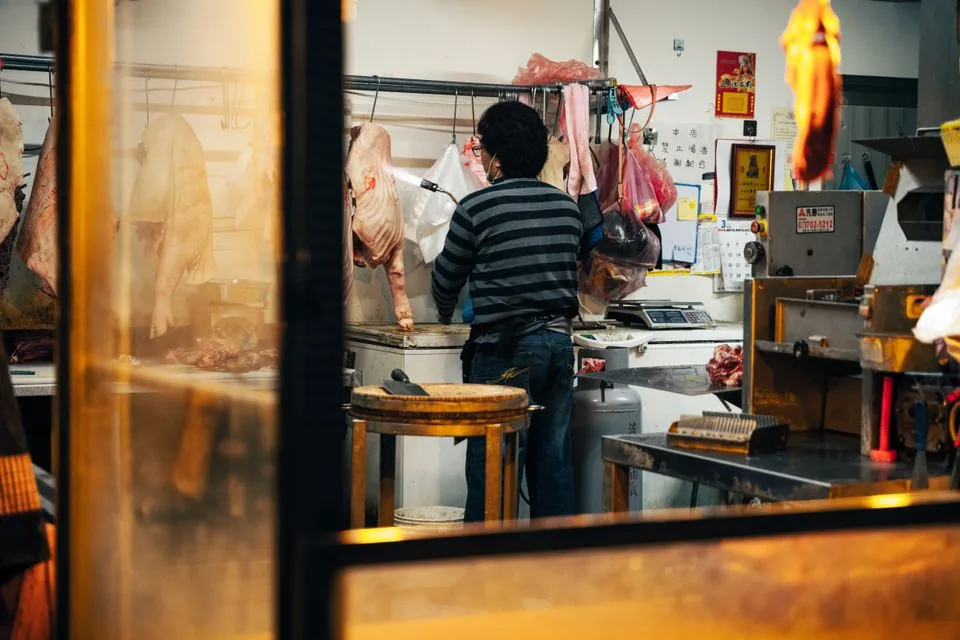
Software for butcheries – manage orders, product groups, origin and expiry dates with ease.

Reservation and customer management for cafés, coffee shops and bistros
