When details change
If guest numbers, menu or delivery time change, review the quote, ingredients and staffing again.
Industry solution / Gastronomy
For caterers serving guests away from their own premises: keep the menu, guest count, staff, equipment and delivery plan tied to the same event. The details matter long before the first tray leaves the kitchen.
Pricing & getting started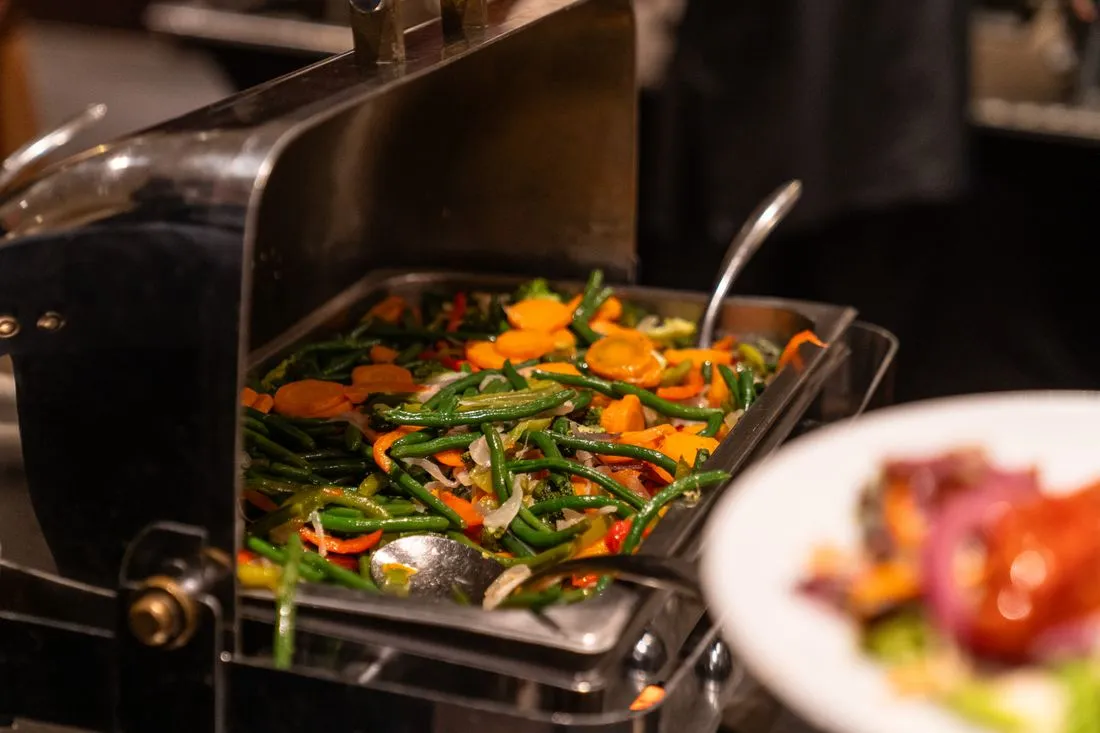
Show food, drinks, servers, hired equipment and transport as separate items, then review quantities and prices for that event.
Record guest count, menu type and date; use menu planning, staff planning and packing lists to coordinate the work.
Use logistics and delivery documents to keep a written account of equipment sent to the venue and due for collection.
How Sektura helps with everyday work
A client wants a buffet for a celebration. Some guests eat vegetarian food, and the venue has a fixed delivery window.
Record guest count, menu choice, dietary requests and delivery time before preparing the quote.
Check recipes and materials, assign serving staff and list crockery and equipment for loading.
Confirm delivery and setup with the venue; document what was supplied and what must be collected.
The kitchen and service team have an agreed menu, people plan and equipment list. Changes to guest numbers still need a fresh check.
Getting started is simple
Enter a fictional booking with date, guest count and buffet style.
Add food, drinks, staff, equipment and transport as separate services.
Review the menu, staff plan and packing list against the agreed work.
If guest numbers, menu or delivery time change, review the quote, ingredients and staffing again.
No credit card is needed to start your trial.
Industry solution
Caterers serving events away from their premises
Editorial workflow draft — not a product screenshot.
A client orders a buffet for a celebration at another venue.
Confirm the menu, guest needs and delivery time.
Coordinate kitchen staff, servers and transport for the event.
List dishes and equipment for delivery and collection.
The event team has a written menu, staffing plan and equipment list.
Banquet Event Order with menu, seating plan and special instructions – for kitchen and service
Recipe, staff and material costs per event – contribution margin visible in real time
Assign service staff, cooks and drivers per event, track hours and book costs
Send quote folder online – customer signs digitally, down payment directly integrated
Record equipment per event, check return condition and automatically invoice losses
Less paperwork
These features are included in every sektura solution.
Customer records with full project history for all CateringDesk jobs and relevant contact and location information.
Invoices for CateringDesk services under local law. Automatic numbering, PDF export and dunning management.
Appointments for CateringDesk deployments with GPS address, staff assignment and automatic email reminders.
All CateringDesk documents managed centrally: plans, protocols, warranties, certificates and manufacturer documentation.
CateringDesk jobs with industry-specific fields, status tracking and automatic cost calculation.
Reports for CateringDesk: revenue by service type, utilisation, averages and profitability per job.
Vote on new CateringDesk features. Which functions matter most? Your vote counts in product development.
Getting started is simple
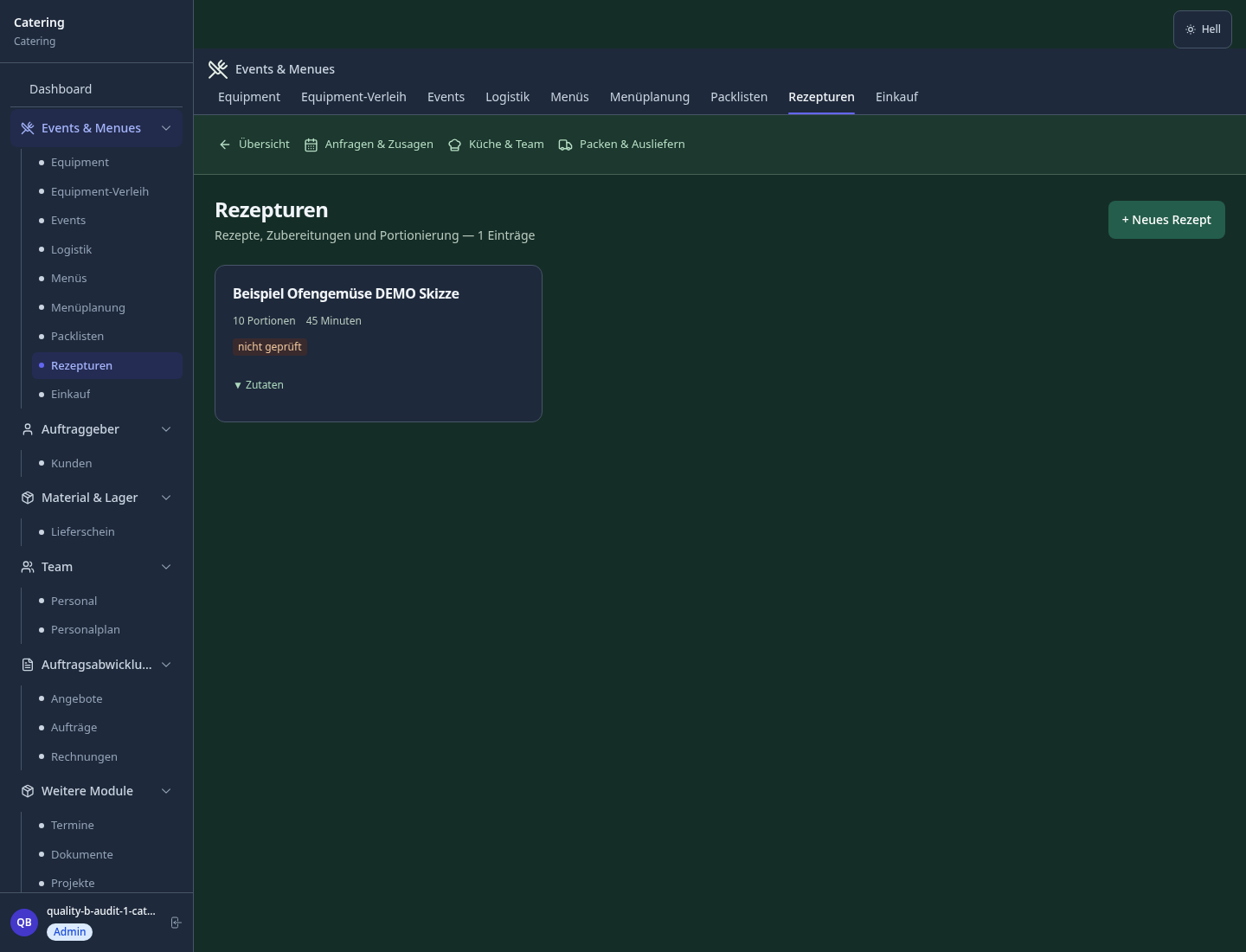
Set up menu templates, packages and prices
Configure event folder & beo and enter initial data
Configure menu costing & contribution margin analysis and enter initial data
Configure staff planning per event and enter initial data
Create the first invoice or quote and test the workflow
Before you switch, we check which data we can transfer from your existing system.
CaterSmart · Cheflist · FoodNotify · ready2order
Germany · Austria · Switzerland · United Kingdom · France · Spain · Italy · Netherlands · Poland · Portugal · Sweden · Denmark · Norway · Finland · Czechia · Romania · Hungary · Türkiye · Russia · Ukraine · Indonesia · Vietnam · Thailand · Saudi Arabia · China · Japan · South Korea · India · Greece · Croatia · Serbia · Bulgaria · Slovakia · Slovenia · Lithuania · Latvia · Estonia · Albania · Malaysia · Philippines · Bangladesh · Pakistan
04 / Getting started
Choose your industry, country and billing cycle. You will see the corresponding industry price; book add-ons separately when needed.
days free trial
No credit card is needed to start your trial.
No credit card is needed to start your trial.
Add-ons are billed separately in EUR. Displayed prices reflect your selected country and billing cycle.

Order management for bakeries, pastry shops and confectioneries
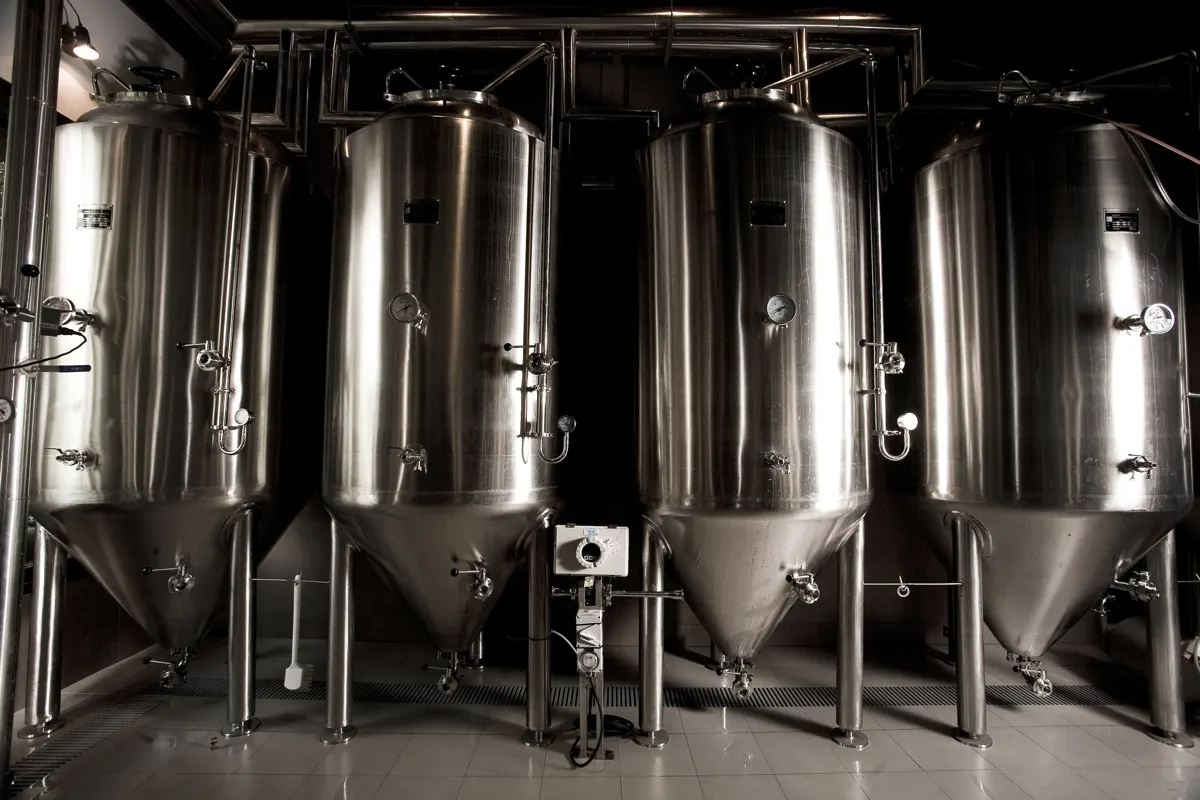
Software for breweries – professional management of batches, recipes, bottling and storage.
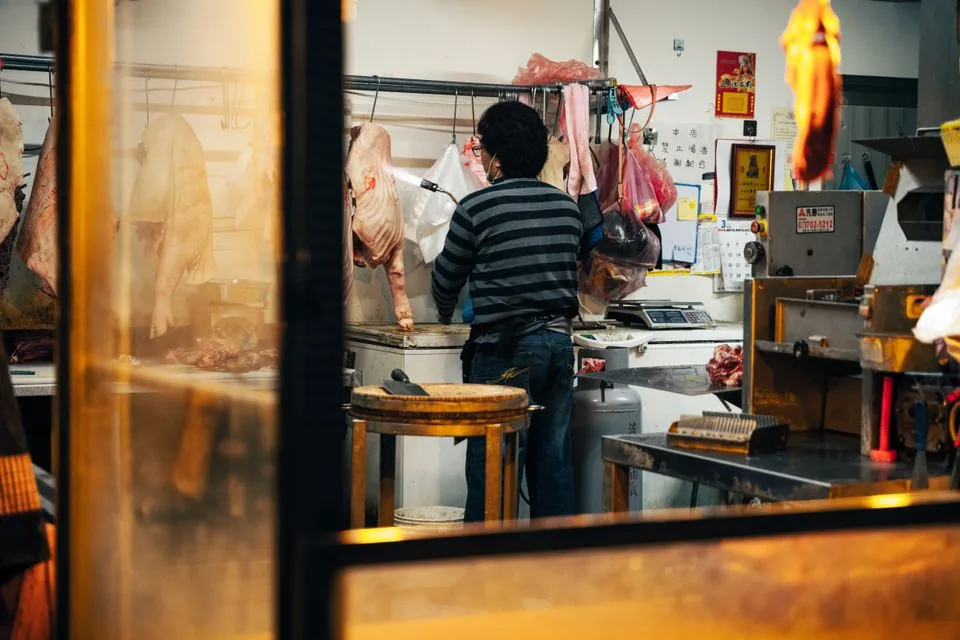
Software for butcheries – manage orders, product groups, origin and expiry dates with ease.

Reservation and customer management for cafés, coffee shops and bistros
