Market and law
Listing and energy duties and fee rules depend on the country and transaction; this page gives no general legal guarantee.
Industry solution / Real Estate & Management
For estate agents and letting teams, a trustworthy listing starts with confirmed information from the owner. Keep the property, prospects and viewing appointments connected.
Pricing & getting started
Capture type, use, area, rooms and features; treat missing facts as questions instead of silently estimating them.
The desk supplies listing data from a property and an explicitly linked energy certificate. Staff must verify validity and every public statement.
Pipeline and viewing areas support contact and appointment work; the agent and owner make the actual decisions.
How Sektura helps with everyday work
An owner wants to market her flat but has not confirmed its floor area or energy details.
Create the property record and query the owner before putting estimates into a listing.
Draft from confirmed details and check the energy information required in the relevant market.
Record interested people, agree times and keep their feedback with the property.
The office can market with reliable information. Publication on third-party portals requires access and approval.
Getting started is simple
Add a fictional apartment and owner.
Record known features and flag missing area or energy details.
Draft a listing and schedule a fictional prospect.
Listing and energy duties and fee rules depend on the country and transaction; this page gives no general legal guarantee.
No credit card is needed to start your trial.
Industry solution
Estate agents and letting offices
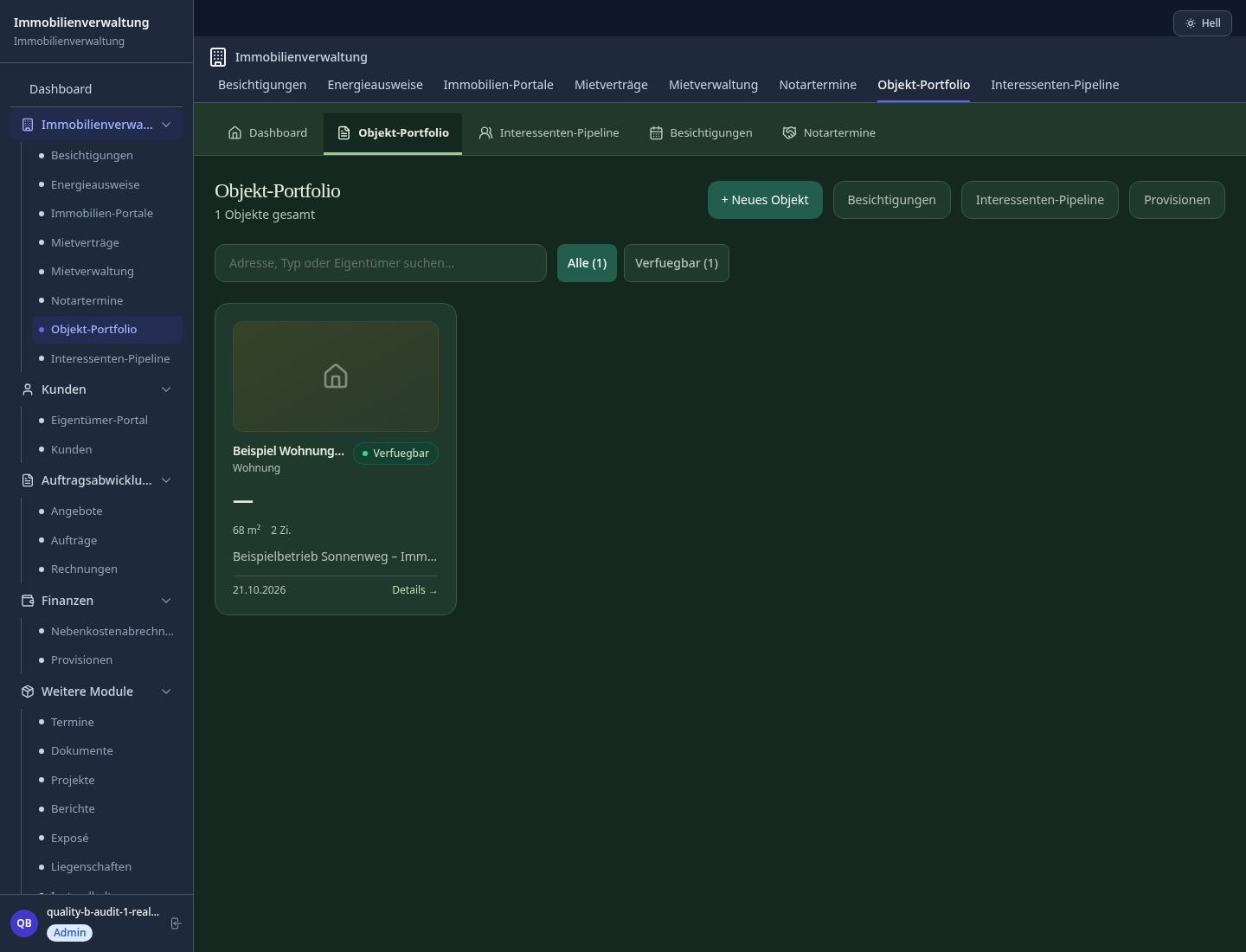
Editorial workflow draft — not a product screenshot.
An owner wants to market her apartment but has supplied only part of the property details.
Ask the owner for missing details and the energy certificate.
Draft the listing from confirmed property facts.
Agree viewing times with interested people.
Confirmed details are ready for the listing and viewings.
Publish listings with one click on ImmoScout24, Immowelt, Rightmove & Idealista
Prospects book viewing appointments themselves – reminders and cancellations fully automated
Store energy certificates per property – automatic expiry date reminders before GEG deadline
Track buying prospects by budget, location and status – follow-up emails automated
Retrieve comparable prices from portal data – validate listing prices against market data
Less paperwork
These features are included in every sektura solution.
Customer records with full project history for all PropertyDesk jobs and relevant contact and location information.
Invoices for PropertyDesk services under local law. Automatic numbering, PDF export and dunning management.
Appointments for PropertyDesk deployments with GPS address, staff assignment and automatic email reminders.
All PropertyDesk documents managed centrally: plans, protocols, warranties, certificates and manufacturer documentation.
PropertyDesk jobs with industry-specific fields, status tracking and automatic cost calculation.
Reports for PropertyDesk: revenue by service type, utilisation, averages and profitability per job.
Vote on new PropertyDesk features. Which functions matter most? Your vote counts in product development.
Getting started is simple
Import property portfolio, leases and property data
Configure listing generator & portal sync and enter initial data
Configure viewing self-booking and enter initial data
Configure energy certificate management (geg) and enter initial data
Create the first invoice or quote and test the workflow
Before you switch, we check which data we can transfer from your existing system.
ImmoScout24 CRM · onOffice · FLOWFACT · Propstack
Germany · Austria · Switzerland · United Kingdom · France · Spain · Italy · Netherlands · Poland · Portugal · Sweden · Denmark · Norway · Finland · Czechia · Romania · Hungary · Türkiye · Russia · Ukraine · Indonesia · Vietnam · Thailand · Saudi Arabia · China · Japan · South Korea · India · Greece · Croatia · Serbia · Bulgaria · Slovakia · Slovenia · Lithuania · Latvia · Estonia · Albania · Malaysia · Philippines · Bangladesh · Pakistan
04 / Getting started
Choose your industry, country and billing cycle. You will see the corresponding industry price; book add-ons separately when needed.
days free trial
No credit card is needed to start your trial.
No credit card is needed to start your trial.
Add-ons are billed separately in EUR. Displayed prices reflect your selected country and billing cycle.

Software for caretakers and property managers – jobs, maintenance and tenant communication in one system.
