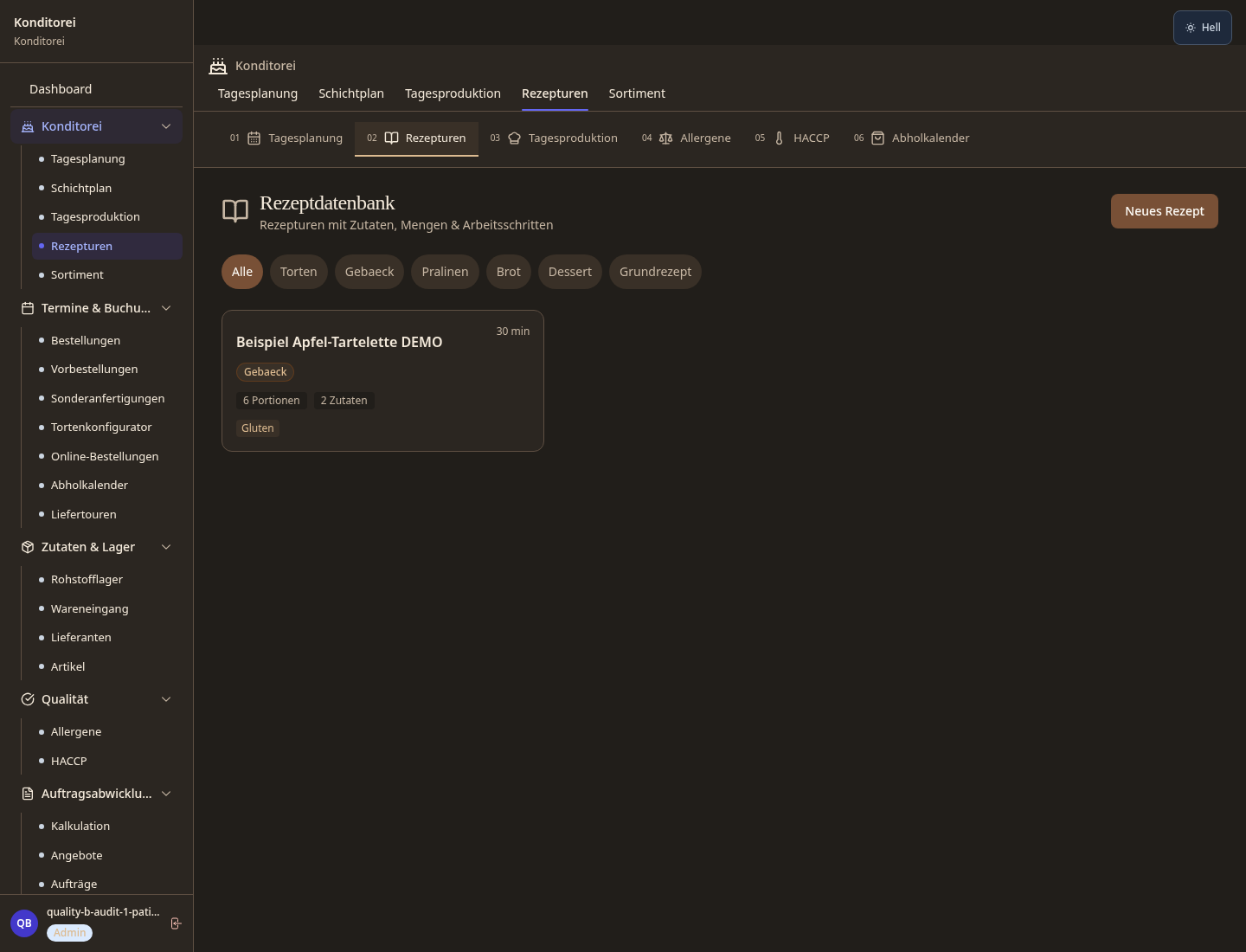
Allergy checks happen in the kitchen
Saved recipes help, but stock checks, separation and cleaning remain practical duties.
Industry solution / Gastronomy
For pastry shops taking custom orders at the counter while keeping ingredients, production and collection in view.
Pricing & getting started
Cake layers, filling, finish, decoration and time can travel with the customer's order.
Recipe and allergen entries support a check, while supplier ingredients and cross-contact still need real review.
Confirmed orders appear in production planning and the pickup calendar rather than relying on memory.
How Sektura helps with everyday work
Example: On Tuesday a customer requests a raspberry chocolate cake for twelve, flags a hazelnut allergy and asks to collect at eleven on Saturday.
The pastry chef records the flavour, finish, guest count, collection time and the allergy note as an inquiry.
They compare the recipe with current ingredients and how nuts are handled in the kitchen before promising suitability.
Once confirmed, the order can be seen in the day plan and calendar; the team checks the actual cake and label before collection.
The kitchen has a clear brief. A stored allergen field alone cannot make the cake safe for that person.
Getting started is simple
Start with a cake you sell, its actual ingredients, steps, portions and known allergens.
Set the counter and kitchen handoff before using live customer details.
Use fictional details, including a pickup slot and allergy question, then check the confirmed order in the calendar.
Saved recipes help, but stock checks, separation and cleaning remain practical duties.
No credit card is needed to start your trial.
Industry solution
Pastry shops taking cake orders
Editorial workflow draft — not a product screenshot.
A customer orders a birthday cake and mentions a nut allergy in the family.
Agree on the cake size and decoration.
Review ingredients and possible allergens before accepting the order.
Write down the collection time and handover note.
The order records the cake brief, reviewed ingredients and collection time.
Special orders with tier count, flavor, design notes and deposit in one form
Automatically list all 14 EU major allergens per recipe and print on labels
Scale recipes to any batch size and automatically recalculate costs · Shelf life and batches: Use-by date / Best-before date / Storage conditions
Due dates visible in calendar — no double bookings and no forgotten orders
Customers order cakes online, pay deposit and receive automatic pickup reminders
What sets sektura apart from generic systems.
Less paperwork
These features are included in every sektura solution.
Customer records with full project history for all KonditorDesk jobs and relevant contact and location information.
Invoices for KonditorDesk services under local law. Automatic numbering, PDF export and dunning management.
Appointments for KonditorDesk deployments with GPS address, staff assignment and automatic email reminders.
All KonditorDesk documents managed centrally: plans, protocols, warranties, certificates and manufacturer documentation.
KonditorDesk jobs with industry-specific fields, status tracking and automatic cost calculation.
Reports for KonditorDesk: revenue by service type, utilisation, averages and profitability per job.
Vote on new KonditorDesk features. Which functions matter most? Your vote counts in product development.
Getting started is simple
Import or create menu, dishes and prices
Configure custom cake order manager and enter initial data
Configure eu allergen labelling regulation 1169 and enter initial data
Configure recipe scaling & batch book and enter initial data
Create the first invoice or quote and test the workflow
Before you switch, we check which data we can transfer from your existing system.
helloCash · ready2order · Aidoo · orderbird
Germany · Austria · Switzerland · United Kingdom · France · Spain · Italy · Netherlands · Poland · Portugal · Sweden · Denmark · Norway · Finland · Czechia · Romania · Hungary · Türkiye · Russia · Ukraine · Indonesia · Vietnam · Thailand · Saudi Arabia · China · Japan · South Korea · India · Greece · Croatia · Serbia · Bulgaria · Slovakia · Slovenia · Lithuania · Latvia · Estonia · Albania · Malaysia · Philippines · Bangladesh · Pakistan
04 / Getting started
Choose your industry, country and billing cycle. You will see the corresponding industry price; book add-ons separately when needed.
days free trial
No credit card is needed to start your trial.
No credit card is needed to start your trial.
Add-ons are billed separately in EUR. Displayed prices reflect your selected country and billing cycle.
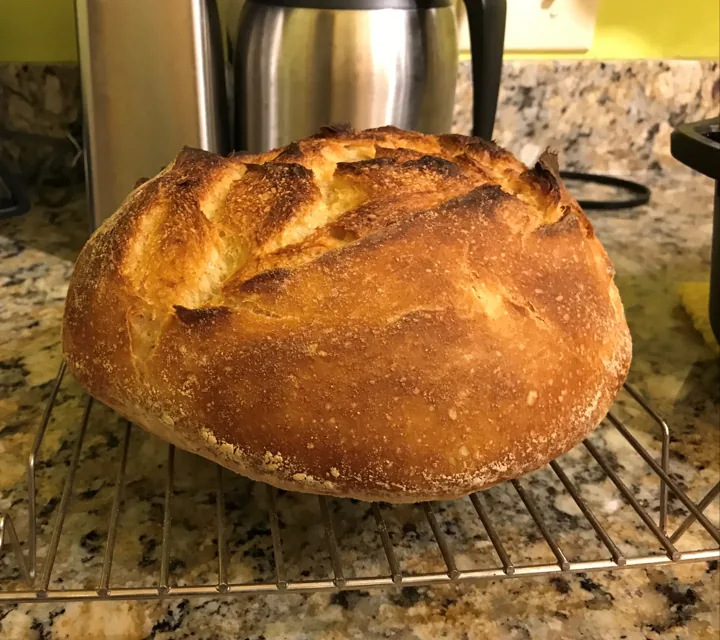
Order management for bakeries, pastry shops and confectioneries
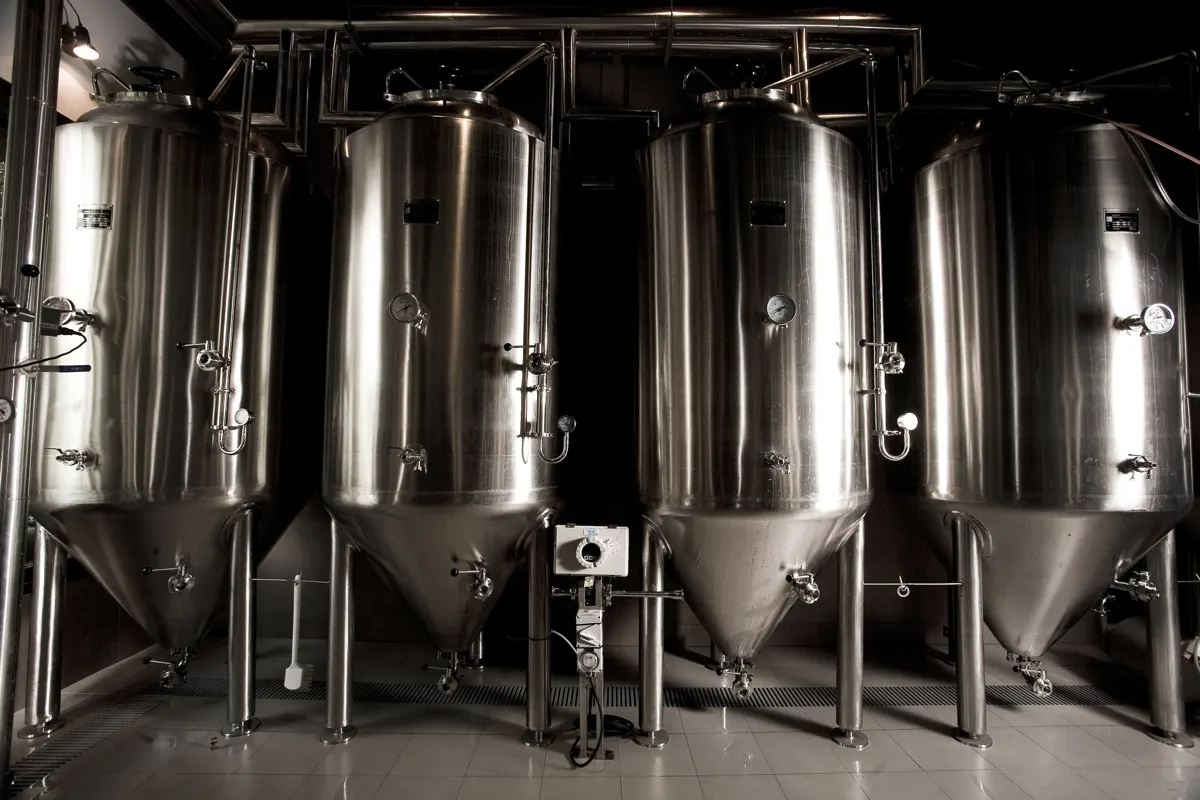
Software for breweries – professional management of batches, recipes, bottling and storage.
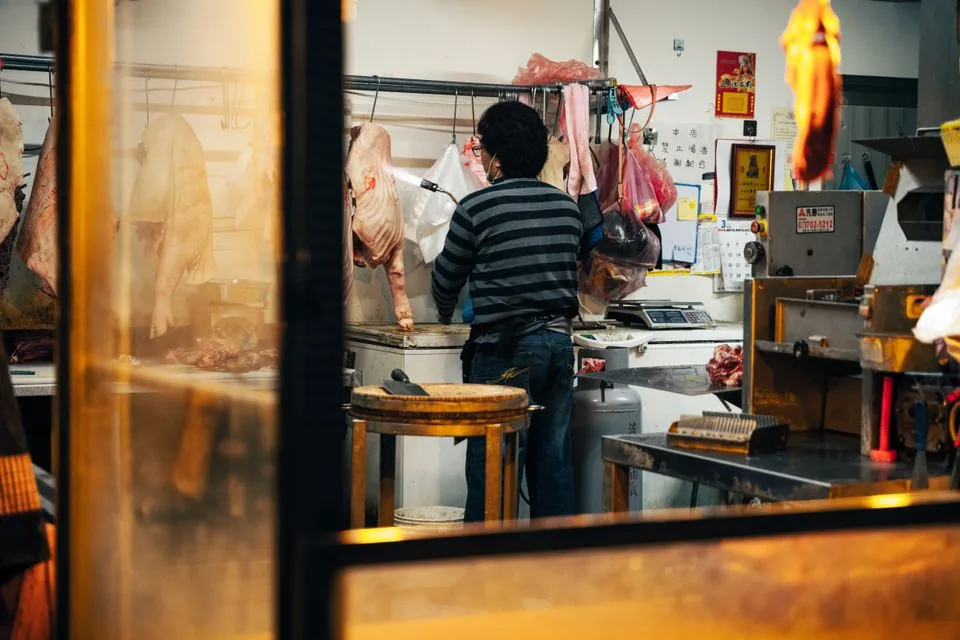
Software for butcheries – manage orders, product groups, origin and expiry dates with ease.

Reservation and customer management for cafés, coffee shops and bistros
