Engineering judgment
The actual fault, refrigerant handling and work approval require a competent on-site assessment.
Industry solution / Trades & Construction
For HVAC contractors who need the right equipment record, fault details and past maintenance when a customer calls about a failed unit.
Pricing & getting started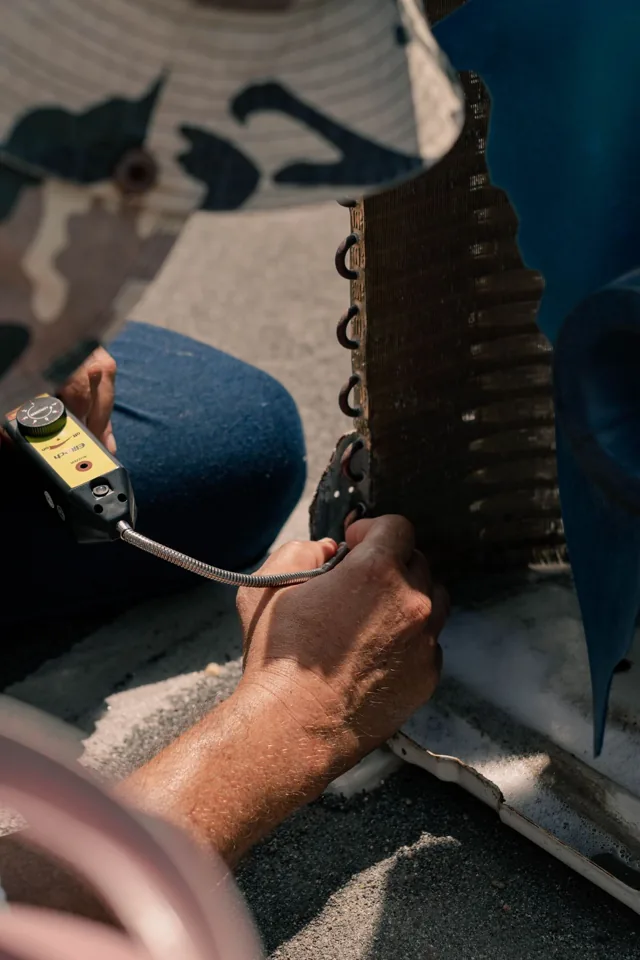
Check its site, model and serial number before sending a technician.
Record reported symptoms, priority and technician against that unit; put the visit on the work schedule.
Add inspection findings and a next service date to the unit history, then close the fault with actual actions taken.
How Sektura helps with everyday work
Fictional service case: an office manager reports warm rooms on a busy afternoon. The cause cannot be determined from the phone call; a qualified technician must inspect the equipment.
Find the unit by site and identity, review its last maintenance and enter the reported symptoms as a fault.
Assign priority and a technician to the fault, then record a visit with the site and task in the schedule.
After inspection, enter a maintenance finding against the unit and close the fault only with the work actually completed.
The unit connects the fault and maintenance history for later review; recording the call does not send an external alert or establish a remote diagnosis.
Getting started is simple
Use invented customer, site, model and serial number details.
Add a fictional cooling complaint, priority and technician for that unit.
Plan a sample visit, save an inspection finding and next date, then revisit the unit record.
The actual fault, refrigerant handling and work approval require a competent on-site assessment.
No credit card is needed to start your trial.
Industry solution
Contractors servicing air-conditioning and ventilation
Editorial workflow draft — not a product screenshot.
A customer reports that the office air conditioner has stopped cooling.
Record the unit location and the reported fault.
Review recent maintenance notes and arrange an inspection visit.
After the technician visits, note the findings and agreed work.
The fault, visit and findings are linked to the equipment case.
Room-by-room calculation, radiator sizing, results PDF for customers
Maintenance history, refrigerant quantity, F-Gas Regulation EU 2024/573 compliant records
Response times, maintenance intervals, automatic scheduling and escalation
Prioritise fault tickets, assign technicians, maintain repair log
Calculate system efficiency, annual energy consumption and CO₂ savings for customers
Less paperwork
These features are included in every sektura solution.
Customer data with system types, maintenance contracts and full service history for all HVAC systems.
Invoices for HVACDesk services under local law. Automatic numbering, PDF export and dunning management.
Maintenance and breakdown callouts with system location, access details and spare parts needed.
F-gas logs, inspection reports, conformity certificates, maintenance records and manufacturer documentation.
HVAC projects with specific fields: system capacity kW, refrigerant type, F-gas documentation and maintenance schedule.
Reports for HVACDesk: revenue by service type, utilisation, averages and profitability per job.
Vote on new HVACDesk features. Which functions matter most? Your vote counts in product development.
Getting started is simple
Set up system types, maintenance contracts and prices
Configure heat load per en 12831 / manual j and enter initial data
Configure system file & f-gas register and enter initial data
Configure maintenance contract with sla tracking and enter initial data
Create the first invoice or quote and test the workflow
Before you switch, we check which data we can transfer from your existing system.
openHandwerk · craftboxx · Plancraft · Streit V.1
Germany · Austria · Switzerland · United Kingdom · France · Spain · Italy · Netherlands · Poland · Portugal · Sweden · Denmark · Norway · Finland · Czechia · Romania · Hungary · Türkiye · Russia · Ukraine · Indonesia · Vietnam · Thailand · Saudi Arabia · China · Japan · South Korea · India · Greece · Croatia · Serbia · Bulgaria · Slovakia · Slovenia · Lithuania · Latvia · Estonia · Albania · Malaysia · Philippines · Bangladesh · Pakistan
04 / Getting started
Choose your industry, country and billing cycle. You will see the corresponding industry price; book add-ons separately when needed.
days free trial
No credit card is needed to start your trial.
No credit card is needed to start your trial.
Add-ons are billed separately in EUR. Displayed prices reflect your selected country and billing cycle.
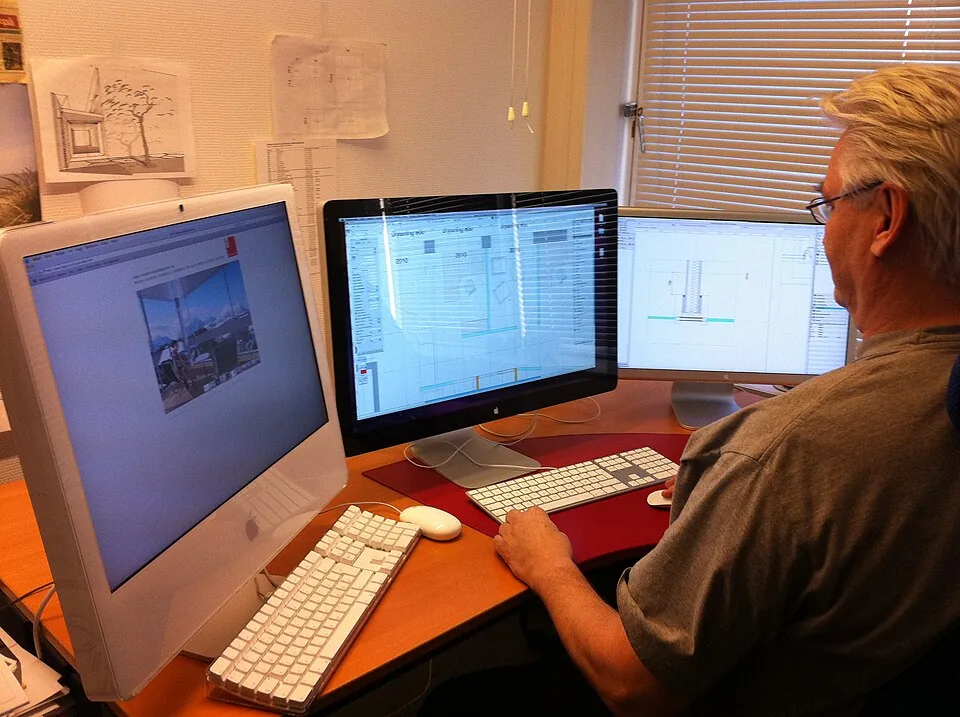
Project planning, construction supervision, CAD management and client management for architecture firms.
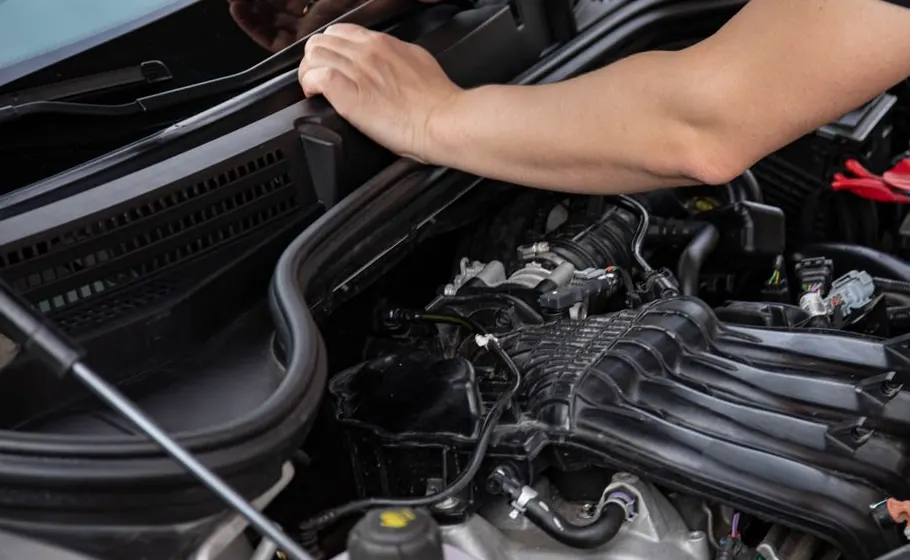
Job management for auto repair shops and garages

Job management for carpenters, joiners and cabinet makers — Furniture, kitchens & interior fit-out
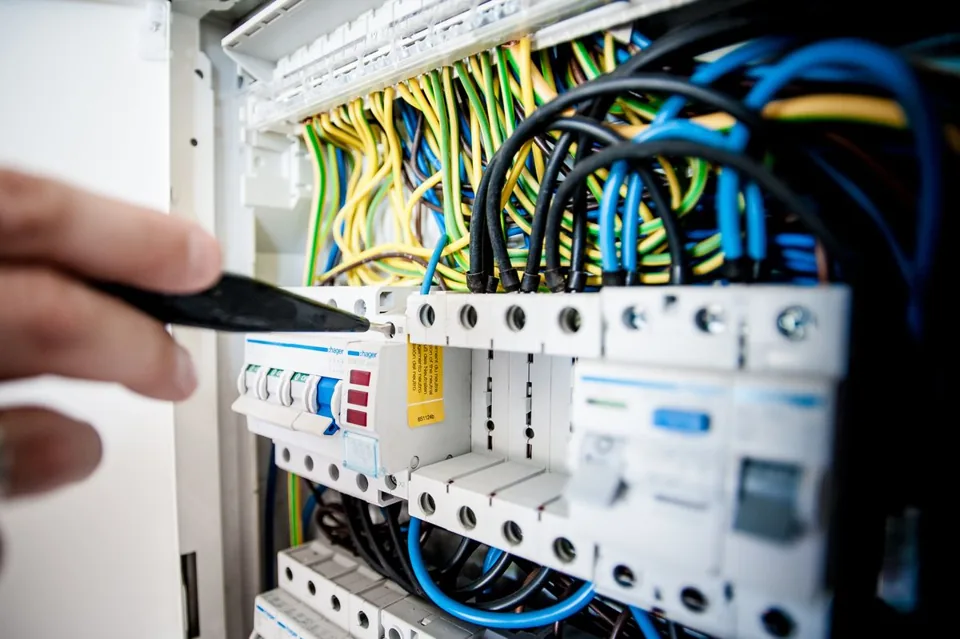
Job management for electricians and electrical contractors
