External catalogues
Check TecDoc access before relying on live search. Supplier purchasing is a separate step.
Industry solution / Trades & Construction
For garages that need the customer’s complaint, vehicle, findings, parts and invoice in one traceable job.
Pricing & getting started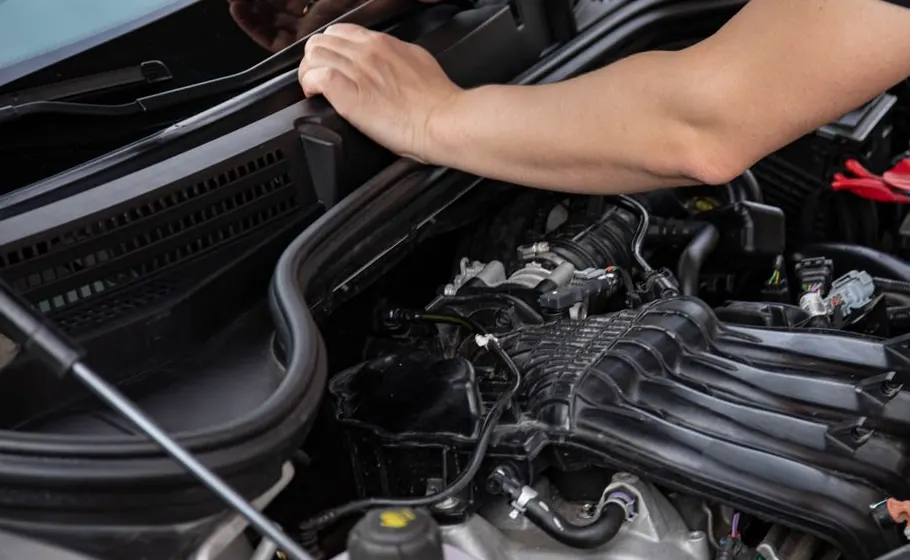
Record what the driver reports at check-in; add the mechanic’s findings only after inspection.
Collect parts and labour on the job so additional work can be discussed with the customer.
Link completed work and invoice to the same vehicle job for handover and later questions.
How Sektura helps with everyday work
Fictional example: A driver leaves a car in the morning because the brakes make a noise. Nobody knows the cause yet.
Record the vehicle, the driver’s description and any visible pre-existing damage.
Add the actual findings and required parts; discuss extra work and cost before proceeding.
Check completed lines and explain the invoice when the driver collects the car.
The garage can trace the conversation, work and charge without treating the original complaint as a diagnosis.
Getting started is simple
Create a synthetic customer and vehicle with contact details.
Record a reported fault, inspect it and assign the job in the workshop plan.
Add a part and a labour line, then review a test invoice.
Check TecDoc access before relying on live search. Supplier purchasing is a separate step.
No credit card is needed to start your trial.
Industry solution
Car workshops handling repair intake
Editorial workflow draft — not a product screenshot.
A customer brings a car to the workshop because its brakes are making noise.
Record the reported noise and vehicle details.
Write down the brake inspection findings.
List required parts and questions for the customer.
The workshop can discuss the repair with the customer.
Vehicle check-in with photo damage report – customer signature on tablet on-site
Book labour units per manufacturer standard – target/actual comparison per mechanic
Search parts directly from TecDoc catalogue and book to workshop order – automatically
Create MOT inspection report digitally – classify defects and issue clearance
Track repair progress via SMS link – cost approval and release via mobile phone
Less paperwork
These features are included in every sektura solution.
Getting started is simple
Set up vehicle data, hourly rates and spare parts
Configure digital workshop order and enter initial data
Configure labour unit tracking & productivity and enter initial data
Configure spare parts order via tecdoc and enter initial data
Create the first invoice or quote and test the workflow
Before you switch, we check which data we can transfer from your existing system.
KFZ-Manager · Werbas · Motorkraft · AutoSoft
Germany · Austria · Switzerland · United Kingdom · France · Spain · Italy · Netherlands · Poland · Portugal · Sweden · Denmark · Norway · Finland · Czechia · Romania · Hungary · Türkiye · Russia · Ukraine · Indonesia · Vietnam · Thailand · Saudi Arabia · China · Japan · South Korea · India · Greece · Croatia · Serbia · Bulgaria · Slovakia · Slovenia · Lithuania · Latvia · Estonia · Albania · Malaysia · Philippines · Bangladesh · Pakistan
04 / Getting started
Choose your industry, country and billing cycle. You will see the corresponding industry price; book add-ons separately when needed.
days free trial
No credit card is needed to start your trial.
No credit card is needed to start your trial.
Add-ons are billed separately in EUR. Displayed prices reflect your selected country and billing cycle.
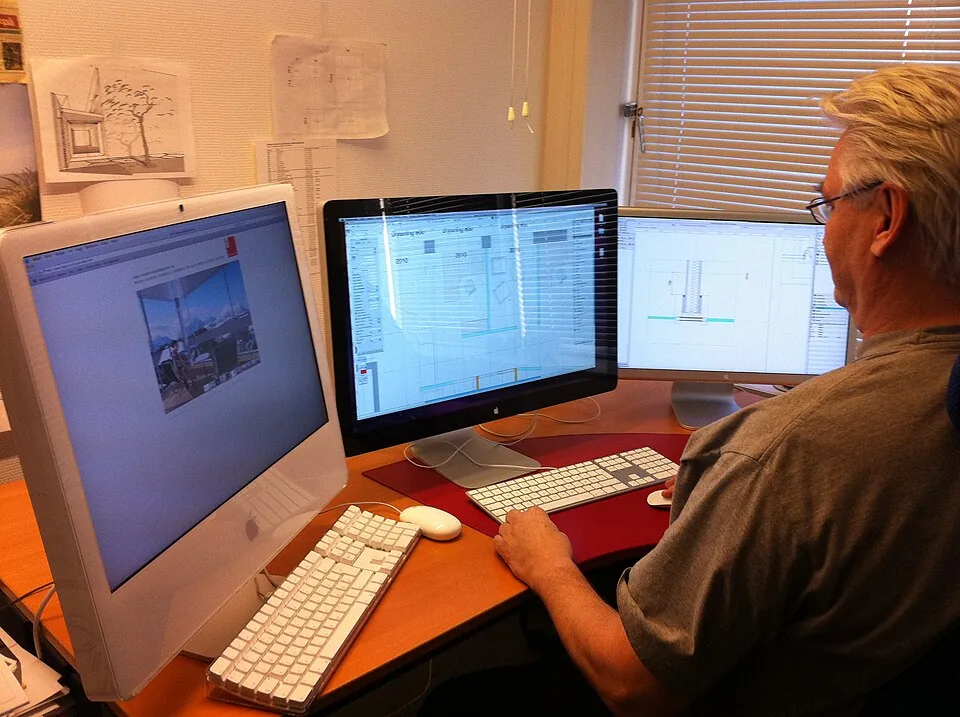
Project planning, construction supervision, CAD management and client management for architecture firms.

Job management for carpenters, joiners and cabinet makers — Furniture, kitchens & interior fit-out
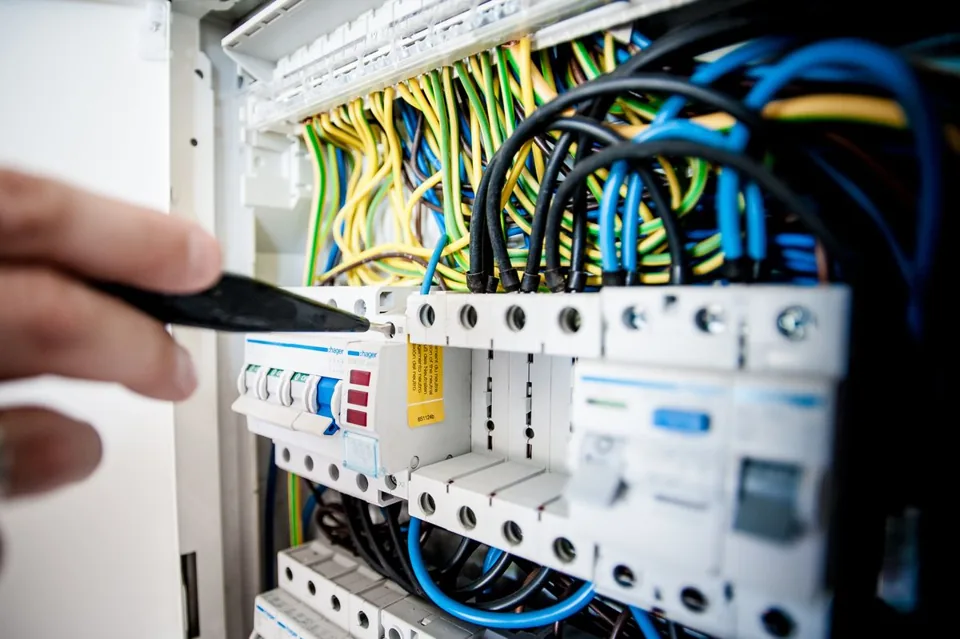
Job management for electricians and electrical contractors
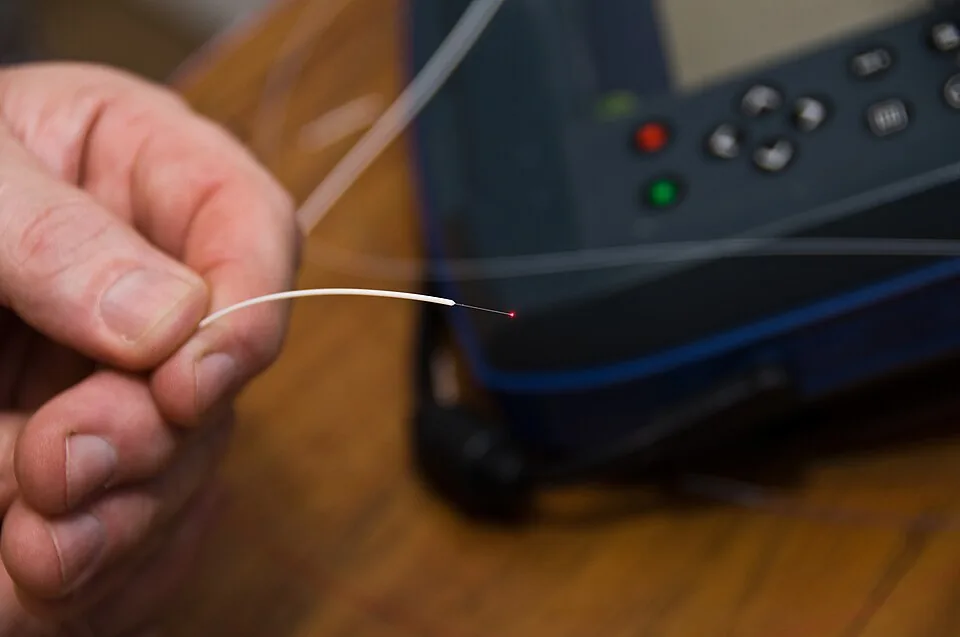
Installation management for fiber optic and cable installation businesses

.jpg)