Check site conditions
Verify uneven walls and clearances before production.
Industry solution / Trades & Construction
Keep a fitted cabinet connected to its site measurements. Record width, height and depth in the measurement screen, select the job there, then coordinate workshop phases and installation.
Pricing & getting started
Keep width, height and depth in a measurement record that can be linked to the cabinet project; record the chosen timber on the project.
Review materials and place cutting and finishing in the phase plan.
Tie the installation appointment to the cabinet job.
How Sektura helps with everyday work
A customer wants a floor-to-ceiling cabinet. The site measurements differ across the wall, so the shop waits for the final dimensions before cutting.
Record the alcove in the measurement screen, select the project and enter the chosen timber on the job.
Check the parts and material requirement before scheduling shop phases.
Agree an installation date after the dimensions are checked.
The shop and fitter work from the same job details.
Getting started is simple
Enter the materials and hourly rates you actually use.
Create a fictional cabinet project, then add a linked measurement with width, height and depth.
Review phases, material and an installation appointment.
Verify uneven walls and clearances before production.
No credit card is needed to start your trial.
Industry solution
Cabinetmakers building fitted furniture
Editorial workflow draft — not a product screenshot.
A customer orders a fitted cabinet for a wall recess.
Record recess measurements and the chosen timber.
List parts for cutting and workshop assembly.
Agree an installation date with the customer.
The workshop has the measurements, parts list and installation date.
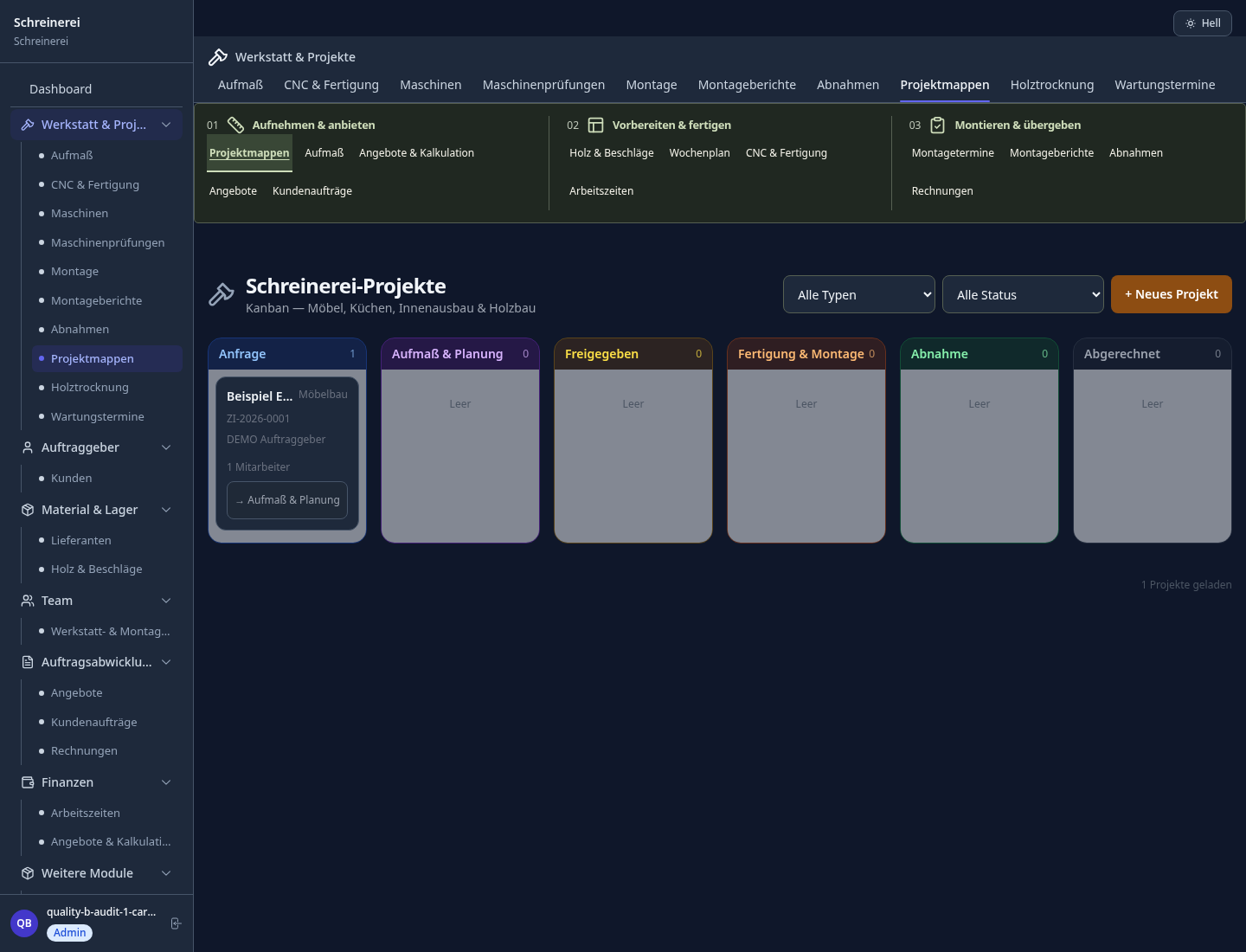
Cutting, assembly, coating, QA: all project phases on one Gantt board.
Material requirements calculation including offcut by wood type, with supplier ordering workflow.
Transfer customer-specific dimensions from CAD files into quotes and bills of materials.
Installation documentation per DIN 4102/EN 13501 – certificate, test number, acceptance report. Record evidence in installation and acceptance reports.
Installation date dependent on preceding trades – automatic rescheduling if construction is delayed.
What sets sektura apart from generic systems.
Less paperwork
These features are included in every sektura solution.
Customer records with full project history for all CarpentryDesk jobs and relevant contact and location information.
Invoices for CarpentryDesk services under local law. Automatic numbering, PDF export and dunning management.
Appointments for CarpentryDesk deployments with GPS address, staff assignment and automatic email reminders.
All CarpentryDesk documents managed centrally: plans, protocols, warranties, certificates and manufacturer documentation.
CarpentryDesk jobs with industry-specific fields, status tracking and automatic cost calculation. Workshop Gantt and construction progress.
Reports for CarpentryDesk: revenue by service type, utilisation, averages and profitability per job.
Vote on new CarpentryDesk features. Which functions matter most? Your vote counts in product development.
Getting started is simple
Set up wood types, material prices and hourly rates
Configure workshop phase plan (gantt) and enter initial data
Configure bill of materials & timber planning and enter initial data
Configure custom orders: cad/dxf import and enter initial data
Create the first invoice or quote and test the workflow
Before you switch, we check which data we can transfer from your existing system.
craftboxx · openHandwerk · Plancraft · Streit V.1
Germany · Austria · Switzerland · United Kingdom · France · Spain · Italy · Netherlands · Poland · Portugal · Sweden · Denmark · Norway · Finland · Czechia · Romania · Hungary · Türkiye · Russia · Ukraine · Indonesia · Vietnam · Thailand · Saudi Arabia · China · Japan · South Korea · India · Greece · Croatia · Serbia · Bulgaria · Slovakia · Slovenia · Lithuania · Latvia · Estonia · Albania · Malaysia · Philippines · Bangladesh · Pakistan
04 / Getting started
Choose your industry, country and billing cycle. You will see the corresponding industry price; book add-ons separately when needed.
days free trial
No credit card is needed to start your trial.
No credit card is needed to start your trial.
Add-ons are billed separately in EUR. Displayed prices reflect your selected country and billing cycle.
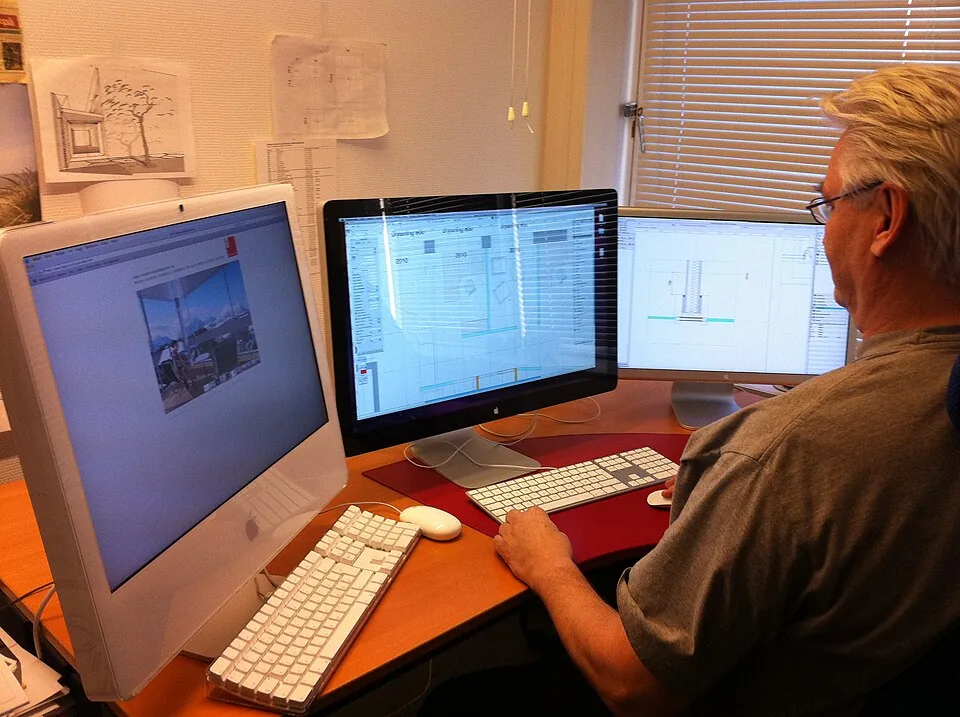
Project planning, construction supervision, CAD management and client management for architecture firms.

Job management for auto repair shops and garages

Job management for electricians and electrical contractors
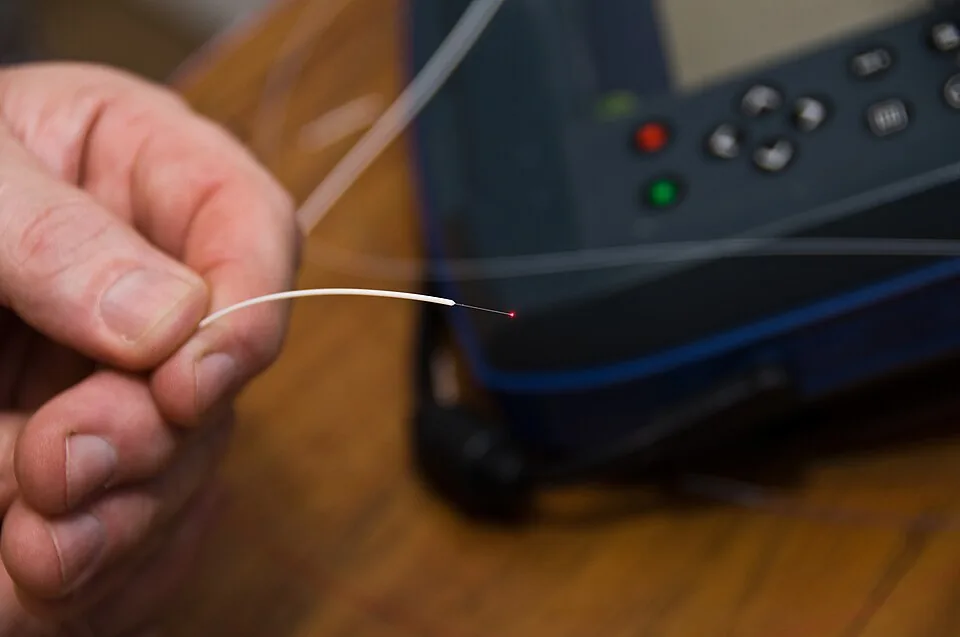
Installation management for fiber optic and cable installation businesses

.jpg)