Before plan dispatch
Confirm the recipient, file and revision. A send log is not evidence that a design has been accepted.
Industry solution / Trades & Construction
When a client, consultant and site team discuss different versions of a plan, the practice needs a named revision and a clear open decision. Keep that trail with the project.
Pricing & getting started
Link the affected plan revision to the building project so a reply points to a specific version.
Record who must clarify the authority’s question and when the response is due.
Site diaries, photos and defect notes give context to a discussion; the architect still assesses them.
How Sektura helps with everyday work
Example: An authority asks why a doorway moved in the renovation drawings while the site team holds a later floor plan.
The project lead checks which drawing accompanied the earlier submission.
The architect compares the doorway dimensions and asks the relevant consultant to confirm the change.
The practice records the remaining question and selects the reviewed drawing before sending it.
The team can answer from a traceable plan version; the desk does not grant a permit.
Getting started is simple
Enter the building project and responsible people using fictional trial data.
Give the floor plan a clear revision label and verify its project link.
Add the exact question, owner and due date, then walk through the response.
Confirm the recipient, file and revision. A send log is not evidence that a design has been accepted.
No credit card is needed to start your trial.
Industry solution
Architecture practices with active building projects
Editorial workflow draft — not a product screenshot.
A planning authority asks about a drawing change in an active building project.
Gather the question and the relevant drawing version.
Compare the revision with the previous plan.
Document the clarification needed by site management.
The team has a traceable basis for its reply.
Manage construction projects through service phases 1–9, milestones and deadlines — from preliminary assessment to facility management
Version plans, manage approvals and digitally distribute to clients, structural engineers and specialist planners — with full change history
Structure construction costs by DIN 276 cost groups, calculate and continuously monitor against budget and supplementary claims
Prepare building applications, compile documents, manage authority correspondence and monitor permit deadlines
Document construction progress, maintain deficiency reports per VOB, plan acceptances and track warranty deadlines
Less paperwork
These features are included in every sektura solution.
Getting started is simple
Germany · Austria · Switzerland
04 / Getting started
Choose your industry, country and billing cycle. You will see the corresponding industry price; book add-ons separately when needed.
days free trial
No credit card is needed to start your trial.
No credit card is needed to start your trial.
Add-ons are billed separately in EUR. Displayed prices reflect your selected country and billing cycle.

Job management for auto repair shops and garages

Job management for carpenters, joiners and cabinet makers — Furniture, kitchens & interior fit-out

Job management for electricians and electrical contractors
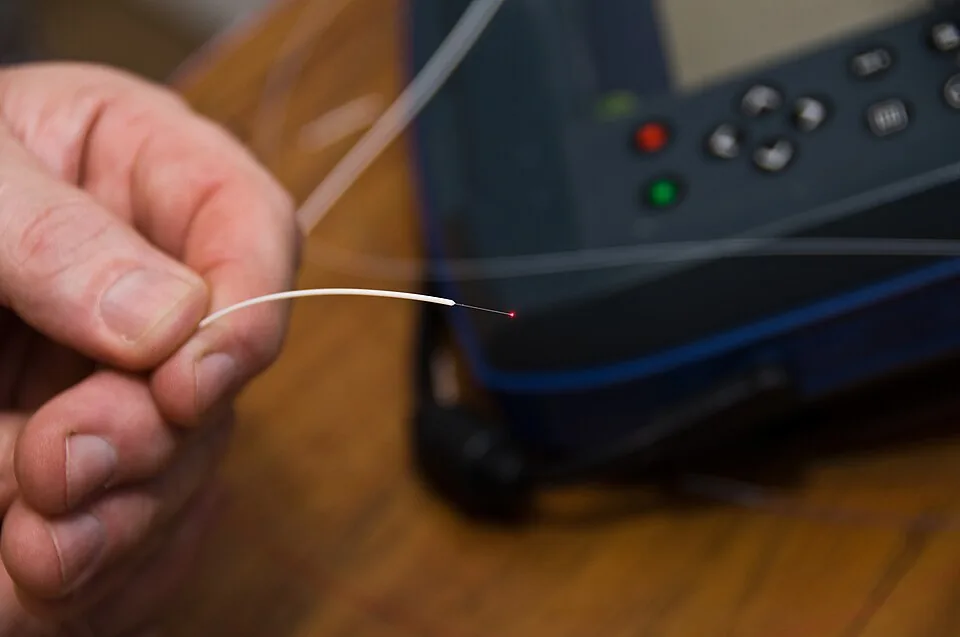
Installation management for fiber optic and cable installation businesses
.jpg)