Apply local requirements
Inspection requirements vary by country and installation. No automatic notification to authorities or network operators is promised.
Industry solution / Trades & Construction
Record the reported circuit in a work order, store measurements separately for the installation and agree a return visit only after a qualified person has assessed the fault.
Pricing & getting started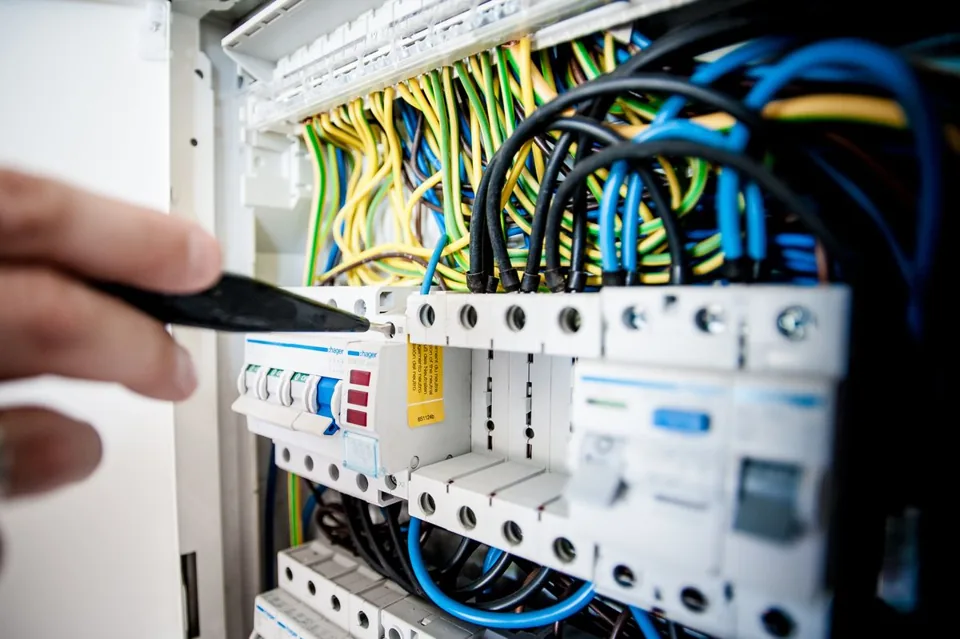
Keep the customer’s description and affected circuit together.
Keep installation, date, technician and entered values in a separate measurement record; match it to the order in your own work procedure.
Discuss materials and technician time after diagnosis.
How Sektura helps with everyday work
A customer reports repeated trips. A qualified electrician inspects the circuit before deciding what repair is needed.
Record the customer and reported symptoms.
Enter readings and findings in the separate measurement or inspection record for the installation.
Plan materials and a return visit if required.
The recorded finding supports the next conversation; the electrician remains responsible for the assessment.
Getting started is simple
Enter your usual work items and material prices.
Use a fictional circuit and customer.
Add a synthetic reading in the measurement area and note any required follow-up on the order.
Inspection requirements vary by country and installation. No automatic notification to authorities or network operators is promised.
No credit card is needed to start your trial.
Industry solution
Electrical contractors
Editorial workflow draft — not a product screenshot.
A customer reports that the residual-current device trips when power is switched on.
Identify the affected circuit and record the customer's account.
Note measurements and findings during the site visit.
Agree the needed work and follow-up date with the customer.
The finding and next action are recorded for the job.
Equipment inspection according to DGUV V3 digitally – automatically generate reports.
Calculate wallbox quotes, NEC/NFPA & EN 61851 compliant, including grant application template.
Plant documentation according to VDE 0100/BS 7671 stored directly on the job.
Record, evaluate and export norm-compliant measurement results as certificates.
Automatically export invoices for DATEV, UK Making Tax Digital and EU VAT-OSS.
Less paperwork
These features are included in every sektura solution.
Store engineering data, circuit diagrams and technical documents per customer. Overview of all ongoing and completed electrical installations.
Invoices for ElectroDesk services under local law. Automatic numbering, PDF export and dunning management.
Appointments for electrical inspections, acceptance tests to DGUV V3 and system revisions. With installation location and meter information.
Circuit diagrams, wiring diagrams, test records to DGUV V3, declarations of conformity and manufacturer documentation for equipment.
Electrical projects with voltage level, protection class, cable cross-section, switchgear details and ENS/VDE standards documentation.
Reports for ElectroDesk: revenue by service type, utilisation, averages and profitability per job.
Vote on new ElectroDesk features. Which functions matter most? Your vote counts in product development.
Getting started is simple
Set up service catalogue and material prices
Configure e-check inspection protocol (dguv v3) and enter initial data
Configure e-mobility: charging infrastructure and enter initial data
Configure circuit diagram & revision docs and enter initial data
Create the first invoice or quote and test the workflow
Before you switch, we check which data we can transfer from your existing system.
openHandwerk · craftboxx · Plancraft · Streit V.1
Germany · Austria · Switzerland · United Kingdom · France · Spain · Italy · Netherlands · Poland · Portugal · Sweden · Denmark · Norway · Finland · Czechia · Romania · Hungary · Türkiye · Russia · Ukraine · Indonesia · Vietnam · Thailand · Saudi Arabia · China · Japan · South Korea · India · Greece · Croatia · Serbia · Bulgaria · Slovakia · Slovenia · Lithuania · Latvia · Estonia · Albania · Malaysia · Philippines · Bangladesh · Pakistan
04 / Getting started
Choose your industry, country and billing cycle. You will see the corresponding industry price; book add-ons separately when needed.
days free trial
No credit card is needed to start your trial.
No credit card is needed to start your trial.
Add-ons are billed separately in EUR. Displayed prices reflect your selected country and billing cycle.
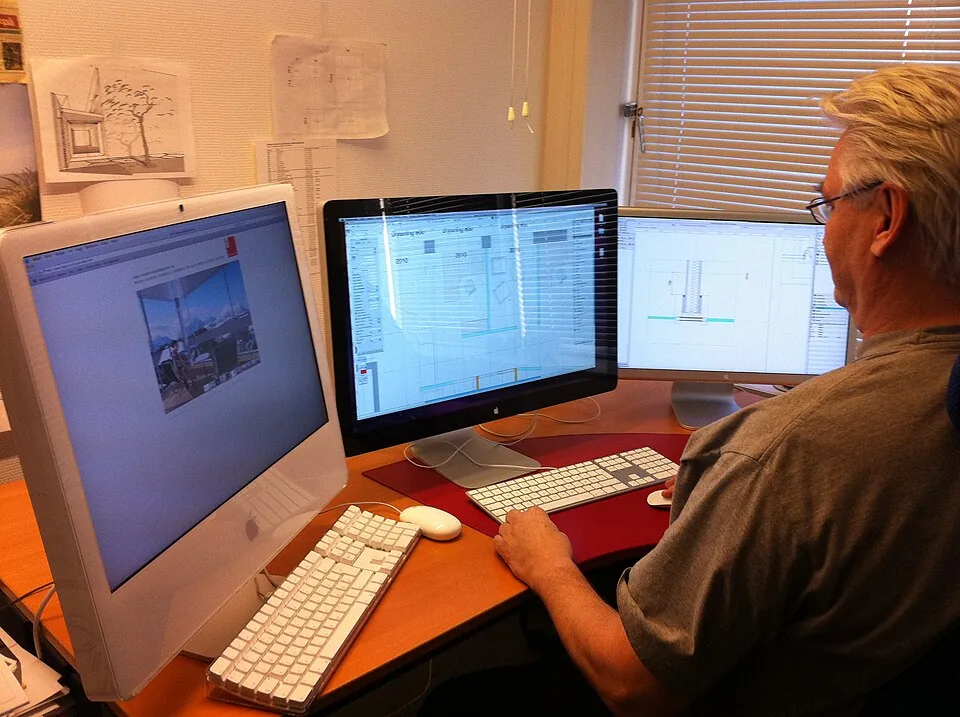
Project planning, construction supervision, CAD management and client management for architecture firms.
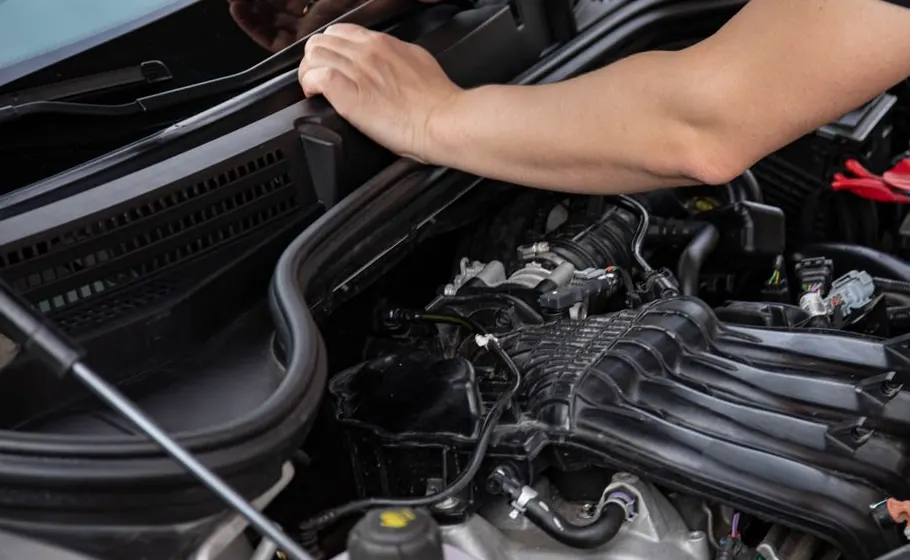
Job management for auto repair shops and garages

Job management for carpenters, joiners and cabinet makers — Furniture, kitchens & interior fit-out
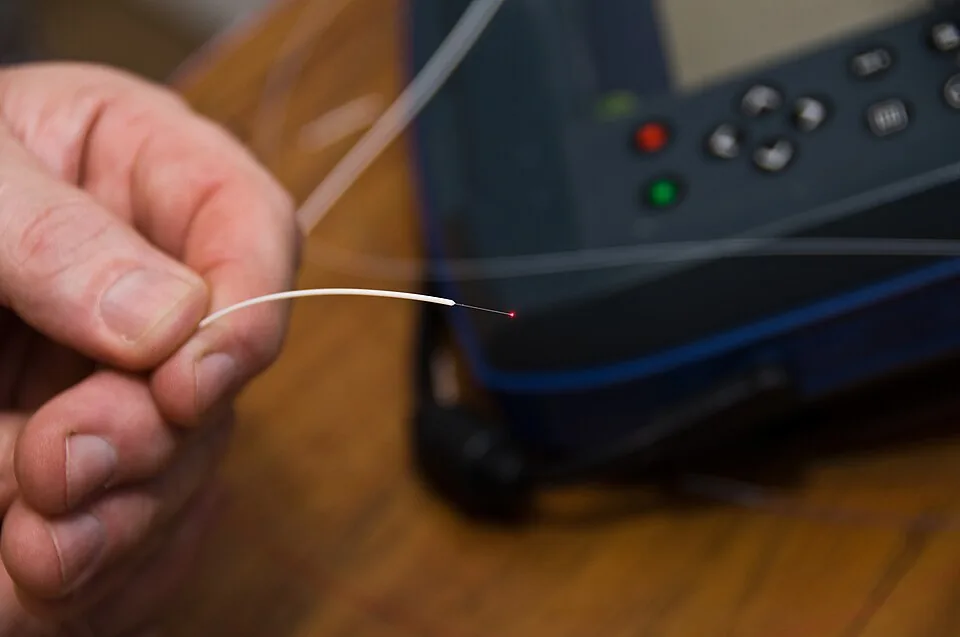
Installation management for fiber optic and cable installation businesses

.jpg)