Local work rules
Breaks, retention and correction procedures depend on country and company rules. The tool does not replace legal review.
Industry solution / Service & Facility
For teams and timekeeping service providers, hours, breaks, absences and project time need to be reviewed together. Open entries should remain visible as questions, not turn silently into billable hours.
Pricing & getting started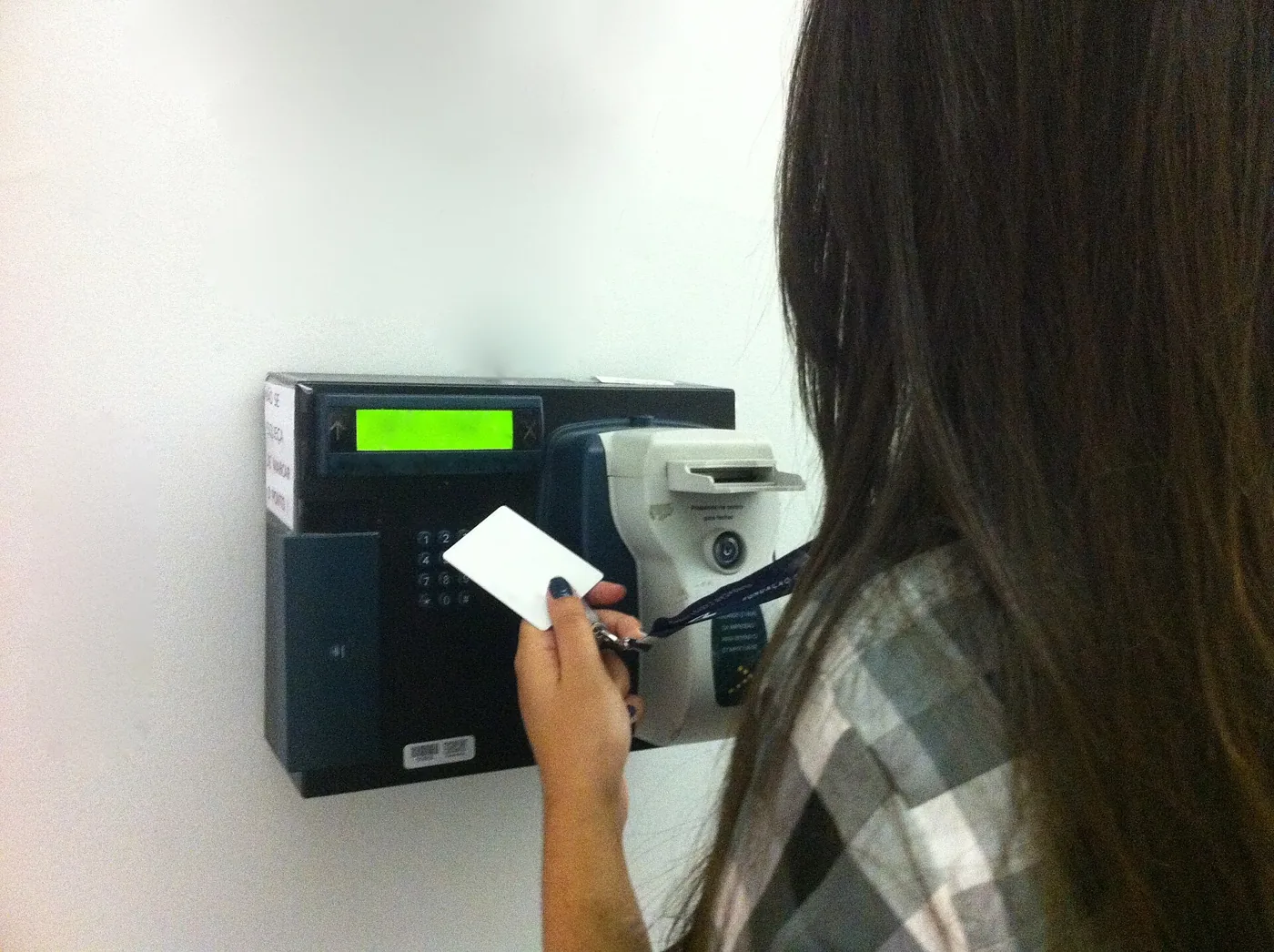
Clock and entries record start, end and breaks; the desk calculates net time and keeps a correction history for review.
Review breaks, absence, flexitime and overtime before approving a period.
Timesheets, approvals and invoices are available. A person should settle missing entries before forwarding figures.
How Sektura helps with everyday work
During a client’s month-end review, one worker has a missing day and there is also an absence report.
Check entries and project allocation for the period.
Clarify whether work, a break or absence was recorded incorrectly.
Make a traceable correction and review the timesheet manually before approval.
The sheet contains clarified hours; unanswered questions are not silently treated as work.
Getting started is simple
Create fictional staff and a test project with a suitable billing model.
Record a work day with a break and a separate absence.
Find any missing entry before opening approval or invoicing.
Breaks, retention and correction procedures depend on country and company rules. The tool does not replace legal review.
No credit card is needed to start your trial.
Industry solution
Time tracking advisers serving client companies
Editorial workflow draft — not a product screenshot.
An employee's time entries are incomplete as a client company closes the month.
Ask the employee about the missing days.
Compare existing entries with reported absences.
Prepare the timesheet and open questions for manual approval.
Missing hours and questions are recorded for review.
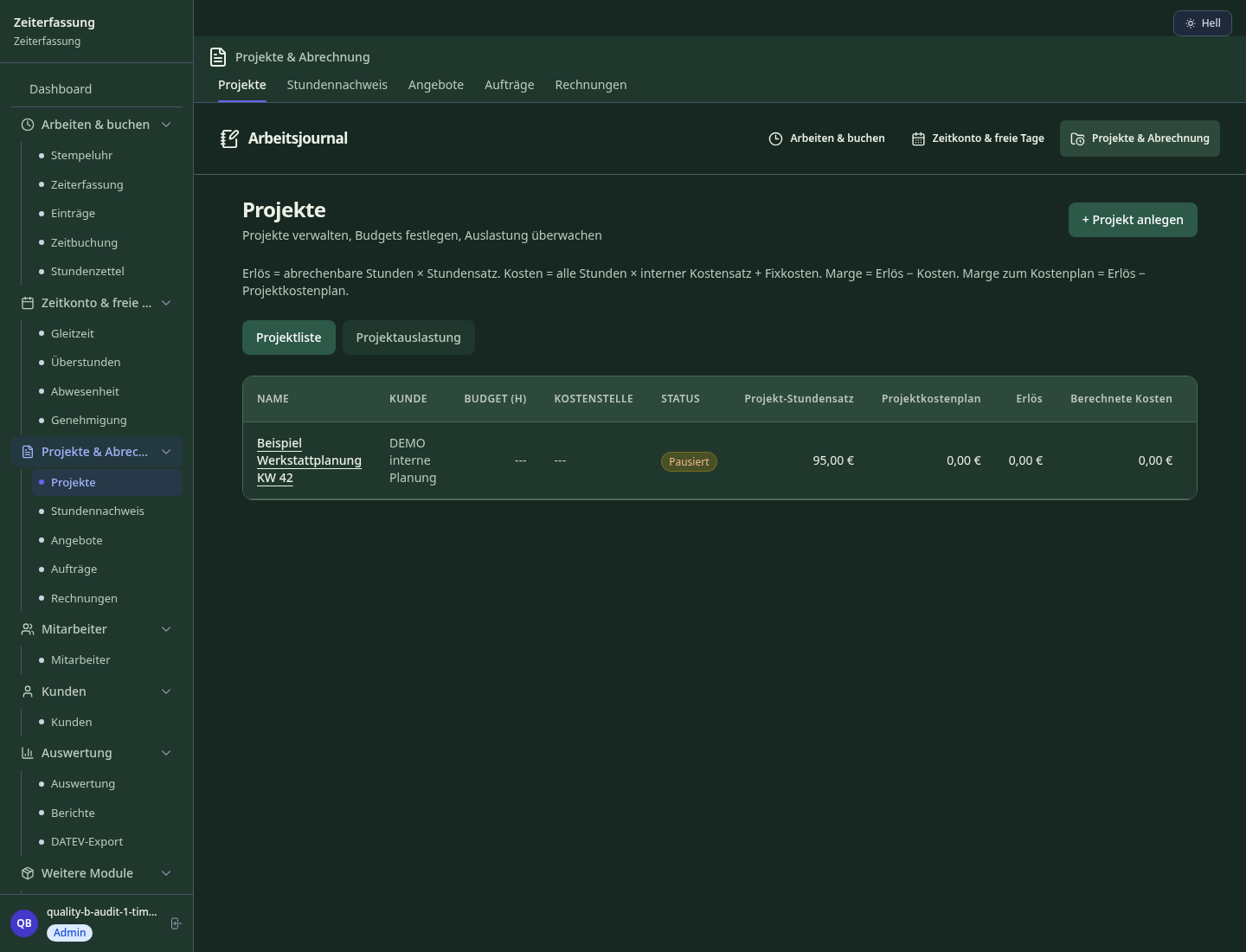
Automatically track breaks, rest periods and maximum working hours per German Working Time Act
Hourly rate × tracked time vs. project cost plan — margin visible live
DATEV Lohn und Gehalt: calendar export after setup; general CSV timesheet. Lexware and SAP HR require separate profiles, which are not included. Verify the import in the target application.
Desktop activity is detected and shown as time entry suggestion — never forget
Automatic overtime credit per collective agreement or Minimum Wage Act with payout/reduction proposal
Less paperwork
These features are included in every sektura solution.
Customer records with full project history for all TimeTrackingDesk jobs and relevant contact and location information.
Invoices for TimeTrackingDesk services under local law. Automatic numbering, PDF export and dunning management.
Appointments for TimeTrackingDesk deployments with GPS address, staff assignment and automatic email reminders.
All TimeTrackingDesk documents managed centrally: plans, protocols, warranties, certificates and manufacturer documentation.
TimeTrackingDesk jobs with industry-specific fields, status tracking and automatic cost calculation.
Reports for TimeTrackingDesk: revenue by service type, utilisation, averages and profitability per job.
Vote on new TimeTrackingDesk features. Which functions matter most? Your vote counts in product development.
Getting started is simple
Define service packages, hourly rates and consulting areas
Configure working time act compliant timekeeping and enter initial data
Configure real-time profitability per project and enter initial data
Configure DATEV mapping — DATEV Lohn und Gehalt: calendar export after setup; general CSV timesheet. Lexware and SAP HR require separate profiles, which are not included. Verify the import in the target application.
Create the first invoice or quote and test the workflow
Before you switch, we check which data we can transfer from your existing system.
clockodo · Personio · timeBro · Toggl
Germany · Austria · Switzerland · United Kingdom · France · Spain · Italy · Netherlands · Poland · Portugal · Sweden · Denmark · Norway · Finland · Czechia · Romania · Hungary · Türkiye · Russia · Ukraine · Indonesia · Vietnam · Thailand · Saudi Arabia · China · Japan · South Korea · India · Greece · Croatia · Serbia · Bulgaria · Slovakia · Slovenia · Lithuania · Latvia · Estonia · Albania · Malaysia · Philippines · Bangladesh · Pakistan
04 / Getting started
Choose your industry, country and billing cycle. You will see the corresponding industry price; book add-ons separately when needed.
days free trial
No credit card is needed to start your trial.
No credit card is needed to start your trial.
Add-ons are billed separately in EUR. Displayed prices reflect your selected country and billing cycle.

Industry software for chimney sweeps — sweep districts, emissions measurements, fireplace inspections and invoicing.

Job management for cleaning companies and facility services
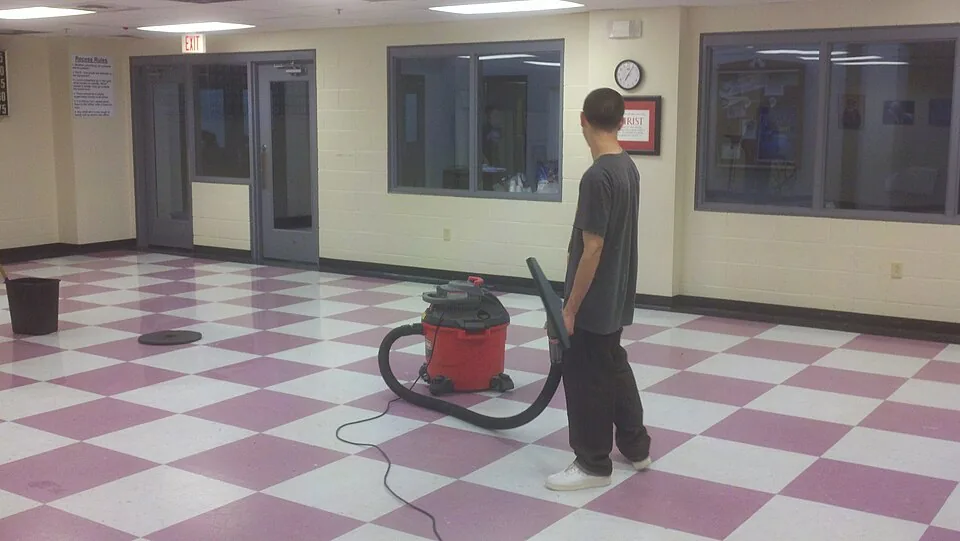
Job management for commercial cleaning companies

Case management for private investigators and detective agencies

.jpg)

