Confidentiality
Record only necessary information and set access within your agency.
Industry solution / Service & Facility
For investigation agencies that define each assignment before logging observations. People decide what inquiries are lawful and what findings can be reported.
Pricing & getting started
Keep client, scope and case status together before logging work.
Record the source and time of notes and review evidence status.
Review findings, work hours and invoice entries in their own steps.
How Sektura helps with everyday work
A fictional client reports a possible sighting. The agency first checks the assignment and permissible scope.
Review the case before taking on the new inquiry.
Record when the lead arrived, its source and uncertainty.
Separate checked findings from open questions in the report.
The client can see what was checked and what remains unconfirmed.
Getting started is simple
Use fictional names and define scope and status.
Add source, time and one open question.
Check the test report and time entries before approval.
Record only necessary information and set access within your agency.
No credit card is needed to start your trial.
Industry solution
Detective agencies
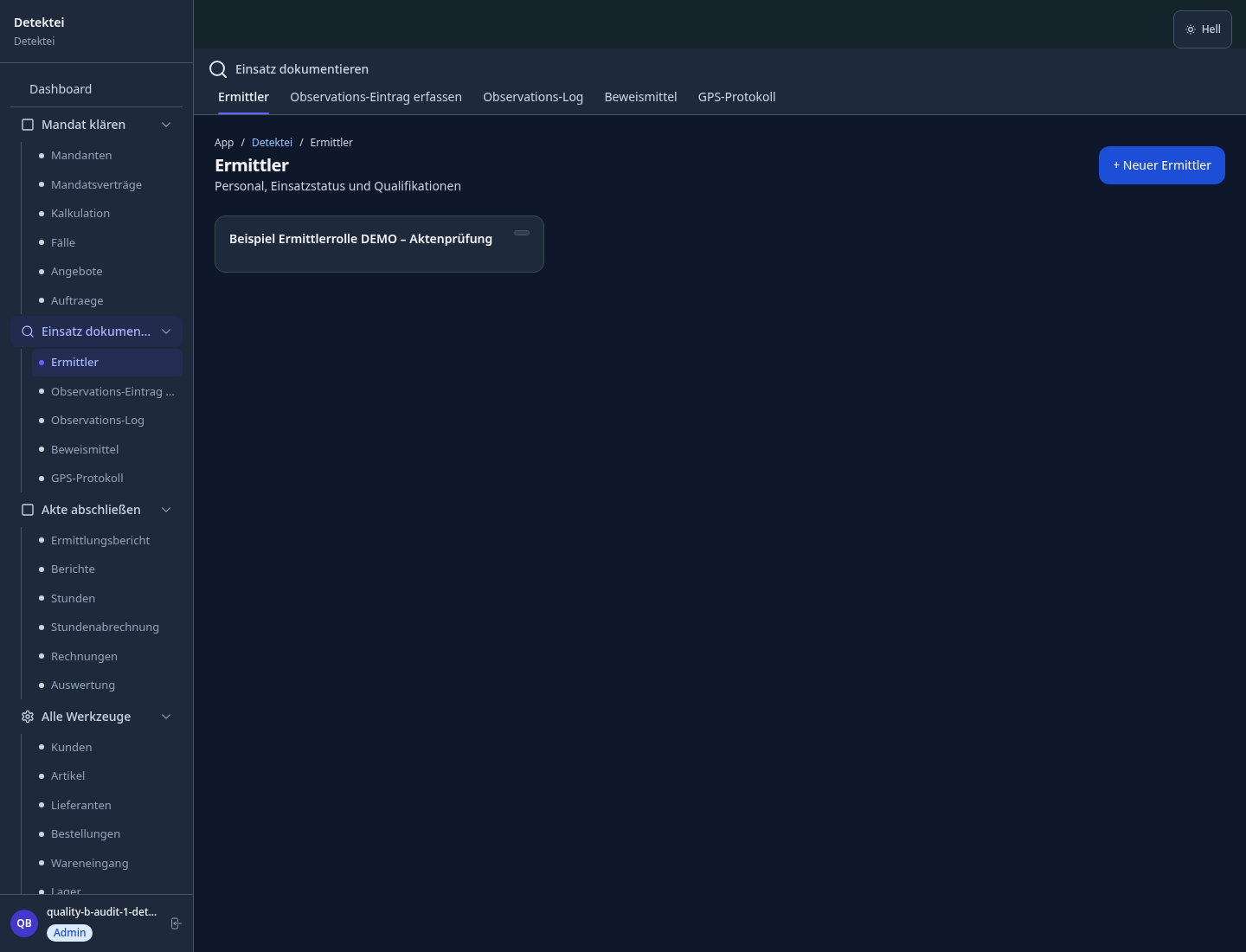
Editorial workflow draft — not a product screenshot.
A client gives the agency a new lead concerning a missing person.
Clarify the assignment and permissible inquiry scope.
Record the source and time of the lead.
Summarize findings and open questions for the client.
The lead's origin and next check are documented.
GPS-based field log with timestamped photos and position records
Evidence archive with complete chain-of-origin documentation — GDPR-compliant and court-proof
Case reports in legally usable format with photo attachments and witness list
Structured process for credit agencies, authority queries, OSINT and registry searches
Deployment times secured by GPS — hourly proof for court and client-secure billing
Less paperwork
These features are included in every sektura solution.
Customer records with full project history for all DetectiveDesk jobs and relevant contact and location information.
Invoices for DetectiveDesk services under local law. Automatic numbering, PDF export and dunning management.
Appointments for DetectiveDesk deployments with GPS address, staff assignment and automatic email reminders.
All DetectiveDesk documents managed centrally: plans, protocols, warranties, certificates and manufacturer documentation.
DetectiveDesk jobs with industry-specific fields, status tracking and automatic cost calculation.
Reports for DetectiveDesk: revenue by service type, utilisation, averages and profitability per job.
Vote on new DetectiveDesk features. Which functions matter most? Your vote counts in product development.
Getting started is simple
Set up investigation types, hourly rates and report templates
Configure gps surveillance log and enter initial data
Configure chain of custody and enter initial data
Configure court-admissible final report and enter initial data
Create the first invoice or quote and test the workflow
Before you switch, we check which data we can transfer from your existing system.
Detectify · CaseManager · iBase · SIBAS
Germany · Austria · Switzerland · United Kingdom · France · Spain · Italy · Netherlands · Poland · Portugal · Sweden · Denmark · Norway · Finland · Czechia · Romania · Hungary · Türkiye · Russia · Ukraine · Indonesia · Vietnam · Thailand · Saudi Arabia · China · Japan · South Korea · India · Greece · Croatia · Serbia · Bulgaria · Slovakia · Slovenia · Lithuania · Latvia · Estonia · Albania · Malaysia · Philippines · Bangladesh · Pakistan
04 / Getting started
Choose your industry, country and billing cycle. You will see the corresponding industry price; book add-ons separately when needed.
days free trial
No credit card is needed to start your trial.
No credit card is needed to start your trial.
Add-ons are billed separately in EUR. Displayed prices reflect your selected country and billing cycle.

Industry software for chimney sweeps — sweep districts, emissions measurements, fireplace inspections and invoicing.

Job management for cleaning companies and facility services
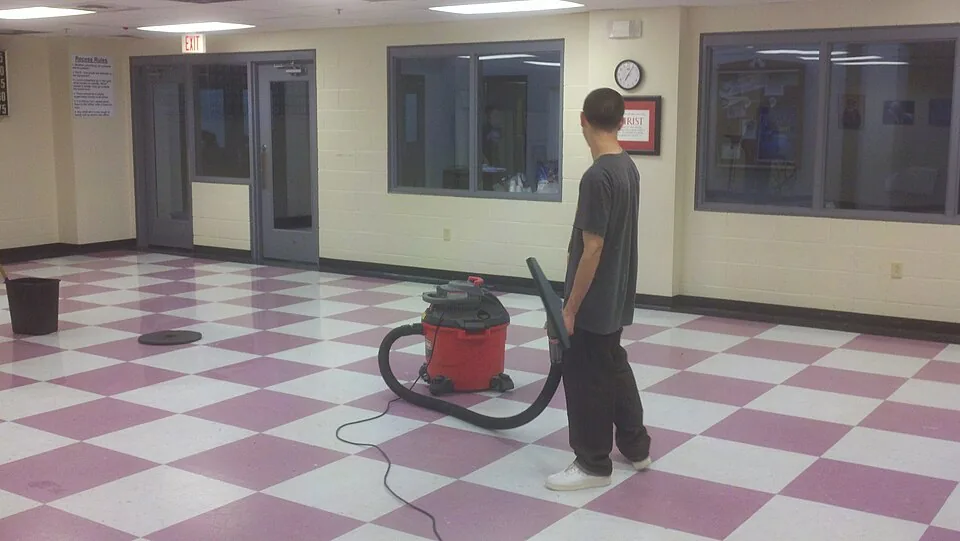
Job management for commercial cleaning companies
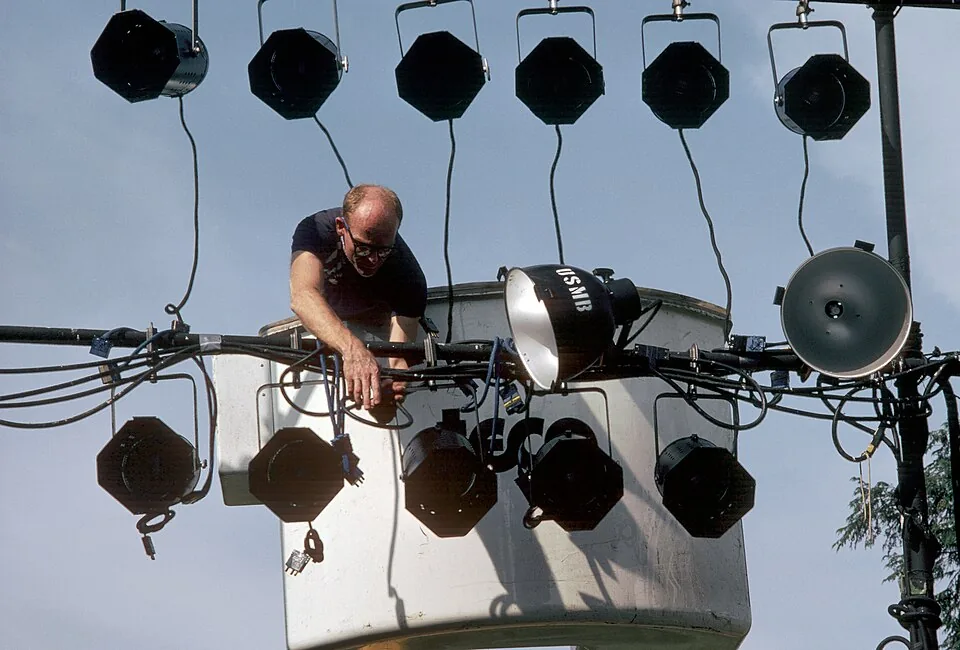
Event management for event agencies, planners and venue operators

.jpg)

