Handle site information carefully
Only record access details and photos after checking permissions and confidentiality requirements for that building.
Industry solution / Service & Facility
For commercial cleaners with recurring contracts: see the site scope, the team’s planned work and the issues found on inspection.
Pricing & getting started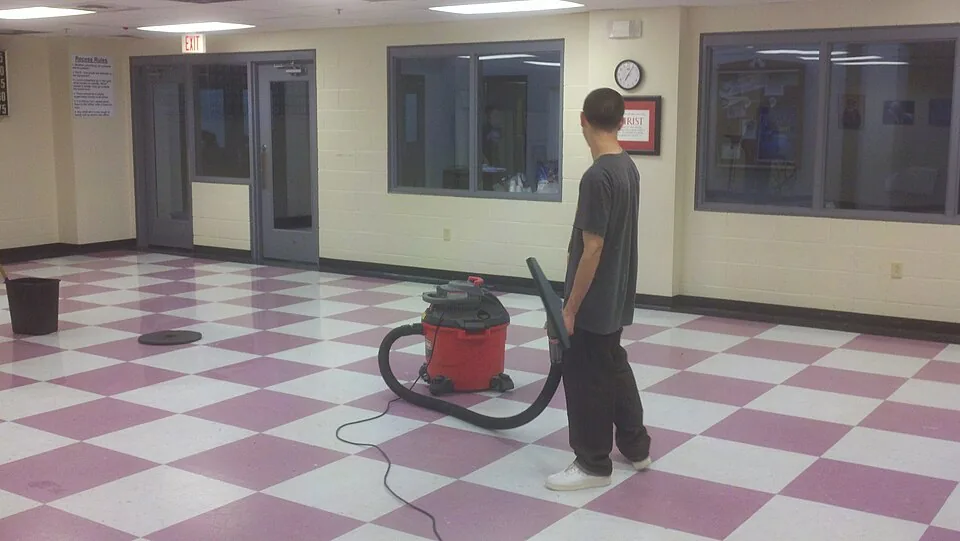
Address, floor area, cleaning interval and property contact give supervisors a starting point.
Employee, site, date, hours, break and tasks can be entered for the additional floor.
A quality check can record an inspector, rating, defects, corrective actions and supporting photos.
How Sektura helps with everyday work
Fictional example: on Thursday, a property contact asks for a newly occupied floor to be cleaned from Monday. Access and timing still need agreement.
The supervisor visits the floor, agrees the work and frequency, then updates the site details.
They agree staffing and hours with the cleaners and write the extra tasks into a shift.
They check the floor, record a missed kitchenette and arrange for it to be revisited.
The next conversation has the site record, scheduled shift and a specific finding. The software does not certify contract performance.
Getting started is simple
Enter its actual address, contact, area and agreed cleaning frequency.
Assign a worker, date, hours, break and tasks for that site.
Record a synthetic finding and corrective action, then reopen the entry.
Only record access details and photos after checking permissions and confidentiality requirements for that building.
No credit card is needed to start your trial.
Industry solution
Commercial cleaners maintaining office properties
Editorial workflow draft — not a product screenshot.
A business client adds another floor to its regular office cleaning.
Record rooms and agreed intervals for each area.
Agree shifts and cleaners assigned to the floor.
Record completed areas during the first cleaning round.
The property contact has the floor scope, staff schedule and first work record.
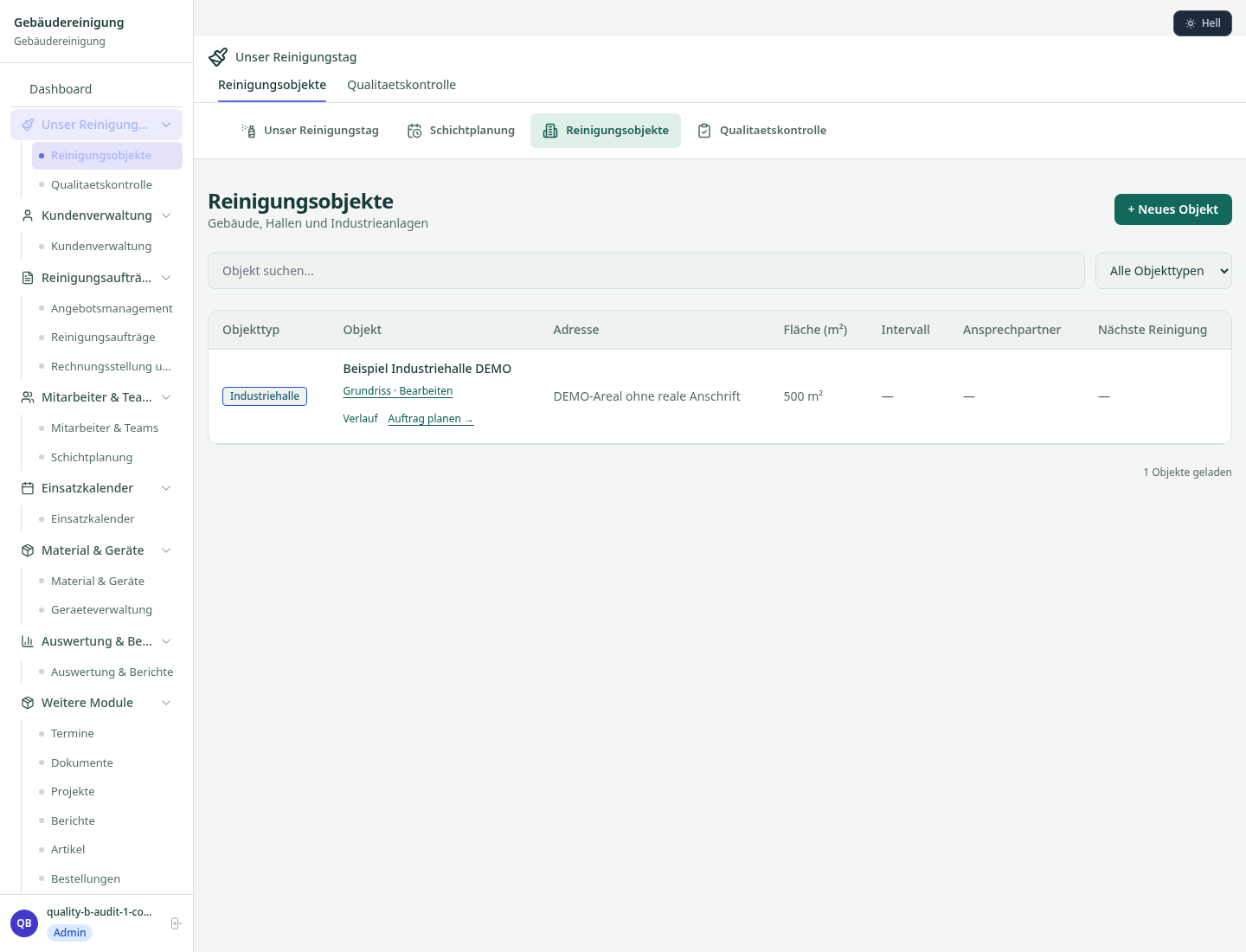
Manage cleaning objects with floor plans, areas and schedules.
Digital cleaning records with signature and photo documentation.
Shift plans, leave management and time tracking for cleaning staff.
Consumables and cleaning chemicals with reorder function.
Efficiently plan and document daily routes for cleaning teams.
Less paperwork
These features are included in every sektura solution.
Getting started is simple
Set up property list, cleaning schedules and prices
Configure object & area management and enter initial data
Configure cleaning logs & quality control and enter initial data
Configure staff planning & shift management and enter initial data
Create the first invoice or quote and test the workflow
Before you switch, we check which data we can transfer from your existing system.
CleanManager · swept · Ordio · helloCash
Germany · Austria · Switzerland · United Kingdom · France · Spain · Italy · Netherlands · Poland · Portugal · Sweden · Denmark · Norway · Finland · Czechia · Romania · Hungary · Türkiye · Russia · Ukraine · Indonesia · Vietnam · Thailand · Saudi Arabia · China · Japan · South Korea · India · Greece · Croatia · Serbia · Bulgaria · Slovakia · Slovenia · Lithuania · Latvia · Estonia · Albania · Malaysia · Philippines · Bangladesh · Pakistan
04 / Getting started
Choose your industry, country and billing cycle. You will see the corresponding industry price; book add-ons separately when needed.
days free trial
No credit card is needed to start your trial.
No credit card is needed to start your trial.
Add-ons are billed separately in EUR. Displayed prices reflect your selected country and billing cycle.

Industry software for chimney sweeps — sweep districts, emissions measurements, fireplace inspections and invoicing.

Job management for cleaning companies and facility services
Case management for private investigators and detective agencies
Event management for event agencies, planners and venue operators

.jpg)

