A record is not a handover
The team must agree the scope, get access and return the key in reality; checking a box does not do the work.
Industry solution / Service & Facility
For cleaning teams visiting a flat while the client is away. Put the visit in special cleaning, track the key separately, then record the rooms actually cleaned in the detailed work log.
Pricing & getting started
A special-cleaning entry holds the property, date, client, type and remarks. Spell out whether the kitchen, bathroom or a difficult stain is included.
The key register records its number, recipient, issue date and return date. The people involved still carry out the real handover.
The detailed log holds the property, worker, times, completed areas and exceptions; room photos are optional where appropriate.
How Sektura helps with everyday work
A client books a flat clean before coming home. A neighbour will pass on the key, and heavy limescale in the bathroom needs a separate agreement on scope.
Add a one-off special-cleaning entry for the flat and date; use the remarks to name the agreed rooms and extra work.
Enter the key number, recipient and issue date, and agree the physical transfer with the neighbour.
Log the rooms completed and any exceptions; after the key is actually returned, update its date and status.
The service can answer questions using the recorded agreement and work. A log entry cannot prove an unseen task or replace returning the key.
Getting started is simple
Enter a fictional flat address and a name your team will recognise.
Choose 'Other' in special cleaning and explain the work and date in the remarks.
Enter a sample key issue and return, then complete one detailed work log with an exception.
The team must agree the scope, get access and return the key in reality; checking a box does not do the work.
No credit card is needed to start your trial.
Industry solution
Cleaners handling one-off home visits
Editorial workflow draft — not a product screenshot.
A client books a one-off flat clean while she is away.
Agree key handover and rooms to clean with her.
Note heavy soiling and the order she prefers.
Record cleaned rooms and return of the key afterward.
The agreed work and key return are traceable for both sides.
Optimized daily routes with time windows — less driving time, more jobs per day.
Room-by-room photo documentation before/after cleaning — quality proof and protection against complaints.
Key register with issue log and liability signature for every client property.
Automatic review request via SMS after every job — more Google reviews.
Recurring contracts with SEPA direct debit and automatic invoice generation.
Less paperwork
These features are included in every sektura solution.
Customer records with full project history for all CleaningDesk jobs and relevant contact and location information.
Invoices for CleaningDesk services under local law. Automatic numbering, PDF export and dunning management.
Appointments for CleaningDesk deployments with GPS address, staff assignment and automatic email reminders.
All CleaningDesk documents managed centrally: plans, protocols, warranties, certificates and manufacturer documentation.
CleaningDesk jobs with industry-specific fields, status tracking and automatic cost calculation.
Reports for CleaningDesk: revenue by service type, utilisation, averages and profitability per job.
Vote on new CleaningDesk features. Which functions matter most? Your vote counts in product development.
Getting started is simple
Set up property list, cleaning services and prices
Configure cleaning route optimization and enter initial data
Configure room photo before & after and enter initial data
Configure digital key management and enter initial data
Create the first invoice or quote and test the workflow
Before you switch, we check which data we can transfer from your existing system.
CleanManager · Ordio · helloCash · ZenMaid
Germany · Austria · Switzerland · United Kingdom · France · Spain · Italy · Netherlands · Poland · Portugal · Sweden · Denmark · Norway · Finland · Czechia · Romania · Hungary · Türkiye · Russia · Ukraine · Indonesia · Vietnam · Thailand · Saudi Arabia · China · Japan · South Korea · India · Greece · Croatia · Serbia · Bulgaria · Slovakia · Slovenia · Lithuania · Latvia · Estonia · Albania · Malaysia · Philippines · Bangladesh · Pakistan
04 / Getting started
Choose your industry, country and billing cycle. You will see the corresponding industry price; book add-ons separately when needed.
days free trial
No credit card is needed to start your trial.
No credit card is needed to start your trial.
Add-ons are billed separately in EUR. Displayed prices reflect your selected country and billing cycle.

Industry software for chimney sweeps — sweep districts, emissions measurements, fireplace inspections and invoicing.
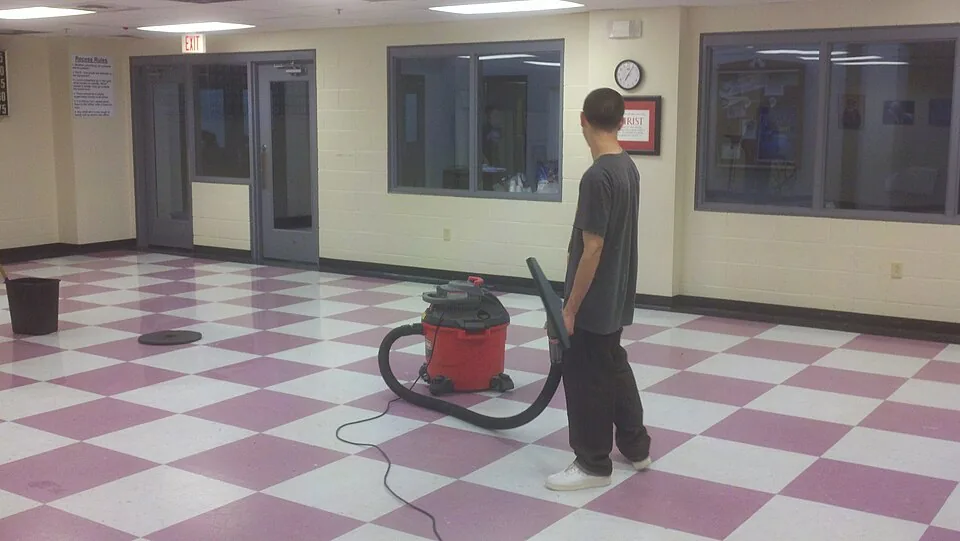
Job management for commercial cleaning companies
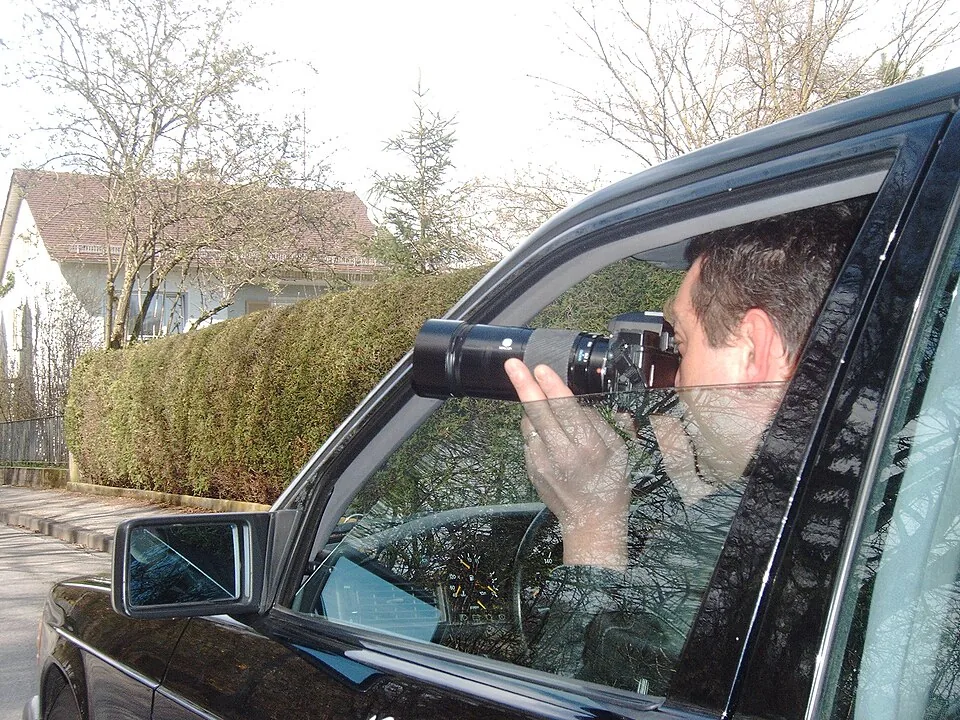
Case management for private investigators and detective agencies
Event management for event agencies, planners and venue operators


