Owning a print may not mean owning image rights
A loan does not establish who took the photograph or may license a copy. Limit access until the position is clear.
Industry solution / Associations
A local history society receiving a print needs to know who brought it, what the writing on the back says, where the original is kept and who may permit a reproduction. The desk keeps archive details, object custody and exhibition plans in separate records; the society checks the evidence and rights.
Pricing & getting started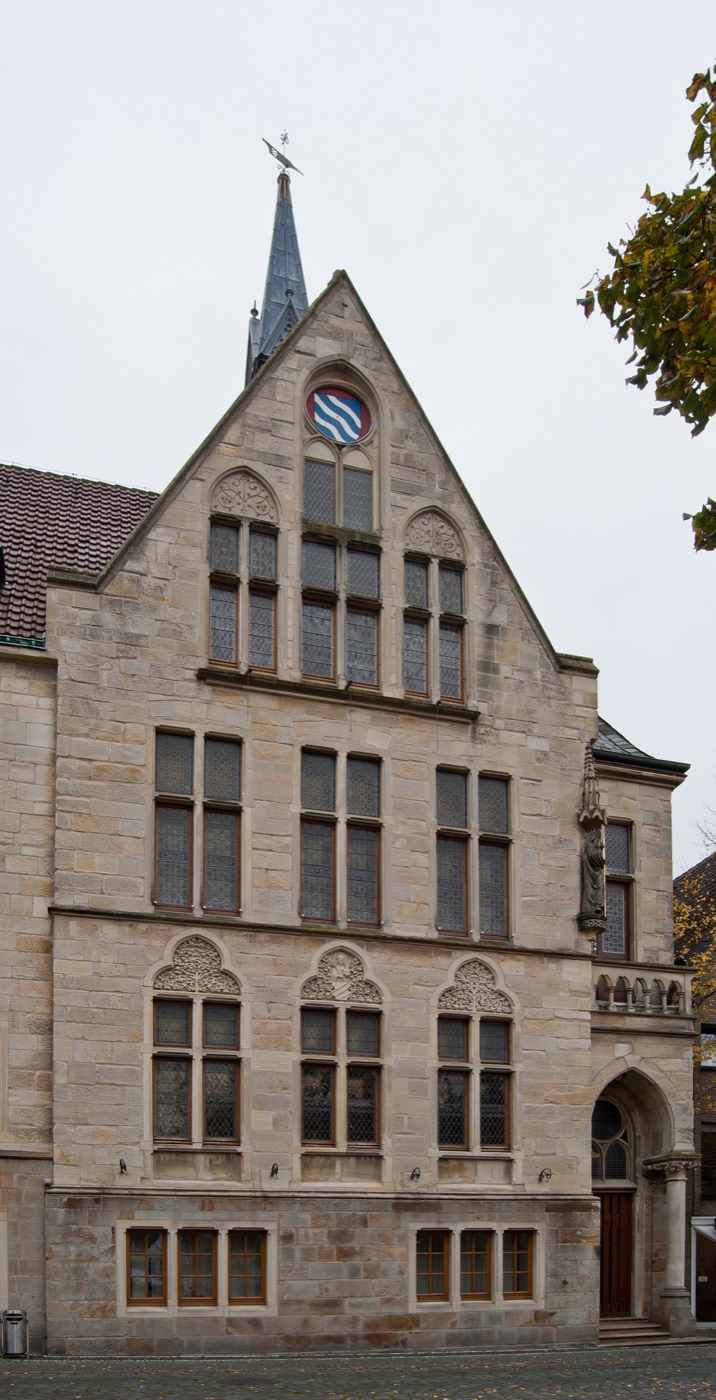
An archive entry holds title, medium, historical date, description, people and place. An uncertain date belongs in the description as a question.
The object register records inventory number, ownership status, condition and storage location; archive access and rights holder have their own fields.
Create an exhibition with title, dates, venue and description. Agree display permission and return of a loan with the right person.
How Sektura helps with everyday work
This is a fictional example. A resident lends a paper print of the old town bridge. Someone wrote “Bridge 1958?” on its back. An exhibition about the riverbank opens in six weeks, but date, photographer and reproduction rights remain uncertain.
Two volunteers ask about the print's family history and copy the question mark into the archive description. They set its visibility to internal while they investigate.
They inventory the physical print with owner status and storage place, discuss return and proposed enlargement, then check who can authorise that use.
They open an exhibition record with venue and dates. The description calls the photo a possible loan until the questions are resolved; no caption states 1958 as fact.
The volunteers can find the print and see what remains open. A visibility setting does not give them permission to publish it.
Getting started is simple
Start with a print whose lender can explain where it came from; record testimony and uncertainty separately.
Enter title, medium, description, rights note and suitable visibility in the archive; inventory where the original is kept.
Plan the exhibition dates and venue, then confirm caption, image use and return with the people entitled to decide.
A loan does not establish who took the photograph or may license a copy. Limit access until the position is clear.
No credit card is needed to start your trial.
Industry solution
Local heritage clubs preserving archives
Editorial workflow draft — not a product screenshot.
A resident offers an old town photograph to the local heritage club for an exhibition.
Record the photograph’s origin and the owner’s details.
Clarify permission to display it and the proposed caption.
Discuss its exhibition context and return date.
The photograph, origin and outstanding permissions are documented for the exhibition.
Manage digital archives and image collections
Maintain the local chronicle with timeline view
Plan exhibitions: items, layout, opening hours, guided tours and visitor tracking.
Manage club publications: yearbooks, newsletters and historical research papers.
Document and coordinate heritage preservation efforts
What sets sektura apart from generic systems.
Less paperwork
These features are included in every sektura solution.
Member records with full history of all Heritage Club activities and relevant contact information.
Dues and invoices for Heritage Club services. Automatic numbering, PDF export and dunning management.
Events for Heritage Club with location, participant management and automatic reminders.
All Heritage Club documents managed centrally: bylaws, minutes, resolutions and certificates.
Heritage Club projects with status tracking, budget planning and task assignment.
Reports for Heritage Club: member statistics, treasury reports and annual statements.
Vote on new Heritage Club features. Which functions matter most? Your vote counts.
Getting started is simple
Import members with their areas of expertise and roles
Set up the digital archive with initial document categories
Enter key events and milestones in the local chronicle
Plan the first exhibition with items and tour schedule
Start the first club publication or newsletter
Before you switch, we check which data we can transfer from your existing system.
SEWOBE · Verein Online · Clubdesk · Hübschmann
Germany · Austria · Switzerland · United Kingdom · France · Spain · Italy · Netherlands · Poland · Portugal · Sweden · Denmark · Norway · Finland · Czechia · Romania · Hungary · Türkiye · Russia · Ukraine · Indonesia · Vietnam · Thailand · Saudi Arabia · China · Japan · South Korea · India · Greece · Croatia · Serbia · Bulgaria · Slovakia · Slovenia · Lithuania · Latvia · Estonia · Albania · Malaysia · Philippines · Bangladesh · Pakistan
04 / Getting started
Choose your industry, country and billing cycle. You will see the corresponding industry price; book add-ons separately when needed.
days free trial
No credit card is needed to start your trial.
No credit card is needed to start your trial.
Add-ons are billed separately in EUR. Displayed prices reflect your selected country and billing cycle.

Management software for animal welfare clubs — shelter management, foster care, adoption placement and donation management.
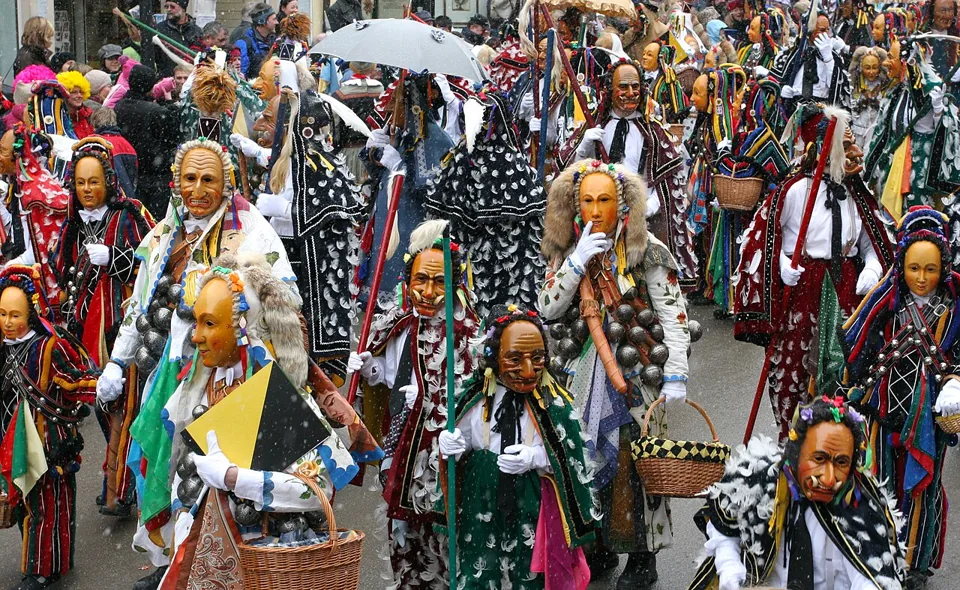
Management software for carnival clubs — session planning, costume management, guard dance and show organisation.
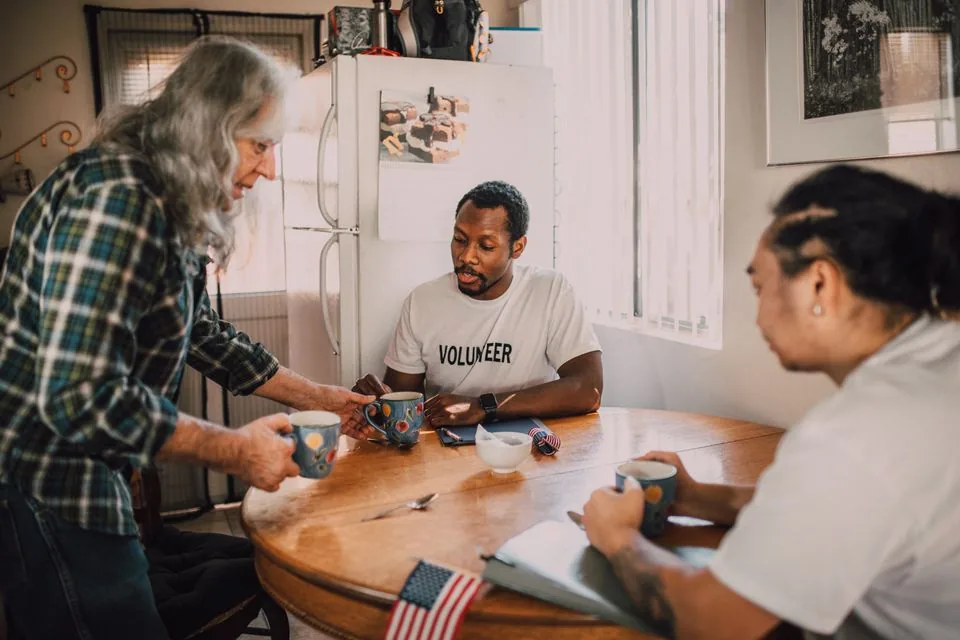
Management software for community and neighbourhood associations — members, activities and local networking.
Management software for cultural clubs — theatre, dance, traditions, carnival and more.
