A suggestion is not consent
Check with both the volunteer and the person seeking help before promising a visit.
Industry solution / Associations
A community association needs to know what a neighbour asked for, who accepted the visit and what happened afterwards. Record the request, review volunteer profiles, assign one person deliberately and close it with a short report.
Pricing & getting started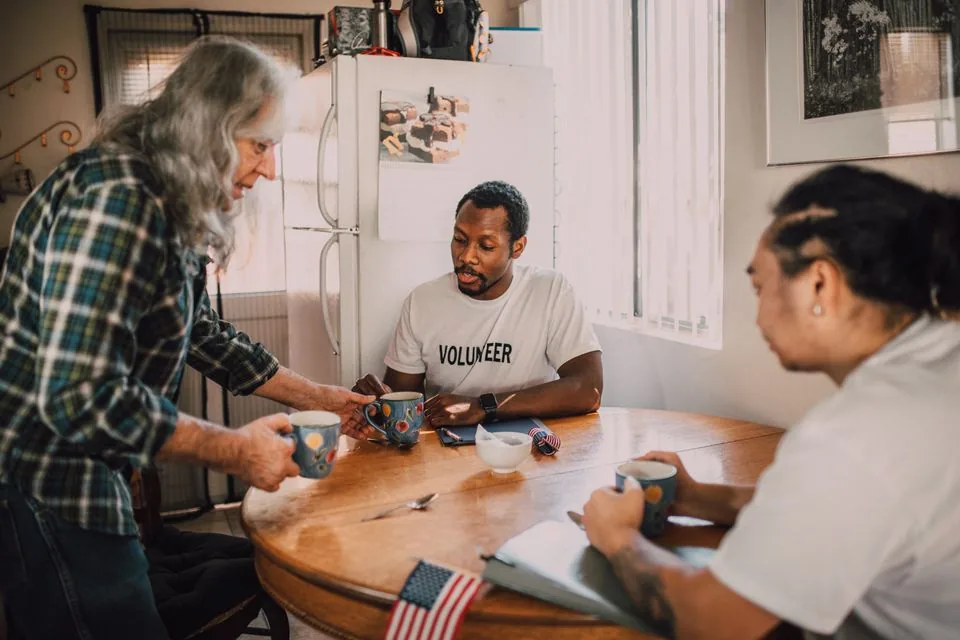
Date, contact and the scope of help stay with the request rather than in a committee member’s private messages.
Profiles show area and recorded skills. Staff still call to confirm the person can and wants to help.
Open, assigned and completed requests have clear stages; the completion report records what was done.
How Sektura helps with everyday work
Illustrative example, not a customer testimonial: a neighbour asks for help with weekly groceries on Thursday morning.
Ask when to visit, how to make contact and what help is wanted; record only details needed for this task.
Review suggested volunteer profiles, speak to one volunteer and assign them only after they agree.
After the visit, add a brief factual note about the shopping help and any outstanding issue.
The association can see the agreed arrangement and the work actually reported, without assuming that a suggestion was a commitment.
Getting started is simple
Use synthetic data for a person’s area, skills and contact details.
Enter a concrete shopping request and preferred day with fictional contact data.
Review the candidates, select a person deliberately and record a short completion report.
Check with both the volunteer and the person seeking help before promising a visit.
Set staff access carefully and record only what this particular task needs.
No credit card is needed to start your trial.
Industry solution
Community associations arranging local neighbour support
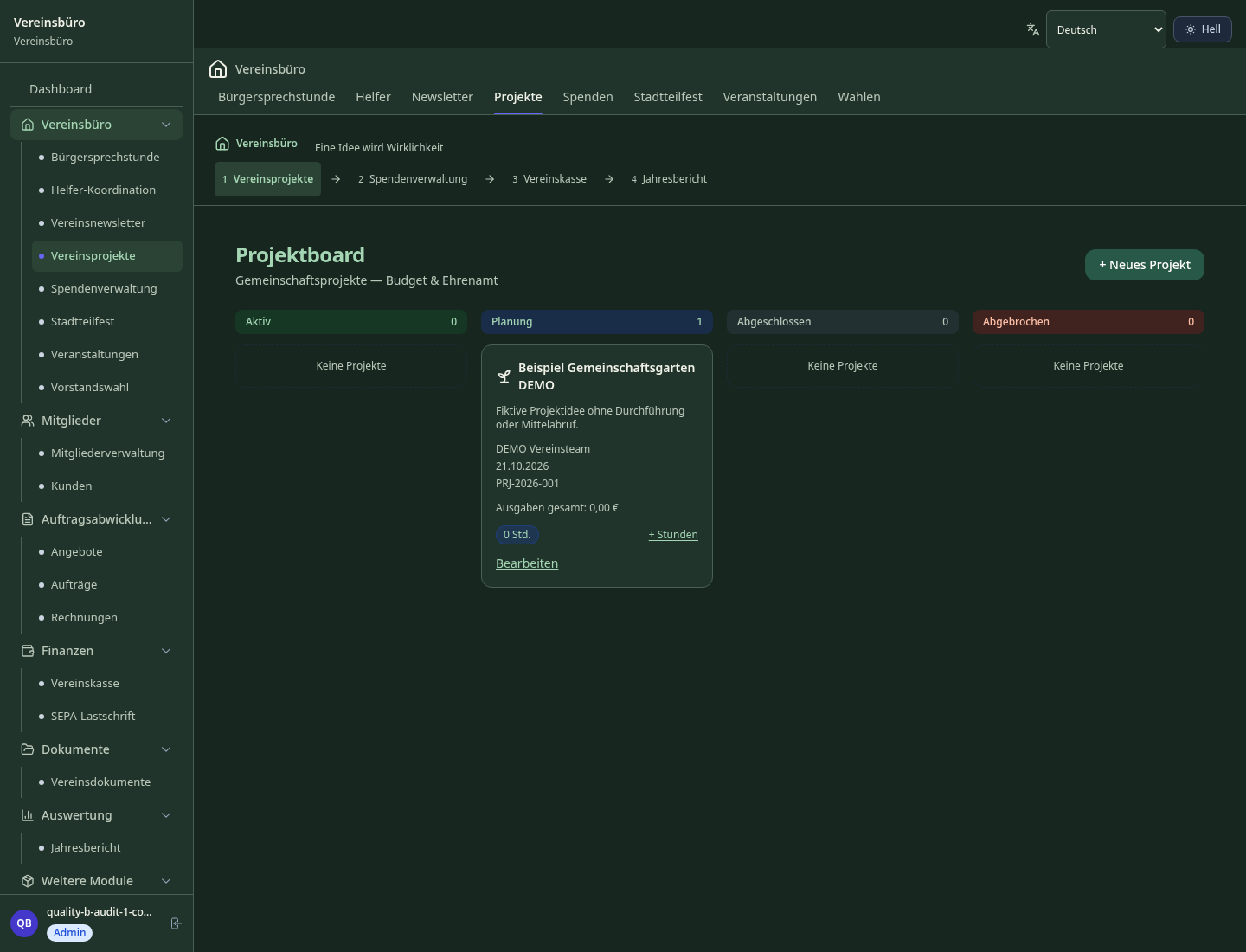
Editorial workflow draft — not a product screenshot.
An older resident asks the community club for help with groceries.
Confirm what she needs and when.
Ask an available volunteer and agree the visit.
Record the help provided after the shopping trip.
The resident and club have a clear record of the agreement and visit.
Record and report volunteer service hours
Generate tax-deductible donation receipts automatically
Plan and manage neighborhood and community events
Coordinate mutual aid and support services in the community
Connect volunteers, match skills and coordinate assignments
What sets sektura apart from generic systems.
Less paperwork
These features are included in every sektura solution.
Customer records with full project history for all Community Club jobs and relevant contact and location information.
Invoices for Community Club services under local law. Automatic numbering, PDF export and dunning management.
Appointments for Community Club deployments with GPS address, staff assignment and automatic email reminders.
All Community Club documents managed centrally: plans, protocols, warranties, certificates and manufacturer documentation.
Community Club jobs with industry-specific fields, status tracking and automatic cost calculation.
Reports for Community Club: revenue by service type, utilisation, averages and profitability per job.
Vote on new Community Club features. Which functions matter most? Your vote counts in product development.
Getting started is simple
Import members with their volunteer roles and contact details
Set up volunteer hour categories and tracking rules
Configure donation receipt templates for your tax office
Create the first community project and assign volunteers
Send the first community newsletter via the platform
Before you switch, we check which data we can transfer from your existing system.
Vereinsflieger · Easyverein · Betterplace · Clubdesk
Germany · Austria · Switzerland · United Kingdom · France · Spain · Italy · Netherlands · Poland · Portugal · Sweden · Denmark · Norway · Finland · Czechia · Romania · Hungary · Türkiye · Russia · Ukraine · Indonesia · Vietnam · Thailand · Saudi Arabia · China · Japan · South Korea · India · Greece · Croatia · Serbia · Bulgaria · Slovakia · Slovenia · Lithuania · Latvia · Estonia · Albania · Malaysia · Philippines · Bangladesh · Pakistan
04 / Getting started
Choose your industry, country and billing cycle. You will see the corresponding industry price; book add-ons separately when needed.
days free trial
No credit card is needed to start your trial.
No credit card is needed to start your trial.
Add-ons are billed separately in EUR. Displayed prices reflect your selected country and billing cycle.

Management software for animal welfare clubs — shelter management, foster care, adoption placement and donation management.

Management software for carnival clubs — session planning, costume management, guard dance and show organisation.

Management software for cultural clubs — theatre, dance, traditions, carnival and more.

Management software for dance clubs — course programme, tournament registration, trainer coordination and performance management.
