A voucher is not a payment receipt
Voucher and redemption records are separate. A booking or voucher number alone does not prove payment.
Industry solution / Beauty & Wellness
At a spa desk, an empty calendar cell is not enough: treatment room, session length and therapist must fit together. Record the requested treatment, check the overlap and agree a time before promising the visit.
Pricing & getting started
Timed treatments assigned to a room are checked against that room's capacity and existing bookings.
A named therapist cannot be booked into overlapping timed treatments; recorded unavailable shifts are considered.
An online request becomes a booking only after staff take it over and review the details.
How Sektura helps with everyday work
Example: a guest asks for a one-hour back massage on Friday at 3 pm. The treatment room is occupied, so reception checks a room and therapist at 4:30 pm and offers that slot.
Note the guest, date, treatment and desired hour before making a promise.
The occupancy view shows the room clash; reception checks room and therapist again for 4:30 pm.
Once the guest accepts, enter the treatment with start, duration, room and therapist.
The guest has an agreed appointment and the team can see the plan. A record does not guarantee attendance or clinical suitability.
Getting started is simple
Enter real room names, capacity and availability so the occupancy view reflects the spa.
Record therapists and known working or blocked periods for a manageable day.
Use sample data for a back massage and deliberately test a conflicting room slot.
Voucher and redemption records are separate. A booking or voucher number alone does not prove payment.
No credit card is needed to start your trial.
Industry solution
Wellness centers offering spa treatments
Editorial workflow draft — not a product screenshot.
Two guests want to book treatments together and ask for a quiet time slot.
Discuss treatments and preferred duration with both guests.
Check available rooms and therapists on the daily plan.
Agree on the order of treatments with the guests.
The discussed schedule is recorded for their joint visit.
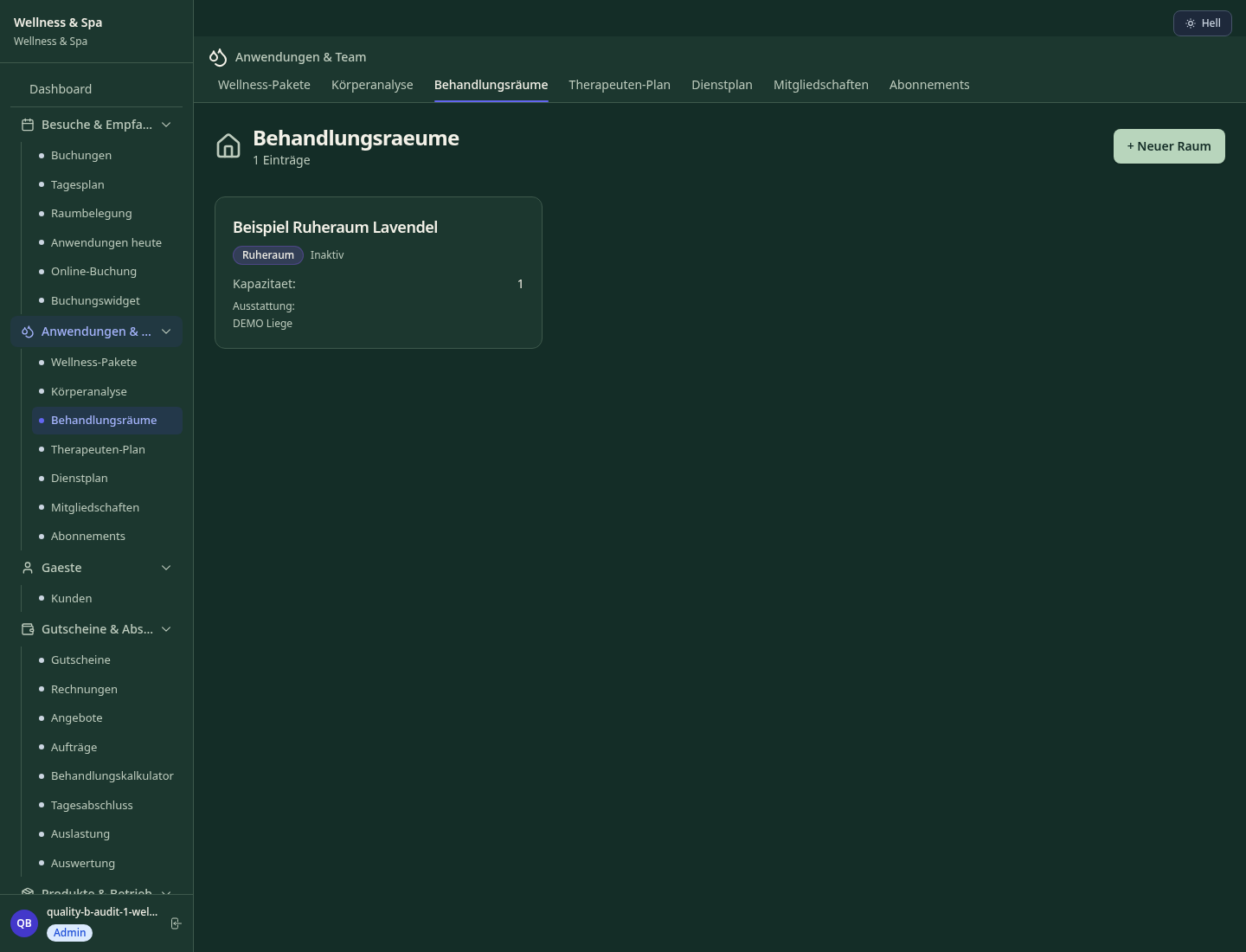
Full-day wellness packages with multiple treatments, rooms & therapists in one booking
Plan rooms, loungers & facilities simultaneously — prevents overbooking & waiting times
Purchase personalised wellness vouchers online, redeem and automatically track credit balance
Silver/Gold/Platinum subscriptions with treatment credits, discount tiers & automatic renewal
Revenue, utilisation & customer rating per therapist — basis for scheduling & bonuses
Less paperwork
These features are included in every sektura solution.
Customer records with full project history for all WellnessDesk jobs and relevant contact and location information.
Invoices for WellnessDesk services under local law. Automatic numbering, PDF export and dunning management.
Appointments for WellnessDesk deployments with GPS address, staff assignment and automatic email reminders.
All WellnessDesk documents managed centrally: plans, protocols, warranties, certificates and manufacturer documentation.
WellnessDesk jobs with industry-specific fields, status tracking and automatic cost calculation.
Reports for WellnessDesk: revenue by service type, utilisation, averages and profitability per job.
Vote on new WellnessDesk features. Which functions matter most? Your vote counts in product development.
Getting started is simple
Set up treatments, prices and service catalogue
Configure spa day & package booking and enter initial data
Configure pool, sauna & cabin planning and enter initial data
Configure vouchers & gift packages and enter initial data
Create the first invoice or quote and test the workflow
Before you switch, we check which data we can transfer from your existing system.
Shore · Fresha · Treatwell · bookee
Germany · Austria · Switzerland · United Kingdom · France · Spain · Italy · Netherlands · Poland · Portugal · Sweden · Denmark · Norway · Finland · Czechia · Romania · Hungary · Türkiye · Russia · Ukraine · Indonesia · Vietnam · Thailand · Saudi Arabia · China · Japan · South Korea · India · Greece · Croatia · Serbia · Bulgaria · Slovakia · Slovenia · Lithuania · Latvia · Estonia · Albania · Malaysia · Philippines · Bangladesh · Pakistan
04 / Getting started
Choose your industry, country and billing cycle. You will see the corresponding industry price; book add-ons separately when needed.
days free trial
No credit card is needed to start your trial.
No credit card is needed to start your trial.
Add-ons are billed separately in EUR. Displayed prices reflect your selected country and billing cycle.
Software for beauty salons and cosmetic studios – manage treatments, client data and appointments professionally.
Software for hair salons – professional management of appointments, client data, services and invoices.
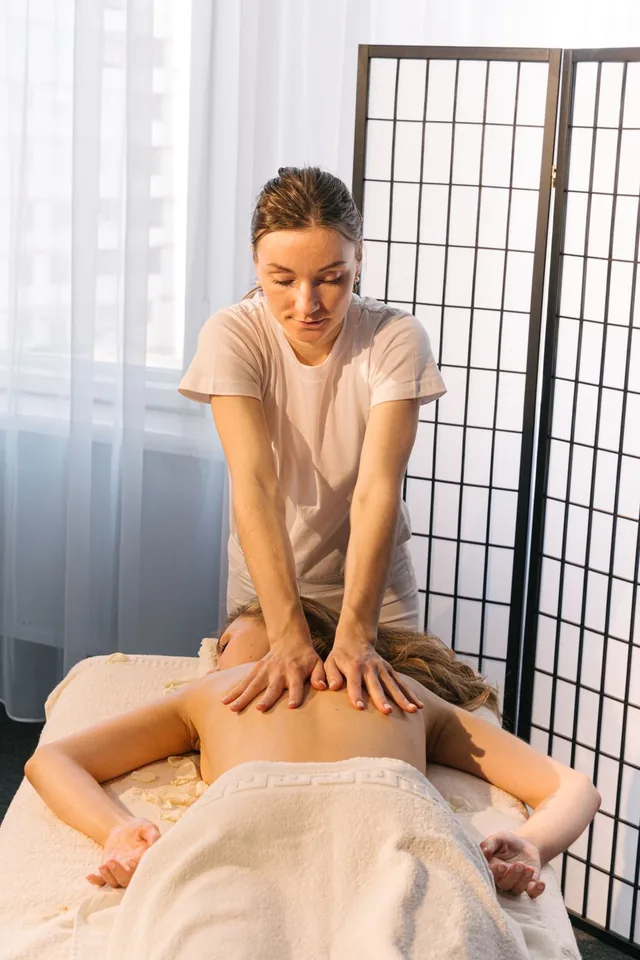
Software for massage practices and wellness studios – professional management of appointments, treatments and client preferences.
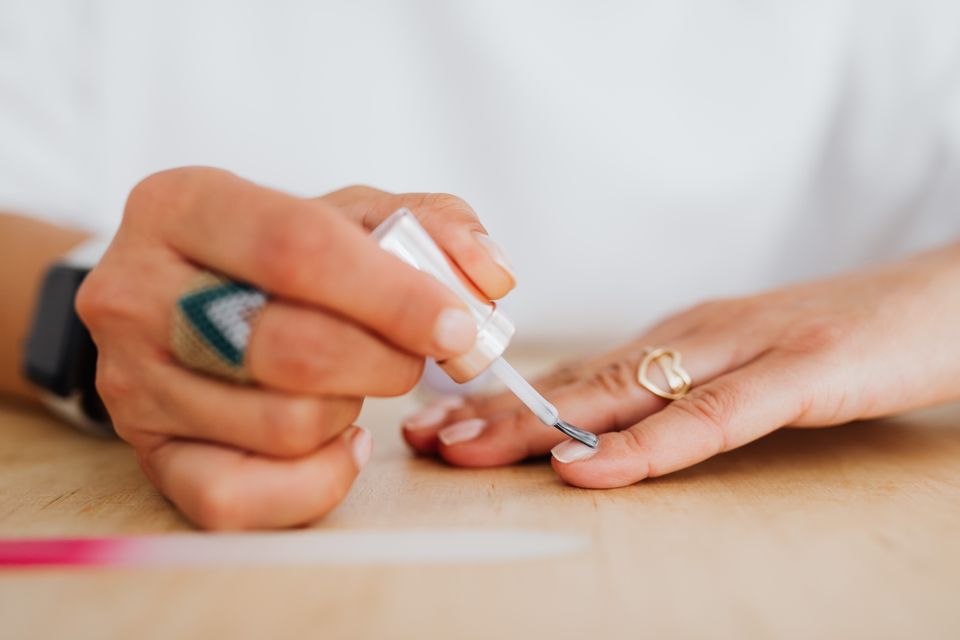
Software for nail studios – manage appointments, services, designs and client data with ease.