Client information
Keep only needed personal details and discuss product and hair questions with the client.
Industry solution / Beauty & Wellness
For hair salons discussing a client’s existing colour, desired shade, treatment time and follow-up visit.
Pricing & getting started
Review earlier colour notes and assess the current hair in person.
Record the desired shade, discussed steps and realistic time needed.
Keep the consultation notes with the client and next appointment.
How Sektura helps with everyday work
In this illustrative salon example, a client wants to change a previously coloured style. The stylist first needs to see the current condition.
The stylist reviews previous colour notes and examines the hair.
The desired shade and proposed work are written down.
The stylist agrees on a suitable appointment and saves the consultation note.
The next visit has a clear starting point; a particular colour result is not guaranteed.
Getting started is simple
Enter the cuts and colour services you actually offer with their timing.
Use a synthetic client and a consultation appointment.
Record the colour wish and follow-up, then review the client view.
Keep only needed personal details and discuss product and hair questions with the client.
No credit card is needed to start your trial.
Industry solution
Hair salons planning colour work
Editorial workflow draft — not a product screenshot.
A client wants to change her existing hair colour and books a consultation.
Review the previous colour formula and current hair condition together.
Note the desired shade and work steps discussed.
Agree on the time needed and a follow-up appointment.
The starting colour, desired shade and appointment are clear for the consultation.
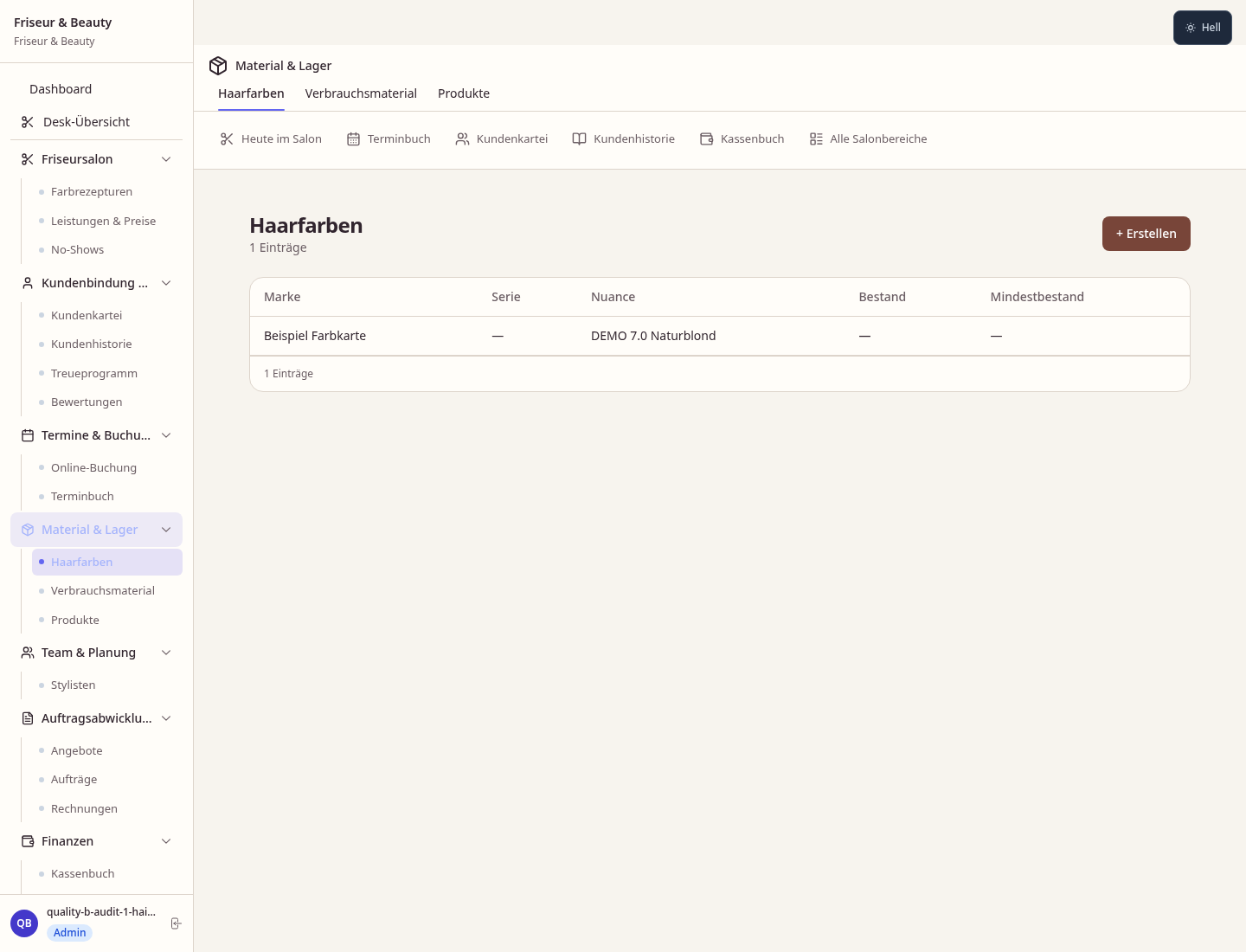
Hair colour formulas, mixing ratios & developers stored and retrievable per client
Commission settlement per stylist by revenue and product sales
Stylist calendar with day, week and month views — walk-ins and bookings
Retail products (shampoo, styling, care) with stock and sales statistics
Stylist calendar with day, week and month views — walk-ins and bookings
Less paperwork
These features are included in every sektura solution.
Customer records with full project history for all FriseurDesk jobs and relevant contact and location information.
Invoices for FriseurDesk services under local law. Automatic numbering, PDF export and dunning management.
Appointments for FriseurDesk deployments with GPS address, staff assignment and automatic email reminders.
All FriseurDesk documents managed centrally: plans, protocols, warranties, certificates and manufacturer documentation.
FriseurDesk jobs with industry-specific fields, status tracking and automatic cost calculation.
Reports for FriseurDesk: revenue by service type, utilisation, averages and profitability per job.
Vote on new FriseurDesk features. Which functions matter most? Your vote counts in product development.
Getting started is simple
Set up services, stylist profiles and prices
Configure colour formula documentation and enter initial data
Configure stylist commission & payroll and enter initial data
Configure walk-in & waiting list mode and enter initial data
Create the first invoice or quote and test the workflow
Before you switch, we check which data we can transfer from your existing system.
Shore · Treatwell · Fresha · Planity
Germany · Austria · Switzerland · United Kingdom · France · Spain · Italy · Netherlands · Poland · Portugal · Sweden · Denmark · Norway · Finland · Czechia · Romania · Hungary · Türkiye · Russia · Ukraine · Indonesia · Vietnam · Thailand · Saudi Arabia · China · Japan · South Korea · India · Greece · Croatia · Serbia · Bulgaria · Slovakia · Slovenia · Lithuania · Latvia · Estonia · Albania · Malaysia · Philippines · Bangladesh · Pakistan
04 / Getting started
Choose your industry, country and billing cycle. You will see the corresponding industry price; book add-ons separately when needed.
days free trial
No credit card is needed to start your trial.
No credit card is needed to start your trial.
Add-ons are billed separately in EUR. Displayed prices reflect your selected country and billing cycle.

Software for beauty salons and cosmetic studios – manage treatments, client data and appointments professionally.

Software for massage practices and wellness studios – professional management of appointments, treatments and client preferences.

Software for nail studios – manage appointments, services, designs and client data with ease.
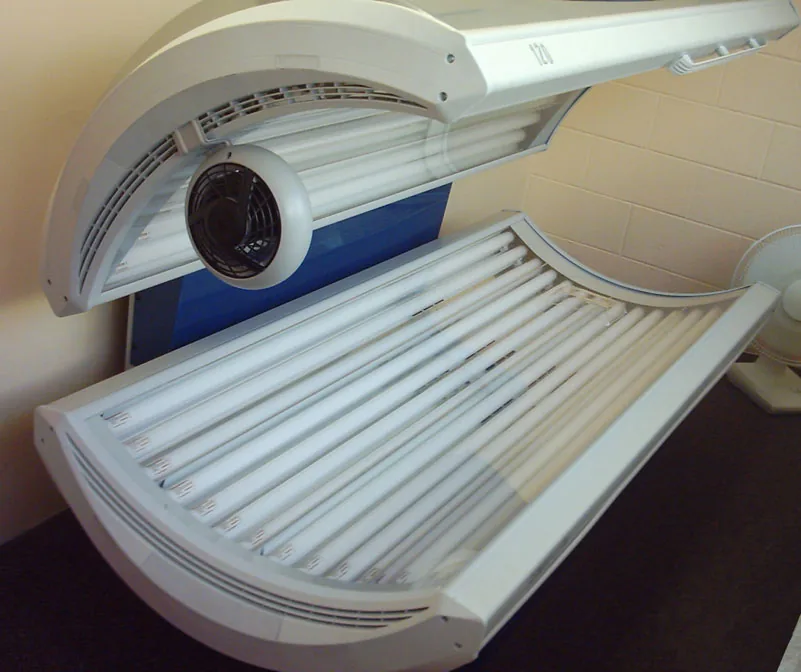
Software for tanning salons – manage visits, equipment, memberships and skin types with ease.
