Handle sensitive details carefully
Record only what is needed and review your own consent and access procedures.
Industry solution / Beauty & Wellness
For beauty studios that want the client’s skin concerns, chosen treatment and appointment details in view before anyone enters the treatment room.
Pricing & getting started
Record the client’s reported skin type and concerns so the beautician knows what to ask next.
Check the service, therapist and time in the appointment and revisit changes in the calendar.
Review the treatment delivered and agreed items before preparing the invoice.
How Sektura helps with everyday work
Example: A new client mentions a sensitive patch while booking a facial.
The beautician asks about the concern and records what the client reports.
They discuss the proposed service and document consent where needed.
The therapist and time are checked before saving the appointment.
The team has the relevant questions ready; the treatment decision stays with the professional.
Getting started is simple
Enter your facial services with the duration and price you actually offer.
Use synthetic contact details and record a skin concern as a reported fact.
Assign the service and therapist, save, then check the calendar.
Record only what is needed and review your own consent and access procedures.
No credit card is needed to start your trial.
Industry solution
Beauty salons offering facial treatments
Editorial workflow draft — not a product screenshot.
A customer reports sensitive skin before a facial treatment.
Ask about the skin concern and note the answer.
Review consent and the proposed treatment with the customer.
Record the appointment and questions for the beautician.
The beautician has details for choosing the treatment.
Document treatment results with client photos — legally compliant & GDPR-conform
Skin type, allergies & pre-treatments in customer profile with recommendation logic for follow-up products
Peeling courses, IPL series & microneedling packages with session tracking & automatic scheduling
Digital initial consultation forms with contraindications & electronic signature
Post-treatment SMS with care tips, follow-up appointment & product recommendation from the shop
Less paperwork
These features are included in every sektura solution.
Customer records with full project history for all KosmetikDesk jobs and relevant contact and location information.
Invoices for KosmetikDesk services under local law. Automatic numbering, PDF export and dunning management.
Appointments for KosmetikDesk deployments with GPS address, staff assignment and automatic email reminders.
All KosmetikDesk documents managed centrally: plans, protocols, warranties, certificates and manufacturer documentation.
KosmetikDesk jobs with industry-specific fields, status tracking and automatic cost calculation.
Reports for KosmetikDesk: revenue by service type, utilisation, averages and profitability per job.
Vote on new KosmetikDesk features. Which functions matter most? Your vote counts in product development.
Getting started is simple
Set up treatments, prices and product catalogue
Configure before/after photo documentation and enter initial data
Configure skin diagnosis & treatment plan and enter initial data
Configure treatment series & course planning and enter initial data
Create the first invoice or quote and test the workflow
Before you switch, we check which data we can transfer from your existing system.
Shore · Treatwell · Fresha · Timify
Germany · Austria · Switzerland · United Kingdom · France · Spain · Italy · Netherlands · Poland · Portugal · Sweden · Denmark · Norway · Finland · Czechia · Romania · Hungary · Türkiye · Russia · Ukraine · Indonesia · Vietnam · Thailand · Saudi Arabia · China · Japan · South Korea · India · Greece · Croatia · Serbia · Bulgaria · Slovakia · Slovenia · Lithuania · Latvia · Estonia · Albania · Malaysia · Philippines · Bangladesh · Pakistan
04 / Getting started
Choose your industry, country and billing cycle. You will see the corresponding industry price; book add-ons separately when needed.
days free trial
No credit card is needed to start your trial.
No credit card is needed to start your trial.
Add-ons are billed separately in EUR. Displayed prices reflect your selected country and billing cycle.
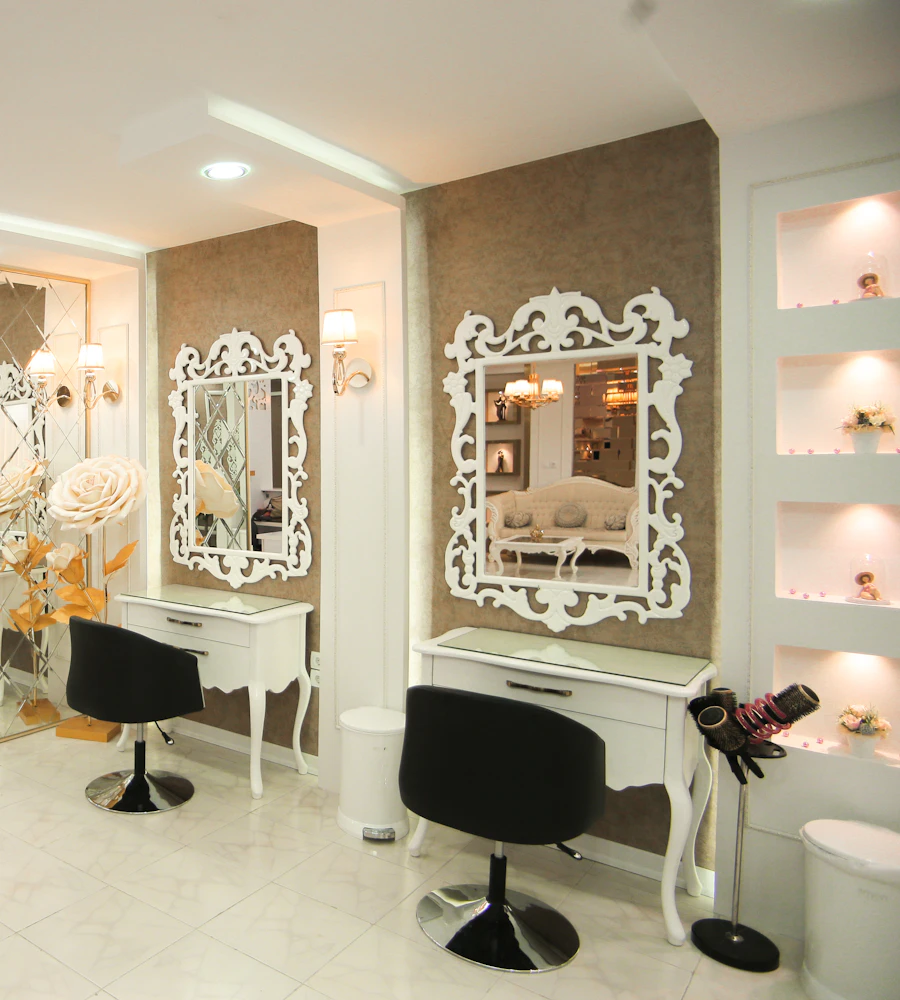
Software for hair salons – professional management of appointments, client data, services and invoices.
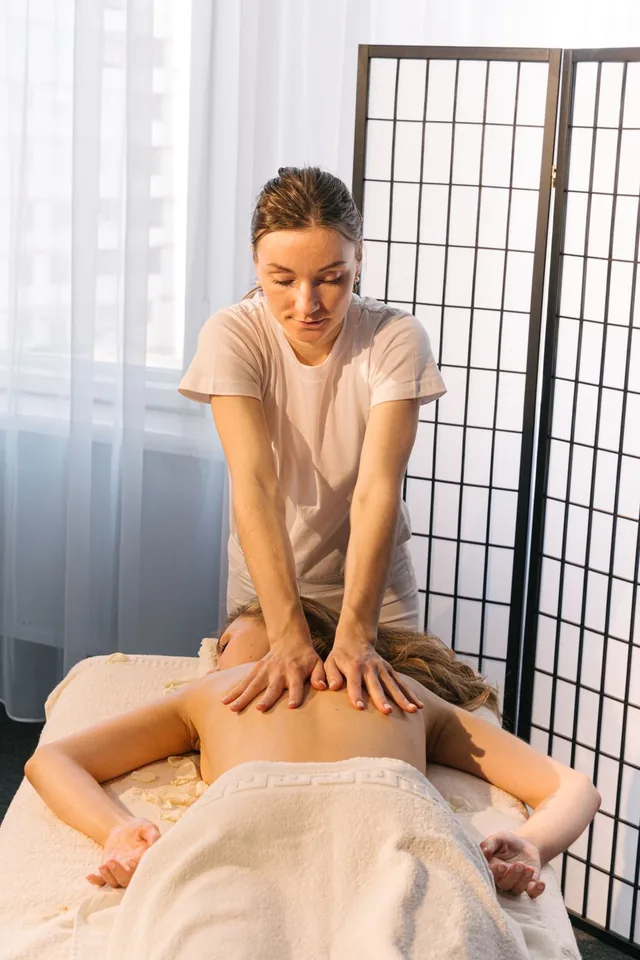
Software for massage practices and wellness studios – professional management of appointments, treatments and client preferences.
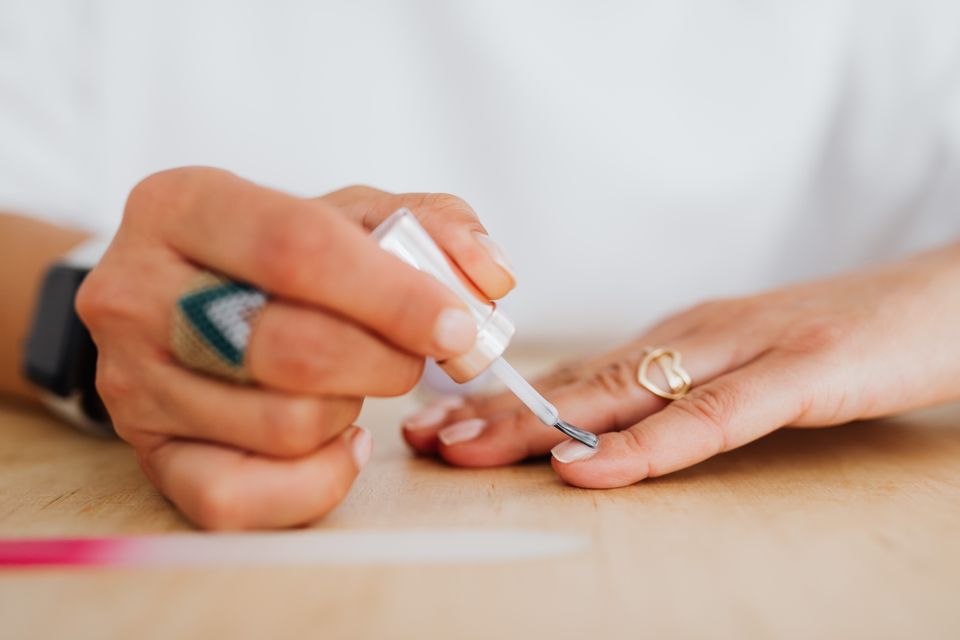
Software for nail studios – manage appointments, services, designs and client data with ease.
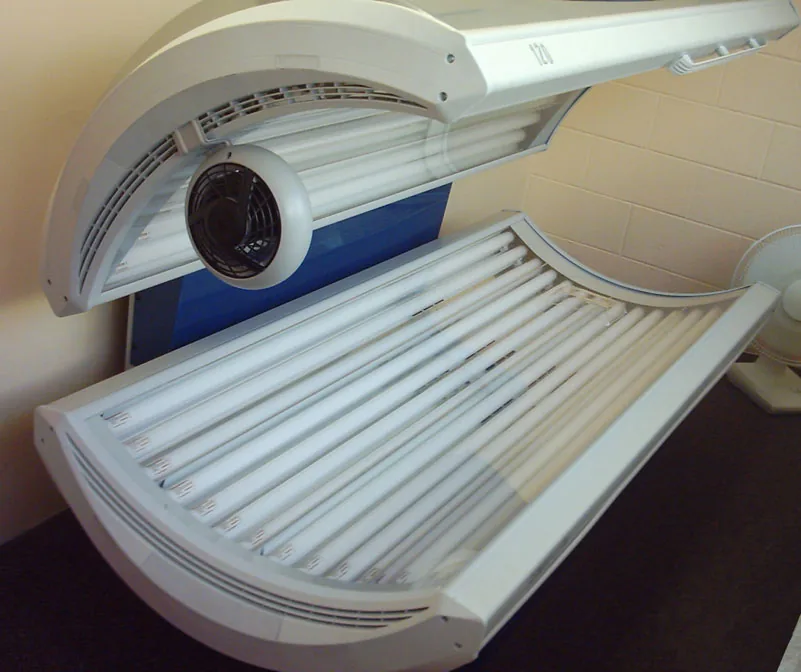
Software for tanning salons – manage visits, equipment, memberships and skin types with ease.
