The appointment does not replace professional judgement
Check unexpected damage or discomfort before applying products. Record only necessary information and follow your studio's hygiene process.
Industry solution / Beauty & Wellness
A nail studio cannot judge a damaged nail from a calendar entry. Keep refill and repair services, a realistic booking length and the assigned technician together. The technician still examines the nail, skin and products before deciding what to do.
Pricing & getting started
Create refill, repair or removal services with your own price and minutes. Select services in the booking and choose its total duration yourself.
The diary shows day and week by technician, checks workdays and rejects overlapping appointments for the same person. Keep the client's design request in notes.
A separate treatment entry holds service, duration, price and design. The contraindication check must be documented before it can be saved.
How Sektura helps with everyday work
In this fictional studio example, a regular client calls the day before her refill: gel has chipped on one finger, and she wants a short milky finish. A call cannot establish whether the natural nail is affected.
The technician notes the finger and colour request, checks her diary for refill plus possible repair, and selects enough time rather than assuming the normal slot will do.
She looks at nail and skin, asks about relevant reactions and checks the products. If treatment is unsuitable, she changes the plan; a diary note is no safety decision.
Afterwards she records the steps actually carried out, design, time and agreed charge, including the required contraindication check.
The diary reflects planned time; the treatment record reflects actual work. Neither promises compatibility or a particular result.
Getting started is simple
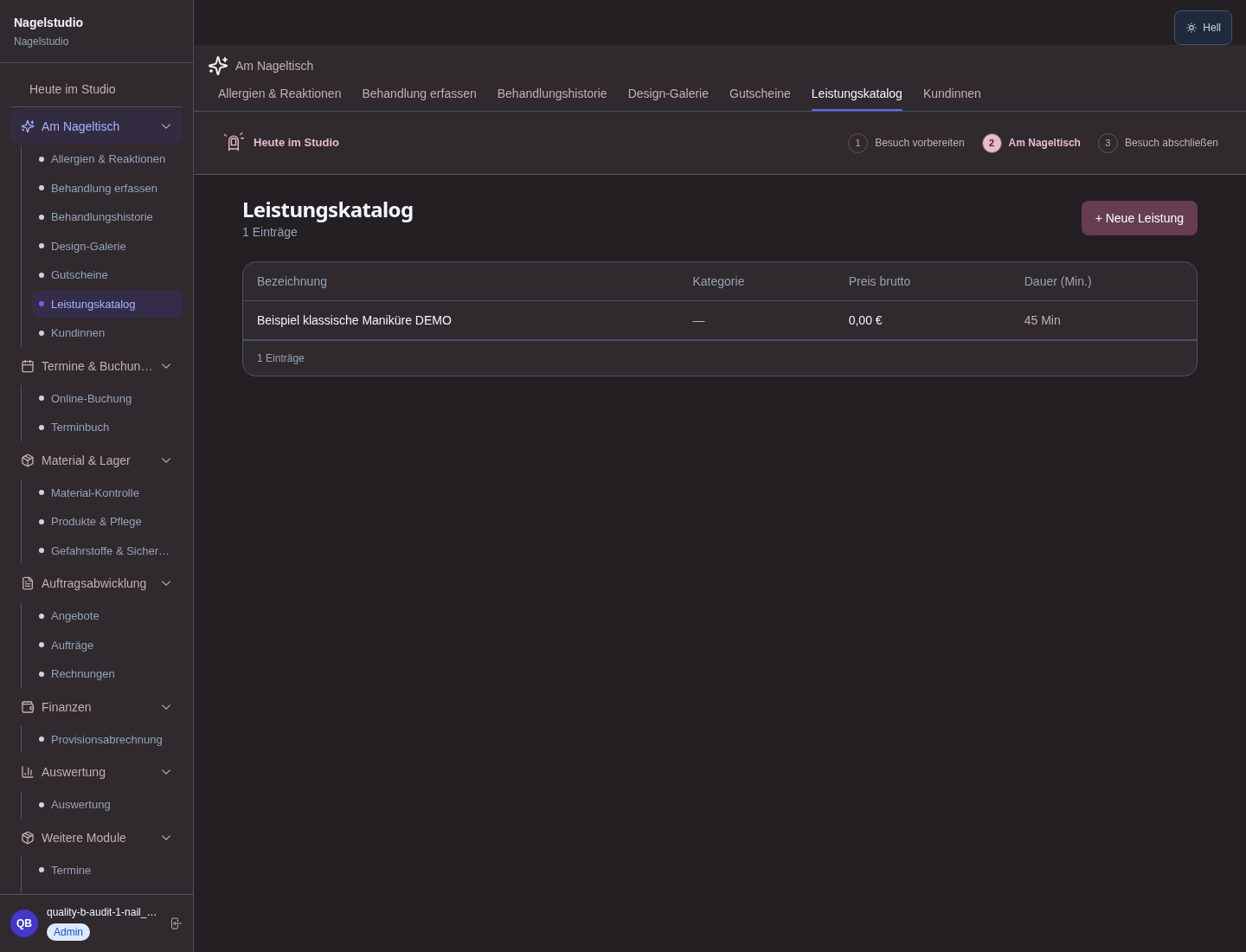
Review refill, repair and removal in the catalogue, and enter your actual prices and workable minutes.
Configure technician workdays. With synthetic details, select services, set total time deliberately and note the design request.
Use test details for service, actual duration, charge and contraindication review. Collect health information only where necessary and permitted.
Check unexpected damage or discomfort before applying products. Record only necessary information and follow your studio's hygiene process.
No credit card is needed to start your trial.
Industry solution
Independent nail technicians
Editorial workflow draft — not a product screenshot.
A returning client reports a chipped gel nail before her appointment.
Allow time for repair and the desired design.
Note the previous product and chosen color.
Record the treatment and time actually spent.
The appointment records the design choice, product note and completed service.
Gel color, nail shape & technique per client — reproducible at the next appointment
Appointment length by service (infill, full set, shellac) with realistic time buffers
Commission settlement, tip splitting & payroll export for every technician automatically
Manage booth renters with their own calendar, client base & POS system under one roof
Automatic deposit on booking — retain deposit on no-show & log it
Less paperwork
These features are included in every sektura solution.
Customer records with full project history for all NailDesk jobs and relevant contact and location information.
Invoices for NailDesk services under local law. Automatic numbering, PDF export and dunning management.
Appointments for NailDesk deployments with GPS address, staff assignment and automatic email reminders.
All NailDesk documents managed centrally: plans, protocols, warranties, certificates and manufacturer documentation.
NailDesk jobs with industry-specific fields, status tracking and automatic cost calculation.
Reports for NailDesk: revenue by service type, utilisation, averages and profitability per job.
Vote on new NailDesk features. Which functions matter most? Your vote counts in product development.
Getting started is simple
Set up treatments, prices and service catalogue
Configure gel polish & shellac record and enter initial data
Configure duration-based scheduling and enter initial data
Configure nail tech commission & tips and enter initial data
Create the first invoice or quote and test the workflow
Before you switch, we check which data we can transfer from your existing system.
Shore · Fresha · Treatwell · Timify
Germany · Austria · Switzerland · United Kingdom · France · Spain · Italy · Netherlands · Poland · Portugal · Sweden · Denmark · Norway · Finland · Czechia · Romania · Hungary · Türkiye · Russia · Ukraine · Indonesia · Vietnam · Thailand · Saudi Arabia · China · Japan · South Korea · India · Greece · Croatia · Serbia · Bulgaria · Slovakia · Slovenia · Lithuania · Latvia · Estonia · Albania · Malaysia · Philippines · Bangladesh · Pakistan
04 / Getting started
Choose your industry, country and billing cycle. You will see the corresponding industry price; book add-ons separately when needed.
days free trial
No credit card is needed to start your trial.
No credit card is needed to start your trial.
Add-ons are billed separately in EUR. Displayed prices reflect your selected country and billing cycle.
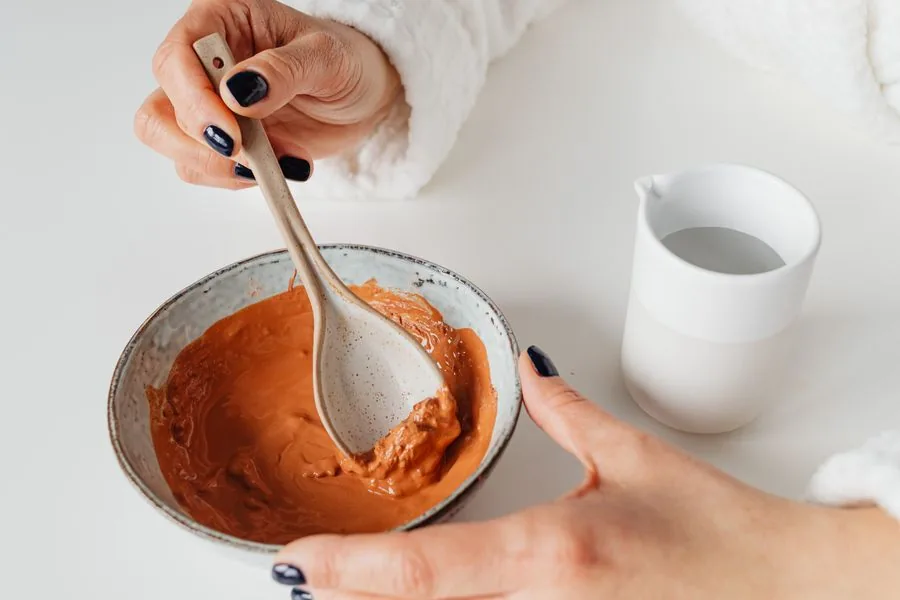
Software for beauty salons and cosmetic studios – manage treatments, client data and appointments professionally.
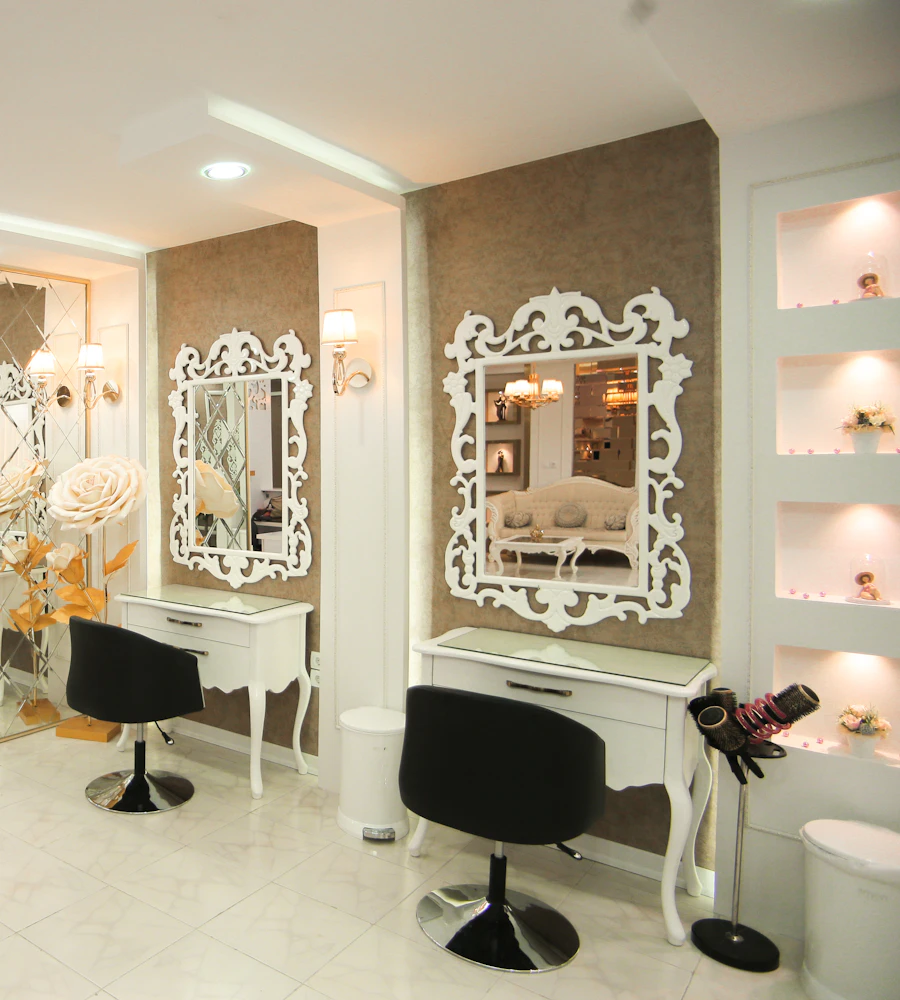
Software for hair salons – professional management of appointments, client data, services and invoices.

Software for massage practices and wellness studios – professional management of appointments, treatments and client preferences.
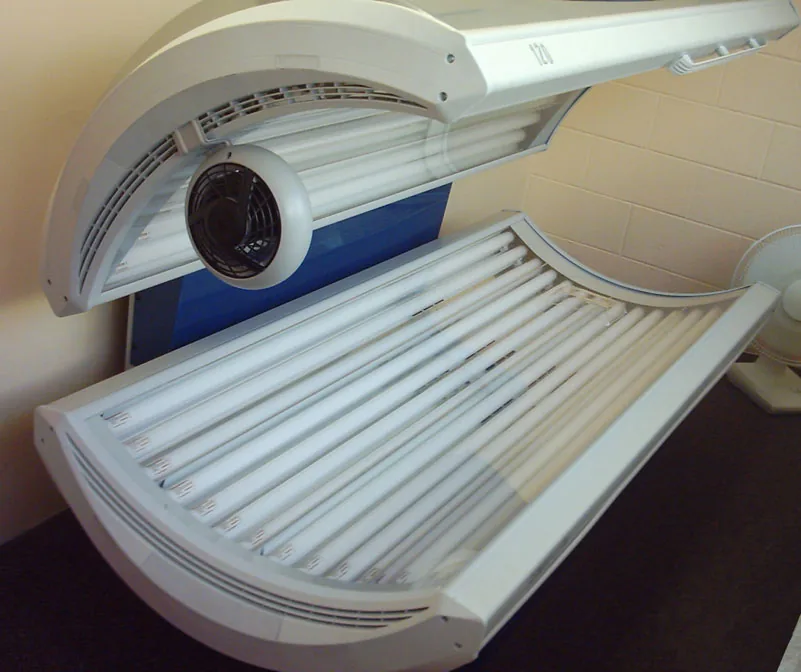
Software for tanning salons – manage visits, equipment, memberships and skin types with ease.
