Storage dates are estimates
A date derived from entered storage weeks does not certify shelf life or replace fruit inspection.
Industry solution / Agriculture & Horticulture
When hail marks fruit in one block, staff need to sort before choosing storage or sales. The orchard desk records harvest weights by plot, variety and grade, links a storage lot to a harvest and can attach a direct sale to that lot. People still judge the apples.
Pricing & getting started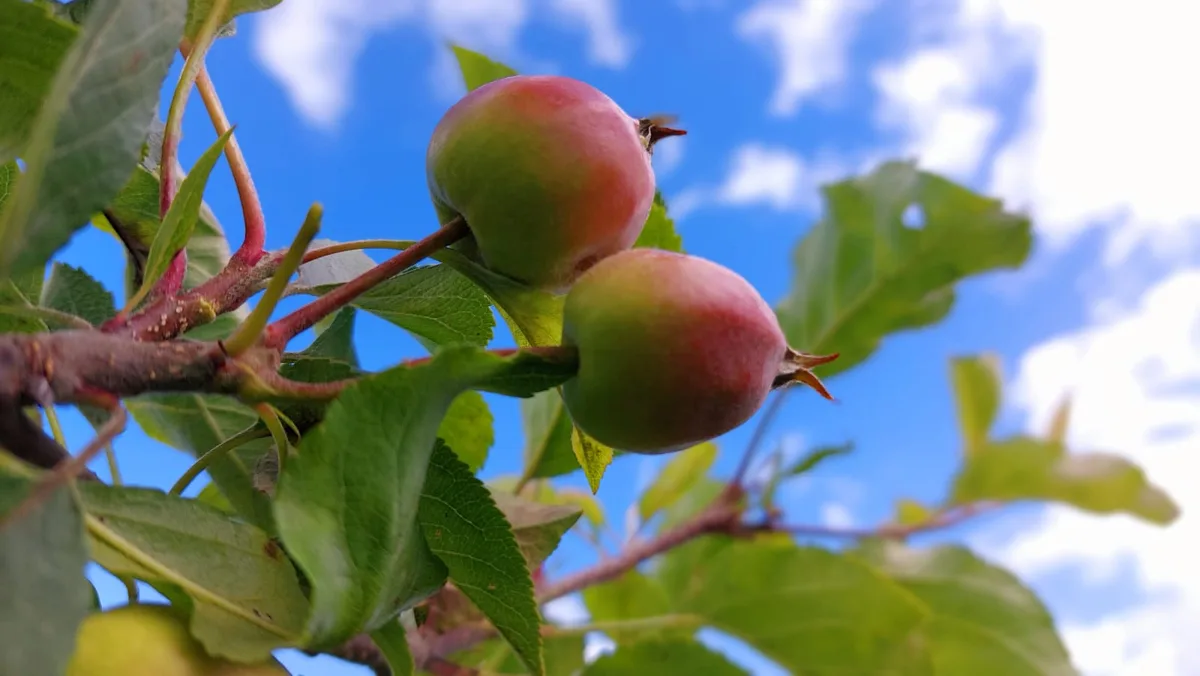
Enter the harvest date and separate weights for grade I, grade II and rejects; the recorded classes must add up to the total.
An incoming storage booking can refer to the harvest record and carry its origin. Crates with different conditions must be kept apart in the orchard.
Select a storage room and lot for a direct sale, then record the actual withdrawal. A sales label is only as sound as the sorting behind it.
How Sektura helps with everyday work
Example: Block N-4 yields 420 kg of Elstar. At the grading table the team finds 310 kg sound fruit, 80 kg bruised fruit for review and 30 kg rejects. They weigh and record these as separate harvest entries before moving any boxes into cool storage.
Confirm plot, variety and date; weigh the three groups separately.
Link the 310 kg entry to a suitable storage lot. Hold the 80 kg apart pending a real decision; do not treat rejects as saleable.
Choose the checked lot for farm-gate sales and book the quantity physically taken out.
The checked fruit can be followed from harvest to storage and sale when the team records every link and movement. The data alone is not a quality certificate.
Getting started is simple
Set up an actual block number and variety, rather than a label covering several cultivars.
Record date and weighed amounts for grades I, II and rejects.
Book checked fruit with its harvest reference, then choose that lot for a sale.
A date derived from entered storage weeks does not certify shelf life or replace fruit inspection.
No credit card is needed to start your trial.
Industry solution
Orchards with managed plots
Editorial workflow draft — not a product screenshot.
After a storm, an orchard checks an affected apple plot before harvest.
Note the plot and affected variety on site.
Record the harvest lot separately and assign storage space.
Describe visible damage in the lot note.
The affected harvest has a plot, lot and damage note.
GPS plot map with variety, planting material and yield forecast
Integrated pest management to GlobalG.A.P. standards, waiting period traffic light
Batch tracking per variety, CA storage occupancy plan, EU quality classes
Audit checklists, evidence documentation and audit reports for certification
Producer prices, delivery quantity settlement and sales channel analysis
Less paperwork
These features are included in every sektura solution.
Customer records with full project history for all OrchardingDesk jobs and relevant contact and location information.
Invoices for OrchardingDesk services under local law. Automatic numbering, PDF export and dunning management.
Appointments for OrchardingDesk deployments with GPS address, staff assignment and automatic email reminders.
All OrchardingDesk documents managed centrally: plans, protocols, warranties, certificates and manufacturer documentation.
OrchardingDesk jobs with industry-specific fields, status tracking and automatic cost calculation.
Reports for OrchardingDesk: revenue by service type, utilisation, averages and profitability per job.
Vote on new OrchardingDesk features. Which functions matter most? Your vote counts in product development.
Getting started is simple
Register farm areas, crops or livestock
Configure variety register & gps plot map and enter initial data
Configure ipm spray plan & ppp documentation and enter initial data
Configure harvest batches & ca storage planning and enter initial data
Create the first invoice or quote and test the workflow
Before you switch, we check which data we can transfer from your existing system.
NEXT Farming · 365FarmNet · top farmplan · Obstbau Online
Germany · Austria · Switzerland · United Kingdom · France · Spain · Italy · Netherlands · Poland · Portugal · Sweden · Denmark · Norway · Finland · Czechia · Romania · Hungary · Türkiye · Russia · Ukraine · Indonesia · Vietnam · Thailand · Saudi Arabia · China · Japan · South Korea · India · Greece · Croatia · Serbia · Bulgaria · Slovakia · Slovenia · Lithuania · Latvia · Estonia · Albania · Malaysia · Philippines · Bangladesh · Pakistan
04 / Getting started
Choose your industry, country and billing cycle. You will see the corresponding industry price; book add-ons separately when needed.
days free trial
No credit card is needed to start your trial.
No credit card is needed to start your trial.
Add-ons are billed separately in EUR. Displayed prices reflect your selected country and billing cycle.
Farm management for agricultural operations, direct marketers and organic farms.
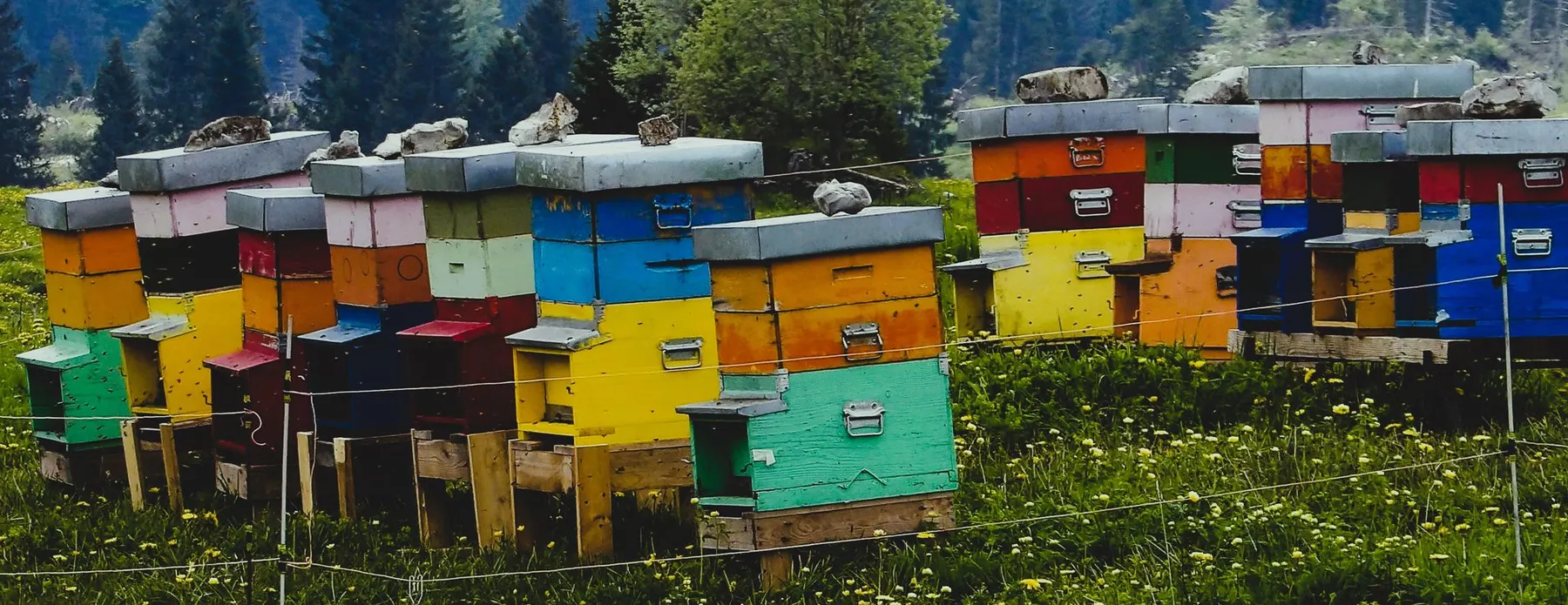
Software for beekeepers – manage colonies, apiaries, honey harvests and varroa treatments digitally.
Industry software for agricultural businesses — jobs, land, machinery, subsidies and direct marketing.
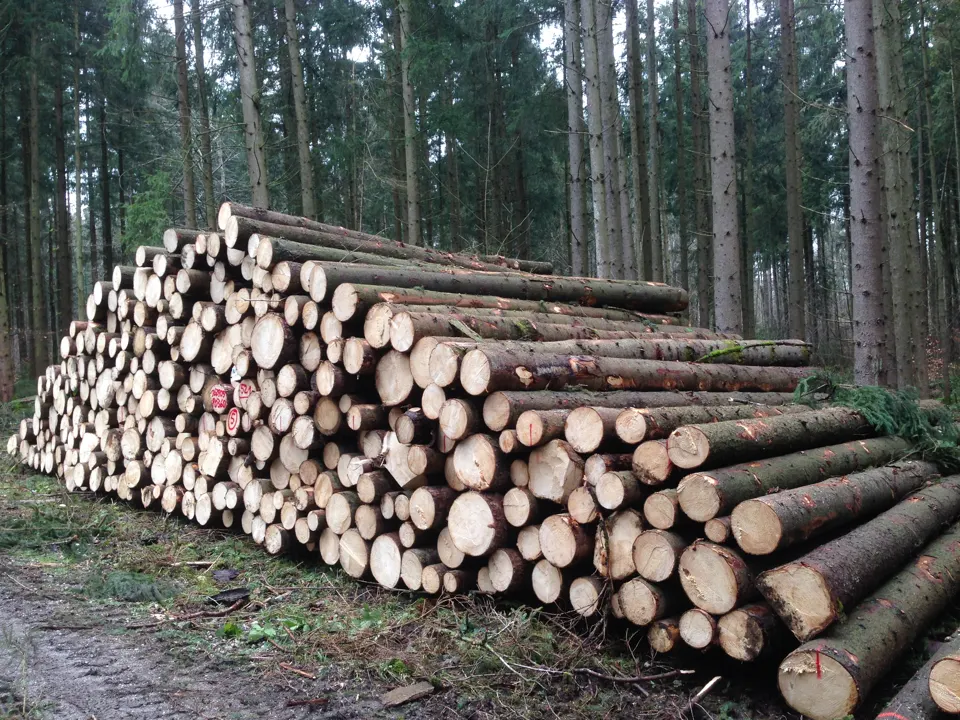
Software for forestry operations – manage forest measures, stands, timber species and protected areas.


