Your measurements remain authoritative
Moisture, grade and weight must come from your own readings or documents. The desk does not make authority submissions for you.
Industry solution / Agriculture & Horticulture
Built for arable farms that need a clear line from field details to weighed grain and storage. Record what happened on the farm, then use the yearly view to check the figures against your own paperwork.
Pricing & getting started
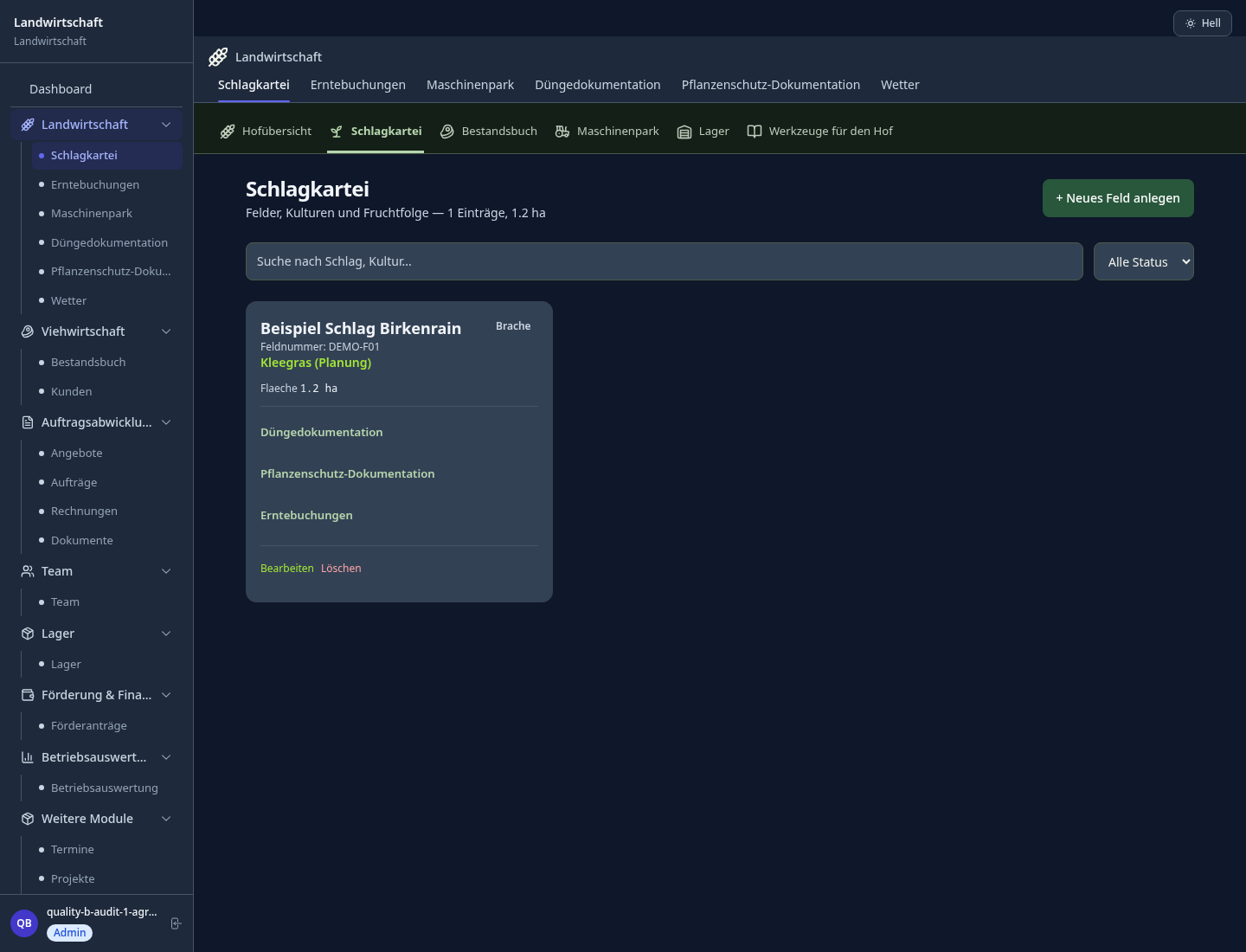
Name, area, crop and previous crop live with the field record. Two wheat fields no longer have to share an ambiguous note.
The harvest form accepts a date, quantity, moisture, quality and storage location where known. You can correct or add details when the weigh ticket arrives.
The annual report groups harvest by crop and field and flags incomplete records. Compare its numbers with weigh tickets and store movements before using them for decisions.
How Sektura helps with everyday work
In this fictional example, a combine finishes the first wheat field while a trailer goes to the weighbridge. The farm is deciding which bin will take the grain.
The manager opens the existing South Field record, where area and wheat crop are already entered.
She records the harvest date and measured tonnage, adding moisture and grade only after receiving the actual readings.
Back at the yard she adds the bin location and checks the entry against the weigh ticket.
The farm can trace the load to its field and inspect the seasonal total; the software has not predicted yield or verified the scales.
Getting started is simple
Enter its familiar name, area and current crop in Fields. This gives later harvest entries a reliable reference.
Choose that field and enter date and measured quantity. Fill optional quality and storage details when they are available. The form also requires yield in dt/ha; work it out from your field area and harvest figures rather than assuming the desk predicts it. For a first complete entry, use a field already finished; during harvest this value would be your own provisional estimate to revise later.
Open Reports and compare the field total with your tickets. Fix the original record if the figures differ.
Moisture, grade and weight must come from your own readings or documents. The desk does not make authority submissions for you.
No credit card is needed to start your trial.
Industry solution
Farms managing arable fields
Editorial workflow draft — not a product screenshot.
After a field visit, a farm must prepare the coming harvest for one plot.
Record the field and crop involved.
Estimate the harvest window from field observations.
Note the expected yield for the planning discussion.
The farm has a harvest plan to review on site.
Plan, document and analyse harvests
Manage livestock and health records
Fields, planting plans and soil analyses
Analyse and optimise yield data
Use local weather data with soil moisture and temperature forecasts for optimal sowing, fertilizing and harvest timing
Less paperwork
These features are included in every sektura solution.
Getting started is simple
Register farm areas, crops and crop rotations
Configure harvest management and enter initial data
Configure livestock management and enter initial data
Configure field overview and enter initial data
Create the first invoice or quote and test the workflow
Before you switch, we check which data we can transfer from your existing system.
365FarmNet · NEXT Farming · Agrar-Office · top farmplan
Germany · Austria · Switzerland · United Kingdom · France · Spain · Italy · Netherlands · Poland · Portugal · Sweden · Denmark · Norway · Finland · Czechia · Romania · Hungary · Türkiye · Russia · Ukraine · Indonesia · Vietnam · Thailand · Saudi Arabia · China · Japan · South Korea · India · Greece · Croatia · Serbia · Bulgaria · Slovakia · Slovenia · Lithuania · Latvia · Estonia · Albania · Malaysia · Philippines · Bangladesh · Pakistan
04 / Getting started
Choose your industry, country and billing cycle. You will see the corresponding industry price; book add-ons separately when needed.
days free trial
No credit card is needed to start your trial.
No credit card is needed to start your trial.
Add-ons are billed separately in EUR. Displayed prices reflect your selected country and billing cycle.
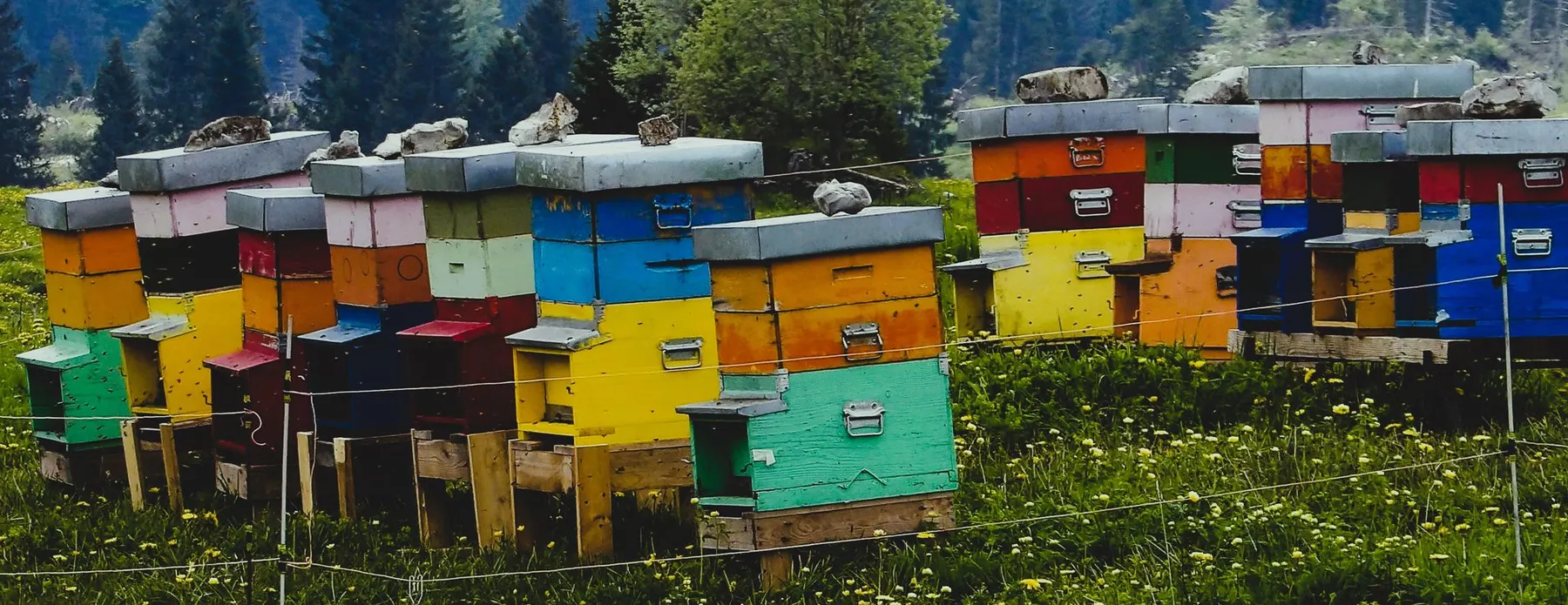
Software for beekeepers – manage colonies, apiaries, honey harvests and varroa treatments digitally.
Industry software for agricultural businesses — jobs, land, machinery, subsidies and direct marketing.
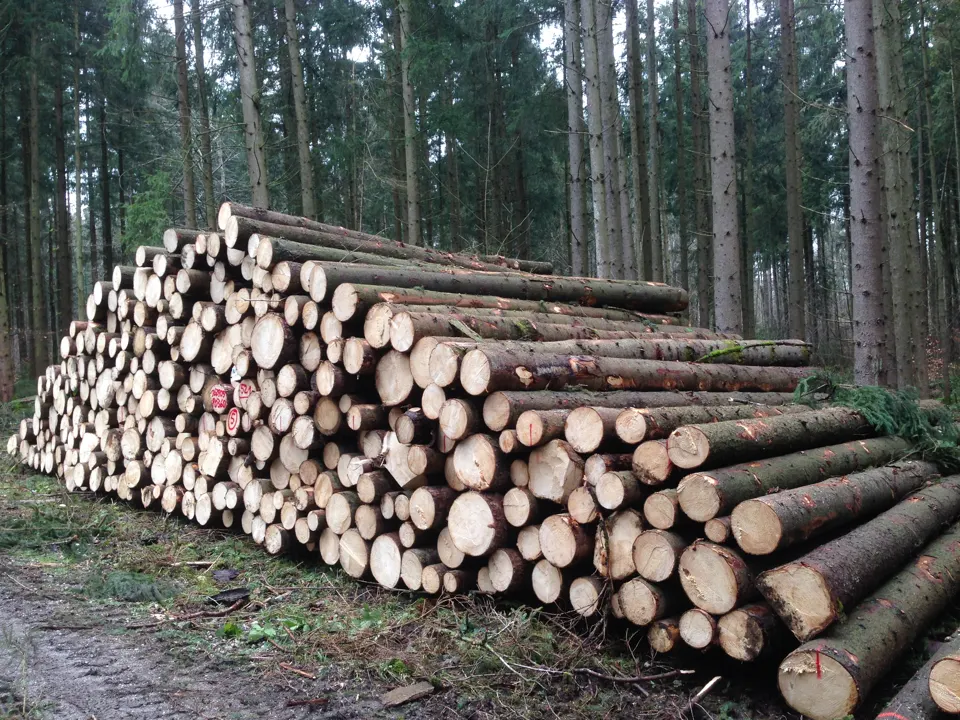
Software for forestry operations – manage forest measures, stands, timber species and protected areas.
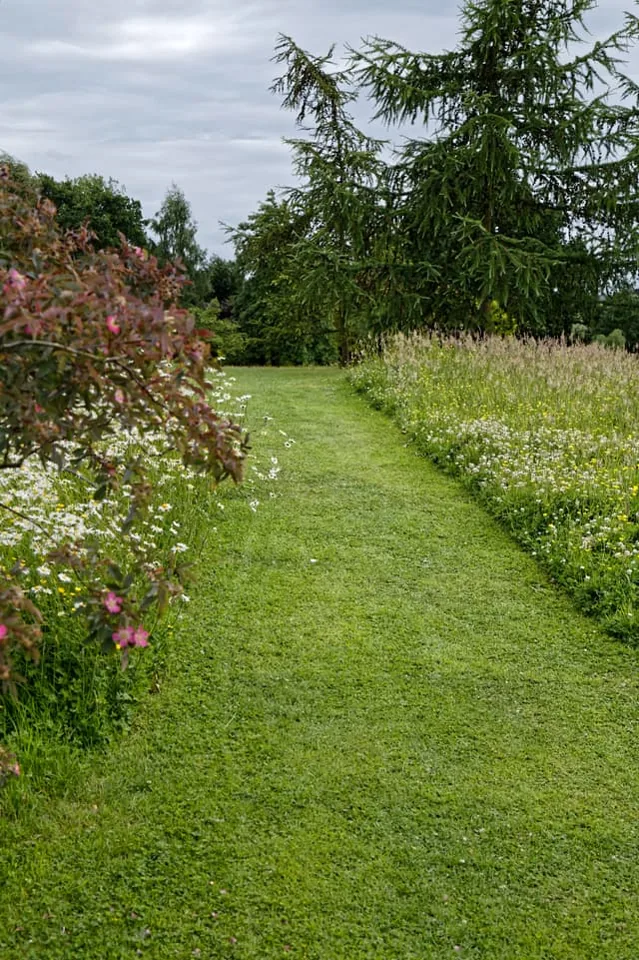
Order management for green space maintenance, municipal parks and grounds care businesses


