Keep plan and result apart
A planned date is not evidence of cutting. Calculated total yield also depends on correct area and yield per hectare.
Industry solution / Agriculture & Horticulture
For arable farms managing named fields and seasonal work. Record the crop and checked area, change a planned harvest date after inspecting the ground, then enter measured yield only when the combine has finished.
Pricing & getting started
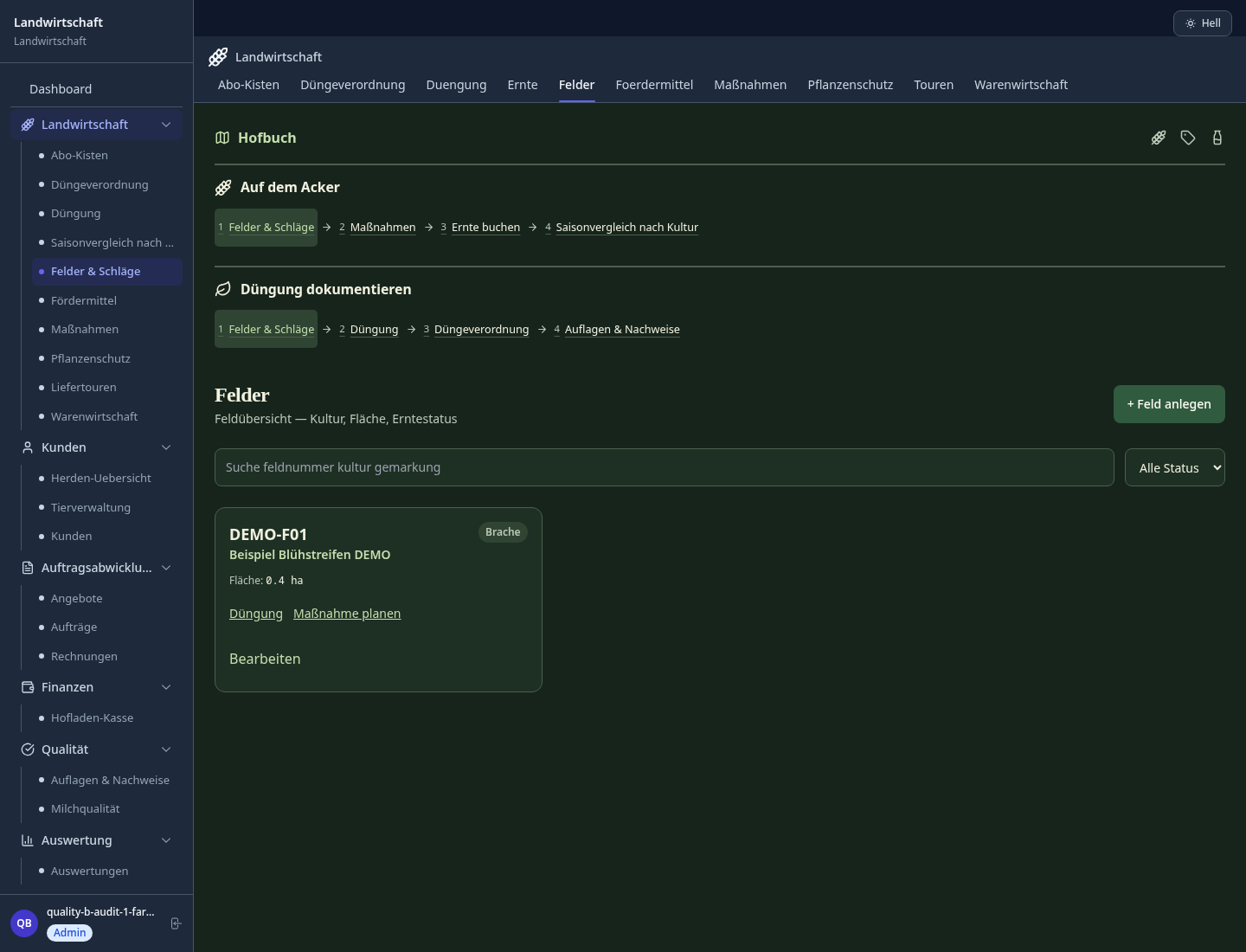
The field record holds its identifier, hectares, crop and optional soil and location details, so the plan has a clear place.
An operation has a type, description, date and status. Editing it leaves a change history in the server; there is no dedicated reason-for-delay field.
The harvest form takes date, crop and yield per hectare. A selected field supplies its area; moisture, grade and machine can be added.
How Sektura helps with everyday work
Wheat field W-12 was due to be cut, but overnight rain leaves the soil and crop too wet. The farm manager checks the ground at the field edge and keeps the machine off it.
Open W-12 with its verified area and crop, then review the planned harvest operation.
Edit the operation date after the on-site decision. Explain the reason to the team separately; the date form has no reason box.
After combining, select W-12 in harvests and add the real date, yield per hectare and measured moisture if available.
The season view can show the recorded crop. It cannot measure moisture or decide when machinery may enter the field.
Getting started is simple
Enter a fictional field number, crop and checked hectares; add soil information only if known.
Select that field, choose harvest, name the job and set the intended date.
Change the date, then add a sample harvest with yield per hectare after a fictional cutting day.
A planned date is not evidence of cutting. Calculated total yield also depends on correct area and yield per hectare.
No credit card is needed to start your trial.
Industry solution
Farming businesses
Editorial workflow draft — not a product screenshot.
After heavy rain, a farm must postpone work on a field.
Review the field and planned operation in the field record.
Discuss ground conditions and available machinery with the team.
Note the new work date and reason for postponement.
The field record contains the decision and revised date.
Digital field records with GPS field boundaries and crop rotation optimization
EU-compliant pesticide record book incl. MRL limit values
Operating hours, maintenance intervals and fuel consumption per machine
Harvest log by field, stock levels and quality characteristics
Contribution margin per crop type, KTBL comparison and EU subsidy application export
Less paperwork
These features are included in every sektura solution.
Customer records with full project history for all FarmDesk jobs and relevant contact and location information.
Invoices for FarmDesk services under local law. Automatic numbering, PDF export and dunning management.
Appointments for FarmDesk deployments with GPS address, staff assignment and automatic email reminders.
All FarmDesk documents managed centrally: plans, protocols, warranties, certificates and manufacturer documentation.
FarmDesk jobs with industry-specific fields, status tracking and automatic cost calculation.
Reports for FarmDesk: revenue by service type, utilisation, averages and profitability per job.
Vote on new FarmDesk features. Which functions matter most? Your vote counts in product development.
Getting started is simple
Import fields, crops and machinery
Configure field records & crop rotation planning and enter initial data
Configure pesticide record book & waiting periods and enter initial data
Configure machine logbook & maintenance schedule and enter initial data
Create the first invoice or quote and test the workflow
Before you switch, we check which data we can transfer from your existing system.
365FarmNet · NEXT Farming · top farmplan · Agrar-Office
Germany · Austria · Switzerland · United Kingdom · France · Spain · Italy · Netherlands · Poland · Portugal · Sweden · Denmark · Norway · Finland · Czechia · Romania · Hungary · Türkiye · Russia · Ukraine · Indonesia · Vietnam · Thailand · Saudi Arabia · China · Japan · South Korea · India · Greece · Croatia · Serbia · Bulgaria · Slovakia · Slovenia · Lithuania · Latvia · Estonia · Albania · Malaysia · Philippines · Bangladesh · Pakistan
04 / Getting started
Choose your industry, country and billing cycle. You will see the corresponding industry price; book add-ons separately when needed.
days free trial
No credit card is needed to start your trial.
No credit card is needed to start your trial.
Add-ons are billed separately in EUR. Displayed prices reflect your selected country and billing cycle.
Farm management for agricultural operations, direct marketers and organic farms.
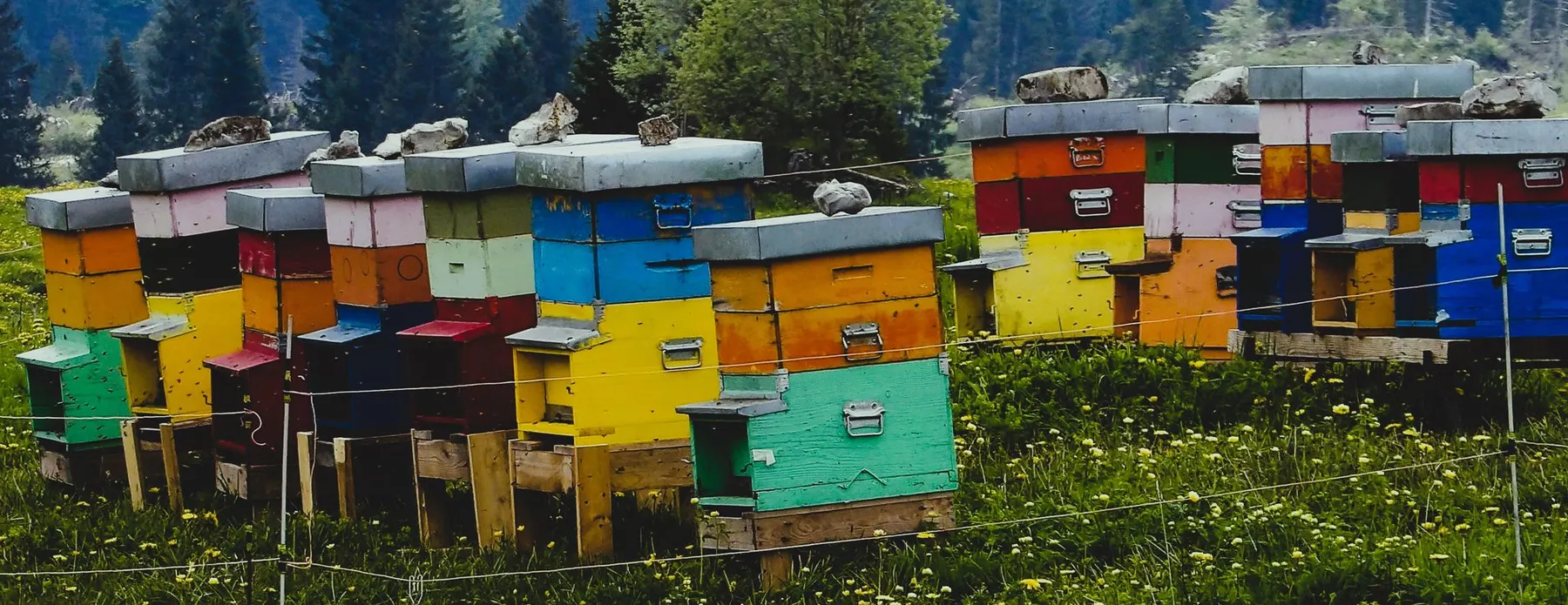
Software for beekeepers – manage colonies, apiaries, honey harvests and varroa treatments digitally.
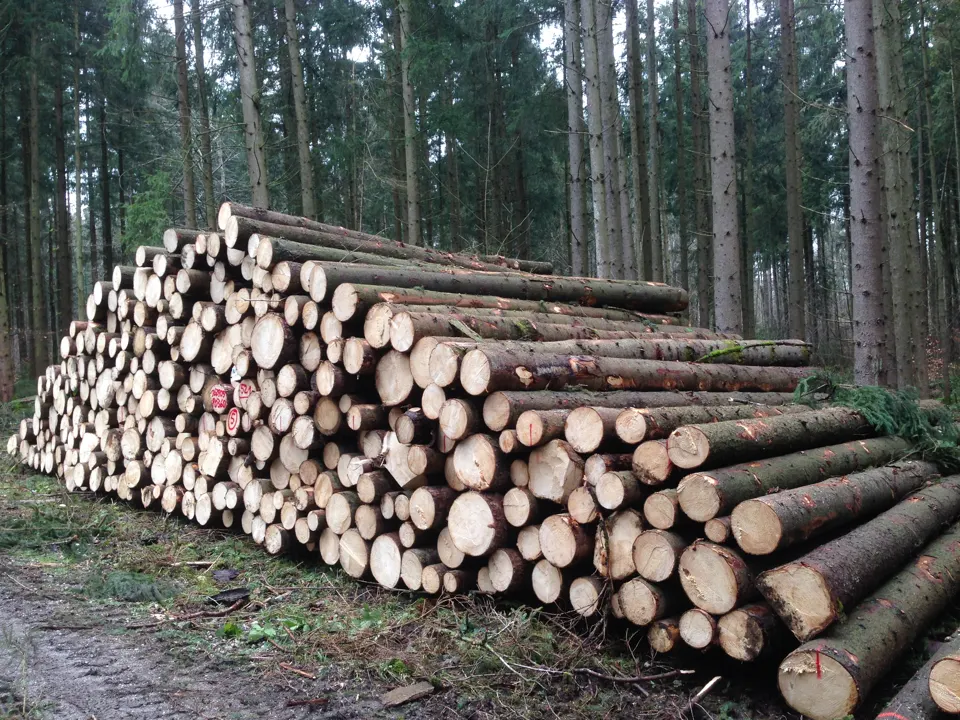
Software for forestry operations – manage forest measures, stands, timber species and protected areas.
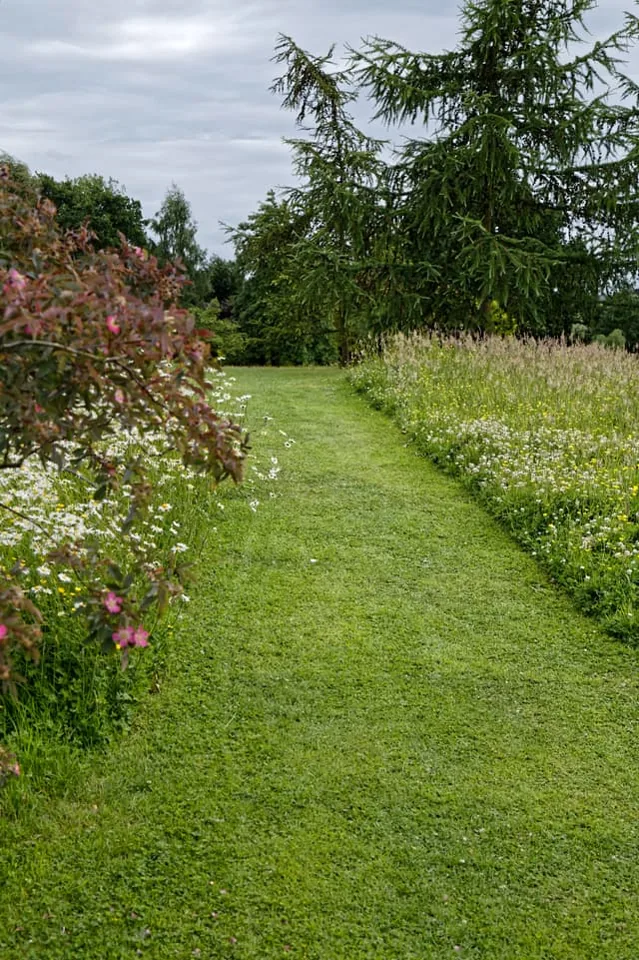
Order management for green space maintenance, municipal parks and grounds care businesses


