Growing is still a hands-on decision
The crop plan stores dates, not germination or marketable yield. Staff sort and count the plants.
Industry solution / Agriculture & Horticulture
An order for young plants depends on cultivar, pot size, crop stage and plants actually ready for sale. The nursery can record its range, propagation dates, stock and order lines; staff make the final availability check.
Pricing & getting started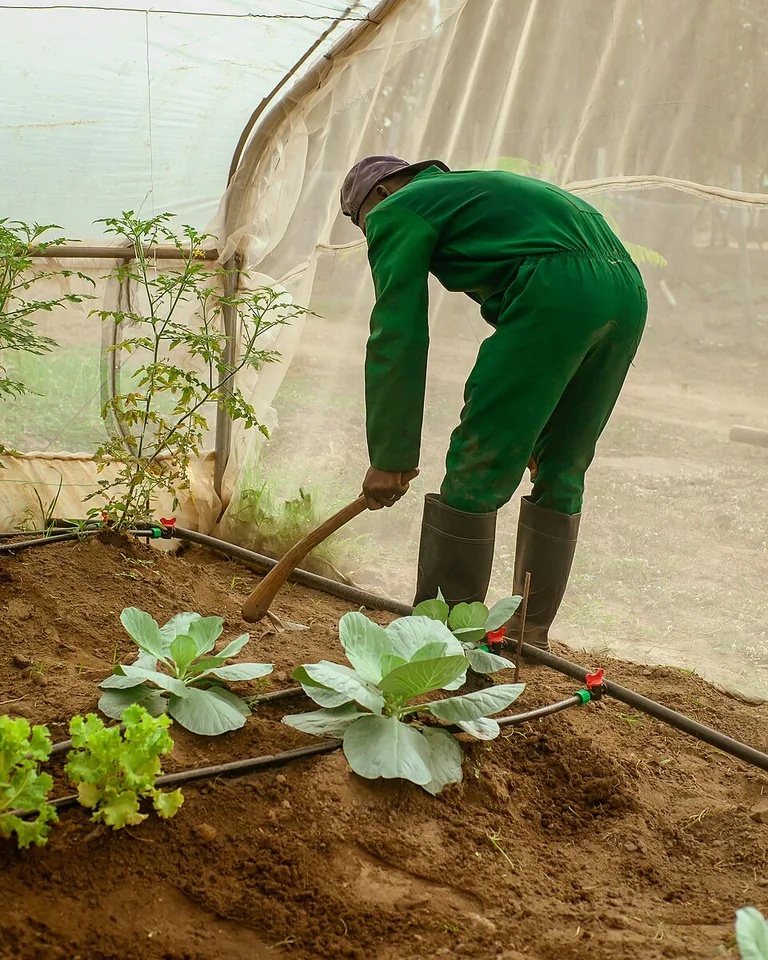
The range records description, category, pot size and entered availability, so the counter team knows which plant is requested.
The crop plan holds cultivar, sowing and pricking-out dates and greenhouse or bed location.
Order lines can be compared with a physical count at the growing area; the order does not automatically reserve stock.
How Sektura helps with everyday work
Example: A customer asks for 30 'Sungold' tomato plants in 9 cm pots for Friday. The stock record shows 24 at the greenhouse bench. The grower checks a younger batch before promising all 30.
Confirm cultivar, pot size, quantity and preferred collection day; enter the order line.
Check sowing and pricking-out dates, then count saleable plants on the bench.
Offer 24 on Friday or discuss a later collection for the remaining six if they are still too small.
The customer gets an honest answer. Crop progress and order records stay separate; growth is never guaranteed by a date in the system.
Getting started is simple
Enter the tomato cultivar, pot size and current range information.
Record sowing, pricking out and its greenhouse location.
Enter a real order quantity and check the physical stock before confirming it.
The crop plan stores dates, not germination or marketable yield. Staff sort and count the plants.
No credit card is needed to start your trial.
Industry solution
Growers selling vegetable seedlings
Editorial workflow draft — not a product screenshot.
A customer orders tomato and lettuce seedlings for a fixed collection day.
Note varieties, quantities and the collection day.
Set sowing and pricking-out dates for each plant batch.
Check available stock and agree collection with the customer.
The order, growing dates and collection plan are recorded.
Crop plans with sowing dates, pricking-out times and delivery deadlines
Temperature/humidity recording per section with threshold alarms
Automatic generation of EU plant passports and certificates
EC value log, substrate water content and fertiliser demand calculator
Assortment planning by floor space, price calculation and contribution margin
Less paperwork
These features are included in every sektura solution.
Customer records with full project history for all NurseryDesk jobs and relevant contact and location information.
Invoices for NurseryDesk services under local law. Automatic numbering, PDF export and dunning management.
Appointments for NurseryDesk deployments with GPS address, staff assignment and automatic email reminders.
All NurseryDesk documents managed centrally: plans, protocols, warranties, certificates and manufacturer documentation.
NurseryDesk jobs with industry-specific fields, status tracking and automatic cost calculation.
Reports for NurseryDesk: revenue by service type, utilisation, averages and profitability per job.
Vote on new NurseryDesk features. Which functions matter most? Your vote counts in product development.
Getting started is simple
Set up plant inventory, varieties and prices
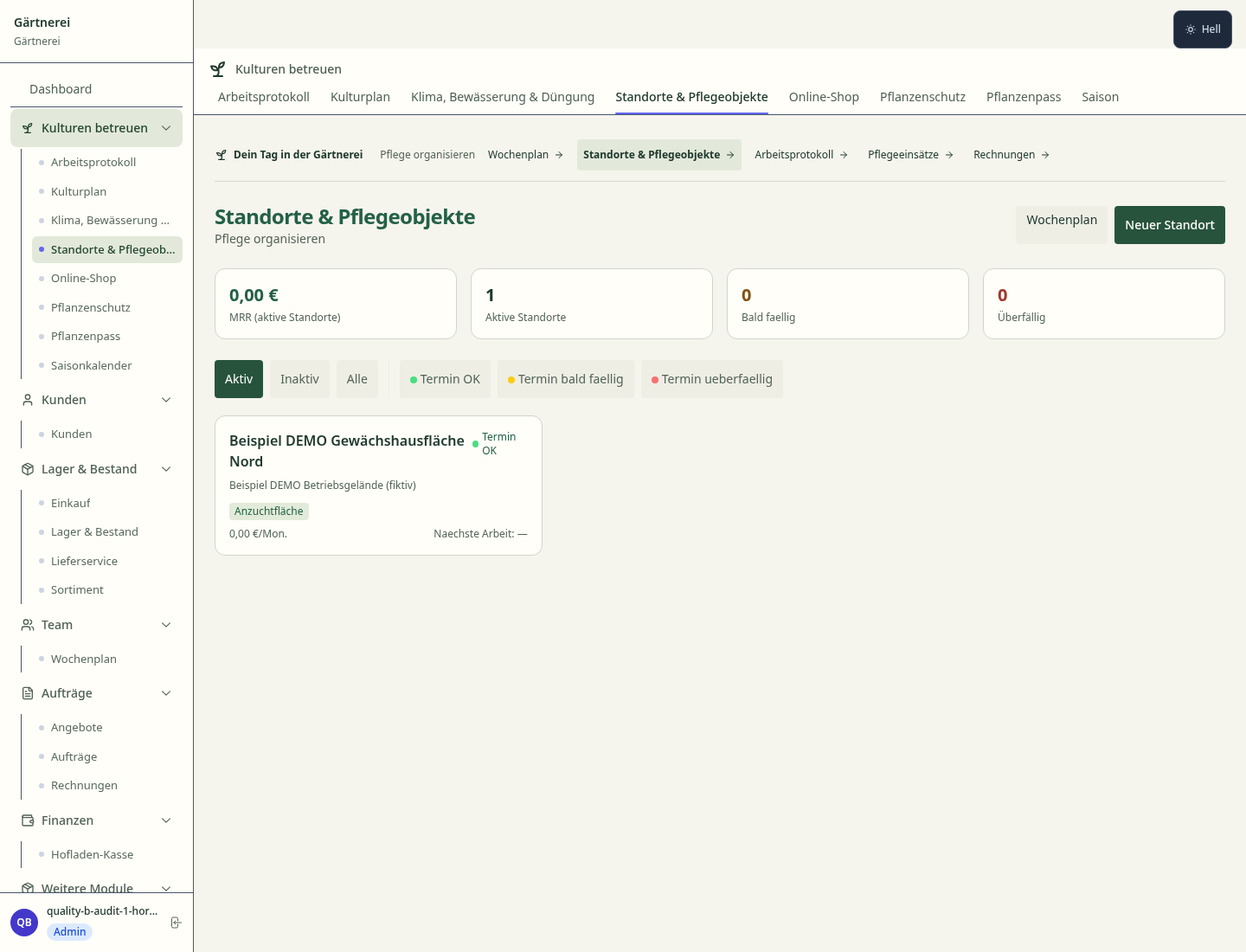
Configure crop management & propagation planning and enter initial data
Configure greenhouse climate log and enter initial data
Configure eu plant passport & phytosanitary and enter initial data
Create the first invoice or quote and test the workflow
Before you switch, we check which data we can transfer from your existing system.
Greenbase · Taifun · Progard · helloCash
Germany · Austria · Switzerland · United Kingdom · France · Spain · Italy · Netherlands · Poland · Portugal · Sweden · Denmark · Norway · Finland · Czechia · Romania · Hungary · Türkiye · Russia · Ukraine · Indonesia · Vietnam · Thailand · Saudi Arabia · China · Japan · South Korea · India · Greece · Croatia · Serbia · Bulgaria · Slovakia · Slovenia · Lithuania · Latvia · Estonia · Albania · Malaysia · Philippines · Bangladesh · Pakistan
04 / Getting started
Choose your industry, country and billing cycle. You will see the corresponding industry price; book add-ons separately when needed.
days free trial
No credit card is needed to start your trial.
No credit card is needed to start your trial.
Add-ons are billed separately in EUR. Displayed prices reflect your selected country and billing cycle.
Farm management for agricultural operations, direct marketers and organic farms.

Software for beekeepers – manage colonies, apiaries, honey harvests and varroa treatments digitally.

Industry software for agricultural businesses — jobs, land, machinery, subsidies and direct marketing.
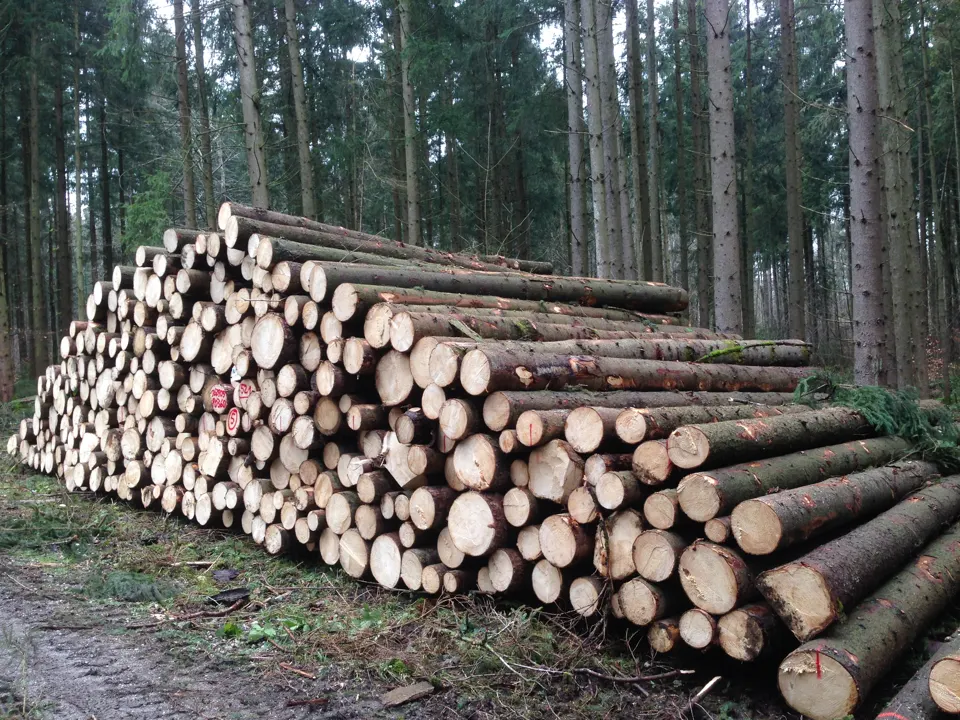
Software for forestry operations – manage forest measures, stands, timber species and protected areas.


