Check before loading
Confirm access, measuring method, assortment and paperwork with the parties. Forestry, conservation and transport requirements vary by site and country.
Industry solution / Agriculture & Horticulture
A forestry team needs to connect stand records, proposed harvest, actual timber volume and collection. Keep estimates separate from measured wood before agreeing a sale.
Pricing & getting started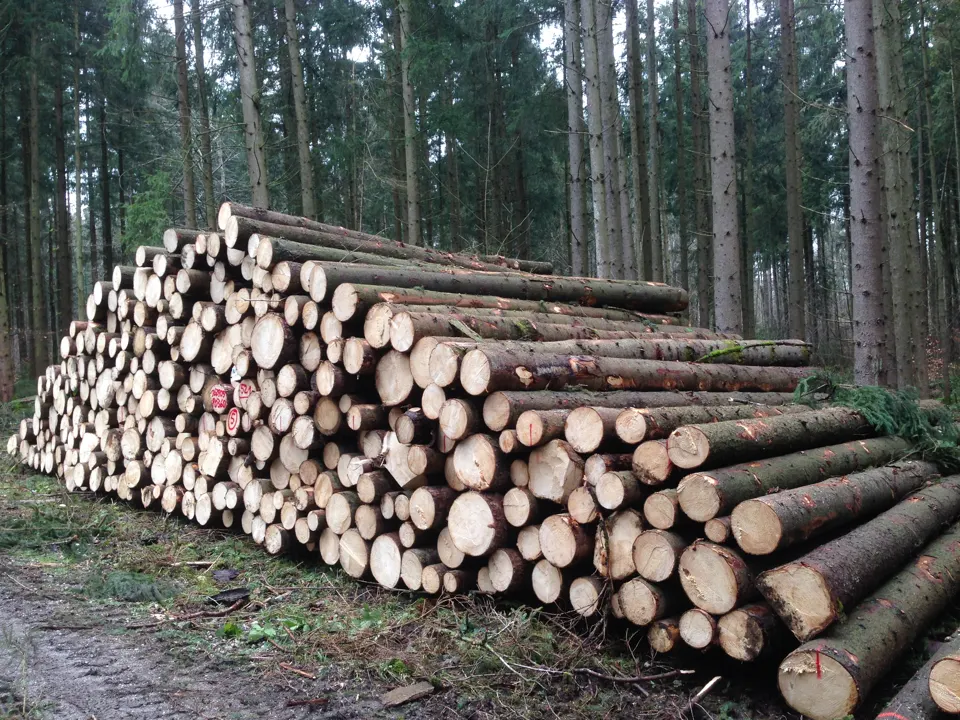
Compartment, area and species give a proposed harvest its stand context.
Harvest plans and cutting records let the team compare intended and recorded volumes without treating a plan as approval.
The timber trade area holds assortment, buyer, volume, price, delivery date and stack number for checking before invoicing.
How Sektura helps with everyday work
A forestry team inspects a pine compartment. It plans to thin the stand, stack logs beside a forest road and arrange collection after measurement. This is a fictional work example, not a customer story.
Record the compartment, area, species and field observations; verify that old estimates still reflect the site.
Enter the proposed removal in the harvest plan and consider machines and road access; assess permissions separately.
After cutting and measurement, relate assortments and stack to the buyer, agreed price and collection date.
Before loading, the team can trace the stand, planned and recorded volumes, and sale details still needing confirmation.
Getting started is simple
Enter a fictional compartment with area, species and notes.
Add proposed removal volumes and review how the estimate was reached.
Add fictional assortment, measured volume, buyer and stack number; compare it with the plan.
Confirm access, measuring method, assortment and paperwork with the parties. Forestry, conservation and transport requirements vary by site and country.
No credit card is needed to start your trial.
Industry solution
Forestry teams planning timber harvests
Editorial workflow draft — not a product screenshot.
A forestry team plans to thin a stand and needs to account for the resulting timber.
Record the site, tree species and proposed removals in the field.
Review the timber list, assortments and collection needs.
Agree a collection window with the haulier.
Stand notes, timber list and haulage details are ready for planning.
Stand description according to BWI, volume and increment per department
Felling/skidding plans, timber list by diameter class and wood species
Forest management, planning periods, forest conversion
Timber market price lists, haulage billing and quantity recording
Districts, tenants, hunting plans
Less paperwork
These features are included in every sektura solution.
Customer records with full project history for all ForestryDesk jobs and relevant contact and location information.
Invoices for ForestryDesk services under local law. Automatic numbering, PDF export and dunning management.
Appointments for ForestryDesk deployments with GPS address, staff assignment and automatic email reminders.
All ForestryDesk documents managed centrally: plans, protocols, warranties, certificates and manufacturer documentation.
ForestryDesk jobs with industry-specific fields, status tracking and automatic cost calculation.
Reports for ForestryDesk: revenue by service type, utilisation, averages and profitability per job.
Vote on new ForestryDesk features. Which functions matter most? Your vote counts in product development.
Getting started is simple
Set up forest areas, tree species and felling plans
Configure forest management & volume table and enter initial data
Configure harvest planning & timber list and enter initial data
Configure fsc/pefc certification audit and enter initial data
Create the first invoice or quote and test the workflow
Before you switch, we check which data we can transfer from your existing system.
NEXT Farming · ForstProfi · Logbuch Forst · 365FarmNet
Germany · Austria · Switzerland · United Kingdom · France · Spain · Italy · Netherlands · Poland · Portugal · Sweden · Denmark · Norway · Finland · Czechia · Romania · Hungary · Türkiye · Russia · Ukraine · Indonesia · Vietnam · Thailand · Saudi Arabia · China · Japan · South Korea · India · Greece · Croatia · Serbia · Bulgaria · Slovakia · Slovenia · Lithuania · Latvia · Estonia · Albania · Malaysia · Philippines · Bangladesh · Pakistan
04 / Getting started
Choose your industry, country and billing cycle. You will see the corresponding industry price; book add-ons separately when needed.
days free trial
No credit card is needed to start your trial.
No credit card is needed to start your trial.
Add-ons are billed separately in EUR. Displayed prices reflect your selected country and billing cycle.

Farm management for agricultural operations, direct marketers and organic farms.

Software for beekeepers – manage colonies, apiaries, honey harvests and varroa treatments digitally.

Industry software for agricultural businesses — jobs, land, machinery, subsidies and direct marketing.
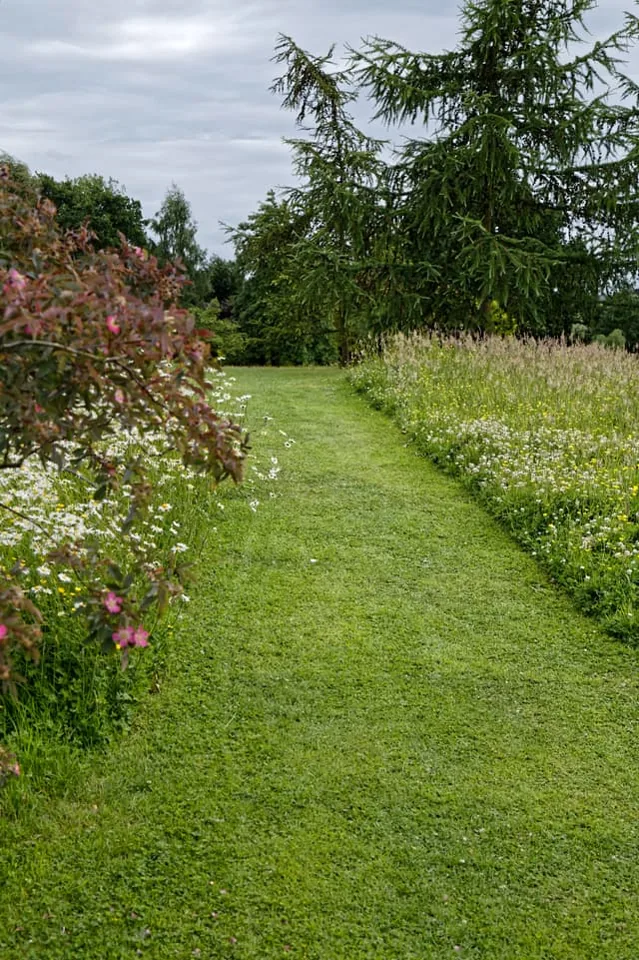
Order management for green space maintenance, municipal parks and grounds care businesses


