Fit remains skilled work
The optician judges whether old lenses can be reused, whether a repair will hold and whether the glasses fit. A saved record cannot guarantee that.
Industry solution / Health & Medicine
For optical shops helping someone whose everyday glasses have broken. Review the customer's record and available refraction, assess repair or replacement professionally, and keep workshop notes, spectacle order and handover accurate.
Pricing & getting started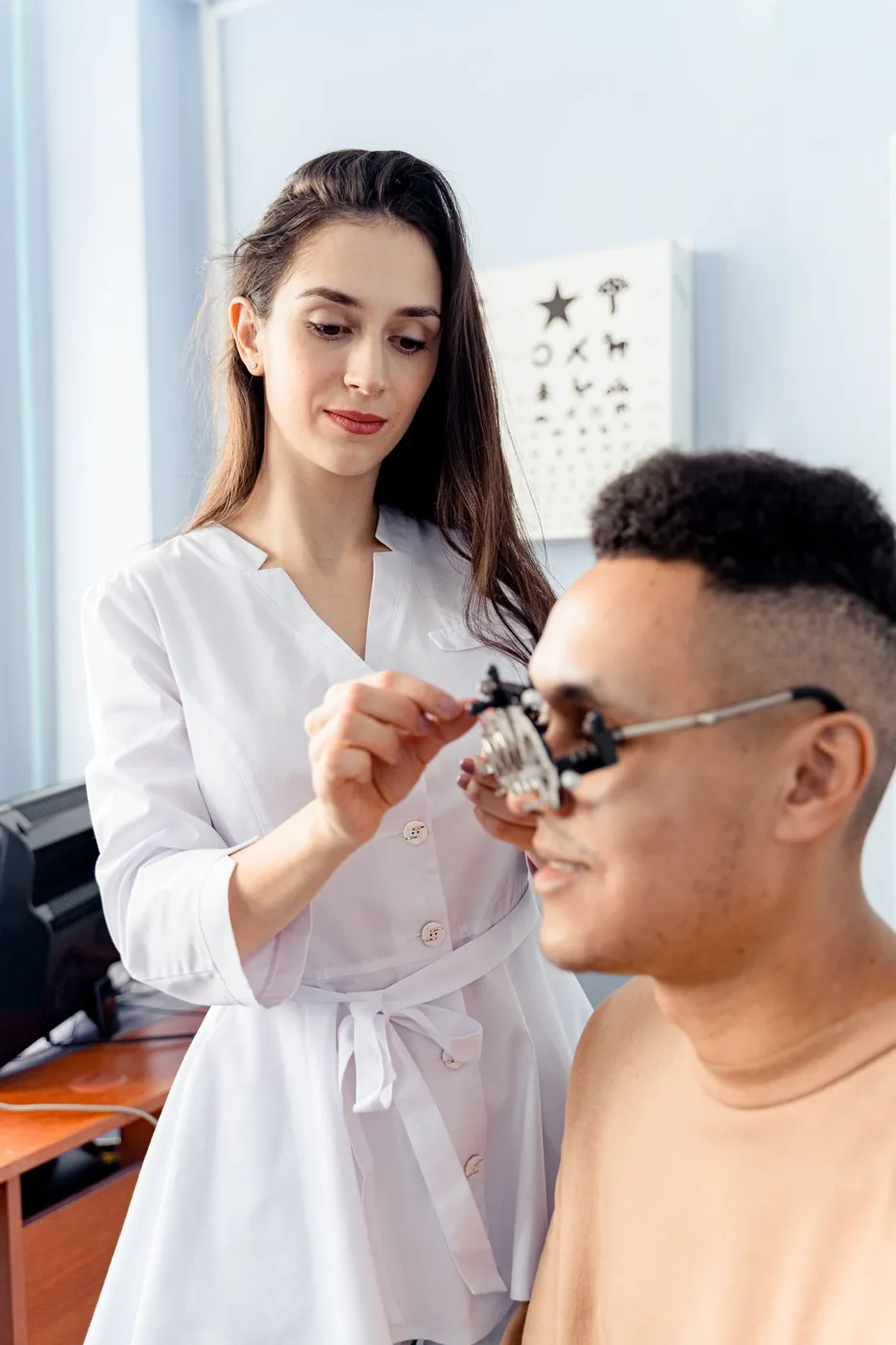
The customer file shows current and earlier refractions. Sphere, cylinder, axis and pupil distance are recorded against that person; suitability still needs professional review.
The workshop list stores customer name, task type, priority, notes and status. Describe the broken hinge and what needs checking rather than promising a repair.
A spectacle order holds frame, lens type and intended completion date. Collection lists orders marked ready; mark collected only after handover in the order board.
How Sektura helps with everyday work
A customer brings glasses with a broken side arm. She asks if the old lenses fit another frame and when she can wear them again.
Open her customer record and refraction, then check frame damage, lens shape and fit in person; measure again if clinically needed.
Put a possible repair in a separate workshop entry. If replacement is needed, create a spectacle order with checked frame and lens type.
Mark the order ready after real work, use the collection view to contact her, and mark collected only after she receives it.
The shop can explain each step. Refraction, workshop and order are not established as one automatically linked case; an estimated date is not proof of readiness.
Getting started is simple
Use fictional contact data and enter vision values only after a professional check.
Choose repair and describe the broken arm and the outstanding feasibility check.
Create a separate spectacle order, then test ready and collected status after a fictional handover.
The optician judges whether old lenses can be reused, whether a repair will hold and whether the glasses fit. A saved record cannot guarantee that.
No credit card is needed to start your trial.
Industry solution
Optical shops with a workshop
Editorial workflow draft — not a product screenshot.
A customer brings broken glasses and needs a suitable replacement frame.
Compare existing lens values with the chosen frame.
Write down the frame and lenses for the workshop job.
Agree on a collection time with the customer.
The workshop job records lens values, selected parts and collection time.
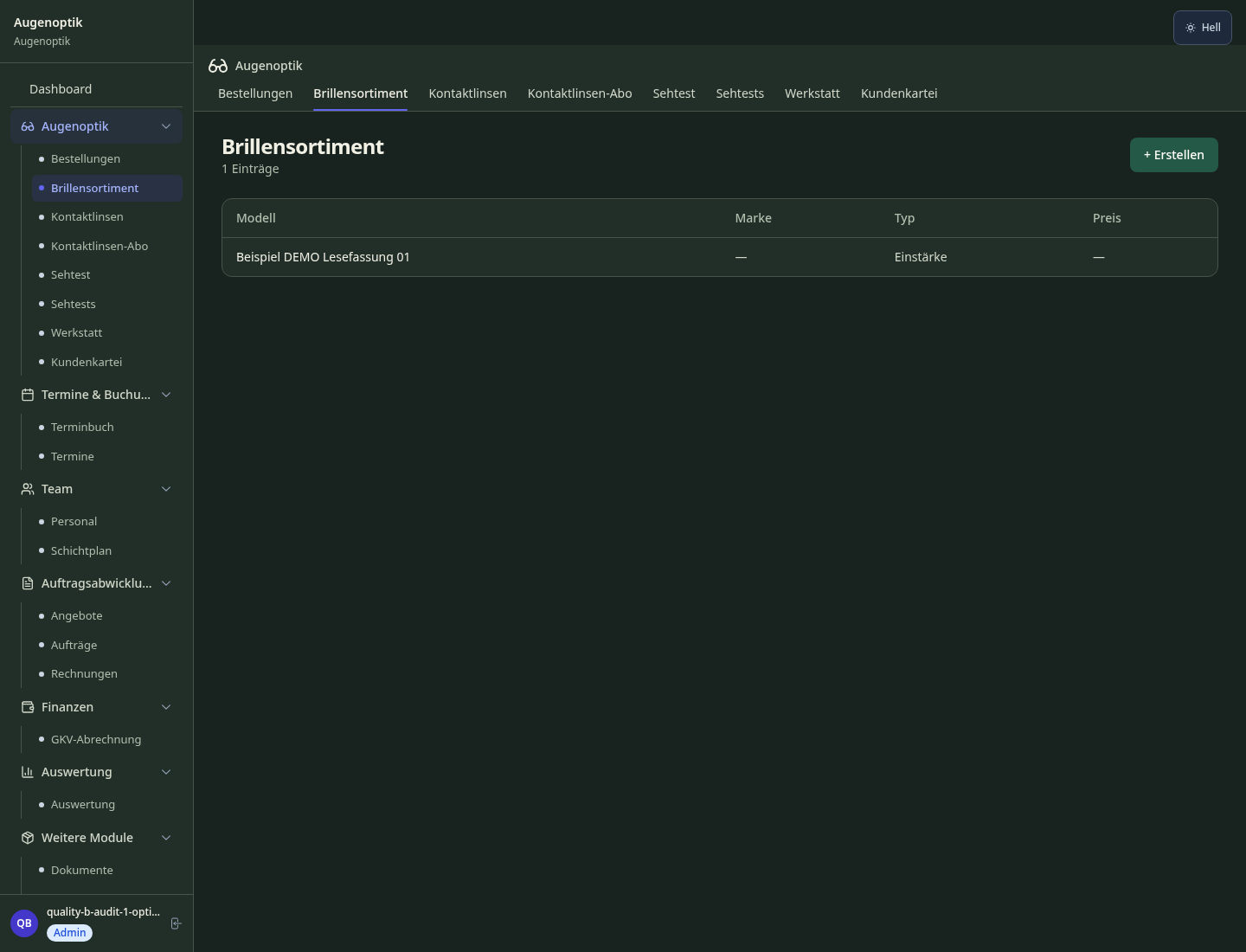
Eye test scheduling with automatic annual reminders by SMS & email
Vision prescription history, prism correction & prescription document per patient stored digitally
EAN scan, manufacturer order connection & minimum stock alert for frames & lenses
Direct health insurance billing (DE: GKV/PKV, AT: ÖGK, CH: health fund, UK: NHS Vouchers)
Automatic care product reminders, lens delivery subscription & reorder plans per customer
Less paperwork
These features are included in every sektura solution.
Customer records with full project history for all OpticsDesk jobs and relevant contact and location information.
Invoices for OpticsDesk services under local law. Automatic numbering, PDF export and dunning management.
Appointments for OpticsDesk deployments with GPS address, staff assignment and automatic email reminders.
All OpticsDesk documents managed centrally: plans, protocols, warranties, certificates and manufacturer documentation.
OpticsDesk jobs with industry-specific fields, status tracking and automatic cost calculation.
Reports for OpticsDesk: revenue by service type, utilisation, averages and profitability per job.
Vote on new OpticsDesk features. Which functions matter most? Your vote counts in product development.
Getting started is simple
Import glasses and contact lens assortment
Configure eye test & recall automation and enter initial data
Configure digital spectacle passport and enter initial data
Configure frame & lens inventory management and enter initial data
Create the first invoice or quote and test the workflow
Before you switch, we check which data we can transfer from your existing system.
Ipro · euroOptic · Optik-Branchensoftware · Samedi
Germany · Austria · Switzerland · United Kingdom · France · Spain · Italy · Netherlands · Poland · Portugal · Sweden · Denmark · Norway · Finland · Czechia · Romania · Hungary · Türkiye · Russia · Ukraine · Indonesia · Vietnam · Thailand · Saudi Arabia · China · Japan · South Korea · India · Greece · Croatia · Serbia · Bulgaria · Slovakia · Slovenia · Lithuania · Latvia · Estonia · Albania · Malaysia · Philippines · Bangladesh · Pakistan
04 / Getting started
Choose your industry, country and billing cycle. You will see the corresponding industry price; book add-ons separately when needed.
days free trial
No credit card is needed to start your trial.
No credit card is needed to start your trial.
Add-ons are billed separately in EUR. Displayed prices reflect your selected country and billing cycle.
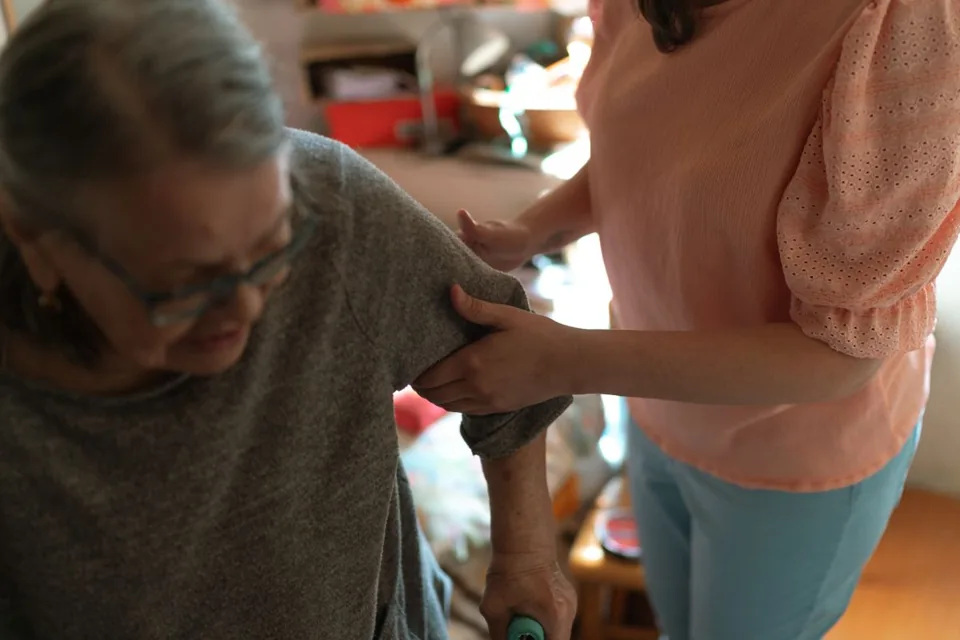
Software for care services – professional management of patients, care levels, insurance status and medication plans.
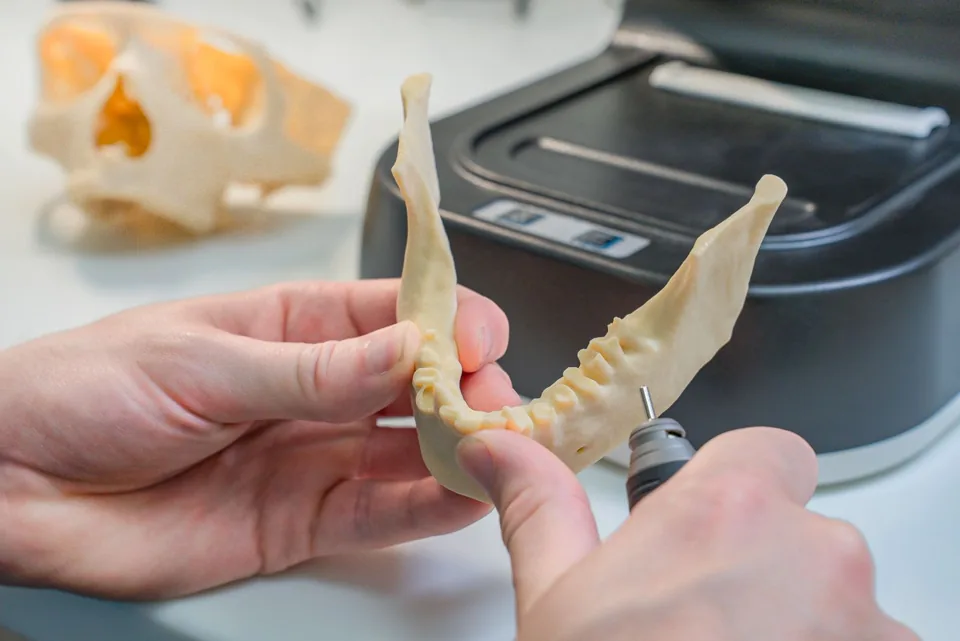
Patient management for dental practices and orthodontic clinics
Order management for dental labs — CAD/CAM fabrication, crowns, bridges, dentures and BEL II billing.

Practice management for general practitioners