Clinical boundary
This example is not a clinical decision tool or evidence of regulatory approval.
Industry solution / Health & Medicine
For primary care teams coordinating appointments, findings, referrals and follow-up visits. The treating clinician remains responsible for clinical decisions.
Pricing & getting started
Keep the appointment, available findings and reason for contact with the right patient record.
A referral can be documented after the clinician decides it is appropriate.
Keep outstanding documents, lab results and the next visit visible to the team.
How Sektura helps with everyday work
Fictional example: a patient returns to a family practice with a persistent cough and brings an investigation report. They ask whether specialist review is needed.
The team finds the appointment and records the report; reception does not interpret its clinical meaning.
The clinician discusses the findings and, if a referral is indicated, records the specialty and reason.
A return appointment is entered so outstanding questions can be revisited.
The practice can distinguish the recorded finding, the clinician decision and the next appointment.
Getting started is simple
Create synthetic records and roles for a trial.
Create a sample appointment and enter an existing fictional finding for the same test patient.
Record a clinician-decided referral and follow-up date; review printout and permissions.
This example is not a clinical decision tool or evidence of regulatory approval.
No credit card is needed to start your trial.
Industry solution
Primary care practices
Editorial workflow draft — not a product screenshot.
A patient visits a family doctor with persistent symptoms and asks about next steps.
Record the symptoms and available findings during the consultation.
The doctor discusses whether a referral is appropriate.
Note the agreed documents and next consultation date.
The discussion, clinician decision and outstanding documents are recorded for the practice.
Digital patient file with complete anamnesis and findings history.
Surgery scheduling, online booking and recall
Prescriptions · Medications
Referrals to specialists, hospital and rehabilitation
EBM Billing · Invoices
How Sektura helps with everyday work
Document medical history and clinical findings in one place.
Bring practice organisation and online bookings together.
Connect correspondence and administrative tasks in your practice workspace.
Less paperwork
These features are included in every sektura solution.
Getting started is simple
Import patient or client master data
Configure patient records & medical history and enter initial data
Configure appointment scheduling & online booking and enter initial data
Configure prescription management & medication plans and enter initial data
Create the first invoice or quote and test the workflow
Before you switch, we check which data we can transfer from your existing system.
Doctolib · Samedi · Dr. Flex · CGM M1 PRO
Germany · Austria · Switzerland · United Kingdom · France · Spain · Italy · Netherlands · Poland · Portugal · Sweden · Denmark · Norway · Finland · Czechia · Romania · Hungary · Türkiye · Russia · Ukraine · Indonesia · Vietnam · Thailand · Saudi Arabia · China · Japan · South Korea · India · Greece · Croatia · Serbia · Bulgaria · Slovakia · Slovenia · Lithuania · Latvia · Estonia · Albania · Malaysia · Philippines · Bangladesh · Pakistan
04 / Getting started
Choose your industry, country and billing cycle. You will see the corresponding industry price; book add-ons separately when needed.
days free trial
No credit card is needed to start your trial.
No credit card is needed to start your trial.
Add-ons are billed separately in EUR. Displayed prices reflect your selected country and billing cycle.
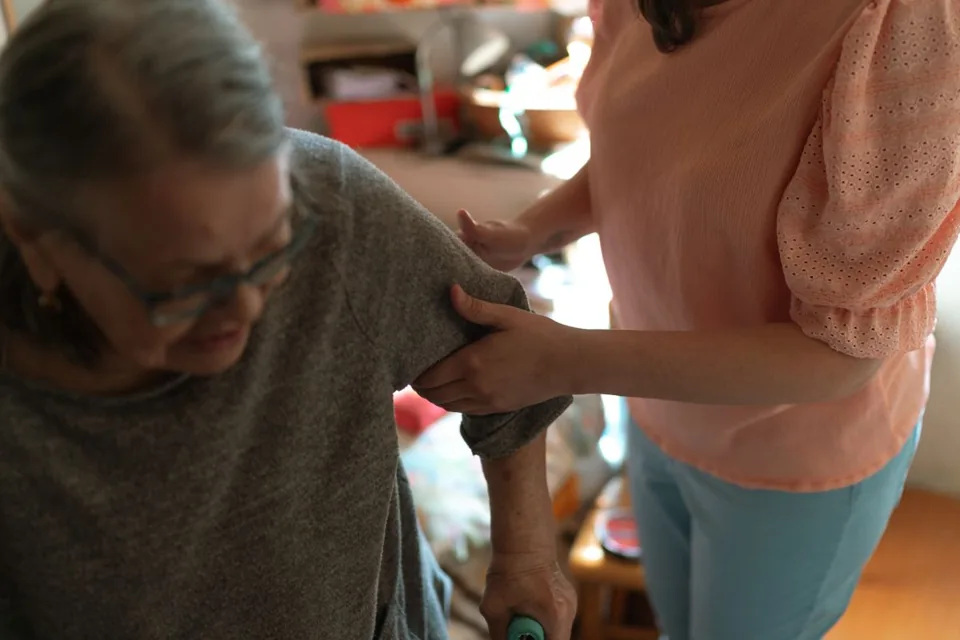
Software for care services – professional management of patients, care levels, insurance status and medication plans.
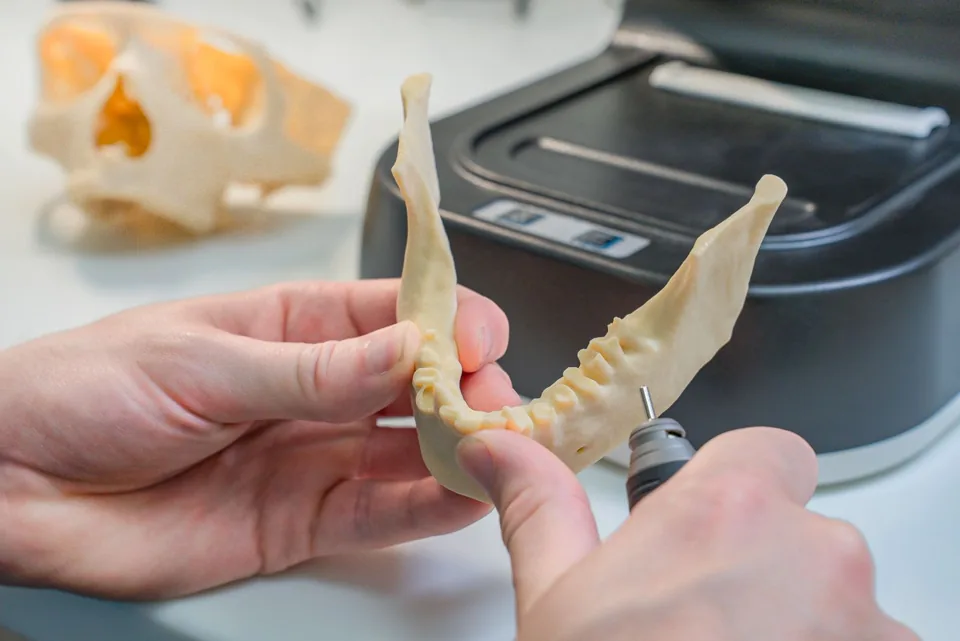
Patient management for dental practices and orthodontic clinics
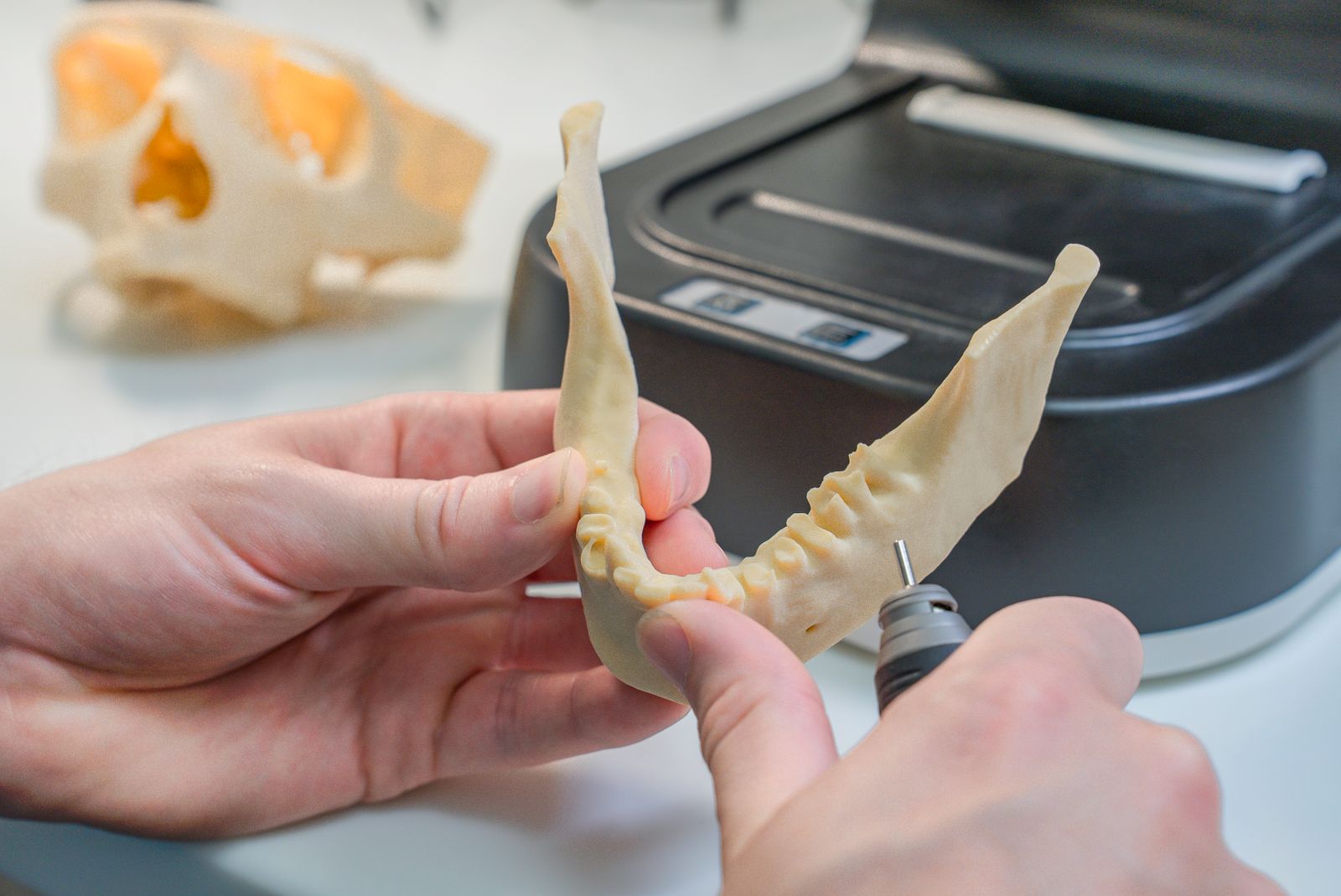
Order management for dental labs — CAD/CAM fabrication, crowns, bridges, dentures and BEL II billing.
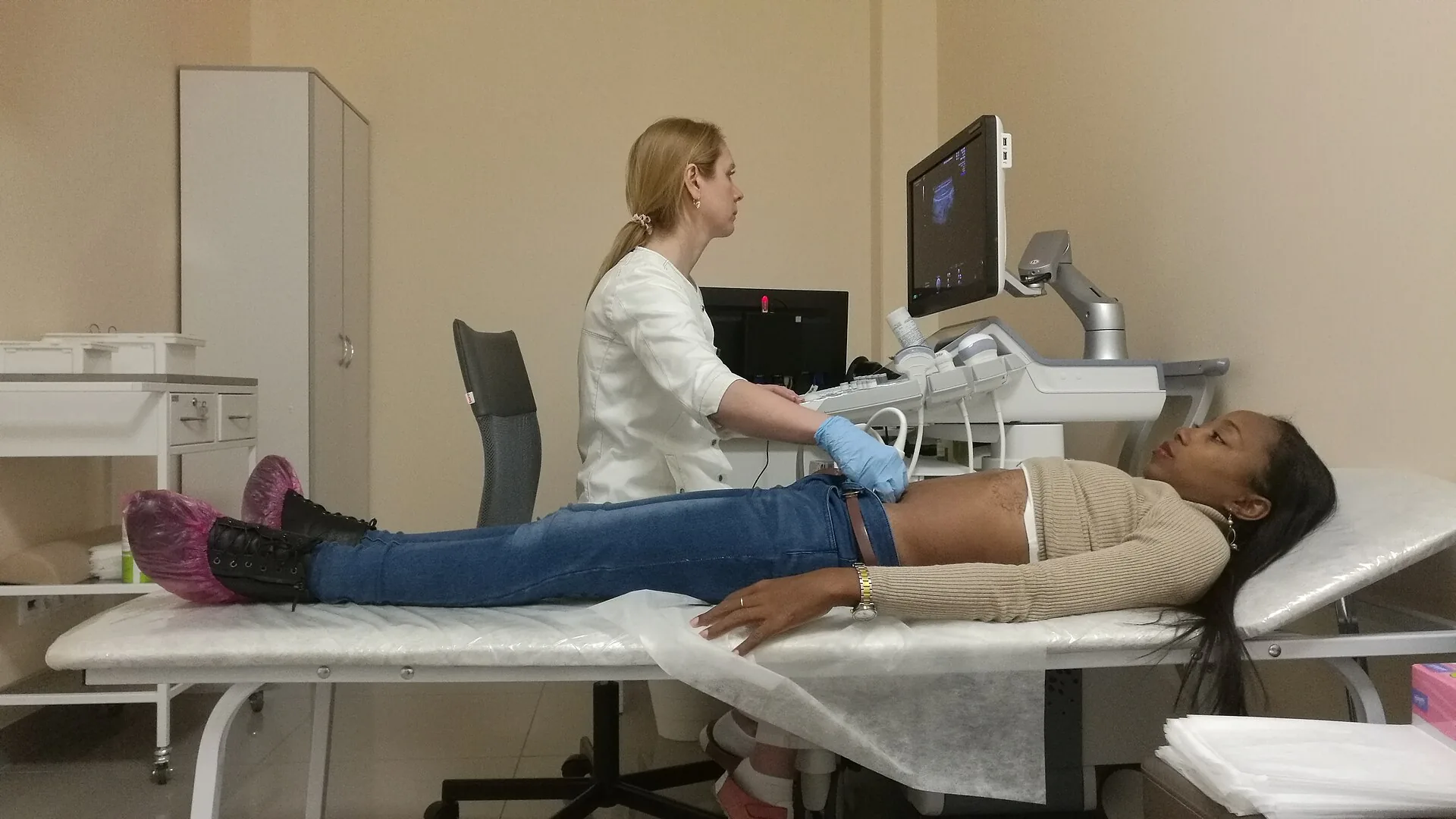
Patient management for medical practices, specialists and healthcare centres
.jpg)