Clinical boundary
A lab workflow does not replace treatment decisions by the dental practice.
Industry solution / Health & Medicine
For dental laboratories tracking practice orders, fabrication details, materials and delivery dates. The practice treats the patient; the lab manages its own work.
Pricing & getting started
Keep the commissioning practice and missing specifications with the job before fabrication.
Review the material on the order and batch details in the separate register. The lab verifies which batch belongs to a particular piece.
Follow the due date and review billable items. BEL II catalogue suggestions require professional checking.
How Sektura helps with everyday work
Fictional example: a dental practice needs a crown on Thursday. It supplied the shade, but the lab still needs the material choice confirmed before fabrication.
Record the practice, crown type, shade and due date; use the separate tooth chart for tooth details where needed.
Ask the practice about the missing specification and inspect the chosen batch in the separate register.
Review the finished work and services actually performed before preparing an invoice draft.
The lab can see the agreed date and the unresolved question. Invoice items and prices are checked by the lab.
Getting started is simple
Create a fictional practice and crown order with shade, material request and delivery date; check the separate tooth chart if relevant.
Inspect the order material and a sample entry in the separate batch register. Try file handling only with a synthetic CAD/CAM file.
Use only work actually performed and enter the regional prices that apply to the laboratory.
A lab workflow does not replace treatment decisions by the dental practice.
No credit card is needed to start your trial.
Industry solution
Dental laboratories
Editorial workflow draft — not a product screenshot.
A dental practice orders a crown and provides a delivery date.
Clarify the order and questions with the practice.
Note the material and batch for the job.
Coordinate production and delivery by the agreed date.
The lab order has clear details and a delivery date.
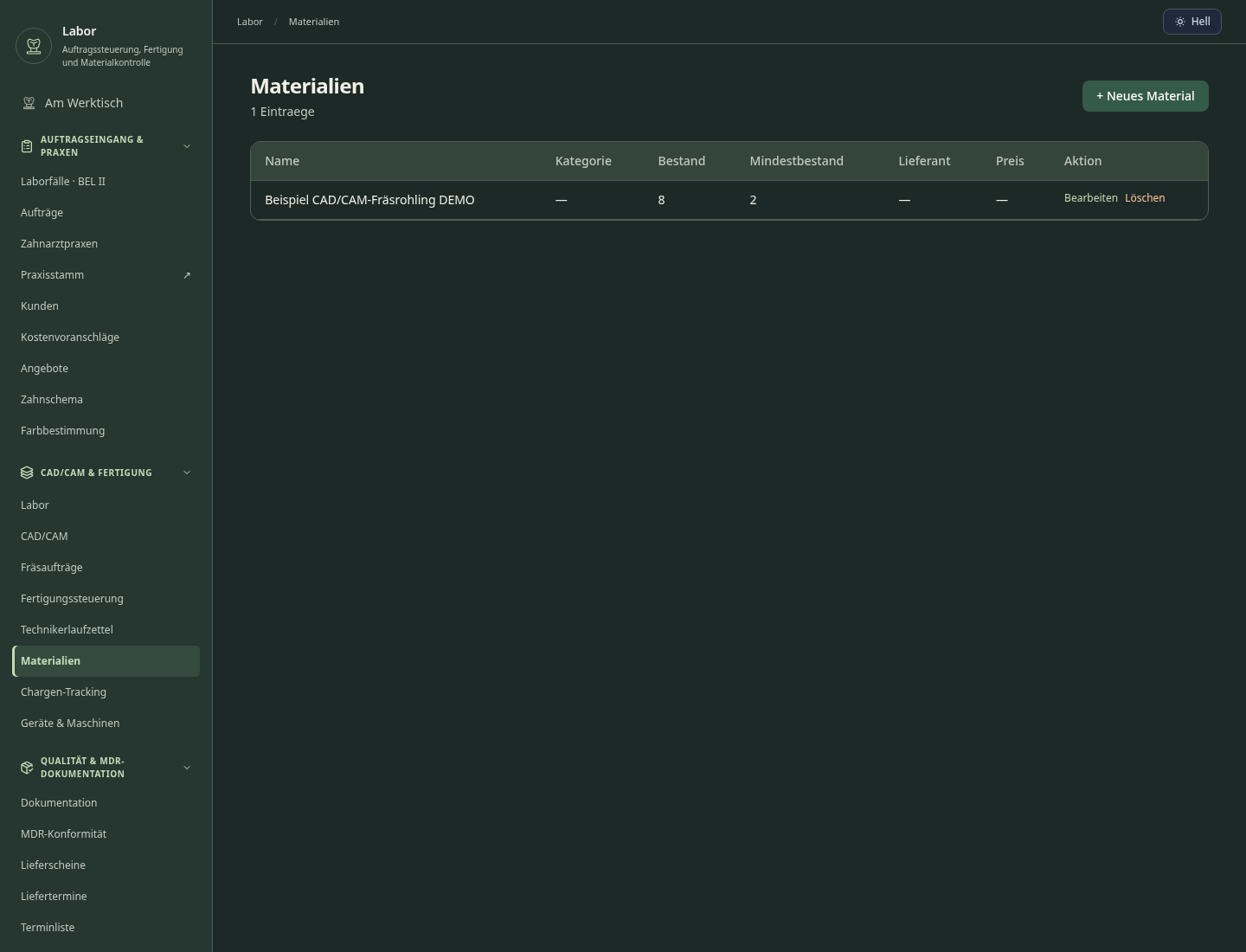
Digital workflow from STL import through milling to sintering.
Catalog selection, automatic service suggestions and invoice transfer. Germany / statutory health insurance (GKV): BEL-II services for contracted dental care. Enter unit prices from the regional price list applicable to the laboratory. Include only services actually performed.
Dental lab orders from practices, status tracking and production control
Batch Tracking · Materials
Quality follow-up, complaints and rework
What sets sektura apart from generic systems.
Less paperwork
These features are included in every sektura solution.
Getting started is simple
Before you switch, we check which data we can transfer from your existing system.
exocad · CGM · ivoris · Zirkonzahn
Germany · Austria · Switzerland · United Kingdom · France · Spain · Italy · Netherlands · Poland · Portugal · Sweden · Denmark · Norway · Finland · Czechia · Romania · Hungary · Türkiye · Russia · Ukraine · Indonesia · Vietnam · Thailand · Saudi Arabia · China · Japan · South Korea · India · Greece · Croatia · Serbia · Bulgaria · Slovakia · Slovenia · Lithuania · Latvia · Estonia · Albania · Malaysia · Philippines · Bangladesh · Pakistan
04 / Getting started
Choose your industry, country and billing cycle. You will see the corresponding industry price; book add-ons separately when needed.
days free trial
No credit card is needed to start your trial.
No credit card is needed to start your trial.
Add-ons are billed separately in EUR. Displayed prices reflect your selected country and billing cycle.

Software for care services – professional management of patients, care levels, insurance status and medication plans.
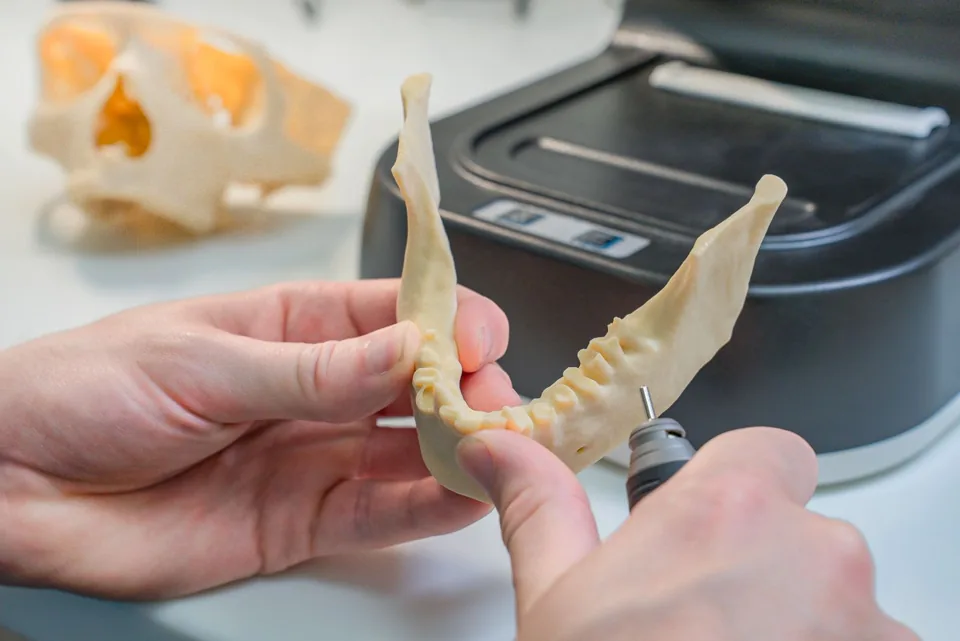
Patient management for dental practices and orthodontic clinics

Practice management for general practitioners
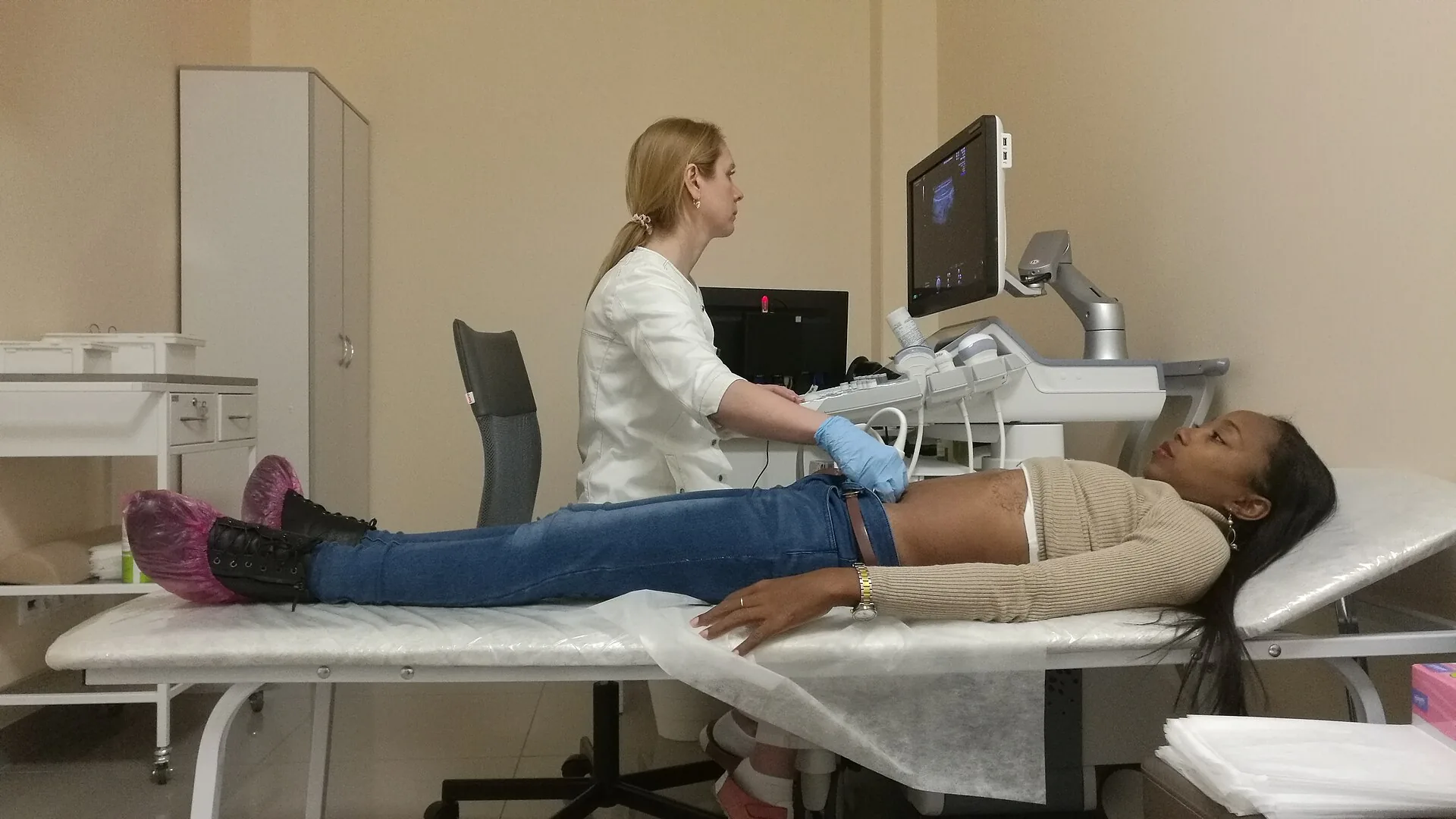
Patient management for medical practices, specialists and healthcare centres
.jpg)