Handle health information carefully
Use invented data in a trial. Real health records require appropriate access rights and an approved operating process.
Industry solution / Health & Medicine
For home care teams coordinating clients, carers and visits. See the agreed plan before entering a home, record what happened, and leave a clear handover for the next qualified colleague.
Pricing & getting started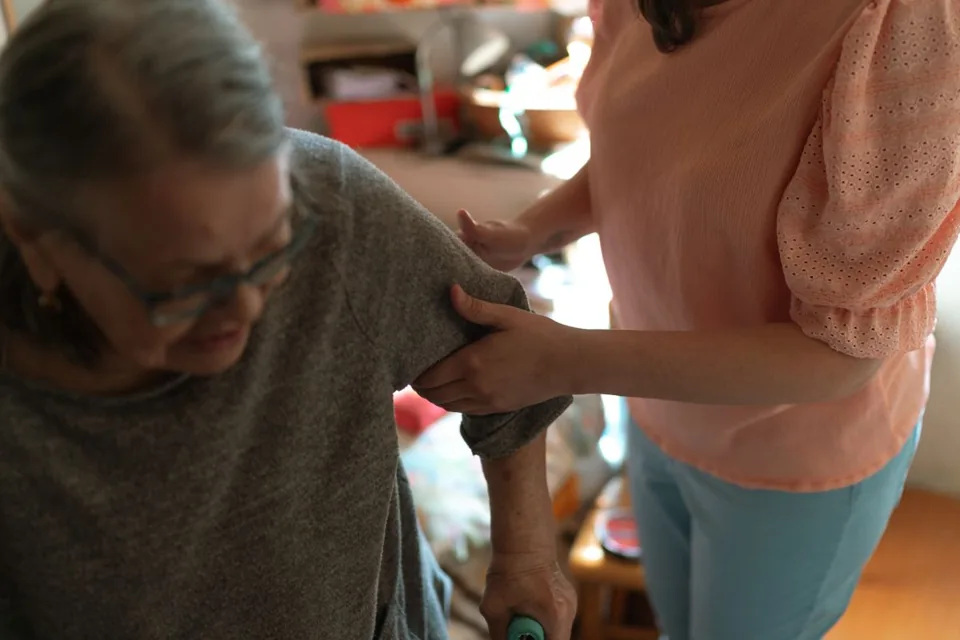
A client record, care plan and scheduled visit give the visiting worker context for the agreed support.
The visit note holds the observation alongside the visit times. The wound log records the date and wound details; a qualified person assesses their meaning.
Service and invoice areas help organise the work done; coverage, rates and submission still need checking for the particular case.
How Sektura helps with everyday work
In this fictional example, a carer notices a change while attending a client's dressing at home.
Before leaving, she opens the current plan and the visit details.
She describes what changed in the visit note and, if useful, adds dated wound details to the wound log without making a diagnosis.
She flags the change for the responsible professional to assess.
The team has a traceable observation and a clear next decision maker.
Getting started is simple
Enter fictional contact and care details, including an emergency contact where useful.
Add a care plan, a staff member and one planned home visit.
Record a fictional observation, then reopen the record to see what the next colleague will read.
Use invented data in a trial. Real health records require appropriate access rights and an approved operating process.
No credit card is needed to start your trial.
Industry solution
Home care teams making client visits
Editorial workflow draft — not a product screenshot.
A home visit requires a wound observation in the care record.
Review the existing care plan before the visit.
Describe the observation and time in the visit note.
Flag concerns for the responsible clinician.
The clinician has a dated note to review.
Performance records, PDCA care planning and route documentation to SGB XI standard
Automatic route optimization with time windows, care level and staff qualification
Medication plans, dispensing logs and interaction check per care recipient
Record services offline, digital signature, sync when network is available
Collective billing to care funds, statutory health insurance data exchange, MDK preparation
Less paperwork
These features are included in every sektura solution.
Customer records with full project history for all PflegeDesk jobs and relevant contact and location information.
Invoices for PflegeDesk services under local law. Automatic numbering, PDF export and dunning management.
Appointments for PflegeDesk deployments with GPS address, staff assignment and automatic email reminders.
All PflegeDesk documents managed centrally: plans, protocols, warranties, certificates and manufacturer documentation.
PflegeDesk jobs with industry-specific fields, status tracking and automatic cost calculation.
Reports for PflegeDesk: revenue by service type, utilisation, averages and profitability per job.
Vote on new PflegeDesk features. Which functions matter most? Your vote counts in product development.
Getting started is simple
Import clients, care levels and care plans
Configure care documentation (sgb xi) and enter initial data
Configure tour & shift planning and enter initial data
Configure medication management and enter initial data
Create the first invoice or quote and test the workflow
Before you switch, we check which data we can transfer from your existing system.
Medifox · Connext Vivendi · DAN Produkte · opta data
Germany · Austria · Switzerland · United Kingdom · France · Spain · Italy · Netherlands · Poland · Portugal · Sweden · Denmark · Norway · Finland · Czechia · Romania · Hungary · Türkiye · Russia · Ukraine · Indonesia · Vietnam · Thailand · Saudi Arabia · China · Japan · South Korea · India · Greece · Croatia · Serbia · Bulgaria · Slovakia · Slovenia · Lithuania · Latvia · Estonia · Albania · Malaysia · Philippines · Bangladesh · Pakistan
04 / Getting started
Choose your industry, country and billing cycle. You will see the corresponding industry price; book add-ons separately when needed.
days free trial
No credit card is needed to start your trial.
No credit card is needed to start your trial.
Add-ons are billed separately in EUR. Displayed prices reflect your selected country and billing cycle.
Patient management for dental practices and orthodontic clinics
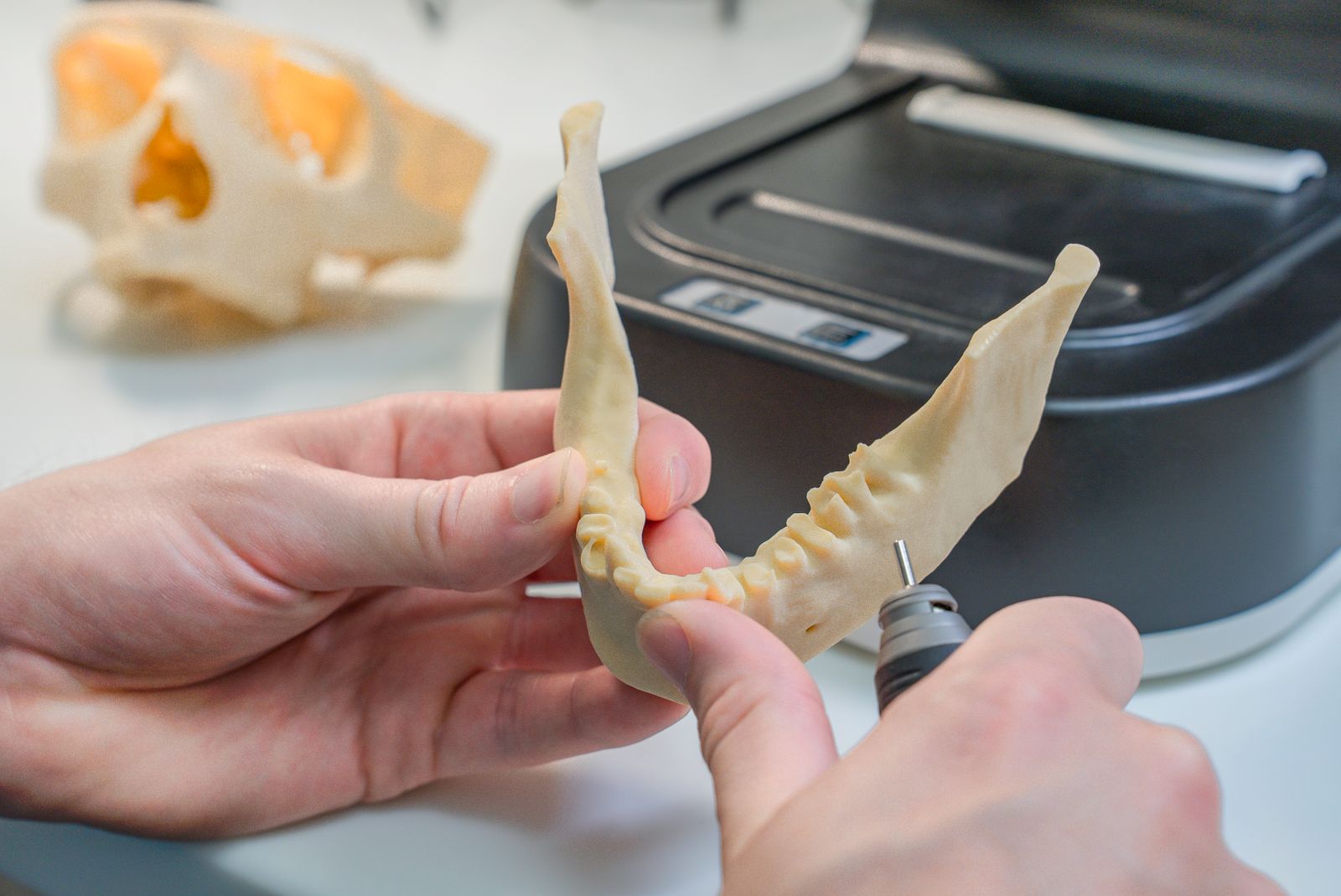
Order management for dental labs — CAD/CAM fabrication, crowns, bridges, dentures and BEL II billing.

Practice management for general practitioners
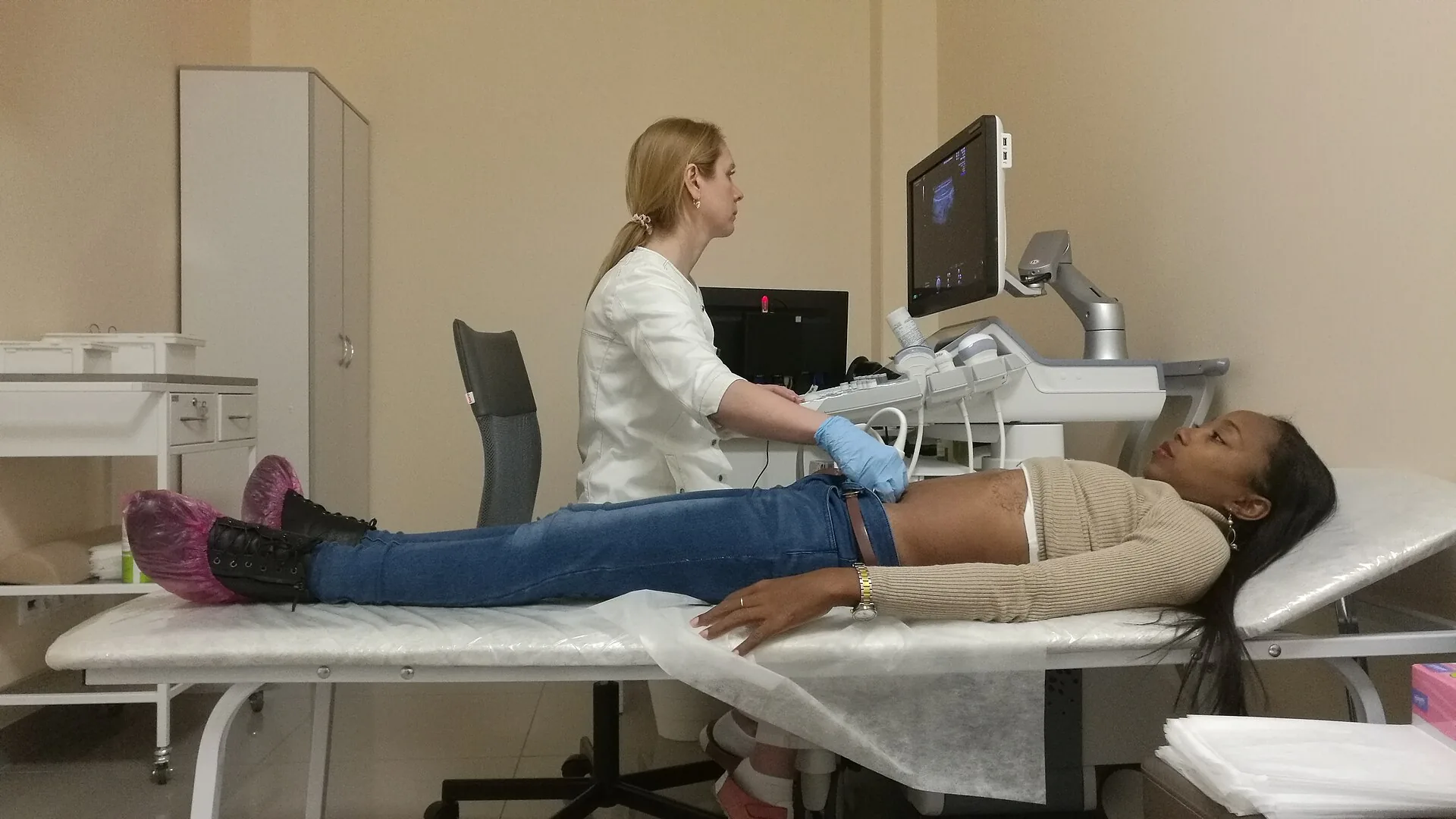
Patient management for medical practices, specialists and healthcare centres
.jpg)