Check billing in context
Coding and treatment cost data still need current professional review and, where applicable, external approval.
Industry solution / Health & Medicine
A dental visit can reveal a concern that needs clinical review. Keep the tooth finding, its history and any treatment plan with the right patient while the clinician decides what the finding means.
Pricing & getting started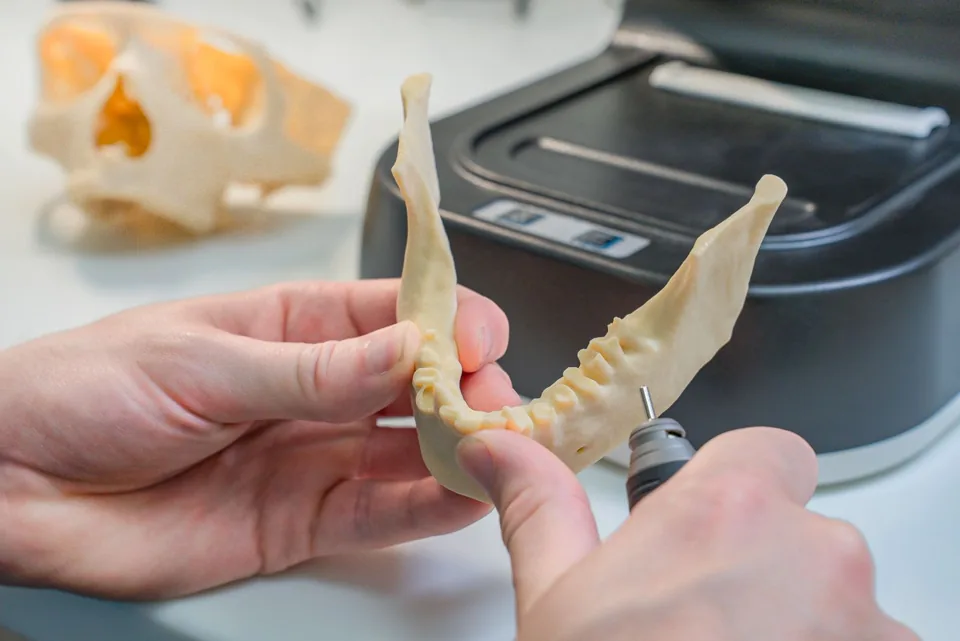
The tooth chart stores a patient-linked finding and its revisions for later review.
A treatment plan holds items that staff mark done only after the care has taken place.
A prophylaxis entry can carry a recommended recall date; the practice chooses whether to contact the patient.
How Sektura helps with everyday work
Example: During a preventive visit, a patient mentions cold sensitivity in a back tooth. The dentist examines it before deciding whether another visit is needed.
Staff note the tooth and the patient's account without turning it into a diagnosis.
The dentist records the finding in the tooth chart and, if indicated, creates plan items.
The practice discusses a follow-up visit; the prevention record and any recall recommendation remain separate.
The finding and its revisions are traceable. A software status cannot stand in for examination or treatment.
Getting started is simple
Use sample details and check that intended practice roles can access the case.
Enter a sample finding, correct it and reopen the earlier version.
Add a sample plan item, mark it done only in a simulated workflow and view recall without sending mail.
Coding and treatment cost data still need current professional review and, where applicable, external approval.
No credit card is needed to start your trial.
Industry solution
Dental practices
Editorial workflow draft — not a product screenshot.
During a preventive visit, a patient reports sensitivity in a molar.
Record the complaint and affected tooth.
Discuss treatment needs with the dentist.
Agree a follow-up appointment with the patient.
The finding and agreed follow-up appointment are documented.
Tooth chart with FDI/WHO coding, periodontogram and erosion index
DICOM import plus AI-assisted caries and periodontitis detection on X-ray images
Digitally create, approve and bill treatment and cost plans in compliance with dental fee schedules
Automated recall campaigns at individual intervals via SMS, e-mail and app
Legally compliant consent declarations with patient signature on tablet
Less paperwork
These features are included in every sektura solution.
Customer records with full project history for all DentalDesk jobs and relevant contact and location information.
Invoices for DentalDesk services under local law. Automatic numbering, PDF export and dunning management.
Appointments for DentalDesk deployments with GPS address, staff assignment and automatic email reminders.
All DentalDesk documents managed centrally: plans, protocols, warranties, certificates and manufacturer documentation.
DentalDesk jobs with industry-specific fields, status tracking and automatic cost calculation.
Reports for DentalDesk: revenue by service type, utilisation, averages and profitability per job.
Vote on new DentalDesk features. Which functions matter most? Your vote counts in product development.
Getting started is simple
Import patient master data and insurance info
Configure interactive tooth chart & findings and enter initial data
Configure x-ray integration & ai analysis and enter initial data
Configure treatment plan & billing (bema/goz) and enter initial data
Create the first invoice or quote and test the workflow
Before you switch, we check which data we can transfer from your existing system.
Doctolib · Dentally · CGM Z1 · Charly by solutio
Germany · Austria · Switzerland · United Kingdom · France · Spain · Italy · Netherlands · Poland · Portugal · Sweden · Denmark · Norway · Finland · Czechia · Romania · Hungary · Türkiye · Russia · Ukraine · Indonesia · Vietnam · Thailand · Saudi Arabia · China · Japan · South Korea · India · Greece · Croatia · Serbia · Bulgaria · Slovakia · Slovenia · Lithuania · Latvia · Estonia · Albania · Malaysia · Philippines · Bangladesh · Pakistan
04 / Getting started
Choose your industry, country and billing cycle. You will see the corresponding industry price; book add-ons separately when needed.
days free trial
No credit card is needed to start your trial.
No credit card is needed to start your trial.
Add-ons are billed separately in EUR. Displayed prices reflect your selected country and billing cycle.
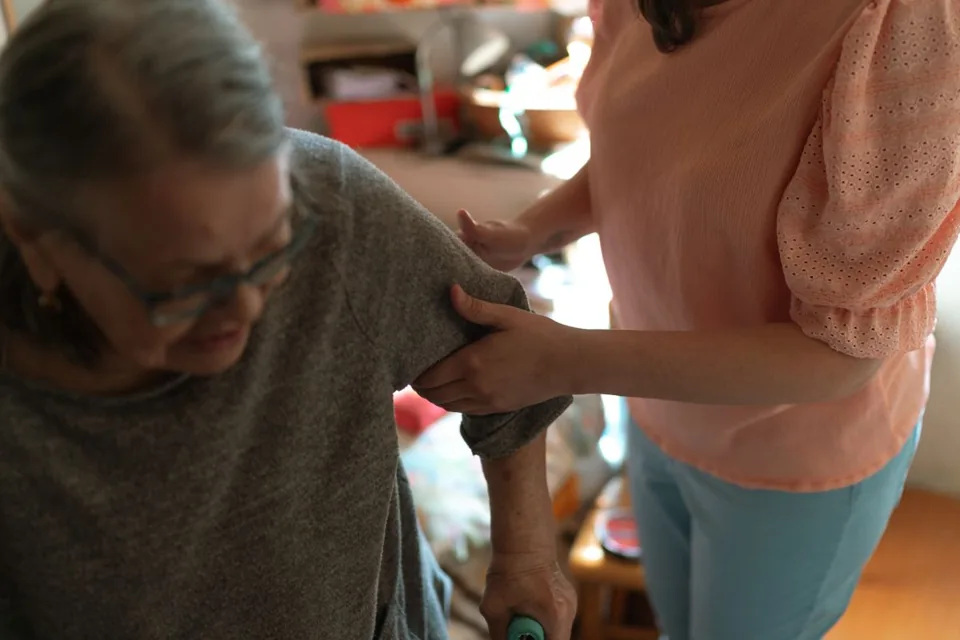
Software for care services – professional management of patients, care levels, insurance status and medication plans.
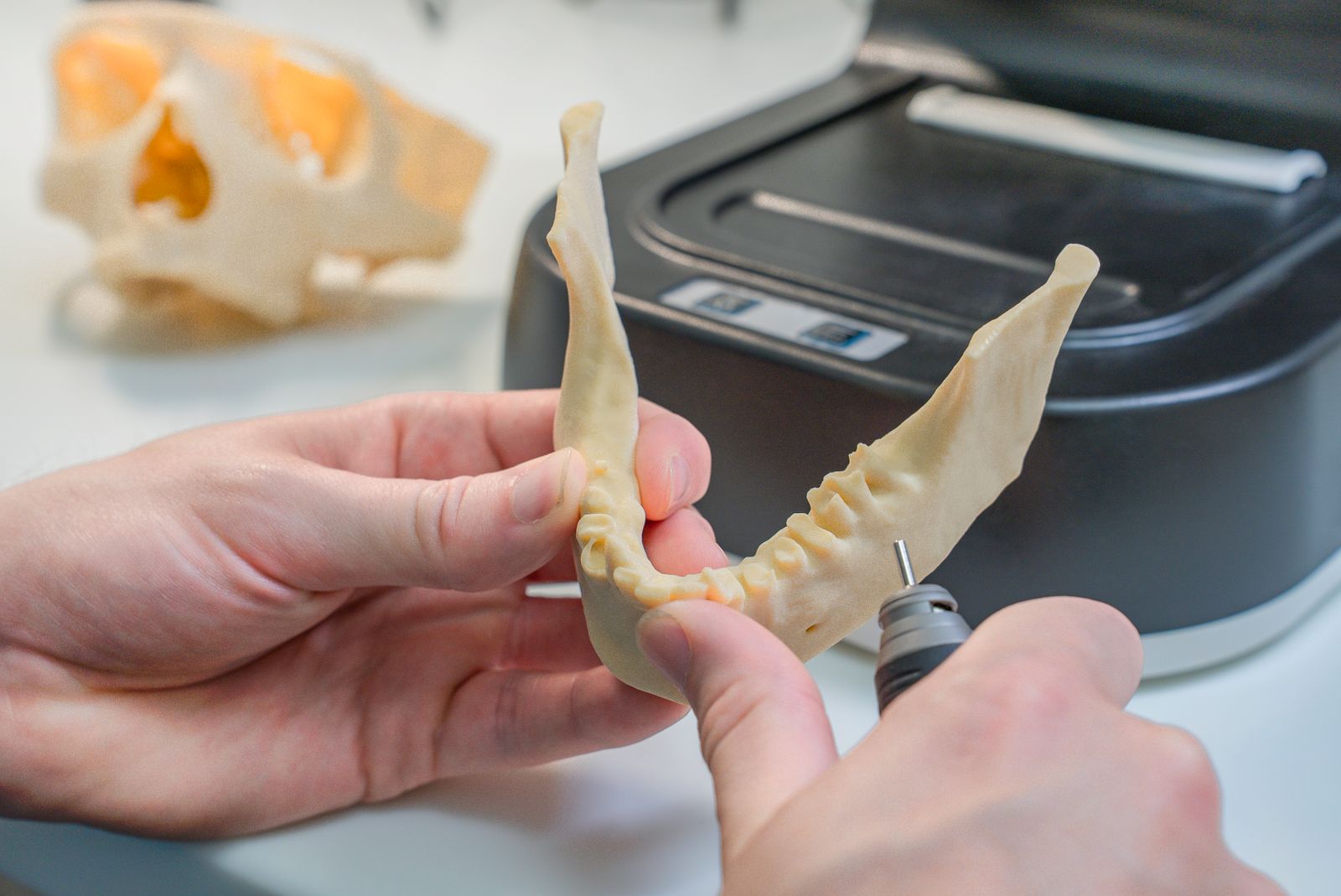
Order management for dental labs — CAD/CAM fabrication, crowns, bridges, dentures and BEL II billing.

Practice management for general practitioners
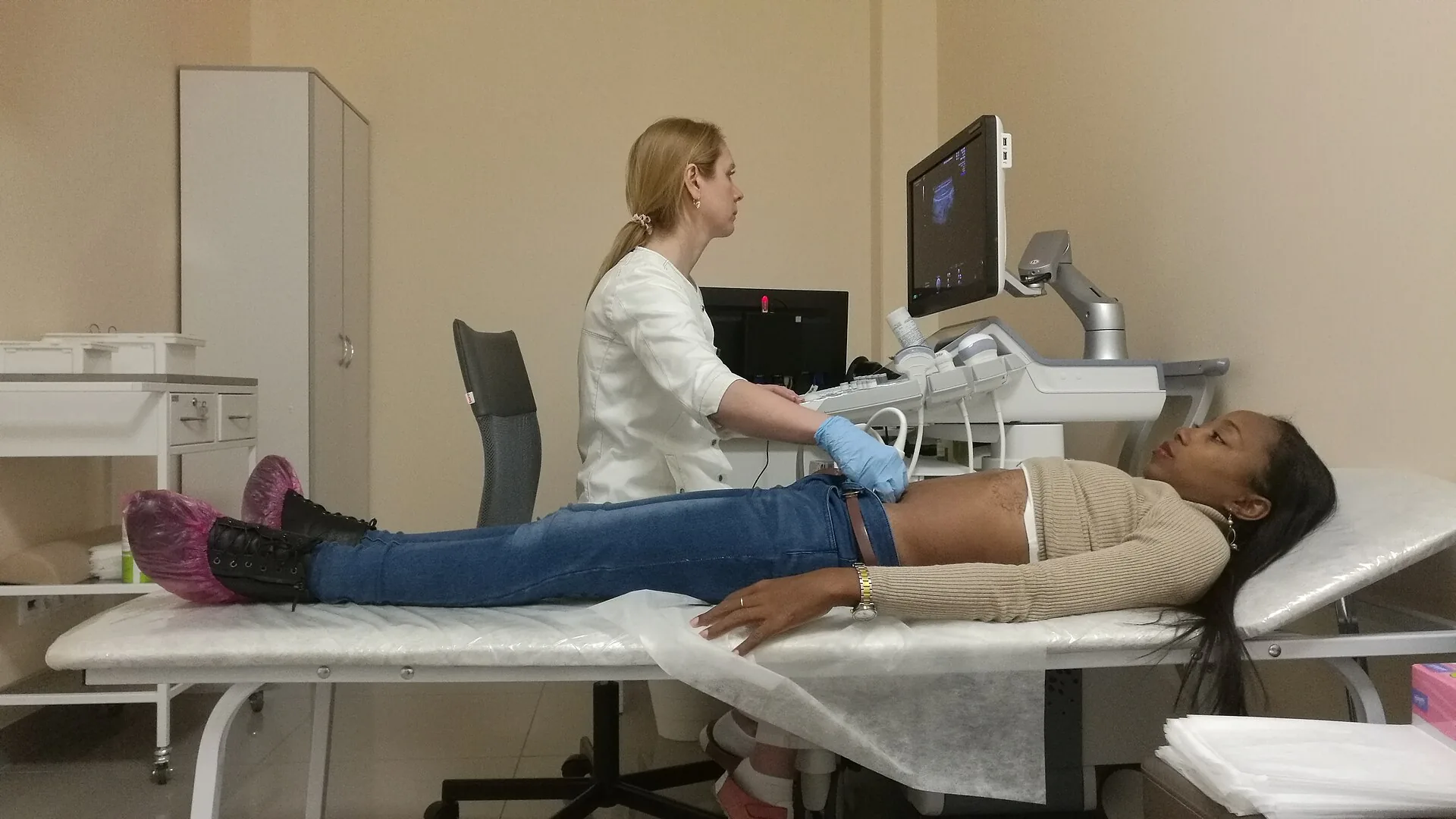
Patient management for medical practices, specialists and healthcare centres
.jpg)