Apply your local professional rules
Dispensing responsibilities and approved systems vary by country. The record cannot replace a qualified pharmacy assessment.
Industry solution / Health & Medicine
At the pharmacy counter, a prescription, a physical pack and a patient’s question meet. Keep the record clear while qualified staff check the medicine and decide what can be supplied.
Pricing & getting started
Keep prescription type, dates, product code, medicine name and quantity in one record. Unclear or conflicting instructions still need professional clarification.
The stock view includes product code, quantity, minimum level, location and expiry. The dispensing action checks tracked stock and expiry, but staff must inspect the actual pack and its suitability.
A recorded dispensing action can include the responsible person and date. Counselling has a separate note, and interaction findings are recorded as a sourced human review.
How Sektura helps with everyday work
A person asks for a regularly prescribed medicine. One pack appears in stock, but a note on the prescription is hard to read and the pack on the shelf needs an expiry check.
Qualified staff compare the medicine, dates and unclear instruction with the actual prescription. The desk does not interpret the uncertain wording.
The pharmacist checks product code, quantity and printed expiry against the stock entry. A positive count alone does not establish that the pack may be supplied.
After professional review, staff can record dispensing with a named person and date, or first seek clarification from the prescriber. A separate counselling note captures the discussion.
The record explains what staff decided without presenting a stock figure or status as clinical approval.
Getting started is simple
Use only a sample person, prescription type, date, product code, medicine name and quantity. Do not test with real patient information.
Enter the same fictional code with quantity, minimum level and expiry, then identify which checks still require a physical pack.
Look at dispensing and counselling fields. An interaction note is for a genuine expert review with a named source; use imaginary details only in the sample.
Dispensing responsibilities and approved systems vary by country. The record cannot replace a qualified pharmacy assessment.
Try the screens with synthetic details only; real clinical decisions and counselling belong with trained staff.
No credit card is needed to start your trial.
Industry solution
Community pharmacy teams
Editorial workflow draft — not a product screenshot.
A customer presents a repeat prescription and asks whether the medicine is available.
Personally check the prescription details and stock.
Professionally review expiry and possible interactions.
Record the discussed supply decision or question for the prescriber.
The case records the review and decision discussed with the customer.
Direct redemption of e-prescriptions via eHC, Gematik app or QR code – GDPR-compliant
Manually document external interaction checks. External professional sources required; no ABDA integration or automated pharmaceutical assessment.
Automatic reordering, expiry date monitoring and shrinkage analysis
Electronic pricing and billing with health insurers including retaxation risk protection
Regular customer file with federal medication plan, consultation documentation and allergy record
Less paperwork
These features are included in every sektura solution.
Customer records with full project history for all PharmacyDesk jobs and relevant contact and location information.
Invoices for PharmacyDesk services under local law. Automatic numbering, PDF export and dunning management.
Appointments for PharmacyDesk deployments with GPS address, staff assignment and automatic email reminders.
All PharmacyDesk documents managed centrally: plans, protocols, warranties, certificates and manufacturer documentation.
PharmacyDesk jobs with industry-specific fields, status tracking and automatic cost calculation.
Reports for PharmacyDesk: revenue by service type, utilisation, averages and profitability per job.
Vote on new PharmacyDesk features. Which functions matter most? Your vote counts in product development.
Getting started is simple
Import medication inventory and suppliers
Configure e-prescription & ehc redemption and enter initial data
Manually document external interaction checks. External professional sources required; no ABDA integration or automated pharmaceutical assessment.
Configure inventory & expiry date tracking and enter initial data
Create the first invoice or quote and test the workflow
Before you switch, we check which data we can transfer from your existing system.
LAUER-FISCHER · CGM LAUER · ADG · Pharmatechnik
Germany · Austria · Switzerland · United Kingdom · France · Spain · Italy · Netherlands · Poland · Portugal · Sweden · Denmark · Norway · Finland · Czechia · Romania · Hungary · Türkiye · Russia · Ukraine · Indonesia · Vietnam · Thailand · Saudi Arabia · China · Japan · South Korea · India · Greece · Croatia · Serbia · Bulgaria · Slovakia · Slovenia · Lithuania · Latvia · Estonia · Albania · Malaysia · Philippines · Bangladesh · Pakistan
04 / Getting started
Choose your industry, country and billing cycle. You will see the corresponding industry price; book add-ons separately when needed.
days free trial
No credit card is needed to start your trial.
No credit card is needed to start your trial.
Add-ons are billed separately in EUR. Displayed prices reflect your selected country and billing cycle.
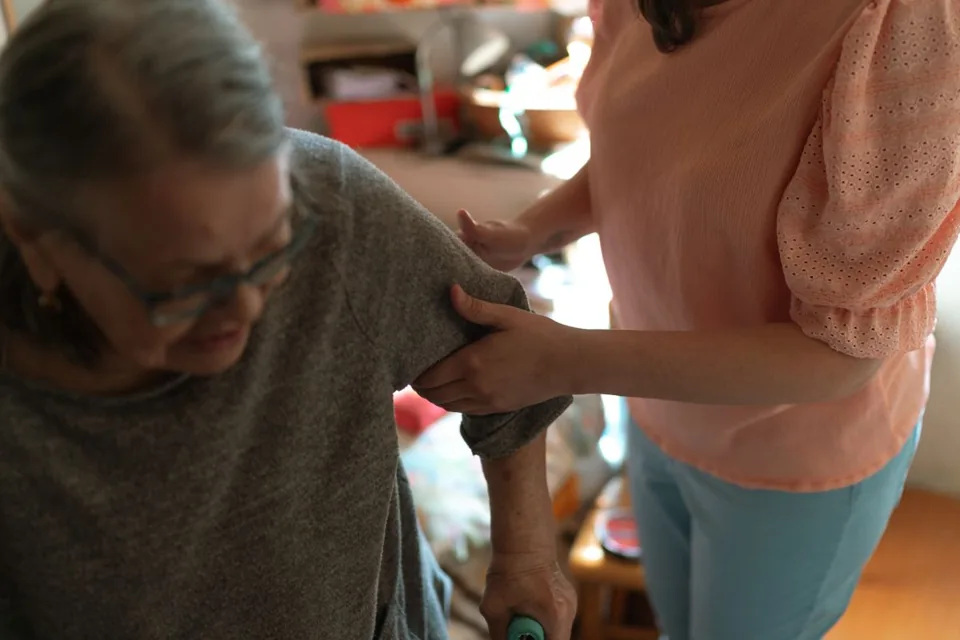
Software for care services – professional management of patients, care levels, insurance status and medication plans.
Patient management for dental practices and orthodontic clinics
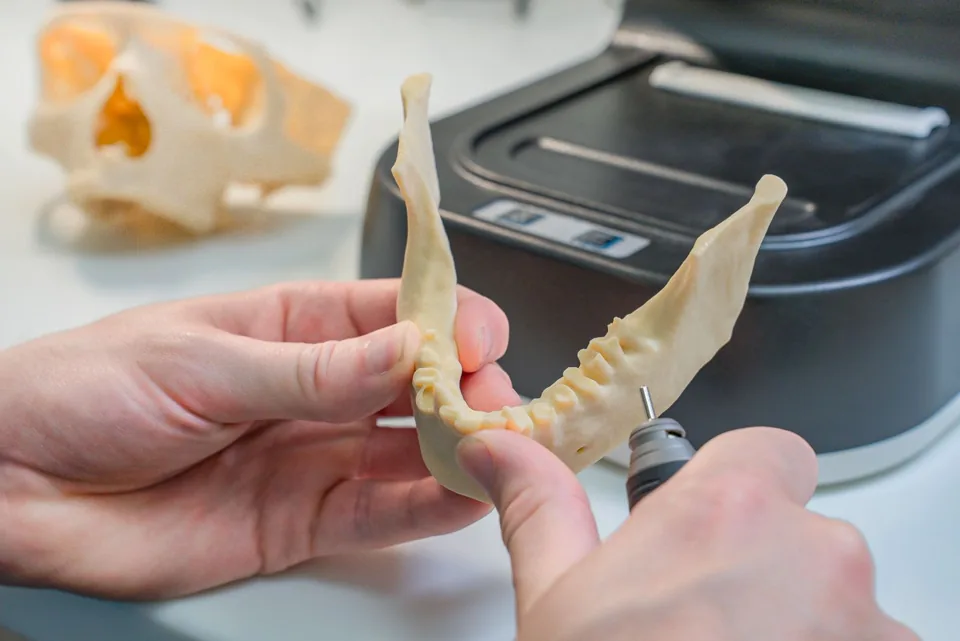
Order management for dental labs — CAD/CAM fabrication, crowns, bridges, dentures and BEL II billing.

Practice management for general practitioners