Check the bottling batch later
A batch number and bottle count are entered separately; compare them with the actual cellar trail before labelling.
Industry solution / Agriculture & Horticulture
For wineries recording parcel harvests, measured wine receipts and tank operations as separate, checkable events.
Pricing & getting started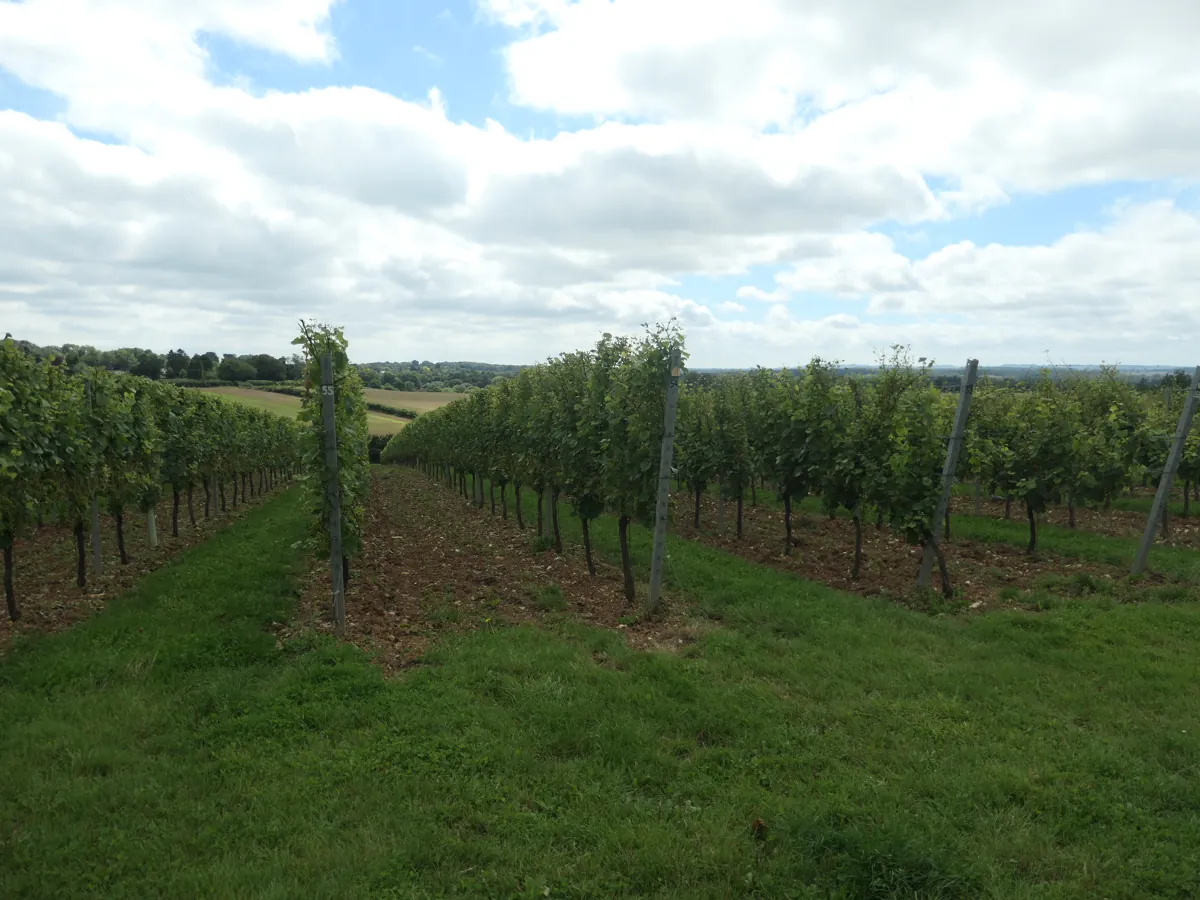
A harvest entry stores date, parcel, grape kilograms and values the winery actually measures.
A harvest-linked wine-ledger receipt requires measured litres, a measurement record, vessel, date and selected wine.
The journal records tank fill, transfer, sulphiting or fermentation observations; bottling has its own batch, date and bottle quantities.
How Sektura helps with everyday work
Example: The team delivers 860 kg of Riesling from parcel 17. After pressing, staff measure 580 litres and plan to fill tank T3; these figures are fictional.
The cellar manager enters the parcel, date, grape mass and any values actually measured.
She selects the harvest in the wine ledger and supplies litres, evidence, tank and wine. The software does not convert kilograms into litres.
The journal receives a separate dated entry for T3 and its litres; a later transfer would name the destination tank.
The path is easier to inspect, but the winery remains responsible for checking source documents and physical volumes.
Getting started is simple
Begin with the vineyard blocks and varieties you actually manage.
Use a sample date, parcel and grape mass, with only sample measured values.
Create a sample wine, enter measured litres with evidence and tank in the wine ledger, then log the fill in the cellar journal.
A batch number and bottle count are entered separately; compare them with the actual cellar trail before labelling.
No credit card is needed to start your trial.
Industry solution
Winegrowers receiving grapes
Editorial workflow draft — not a product screenshot.
After harvest, Riesling grapes from a vineyard parcel arrive at the winery and need a cellar batch assignment.
Record the source parcel and delivered quantity.
Discuss the intended fermentation vessel and processing with the cellar team.
Enter the grape receipt and these details in the cellar journal.
The batch has a recorded origin, quantity and agreed processing plan.
Document plots, harvest quantities and must weight per grape variety and vintage
Record fill volumes, transfer logs, sulphuring and fermentation parameters per tank and barrel
Track bottling batches, manage inventory by vintage and site, ensure FIFO withdrawal
Manage wine club, subscription boxes and farm shop sales with tax export (EU-MOSS/VAT-OSS)
Automatically generate EU wine accompanying documents (V I 1) and US TTB reports from cellar book data
VI-1: wine imports from non-EU countries into the EU. TTB 5120.17: US bonded wine premises. Enter actual official certification and laboratory analysis details.
Less paperwork
These features are included in every sektura solution.
Customer records with full project history for all WineryDesk jobs and relevant contact and location information.
Invoices for WineryDesk services under local law. Automatic numbering, PDF export and dunning management.
Appointments for WineryDesk deployments with GPS address, staff assignment and automatic email reminders.
All WineryDesk documents managed centrally: plans, protocols, warranties, certificates and manufacturer documentation.
WineryDesk jobs with industry-specific fields, status tracking and automatic cost calculation.
Reports for WineryDesk: revenue by service type, utilisation, averages and profitability per job.
Vote on new WineryDesk features. Which functions matter most? Your vote counts in product development.
Getting started is simple
Set up wine assortment, vintages and prices
Configure vintage book & vineyard record and enter initial data
Configure cellar book & tank management and enter initial data
Configure bottling & bottle storage management and enter initial data
Create the first invoice or quote and test the workflow
Before you switch, we check which data we can transfer from your existing system.
Wein-Plus · vineyard.cloud · Weinbau Online · ready2order
Germany · Austria · Switzerland · United Kingdom · France · Spain · Italy · Netherlands · Poland · Portugal · Sweden · Denmark · Norway · Finland · Czechia · Romania · Hungary · Türkiye · Russia · Ukraine · Indonesia · Vietnam · Thailand · Saudi Arabia · China · Japan · South Korea · India · Greece · Croatia · Serbia · Bulgaria · Slovakia · Slovenia · Lithuania · Latvia · Estonia · Albania · Malaysia · Philippines · Bangladesh · Pakistan
04 / Getting started
Choose your industry, country and billing cycle. You will see the corresponding industry price; book add-ons separately when needed.
days free trial
No credit card is needed to start your trial.
No credit card is needed to start your trial.
Add-ons are billed separately in EUR. Displayed prices reflect your selected country and billing cycle.
Farm management for agricultural operations, direct marketers and organic farms.
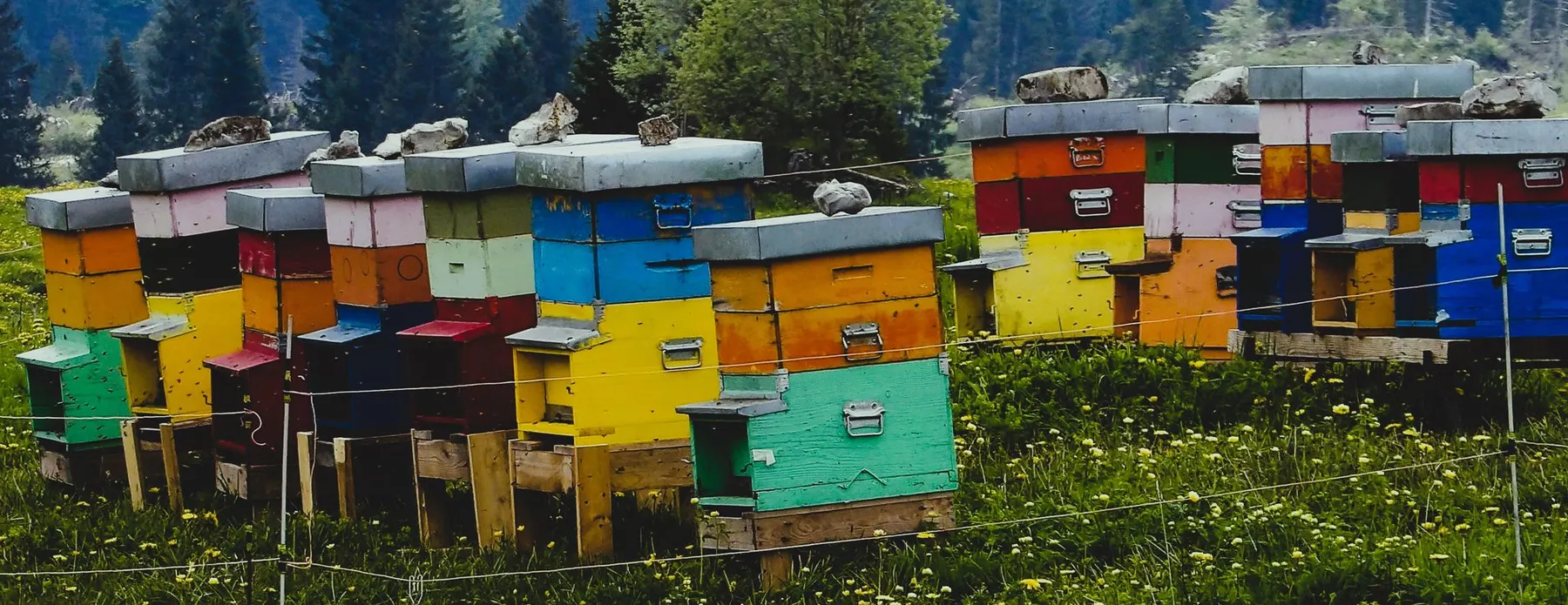
Software for beekeepers – manage colonies, apiaries, honey harvests and varroa treatments digitally.
Industry software for agricultural businesses — jobs, land, machinery, subsidies and direct marketing.
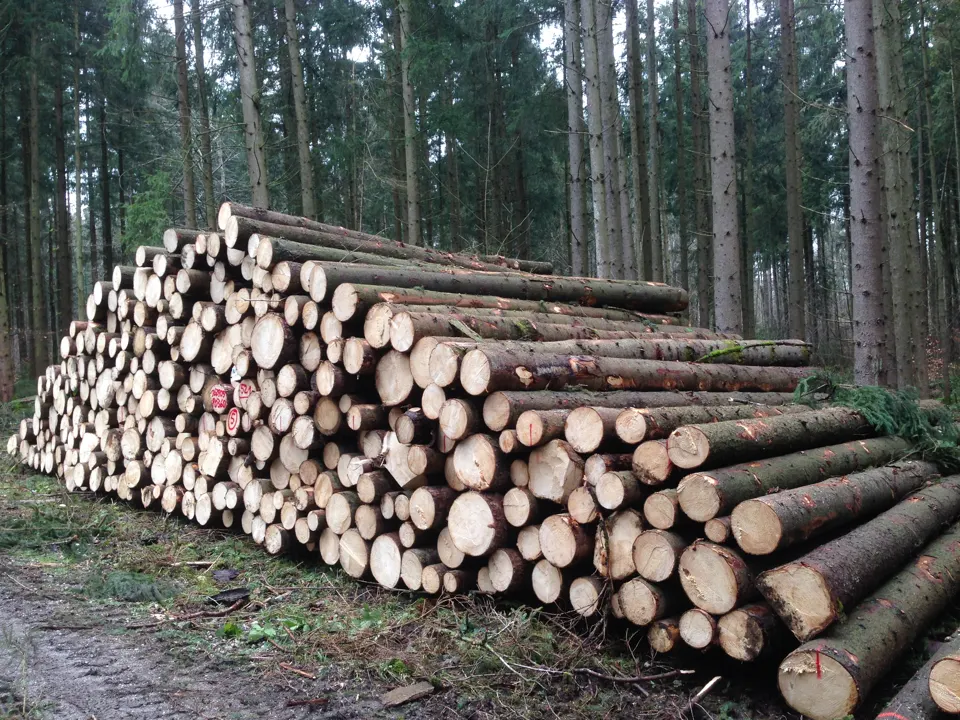
Software for forestry operations – manage forest measures, stands, timber species and protected areas.


