Plant movements
Plant health requirements vary by jurisdiction and route; use the responsible authority's rules for the actual consignment.
Industry solution / Agriculture & Horticulture
A tree nursery must match cultivar, grade, size and condition to the buyer's order. Keep lot records, orders and delivery dates together while staff verify the plants in the growing block.
Pricing & getting started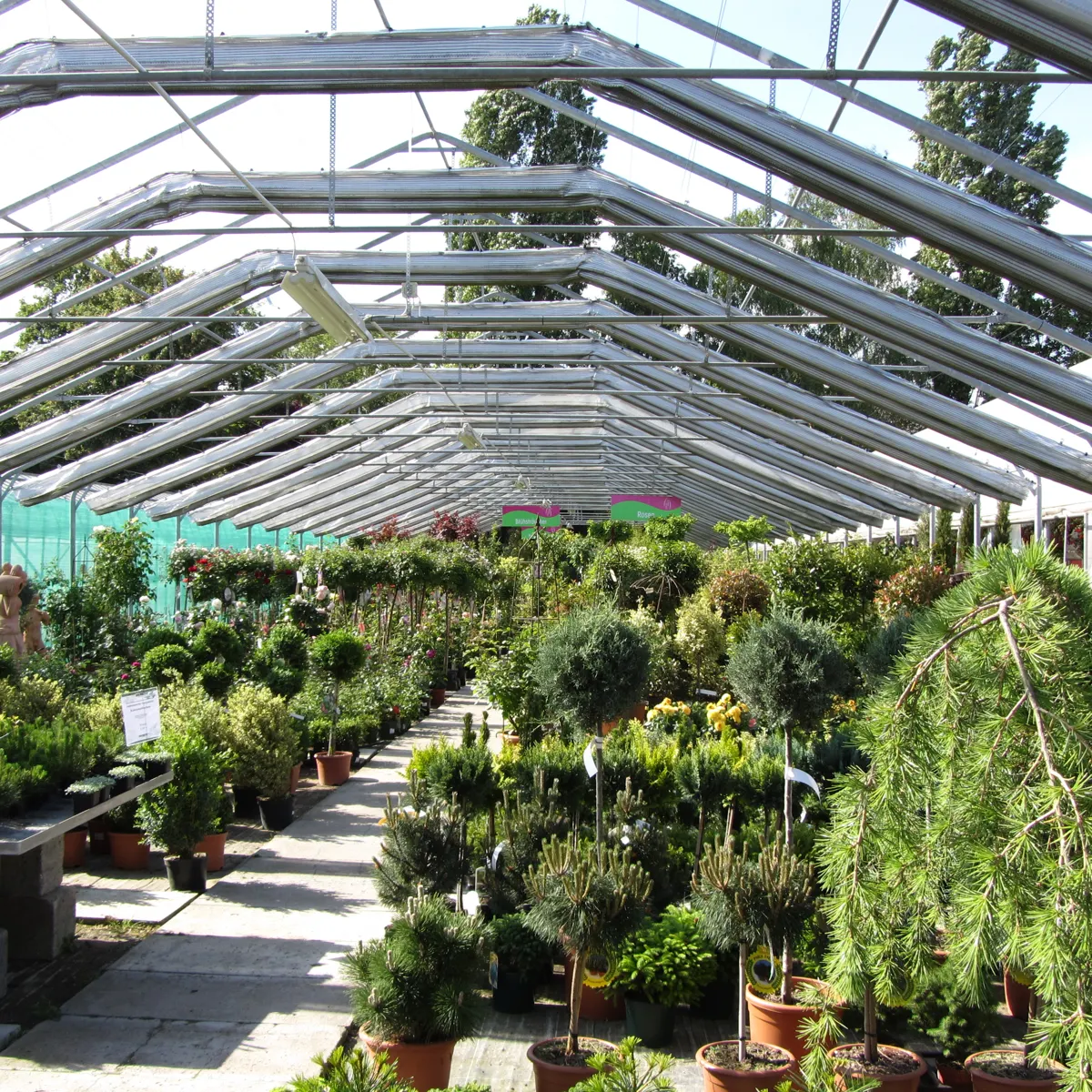
Compare the requested cultivar and size with recorded stock and a physical check of the block.
Connect the selected lot with the order and agreed delivery date.
Keep labels and passport data available while the nursery verifies requirements for that movement.
How Sektura helps with everyday work
Example: A landscaper orders twelve field maples in a specified trunk size for Thursday. The stock record lists fourteen, but two trees in the growing row do not meet the agreed grade. The manager must confirm the usable lot before promising the full quantity.
Check botanical name, grade, size, number and destination.
Count and inspect the selected trees, then correct the available quantity if necessary.
Link the twelve suitable trees to the order, record the date and review labels and documents for this shipment.
The lifting crew knows which trees to take; the screen did not inspect their condition.
Getting started is simple
Enter synthetic field maples with block, size and quantity.
Compare requested and physically plausible available numbers.
Assign the lot and date, then review passport data for the example movement.
Plant health requirements vary by jurisdiction and route; use the responsible authority's rules for the actual consignment.
No credit card is needed to start your trial.
Industry solution
Tree nurseries filling plant orders
Editorial workflow draft — not a product screenshot.
A tree nursery receives an order for young trees of a specified variety and size.
Match variety and size to the order.
Check available stock in the growing plot.
Record selected trees and the delivery date for picking.
The chosen plants are clearly recorded for delivery.
Cultivation planning with maturation times, area allocation and unit quantity forecast
Plant profiles with variety, quality, size and location · Plant Passport
Plant profiles with variety, quality, size and location
Customer orders and delivery dates
Quarter planning and stock levels
Less paperwork
These features are included in every sektura solution.
Customer records with full project history for all TreeNurseryDesk jobs and relevant contact and location information.
Invoices for TreeNurseryDesk services under local law. Automatic numbering, PDF export and dunning management.
Appointments for TreeNurseryDesk deployments with GPS address, staff assignment and automatic email reminders.
All TreeNurseryDesk documents managed centrally: plans, protocols, warranties, certificates and manufacturer documentation.
TreeNurseryDesk jobs with industry-specific fields, status tracking and automatic cost calculation.
Reports for TreeNurseryDesk: revenue by service type, utilisation, averages and profitability per job.
Vote on new TreeNurseryDesk features. Which functions matter most? Your vote counts in product development.
Getting started is simple
Register farm areas, crops or livestock
Configure assortment & production planning and enter initial data
Configure eu plant passport & traceability and enter initial data
Configure quality per zhh/ral quality mark and enter initial data
Create the first invoice or quote and test the workflow
Before you switch, we check which data we can transfer from your existing system.
Greenbase · Taifun · Progard · helloCash
Germany · Austria · Switzerland · United Kingdom · France · Spain · Italy · Netherlands · Poland · Portugal · Sweden · Denmark · Norway · Finland · Czechia · Romania · Hungary · Türkiye · Russia · Ukraine · Indonesia · Vietnam · Thailand · Saudi Arabia · China · Japan · South Korea · India · Greece · Croatia · Serbia · Bulgaria · Slovakia · Slovenia · Lithuania · Latvia · Estonia · Albania · Malaysia · Philippines · Bangladesh · Pakistan
04 / Getting started
Choose your industry, country and billing cycle. You will see the corresponding industry price; book add-ons separately when needed.
days free trial
No credit card is needed to start your trial.
No credit card is needed to start your trial.
Add-ons are billed separately in EUR. Displayed prices reflect your selected country and billing cycle.
Farm management for agricultural operations, direct marketers and organic farms.
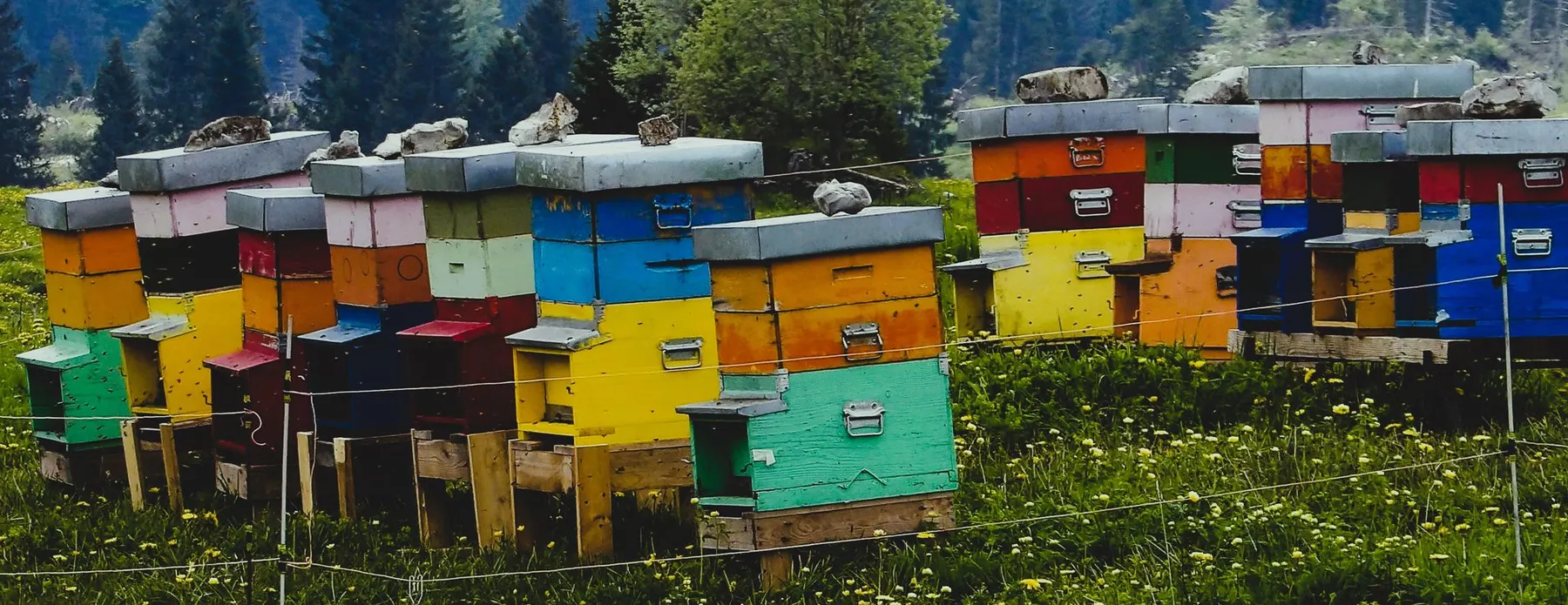
Software for beekeepers – manage colonies, apiaries, honey harvests and varroa treatments digitally.
Industry software for agricultural businesses — jobs, land, machinery, subsidies and direct marketing.
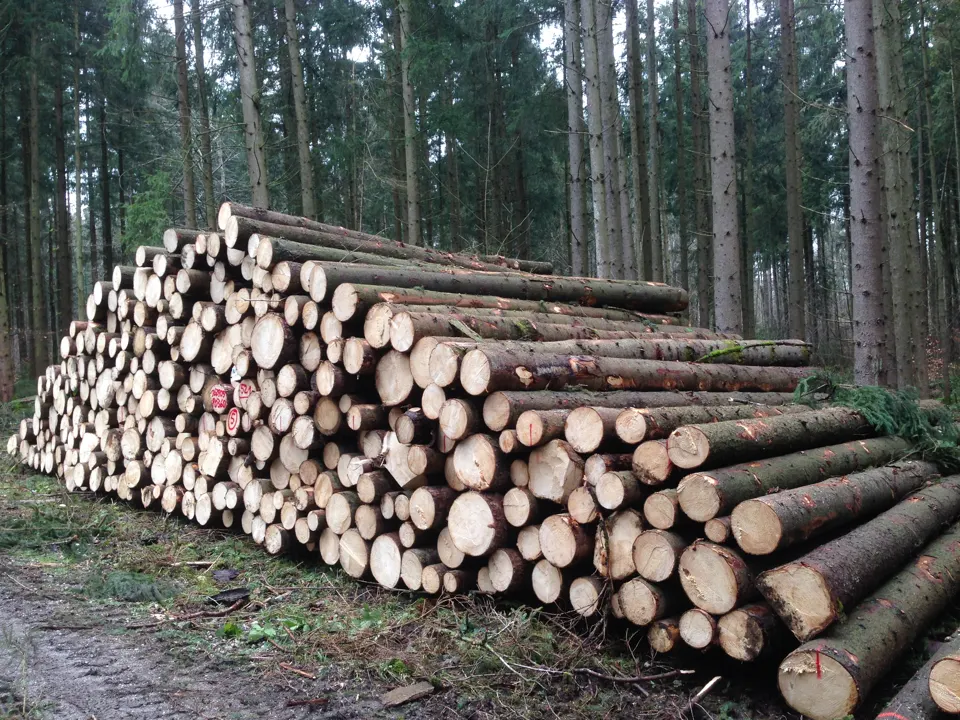
Software for forestry operations – manage forest measures, stands, timber species and protected areas.


