Charity status
A status field does not replace an official decision.
Industry solution / Associations
For support associations tracking members, restricted donations, projects and supporting documents.
Pricing & getting started
Record donor, stated purpose and project for a restricted gift.
Collect supporting documents and project reports for committee review.
Draft acknowledgements for human review; eligibility remains the association’s responsibility.
How Sektura helps with everyday work
In this fictional example, someone donates specifically for books in a reading room.
Enter donor, amount and stated purpose.
Assign it to the reading room project and gather receipts.
Check the report and acknowledgement draft before approval.
The purpose and project trail remain visible; tax eligibility is not created by a software field.
Getting started is simple
Enter the association’s real aims and a sample project.
Use synthetic donor data and a stated purpose.
Inspect the project record and draft acknowledgement.
A status field does not replace an official decision.
No credit card is needed to start your trial.
Industry solution
Support associations receiving earmarked donations
Editorial workflow draft — not a product screenshot.
A support association receives a donation expressly intended for its reading room.
Record the donor and stated purpose with the donation.
Match the gift to the reading room project and available records.
Prepare a receipt draft and project update for manual review.
The gift allocation and documents needing review are clearly recorded.
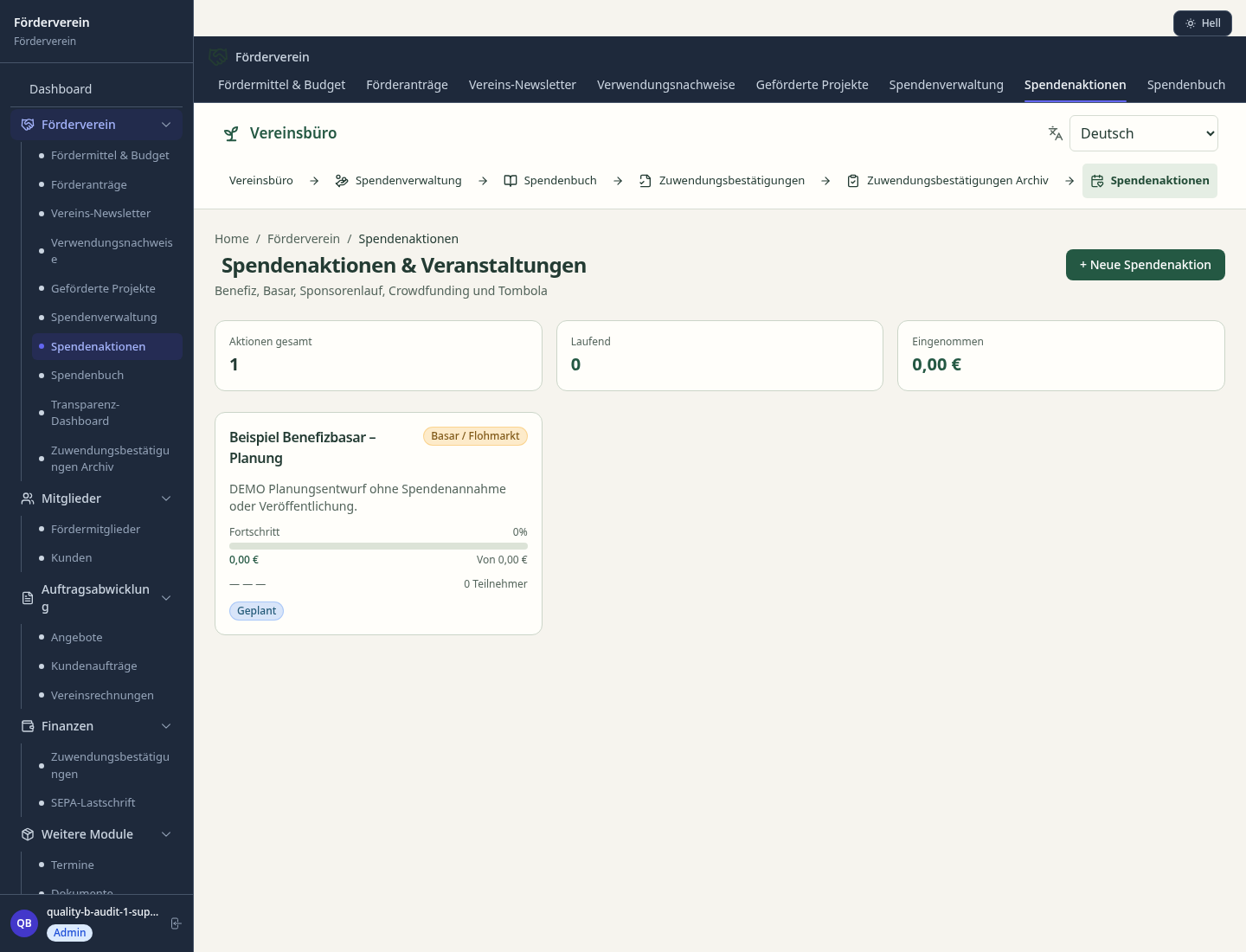
Track donations by donor, campaign and amount with automatic thank-you letters.
Generate tax-deductible donation receipts automatically
Plan and track funding projects and initiatives
Generate reports on fund usage and project outcomes
Track exactly how donated funds are allocated to projects and initiatives.
What sets sektura apart from generic systems.
Less paperwork
These features are included in every sektura solution.
Customer records with full project history for all Support & Aid Club jobs and relevant contact and location information.
Invoices for Support & Aid Club services under local law. Automatic numbering, PDF export and dunning management.
Appointments for Support & Aid Club deployments with GPS address, staff assignment and automatic email reminders.
All Support & Aid Club documents managed centrally: plans, protocols, warranties, certificates and manufacturer documentation.
Support & Aid Club jobs with industry-specific fields, status tracking and automatic cost calculation.
Reports for Support & Aid Club: revenue by service type, utilisation, averages and profitability per job.
Vote on new Support & Aid Club features. Which functions matter most? Your vote counts in product development.
Getting started is simple
Import members and donors with their donation history
Configure donation receipt templates for your supported institution
Set up funded projects with budgets and milestones
Generate the first batch of donation receipts
Create the first transparency report for your members
Before you switch, we check which data we can transfer from your existing system.
SEWOBE · Vereinsflieger · Altruja · Spendenportal.de
Germany · Austria · Switzerland · United Kingdom · France · Spain · Italy · Netherlands · Poland · Portugal · Sweden · Denmark · Norway · Finland · Czechia · Romania · Hungary · Türkiye · Russia · Ukraine · Indonesia · Vietnam · Thailand · Saudi Arabia · China · Japan · South Korea · India · Greece · Croatia · Serbia · Bulgaria · Slovakia · Slovenia · Lithuania · Latvia · Estonia · Albania · Malaysia · Philippines · Bangladesh · Pakistan
04 / Getting started
Choose your industry, country and billing cycle. You will see the corresponding industry price; book add-ons separately when needed.
days free trial
No credit card is needed to start your trial.
No credit card is needed to start your trial.
Add-ons are billed separately in EUR. Displayed prices reflect your selected country and billing cycle.

Management software for animal welfare clubs — shelter management, foster care, adoption placement and donation management.
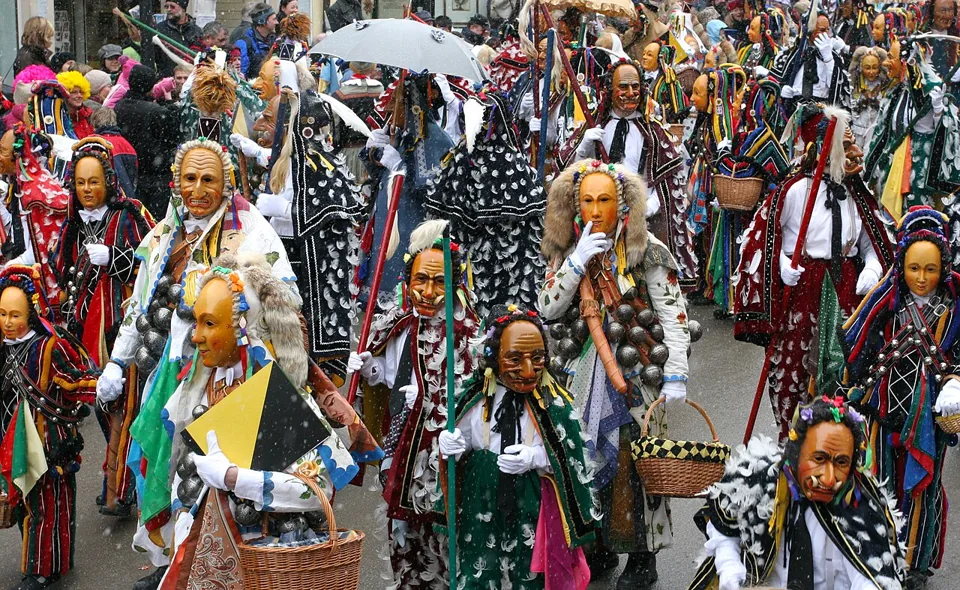
Management software for carnival clubs — session planning, costume management, guard dance and show organisation.
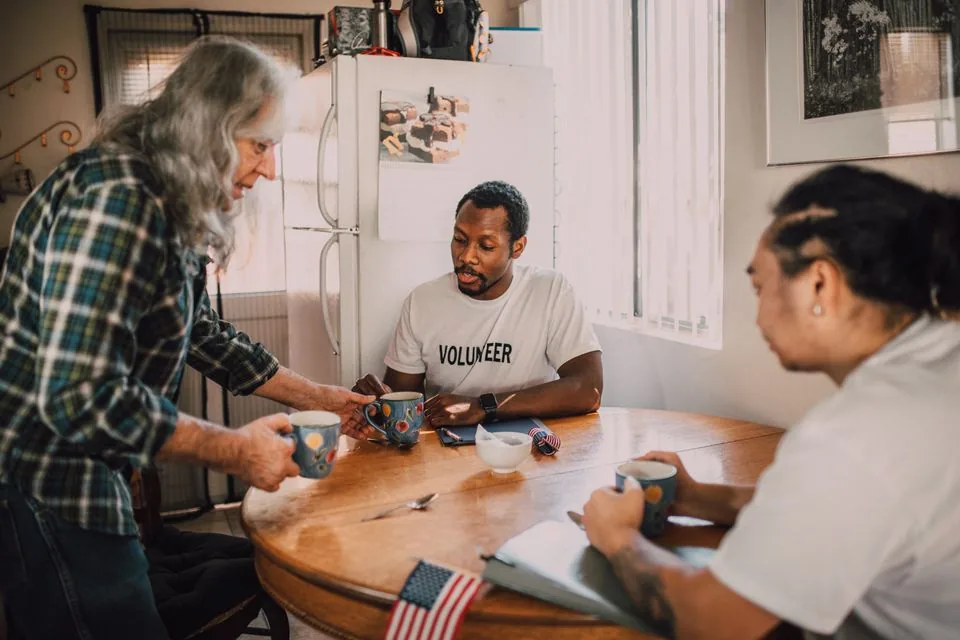
Management software for community and neighbourhood associations — members, activities and local networking.

Management software for cultural clubs — theatre, dance, traditions, carnival and more.
