The collection checklist is local
The daily collection page has a local checklist. Ticking it is not a persisted proof of handover; use your own release procedure.
Industry solution / Service & Facility
A stain, a loose seam and the care label all matter at the counter. Record visible issues, assess the garment before selecting treatment, and check the order when it is collected.
Pricing & getting started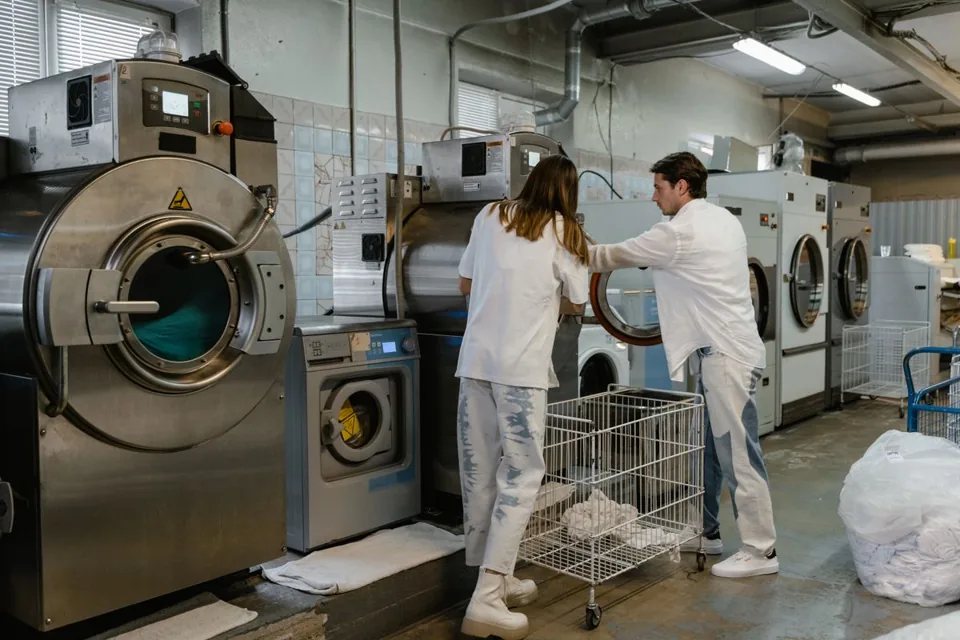
The intake screen holds garment type, quantity, special notes, drop-off date, requested ready date and photos of visible issues.
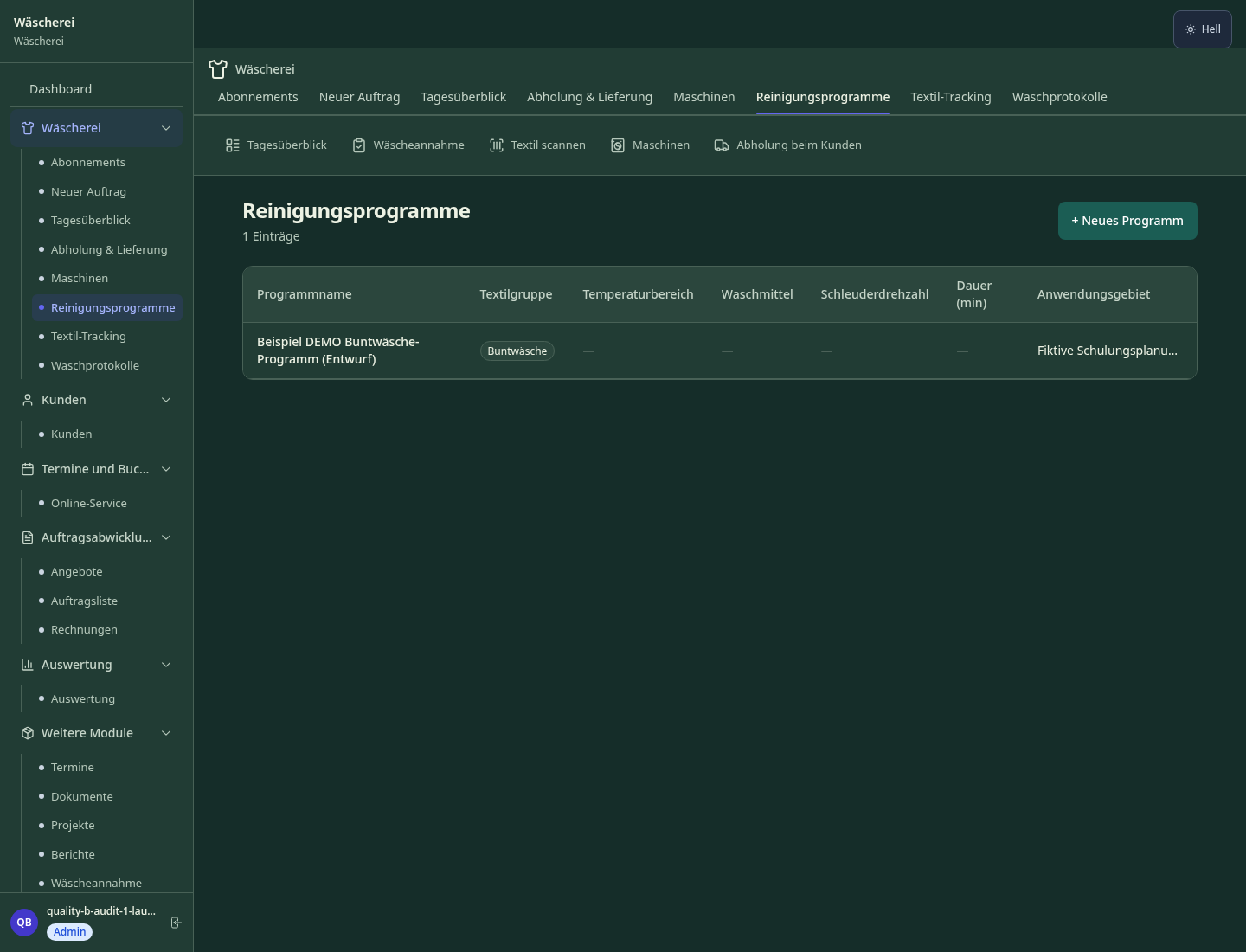
Cleaning programmes record method and temperature range. Staff still need to inspect the fibre and care label before a process is used.
Orders have working statuses through issue. Compare the record with the physical garment and collection situation; a target ready date is not proof of completion.
How Sektura helps with everyday work
A customer drops off a jacket needed for an upcoming trip. At the counter, an employee sees a stain on the front and a seam coming loose by the pocket.
Read the care label, point out the seam and explain that the stain may not come out completely.
Enter garment type, quantity, both observations and the requested date. Add an image if it fits the shop’s photo and retention practice.
Assess treatment on the actual fabric. At collection, compare the separate order status and jacket; intake and order are not automatically merged into one record.
The customer understands what was recorded, and the workshop has specific checks for treatment and return.
Getting started is simple
Enter a sample garment, stain, loose seam, quantity and desired ready date. Do not use a real customer photo.
Compare its method and temperature with an imaginary care label before considering it for real garments.
Look at order statuses and the collection view. Define how your counter staff will match intake, order and physical garment.
The daily collection page has a local checklist. Ticking it is not a persisted proof of handover; use your own release procedure.
No credit card is needed to start your trial.
Industry solution
Laundries accepting individual garments
Editorial workflow draft — not a product screenshot.
A customer brings in a jacket with a stain and a loose seam for cleaning.
Inspect the stain, seam and care label at intake.
Record its prior condition and agreed treatment.
Set a collection day and link the jacket to the customer.
Condition, treatment and collection are documented for the jacket.
QR/barcode per item — track seamlessly from intake to delivery, no more lost items.
Photos at intake document pre-existing damage — protection in disputes and liability claims.
Optimised pickup routes with driver app and customer communication — no coordination effort.
Automatic customer notification when orders are complete via SMS or WhatsApp.
Item-specific care symbols, chemical notes and special treatment per garment.
Less paperwork
These features are included in every sektura solution.
Customer records with full project history for all WaescheDesk jobs and relevant contact and location information.
Invoices for WaescheDesk services under local law. Automatic numbering, PDF export and dunning management.
Appointments for WaescheDesk deployments with GPS address, staff assignment and automatic email reminders.
All WaescheDesk documents managed centrally: plans, protocols, warranties, certificates and manufacturer documentation.
WaescheDesk jobs with industry-specific fields, status tracking and automatic cost calculation.
Reports for WaescheDesk: revenue by service type, utilisation, averages and profitability per job.
Vote on new WaescheDesk features. Which functions matter most? Your vote counts in product development.
Getting started is simple
Set up textile types, cleaning programs and prices
Configure barcode tracking per garment and enter initial data
Configure damage documentation at intake and enter initial data
Configure pickup/delivery route planning and enter initial data
Create the first invoice or quote and test the workflow
Before you switch, we check which data we can transfer from your existing system.
CleanCloud · Starchup · helloCash · SPOT
Germany · Austria · Switzerland · United Kingdom · France · Spain · Italy · Netherlands · Poland · Portugal · Sweden · Denmark · Norway · Finland · Czechia · Romania · Hungary · Türkiye · Russia · Ukraine · Indonesia · Vietnam · Thailand · Saudi Arabia · China · Japan · South Korea · India · Greece · Croatia · Serbia · Bulgaria · Slovakia · Slovenia · Lithuania · Latvia · Estonia · Albania · Malaysia · Philippines · Bangladesh · Pakistan
04 / Getting started
Choose your industry, country and billing cycle. You will see the corresponding industry price; book add-ons separately when needed.
days free trial
No credit card is needed to start your trial.
No credit card is needed to start your trial.
Add-ons are billed separately in EUR. Displayed prices reflect your selected country and billing cycle.

Industry software for chimney sweeps — sweep districts, emissions measurements, fireplace inspections and invoicing.
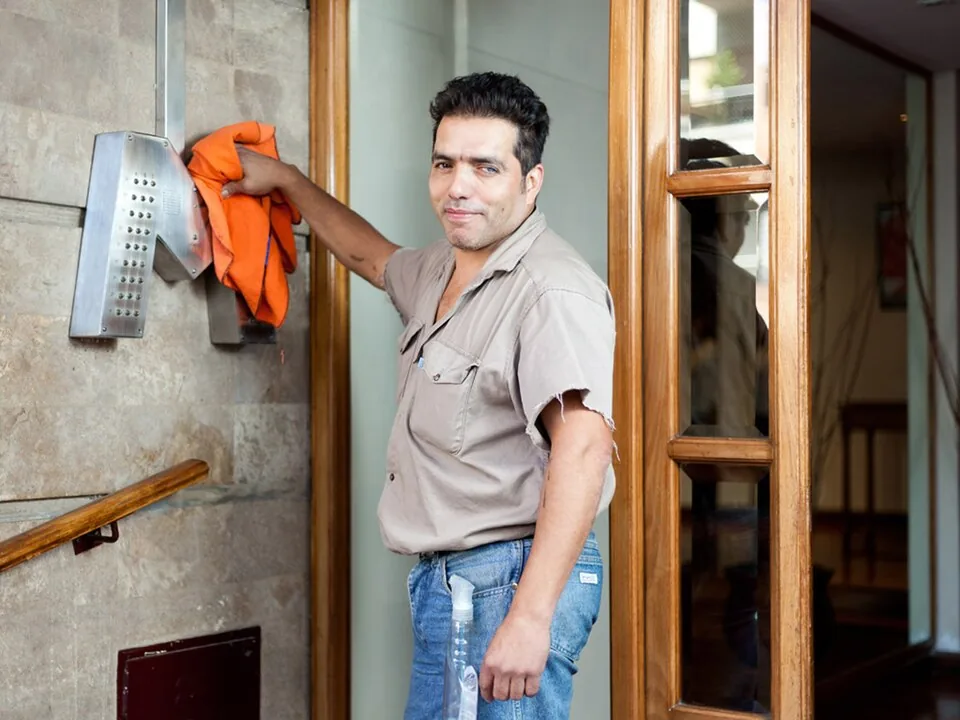
Job management for cleaning companies and facility services
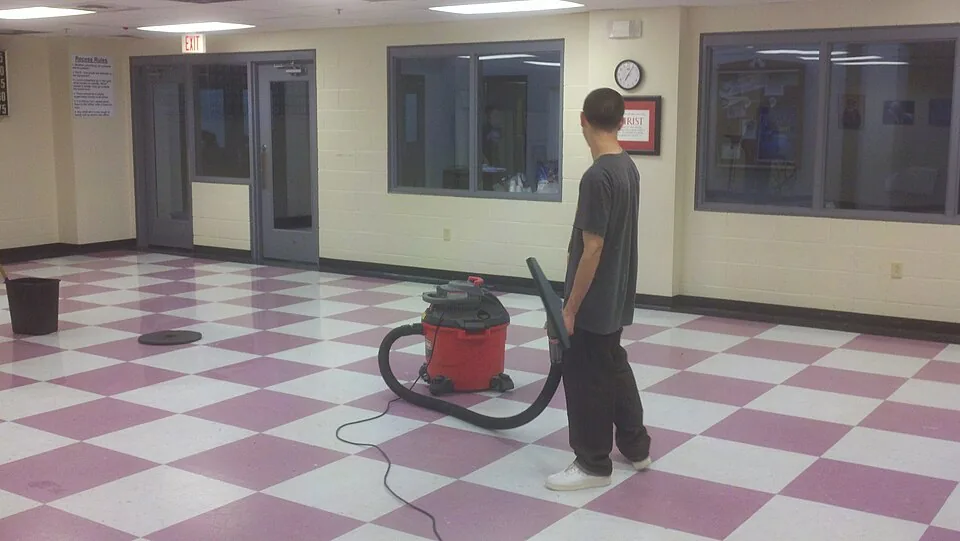
Job management for commercial cleaning companies
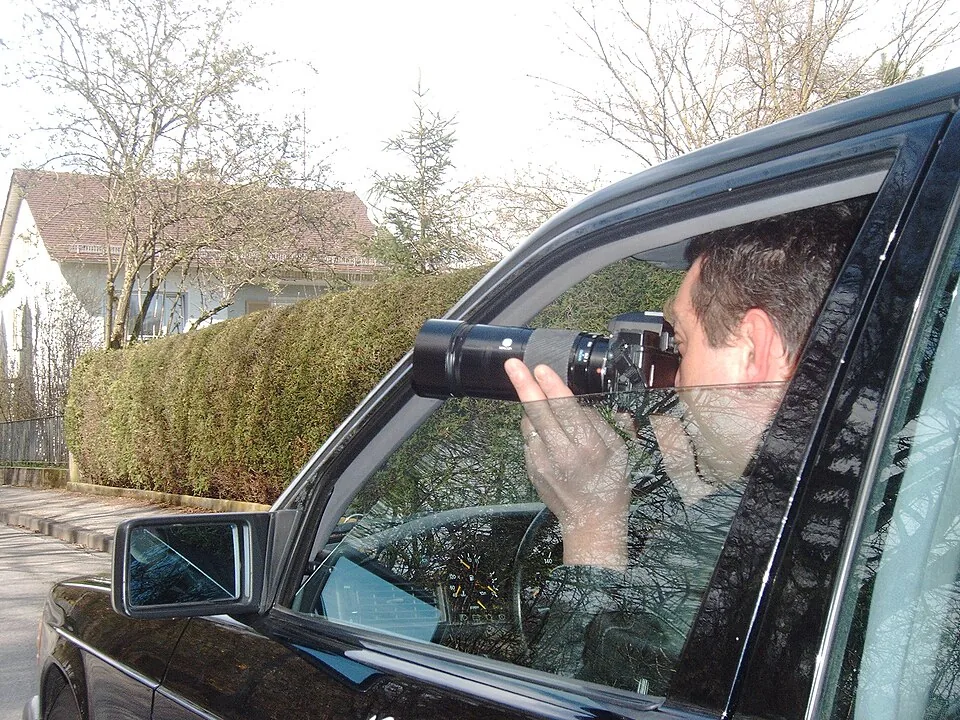
Case management for private investigators and detective agencies

.jpg)

