Before invoicing
Check the visit against the agreed scope. Marking it complete does not itself create an invoice.
Industry solution / Service & Facility
The lawn, hedge and entrance at one property need different work. Record the site and contact, set recurring tasks in a care plan, and log each actual crew visit separately.
Pricing & getting started
Keep address, contact, services and known area on the site record so the crew knows where to work.
A care plan stores the task, frequency and next date. It does not automatically create a visit.
Record site, date, work type and status for each visit; compare what happened with the agreement before invoicing.
How Sektura helps with everyday work
The property manager asks for the hedge beside the gate to be cut before a resident moves. Mowing the lawn can wait; the access route is the immediate job.
Add the address, affected stretch of hedge and person providing access to the site details.
Create a hedge trimming visit for the agreed day; add a care plan only if the task will repeat.
Update the visit status after work and note any section requiring another visit.
The next crew can distinguish the finished section by the gate from work still to be agreed.
Getting started is simple
Use a fictional address and contact, and enter an area only if it is known.
Make a plan for lawn or planting beds with a frequency and next date.
Enter a fictional hedge trimming job and review its date and status.
Check the visit against the agreed scope. Marking it complete does not itself create an invoice.
No credit card is needed to start your trial.
Industry solution
Property care teams handling winter access
Editorial workflow draft — not a product screenshot.
A property manager reports an icy entrance and asks for a site visit.
Clarify access, affected paths and the on-site contact.
Record conditions and work performed during the visit.
Discuss the next check with the property manager.
The visit and outstanding work are recorded for future site care.
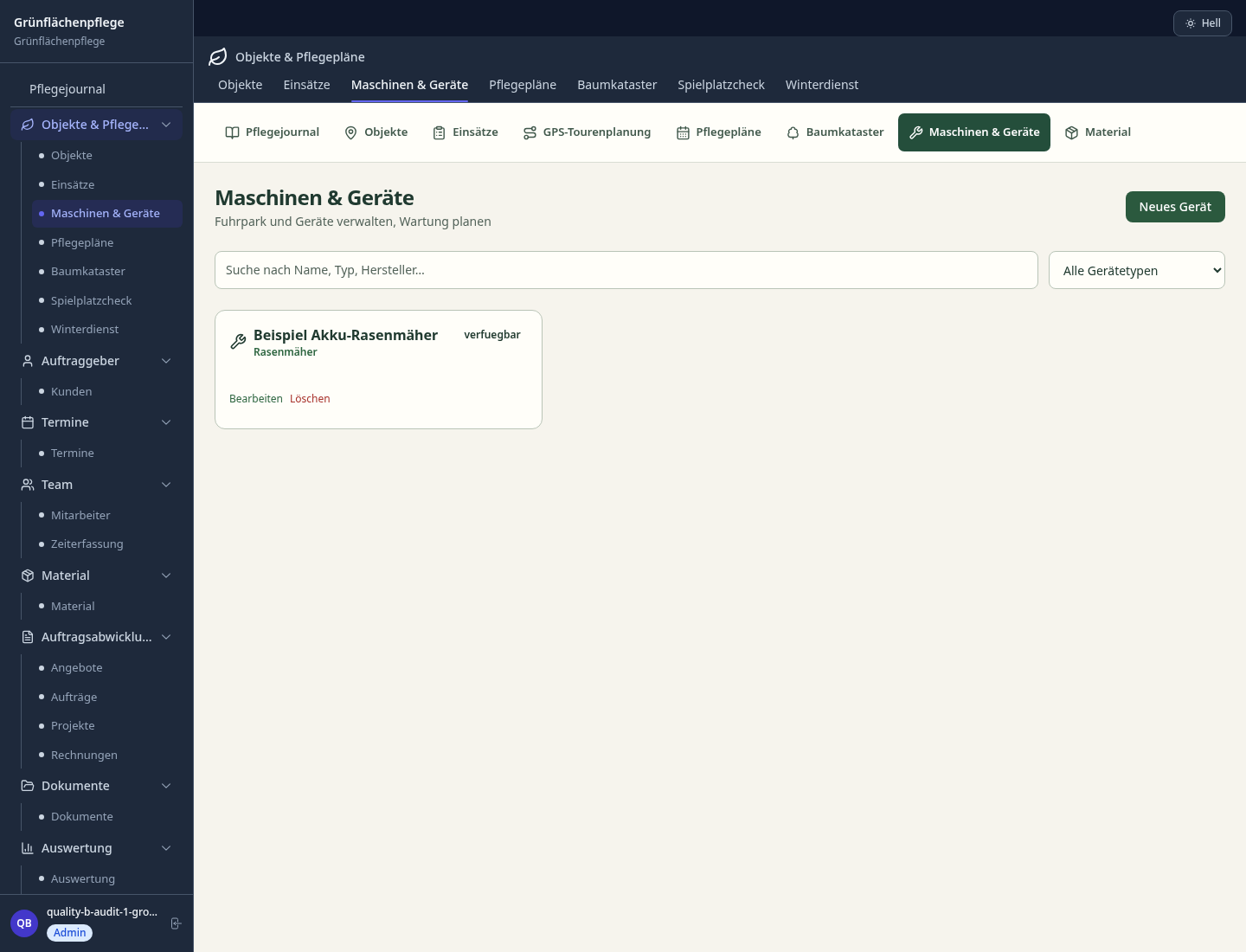
Plan maintenance dates and intervals
Properties, areas and customer data
Record jobs and bill directly
Snow removal and gritting documentation with GPS proof.
Optimal route planning for maintenance teams with GPS tracking and time recording.
What sets sektura apart from generic systems.
Less paperwork
These features are included in every sektura solution.
Getting started is simple
Set up service catalogue with prices and SLAs
Configure care plans and enter initial data
Configure property management and enter initial data
Configure job billing and enter initial data
Configure gps route planning and enter initial data
Create the first invoice or quote and test the workflow
Before you switch, we check which data we can transfer from your existing system.
Taifun · Greenbase · Progard · openHandwerk
Germany · Austria · Switzerland · United Kingdom · France · Spain · Italy · Netherlands · Poland · Portugal · Sweden · Denmark · Norway · Finland · Czechia · Romania · Hungary · Türkiye · Russia · Ukraine · Indonesia · Vietnam · Thailand · Saudi Arabia · China · Japan · South Korea · India · Greece · Croatia · Serbia · Bulgaria · Slovakia · Slovenia · Lithuania · Latvia · Estonia · Albania · Malaysia · Philippines · Bangladesh · Pakistan
04 / Getting started
Choose your industry, country and billing cycle. You will see the corresponding industry price; book add-ons separately when needed.
days free trial
No credit card is needed to start your trial.
No credit card is needed to start your trial.
Add-ons are billed separately in EUR. Displayed prices reflect your selected country and billing cycle.

Industry software for chimney sweeps — sweep districts, emissions measurements, fireplace inspections and invoicing.

Job management for cleaning companies and facility services
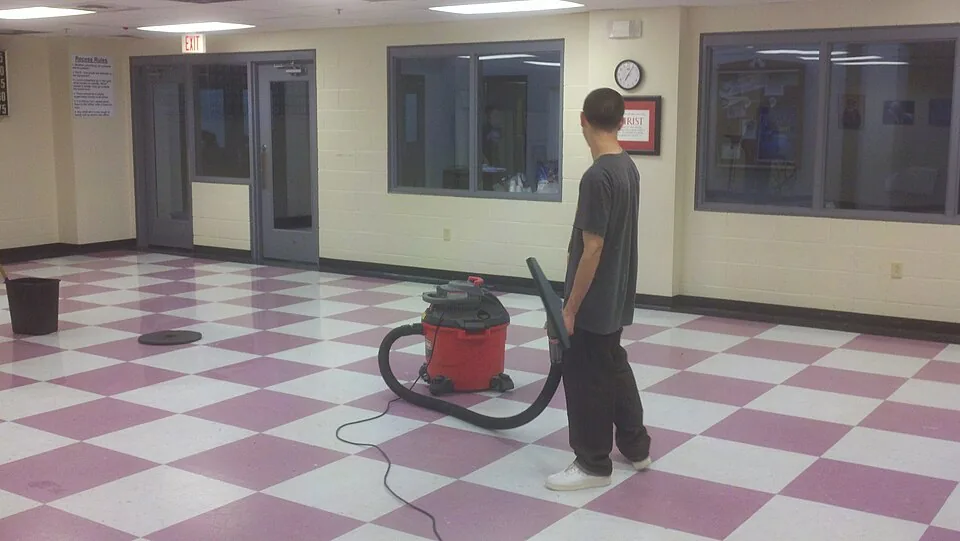
Job management for commercial cleaning companies
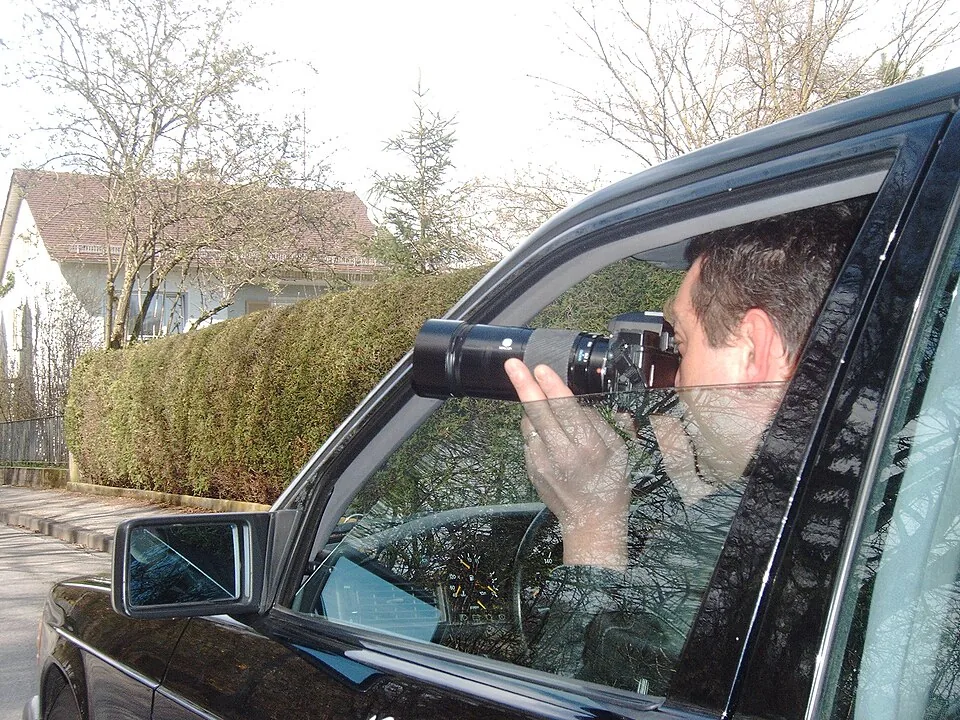
Case management for private investigators and detective agencies

.jpg)

