Filing route
A prepared file or export is not an authority submission. Check the required channel separately.
Industry solution / Consulting & Services
For tax practices that need a clear client file, a working list of missing documents and a realistic view of filing dates. Professional review stays with the practice.
Pricing & getting started
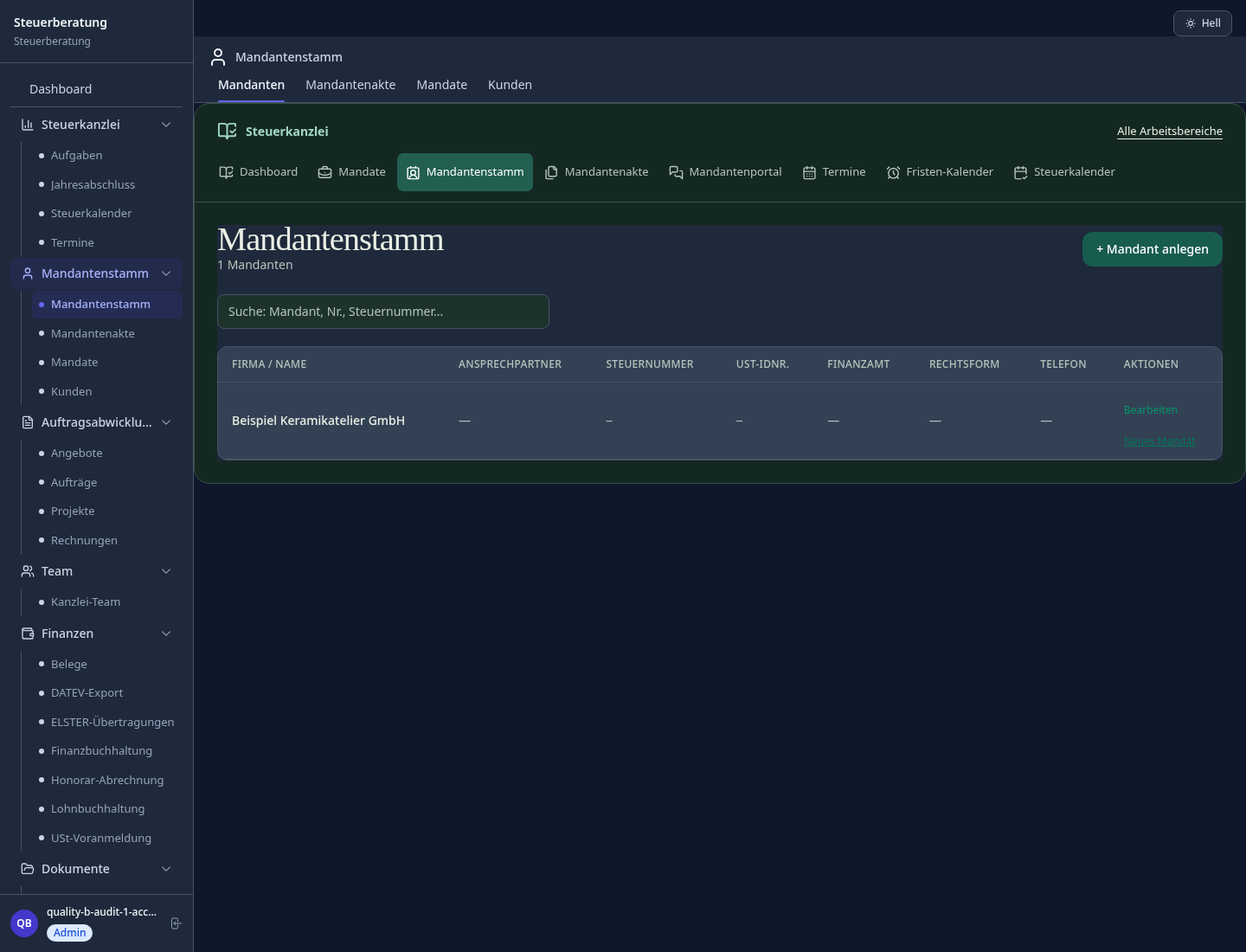
Keep records and notes with the right client instead of searching across cases.
List missing receipts and open questions before the adviser reviews the file.
Compare case dates and tasks with the practice calendar before promising a deadline.
How Sektura helps with everyday work
An illustrative day at a tax practice: a year-end review is booked, but two supplier invoices and one question about a transaction remain open.
The case worker checks the records already attached to the client.
Missing invoices and the question become explicit follow-up tasks.
The worker checks the recorded date and gives the adviser the open-item list.
The adviser starts with a specific list. The software does not decide the tax treatment or file a return.
Getting started is simple
Enter a synthetic client and the relevant reporting period.
Add a test receipt and note one missing document.
Record a follow-up date and inspect the file again.
A prepared file or export is not an authority submission. Check the required channel separately.
No credit card is needed to start your trial.
Industry solution
Tax practices handling year-end accounts
Editorial workflow draft — not a product screenshot.
A client is missing receipts ahead of a scheduled year-end review.
List the missing receipts in the client file.
Check the filing date against the case notes.
Write down questions for the adviser’s review.
The practice has a clear list for the review.
DATEV export for clients with client number, CSV format for DATEV import
Deadline calendar with traffic-light alerts, escalation and responsibilities
Internal firm tasks, follow-ups and case worker workflows
Recurring mandates with automatic follow-up, power of attorney and file storage
Work-in-progress by mandate & employee — billable vs. non-billable
Less paperwork
These features are included in every sektura solution.
Customer records with full project history for all TaxDesk jobs and relevant contact and location information.
Invoices for TaxDesk services under local law. Automatic numbering, PDF export and dunning management.
Appointments for TaxDesk deployments with GPS address, staff assignment and automatic email reminders.
All TaxDesk documents managed centrally: plans, protocols, warranties, certificates and manufacturer documentation.
TaxDesk jobs with industry-specific fields, status tracking and automatic cost calculation.
Reports for TaxDesk: revenue by service type, utilisation, averages and profitability per job.
Vote on new TaxDesk features. Which functions matter most? Your vote counts in product development.
Getting started is simple
Set up clients, tax numbers and billing periods
Configure tax export datev / mtd / vat-oss and enter initial data
Configure deadline radar with elster sync and enter initial data
Configure annual closing workflow and enter initial data
Create the first invoice or quote and test the workflow
Before you switch, we check which data we can transfer from your existing system.
DATEV · Lexware · sevDesk · FastBill
Germany · Austria · Switzerland · United Kingdom · France · Spain · Italy · Netherlands · Poland · Portugal · Sweden · Denmark · Norway · Finland · Czechia · Romania · Hungary · Türkiye · Russia · Ukraine · Indonesia · Vietnam · Thailand · Saudi Arabia · China · Japan · South Korea · India · Greece · Croatia · Serbia · Bulgaria · Slovakia · Slovenia · Lithuania · Latvia · Estonia · Albania · Malaysia · Philippines · Bangladesh · Pakistan
04 / Getting started
Choose your industry, country and billing cycle. You will see the corresponding industry price; book add-ons separately when needed.
days free trial
No credit card is needed to start your trial.
No credit card is needed to start your trial.
Add-ons are billed separately in EUR. Displayed prices reflect your selected country and billing cycle.

Client management for bookkeepers, tax advisors, and payroll offices.

Client management for coaches, consultants and trainers across all specialties

Income-surplus accounting with XML drafts and certificate management. Direct ELSTER submission via ERiC is currently unavailable.
Ticket and project management for IT service providers and IT departments
