Scope of service
Check which bookkeeping and tax tasks your business may perform.
Industry solution / Consulting & Services
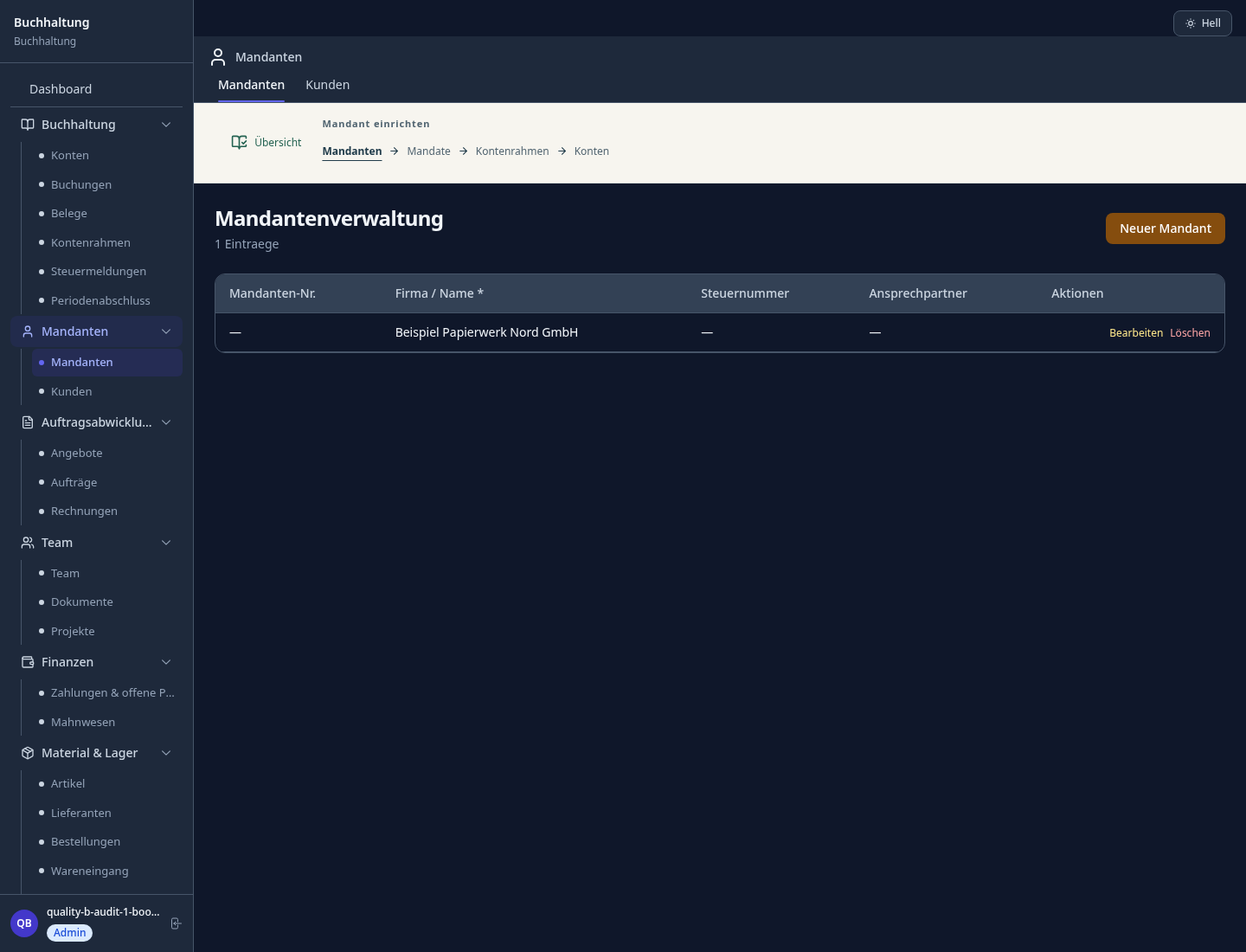
Capture receipts, check entries and work through open client questions in the bookkeeping desk. Accounts and periods give the team a place to review the month.
Pricing & getting started
Record its date, type, amount and client; review the posting before treating it as complete.
Compare entries with source documents and keep unanswered client questions visible.
Use accounts and periods to organise the work; qualified people still approve accounting and tax decisions.
How Sektura helps with everyday work
A bookkeeping office receives several supplier invoices and a cash receipt from one client. One invoice is still missing a clear account assignment.
Enter the receipt date, type and amount; attach the original when needed.
Check account and posting against the source, then record the question that remains.
Discuss unresolved items with the client before closing the period.
The team can see which source is resolved and which decision is still open.
Getting started is simple
Use synthetic client details for a first run.
Choose the account structure that matches your work.
Review the resulting entry against its source.
Check which bookkeeping and tax tasks your business may perform.
An entered number still needs verification against the original.
No credit card is needed to start your trial.
Industry solution
Bookkeeping offices serving ongoing clients
Editorial workflow draft — not a product screenshot.
A client’s receipts are unsorted at month-end.
Sort receipts by transaction and date.
Match entries against the available receipts.
List missing details before closing the period.
The client can see which booking questions remain.
Manage income, expenses and receipts
Create and send professional invoices
Financial reports at the touch of a button
Transfer data directly to your tax advisor
Create monthly and annual closings with automatic account reconciliation — export reports directly to clients and tax authorities
Less paperwork
These features are included in every sektura solution.
Getting started is simple
Set up clients, chart of accounts and DATEV interface
Configure bookkeeping and enter initial data
Configure invoicing and enter initial data
Configure reports and enter initial data
Create the first invoice or quote and test the workflow
Before you switch, we check which data we can transfer from your existing system.
DATEV · Lexware · sevDesk · FastBill
Germany · Austria · Switzerland · United Kingdom · France · Spain · Italy · Netherlands · Poland · Portugal · Sweden · Denmark · Norway · Finland · Czechia · Romania · Hungary · Türkiye · Russia · Ukraine · Indonesia · Vietnam · Thailand · Saudi Arabia · China · Japan · South Korea · India · Greece · Croatia · Serbia · Bulgaria · Slovakia · Slovenia · Lithuania · Latvia · Estonia · Albania · Malaysia · Philippines · Bangladesh · Pakistan
04 / Getting started
Choose your industry, country and billing cycle. You will see the corresponding industry price; book add-ons separately when needed.
days free trial
No credit card is needed to start your trial.
No credit card is needed to start your trial.
Add-ons are billed separately in EUR. Displayed prices reflect your selected country and billing cycle.

Mandate management for tax advisors and tax firms

Client management for coaches, consultants and trainers across all specialties

Income-surplus accounting with XML drafts and certificate management. Direct ELSTER submission via ERiC is currently unavailable.
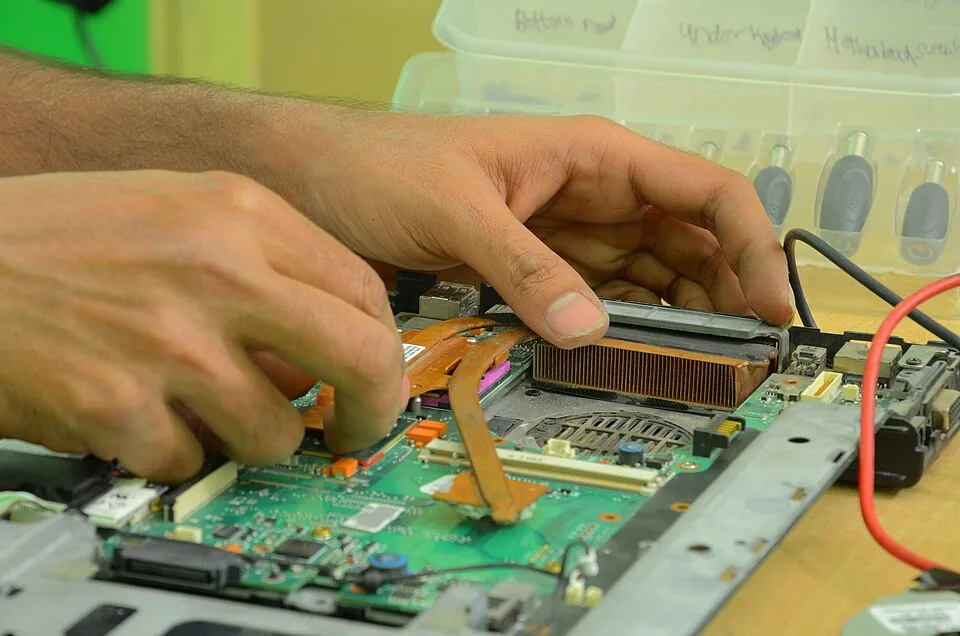
Ticket and project management for IT service providers and IT departments
