Clinical responsibility remains local
Documentation, medicines and billing rules vary by place and case; a saved record is not a clinical or legal guarantee.
Industry solution / Health & Medicine
For small animal clinics handling an owner's call, a booked visit and an examination as distinct steps. Match the dog to its owner, put the reason in the appointment, then record history, veterinary assessment, treatment and discussed follow-up against the selected animal.
Pricing & getting started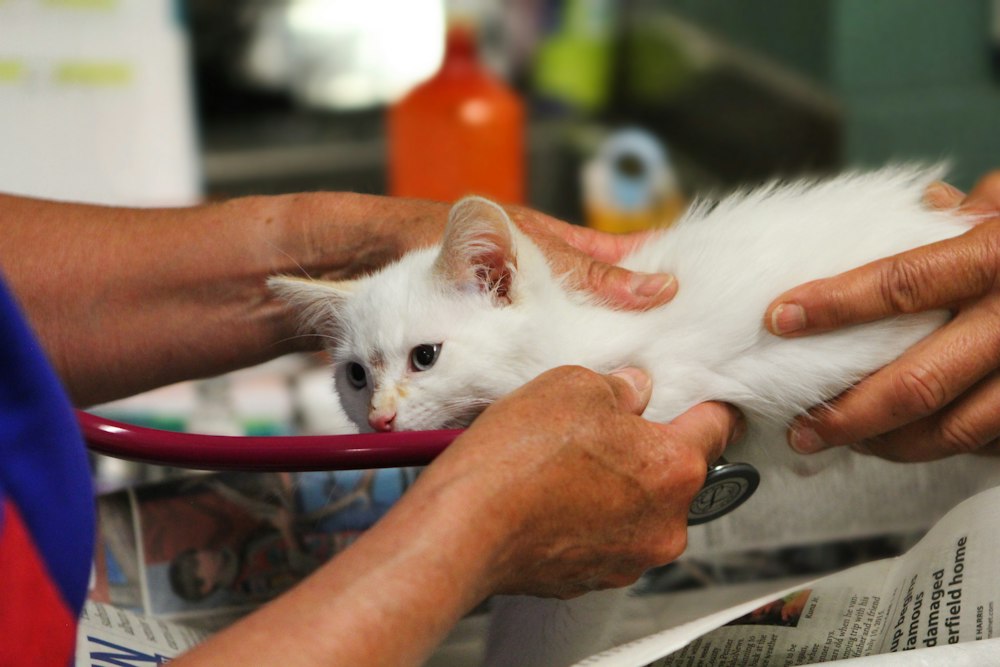
An animal record selects an existing customer as owner; name, species and optional identifying details help staff confirm the patient.
The calendar stores time and reason as free text. The treatment form has separate history, diagnosis or assessment, and treatment entries, authored after examination.
Treatment is saved against the animal ID and shown in its history. Weight, dispensed medicine with required batch number and a proposed next date can be added when relevant.
How Sektura helps with everyday work
An owner calls about a recurring cough. Reception can book a visit, but its cause is unknown until the veterinary team examines the dog.
Confirm the owner and dog in their records, then enter names, date, time and reason in the appointment. Those appointment names are free text.
Open treatment from the dog's file so its ID is selected. Separate the owner's account from the clinician's findings and the care actually discussed.
Discuss any review date with the owner. Record it in treatment and make a separate calendar appointment if a time is agreed.
The animal record shows what the practice assessed and discussed; the desk neither diagnoses the cough nor decides urgency or medication.
Getting started is simple
Use fictional customer details, select that owner and give the animal a species and clear identity.
Enter dog, owner, date, time and reason, then check the animal record yourself.
Open the dog's file and enter fictional history, clinician assessment and next step without presenting it as real medical advice.
Documentation, medicines and billing rules vary by place and case; a saved record is not a clinical or legal guarantee.
No credit card is needed to start your trial.
Industry solution
Veterinary practices seeing small animals
Editorial workflow draft — not a product screenshot.
An owner brings a coughing dog to its booked appointment at the veterinary practice.
Match the dog and owner to the appointment.
Note reported symptoms and examination findings after the examination.
Record the discussed treatment and open questions with the owner.
Findings and agreed next steps are in the animal's file.
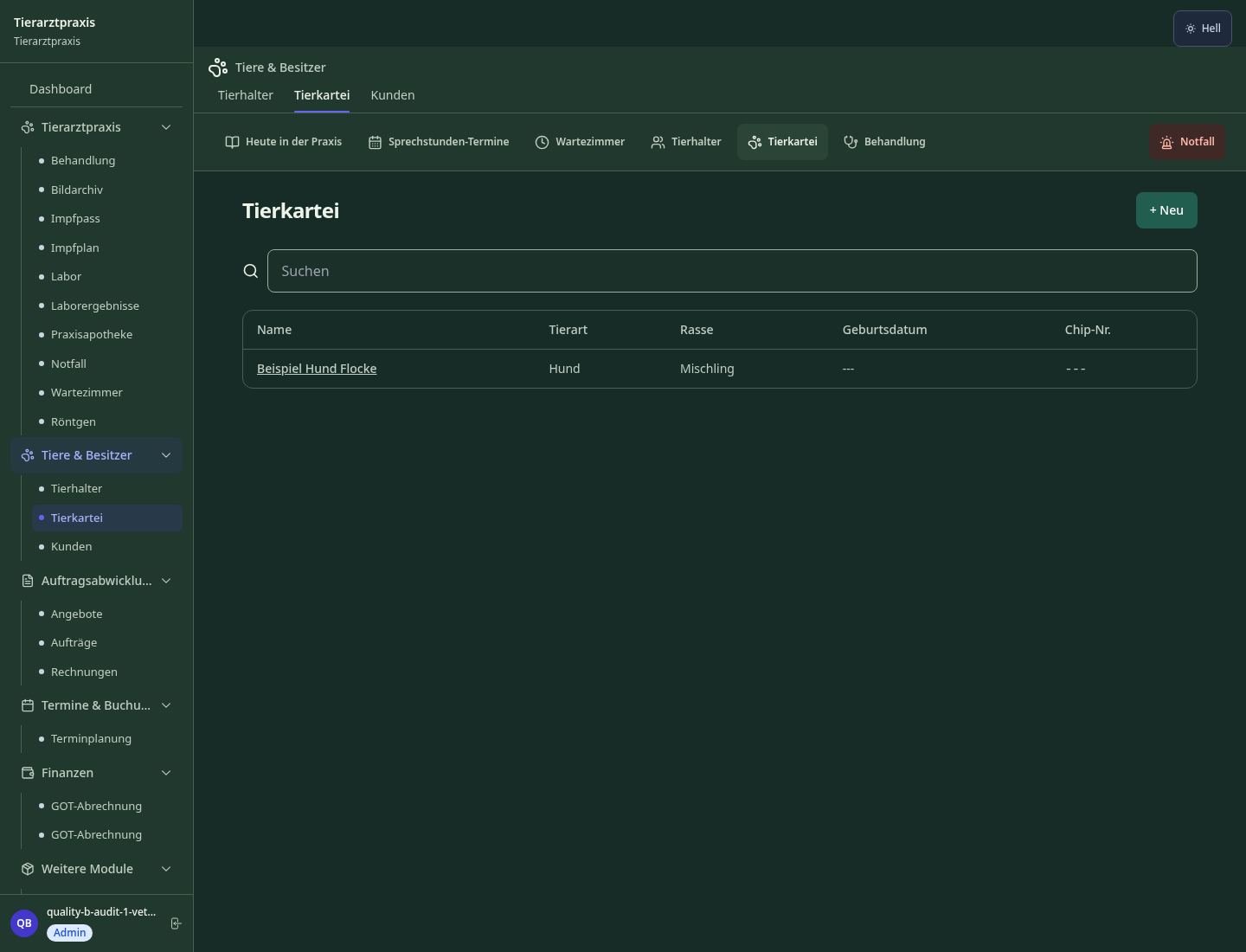
Species-specific record with SOAP history, weight curve and anamnesis
Inventory register and off-label documentation in accordance with veterinary drug regulations
Retrieve IDEXX PDF reports with an enabled laboratory account and source identifier. Check the patient assignment before importing. Manual entry remains available; Zoetis is not connected.
Species-specific vaccination schedules, automatic reminders to pet owners
Ward plan, nursing protocols, infusion schedules and monitoring parameters
Less paperwork
These features are included in every sektura solution.
Customer records with full project history for all VetDesk jobs and relevant contact and location information.
Invoices for VetDesk services under local law. Automatic numbering, PDF export and dunning management.
Appointments for VetDesk deployments with GPS address, staff assignment and automatic email reminders.
All VetDesk documents managed centrally: plans, protocols, warranties, certificates and manufacturer documentation.
VetDesk jobs with industry-specific fields, status tracking and automatic cost calculation.
Reports for VetDesk: revenue by service type, utilisation, averages and profitability per job.
Vote on new VetDesk features. Which functions matter most? Your vote counts in product development.
Getting started is simple
Set up animal patient records and owner master data
Configure animal patient record (soap/multi-species) and enter initial data
Configure veterinary drugs & compliance record and enter initial data
Lab results (manual entry) / IDEXX PDF
Create the first invoice or quote and test the workflow
Before you switch, we check which data we can transfer from your existing system.
easyVET · Animana · Vetera · VetView
Germany · Austria · Switzerland · United Kingdom · France · Spain · Italy · Netherlands · Poland · Portugal · Sweden · Denmark · Norway · Finland · Czechia · Romania · Hungary · Türkiye · Russia · Ukraine · Indonesia · Vietnam · Thailand · Saudi Arabia · China · Japan · South Korea · India · Greece · Croatia · Serbia · Bulgaria · Slovakia · Slovenia · Lithuania · Latvia · Estonia · Albania · Malaysia · Philippines · Bangladesh · Pakistan
04 / Getting started
Choose your industry, country and billing cycle. You will see the corresponding industry price; book add-ons separately when needed.
days free trial
No credit card is needed to start your trial.
No credit card is needed to start your trial.
Add-ons are billed separately in EUR. Displayed prices reflect your selected country and billing cycle.
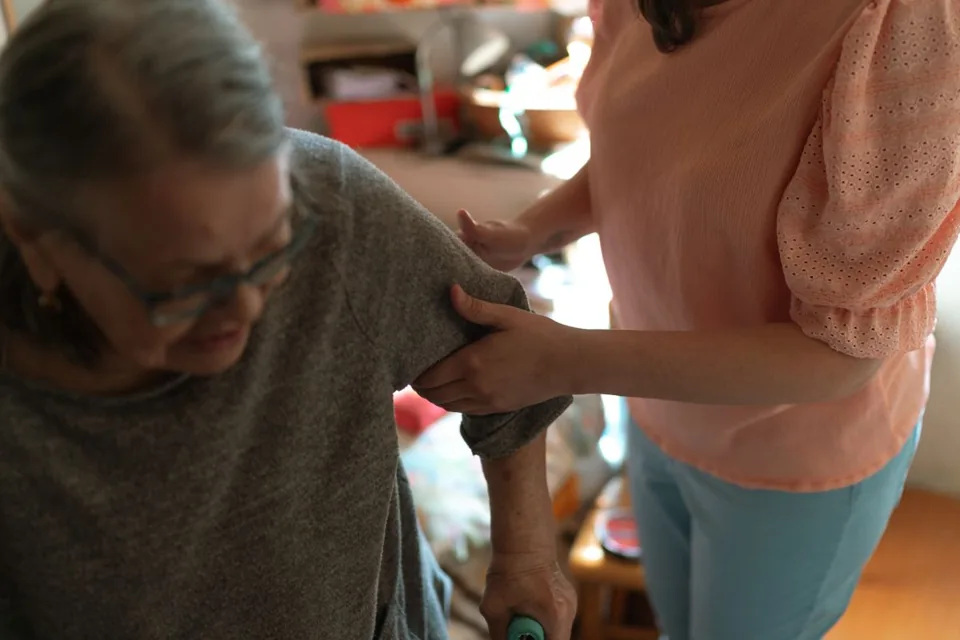
Software for care services – professional management of patients, care levels, insurance status and medication plans.
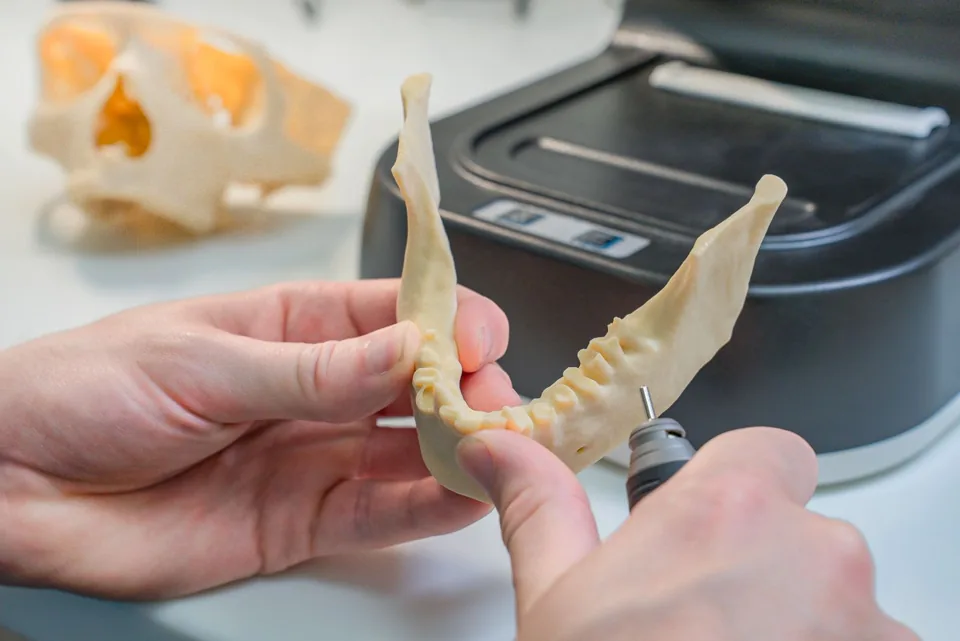
Patient management for dental practices and orthodontic clinics
Order management for dental labs — CAD/CAM fabrication, crowns, bridges, dentures and BEL II billing.

Practice management for general practitioners