Before ordering or cutting
Confirm drawing revision, dimensions, sections, timber quality and required structural documents for the actual build. A project status or filled list is not technical sign-off.
Industry solution / Trades & Construction
A revised dormer changes two rafters just before the timber order. Keep project dates and component count together, enter species, section, length and quantity in the separate timber list, and compare both with the current drawing.
Pricing & getting started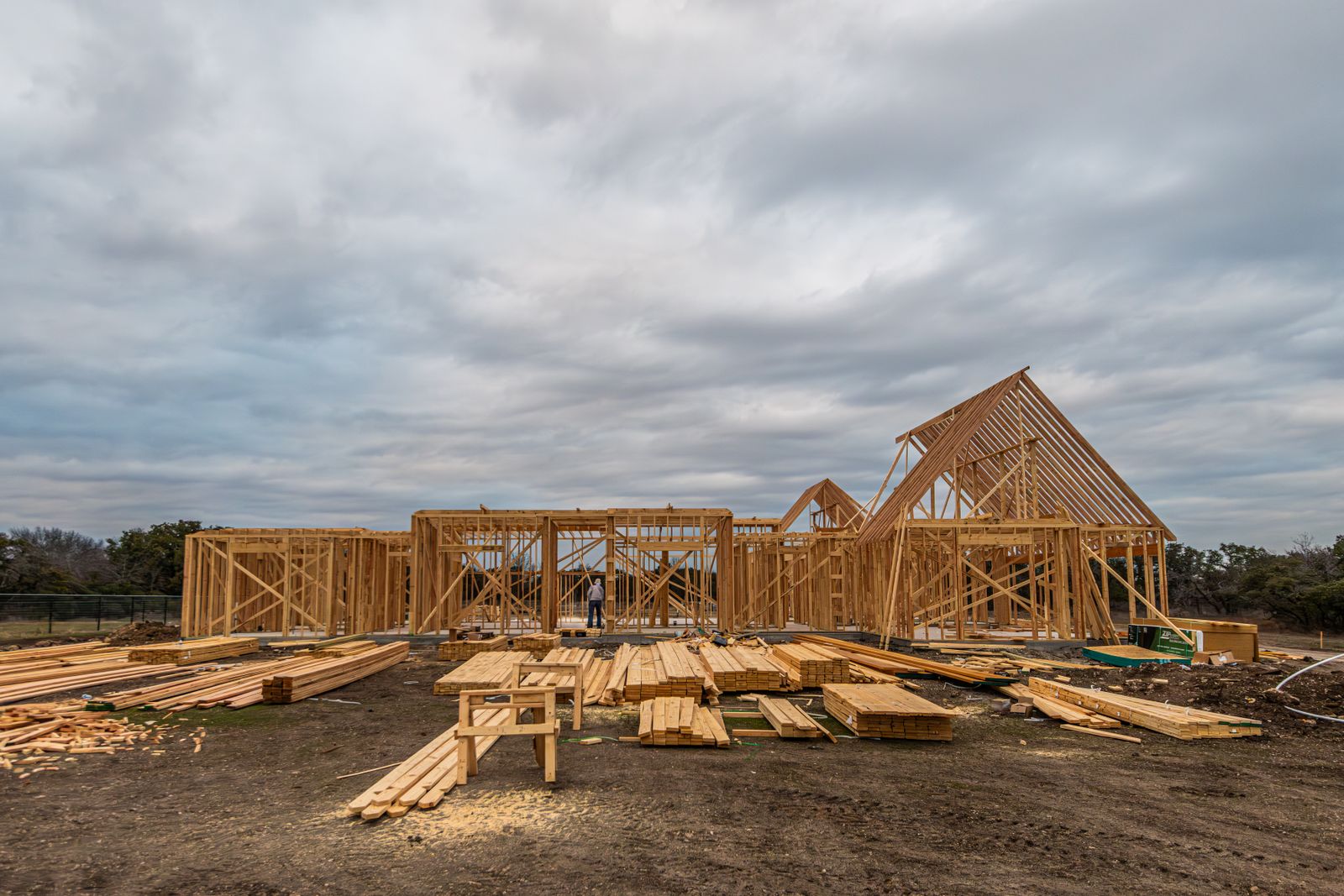
The project records site, timber, estimated volume, component count, cutting window and planned installation. Mark the current drawing revision and open questions in the working documents.
The separate list stores project label, species, section, length, quantity and quality. It is not generated from the project; compare it with the drawings.
The weekly cutting plan uses project component count and dates. It does not create a checked cut list or guarantee matching timber in stock.
How Sektura helps with everyday work
The framing job has a provisional cutting slot. Before ordering timber, the foreman receives a revised dormer drawing. Rafter lengths and bearing points must be checked or the workshop may cut the wrong pieces.
Compare revisions and note which drawing applies and which bearing detail still needs professional review.
Correct rafter species, sections, lengths and counts in the separate list; compare other lines and the project component count.
Check stock or delivery for the required quality, settle necessary structural information and coordinate cutting and installation dates.
The workshop receives a checked list tied to the current plan. Structural approval remains a separate professional decision.
Getting started is simple
Enter site, timber type, estimated volume, component count and sample cutting and installation dates.
Try a rafter and purlin with section, length and quantity; use a consistent project label.
See which dates and component counts appear in the weekly plan, then compare them with the list and available timber.
Confirm drawing revision, dimensions, sections, timber quality and required structural documents for the actual build. A project status or filled list is not technical sign-off.
No credit card is needed to start your trial.
Industry solution
Timber framers building roof structures
Editorial workflow draft — not a product screenshot.
A timber workshop checks the wood needed for a new roof frame before ordering.
Collect rafter dimensions from the existing drawing.
Compare the timber list with the drawing and job.
Check material and preferred delivery date with the team.
The reviewed timber list is ready as the basis for ordering.
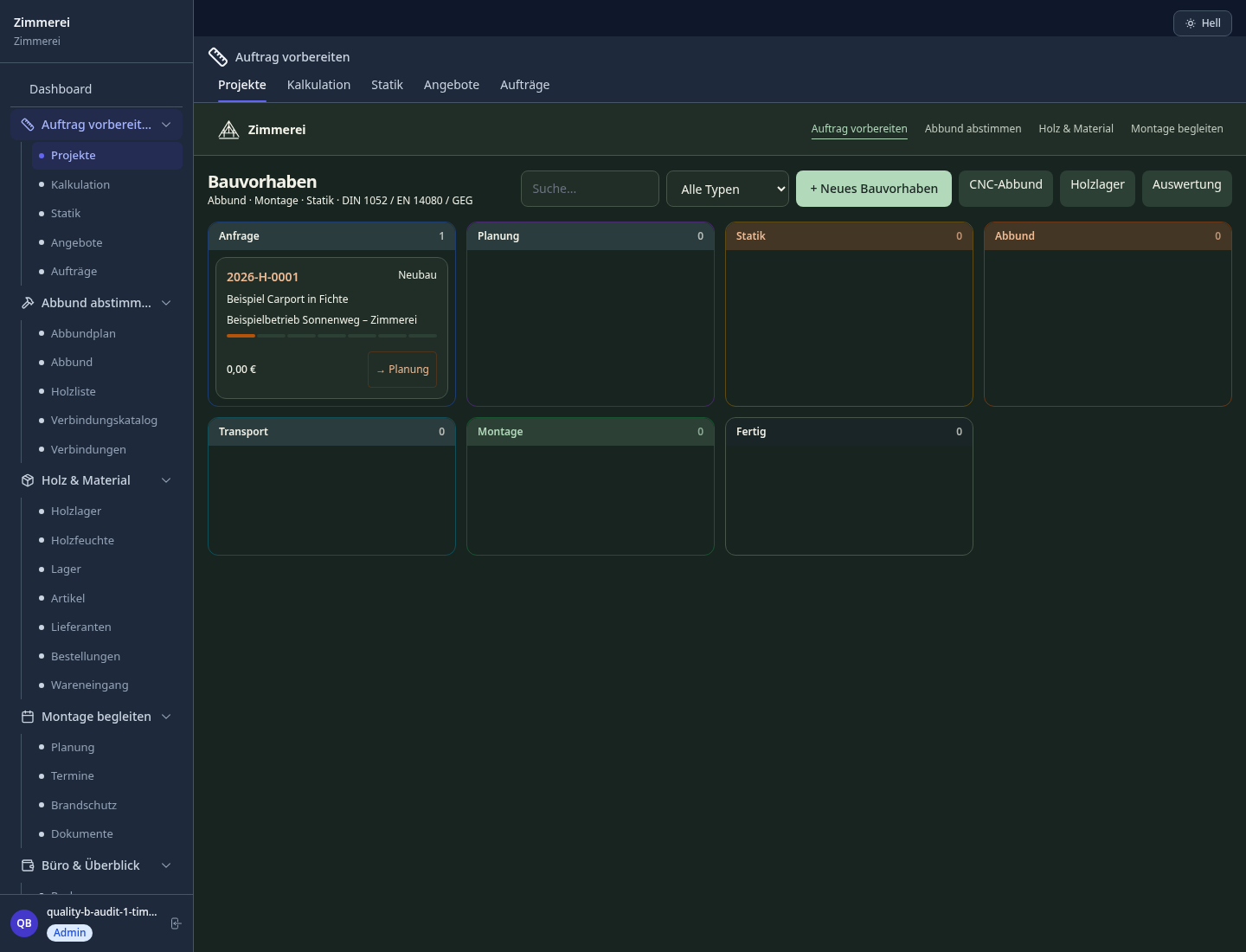
Carpenter-grade timber framing plan with data export to CNC machines (SEMA, BTL format)
Automatic parts list by grade, dimension and length; order list directly from the plan
Calculate purlins, rafters, hip rafters and collar ties; generate formwork and batten plans
Manage glulam, KVH and solid timber boards with supplier, grade and stock level
VOB-compliant contractor invoice with quantity extraction directly from the carpenter and timber construction plan
How Sektura helps with everyday work
Bring dimensions, materials and quantities together for your job.
Coordinate project phases and work in the workshop and on site.
Provide measurements and records of work for your jobs.
Less paperwork
These features are included in every sektura solution.
Customer records with full project history for all TimberFrameDesk jobs and relevant contact and location information.
Invoices for TimberFrameDesk services under local law. Automatic numbering, PDF export and dunning management.
Appointments for TimberFrameDesk deployments with GPS address, staff assignment and automatic email reminders.
All TimberFrameDesk documents managed centrally: plans, protocols, warranties, certificates and manufacturer documentation.
TimberFrameDesk jobs with industry-specific fields, status tracking and automatic cost calculation.
Reports for TimberFrameDesk: revenue by service type, utilisation, averages and profitability per job.
Vote on new TimberFrameDesk features. Which functions matter most? Your vote counts in product development.
Getting started is simple
Set up service catalogue with hourly rates and material prices
Configure timber framing plan & cnc export and enter initial data
Configure timber list & quantity takeoff and enter initial data
Configure roof construction & rafter plan and enter initial data
Create the first invoice or quote and test the workflow
Before you switch, we check which data we can transfer from your existing system.
craftboxx · openHandwerk · Plancraft · Streit V.1
Germany · Austria · Switzerland · United Kingdom · France · Spain · Italy · Netherlands · Poland · Portugal · Sweden · Denmark · Norway · Finland · Czechia · Romania · Hungary · Türkiye · Russia · Ukraine · Indonesia · Vietnam · Thailand · Saudi Arabia · China · Japan · South Korea · India · Greece · Croatia · Serbia · Bulgaria · Slovakia · Slovenia · Lithuania · Latvia · Estonia · Albania · Malaysia · Philippines · Bangladesh · Pakistan
04 / Getting started
Choose your industry, country and billing cycle. You will see the corresponding industry price; book add-ons separately when needed.
days free trial
No credit card is needed to start your trial.
No credit card is needed to start your trial.
Add-ons are billed separately in EUR. Displayed prices reflect your selected country and billing cycle.
Project planning, construction supervision, CAD management and client management for architecture firms.

Job management for auto repair shops and garages

Job management for carpenters, joiners and cabinet makers — Furniture, kitchens & interior fit-out

Job management for electricians and electrical contractors
