Commissioning
Electrical work, testing and permissions belong to qualified people under the rules applicable at the site.
Industry solution / Trades & Construction
For solar installers: keep the measured roof, orientation, proposed modules and battery request together before pricing installation work.
Pricing & getting started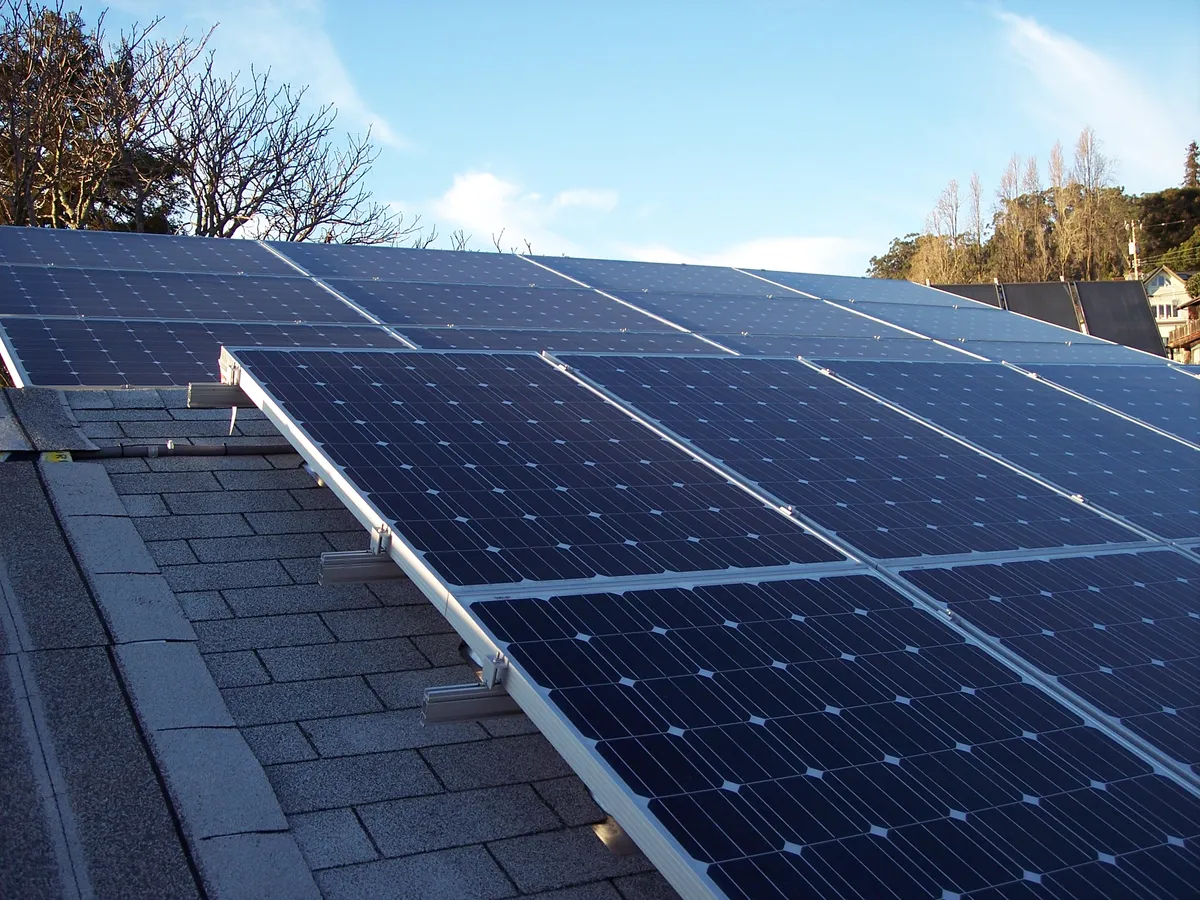
Enter area, pitch and orientation after the site survey, not just the owner’s estimate.
Record module count and capacity, then bring the design into an offer draft.
Review mounting, battery and grid requirements before promising a date.
How Sektura helps with everyday work
Example: A homeowner asks for PV plus a battery. The first drawing includes a section that is shaded by a dormer in the afternoon.
The installer checks usable area, pitch and orientation on site and notes the shaded section.
They record a feasible module count and capacity in the PV design and discuss the battery request.
The design feeds an offer draft; mounting details and grid steps remain to be confirmed.
The homeowner can discuss a concrete proposal with its open assumptions, without treating it as a guaranteed output.
Getting started is simple
Use a fictional homeowner and roof for the first project.
Enter checked area, orientation, pitch and proposed module count in the PV design.
Carry the design into an offer draft and check battery and mounting lines.
Electrical work, testing and permissions belong to qualified people under the rules applicable at the site.
No credit card is needed to start your trial.
Industry solution
Solar installers and photovoltaic contractors
Editorial workflow draft — not a product screenshot.
An owner asks about a photovoltaic system and provides initial roof dimensions.
Check the roof area and possible shade on site.
Discuss a system outline using confirmed dimensions.
Note open points for fitting and commissioning.
The discussed outline is ready for the next planning conversation.
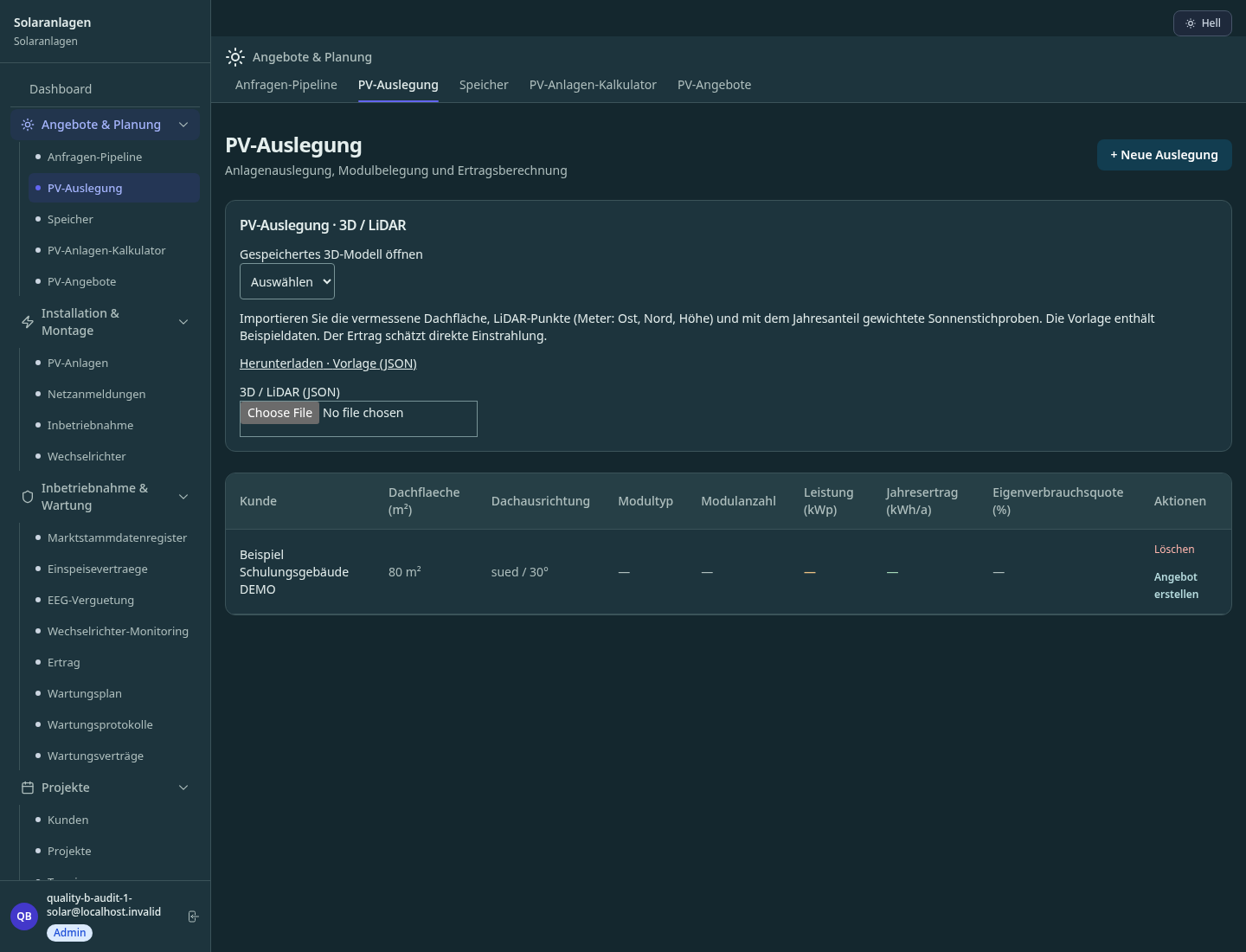
3D roof modelling with LiDAR, module layout and yield calculation (kWh/year) per installation
Automated workflow for grid operator registration and market master data register (DE/AT/CH)
Real-time monitoring of SolarEdge, Fronius, SMA; automatic fault notifications and reports
Digital acceptance per VDE 0100-410 / IEC 60364 with measurement recording and signature
Feed-in tariff, self-consumption and yield per customer installation — overview and report
Less paperwork
These features are included in every sektura solution.
Customer data with system type, feed-in data and full maintenance history for all PV systems.
Invoices for SolarDesk services under local law. Automatic numbering, PDF export and dunning management.
Installation, maintenance and design appointments. With GPS coordinates and system location.
Grid connection certificates, system documentation, EEG records, inspection reports and yield evidence.
PV projects with fields: roof area, module type, inverter, battery kWh, orientation and yield forecast.
Reports for SolarDesk: revenue by service type, utilisation, averages and profitability per job.
Vote on new SolarDesk features. Which functions matter most? Your vote counts in product development.
Getting started is simple
Import module types, inverters and price lists
Configure pv design & shading analysis and enter initial data
Configure eeg/mcs registration & grid entry and enter initial data
Configure inverter monitoring & alarm and enter initial data
Create the first invoice or quote and test the workflow
Before you switch, we check which data we can transfer from your existing system.
PVSol · openHandwerk · Plancraft · K2 Base
Germany · Austria · Switzerland · United Kingdom · France · Spain · Italy · Netherlands · Poland · Portugal · Sweden · Denmark · Norway · Finland · Czechia · Romania · Hungary · Türkiye · Russia · Ukraine · Indonesia · Vietnam · Thailand · Saudi Arabia · China · Japan · South Korea · India · Greece · Croatia · Serbia · Bulgaria · Slovakia · Slovenia · Lithuania · Latvia · Estonia · Albania · Malaysia · Philippines · Bangladesh · Pakistan
04 / Getting started
Choose your industry, country and billing cycle. You will see the corresponding industry price; book add-ons separately when needed.
days free trial
No credit card is needed to start your trial.
No credit card is needed to start your trial.
Add-ons are billed separately in EUR. Displayed prices reflect your selected country and billing cycle.
Project planning, construction supervision, CAD management and client management for architecture firms.

Job management for auto repair shops and garages

Job management for carpenters, joiners and cabinet makers — Furniture, kitchens & interior fit-out
Job management for electricians and electrical contractors
