Plan a safe inspection first
Assess access, weather and fall hazards before going onto the roof. Software notes do not provide a protection plan.
Industry solution / Trades & Construction
A homeowner reports loose tiles at the eaves and a damp ceiling. Your roofing crew needs to know what is actually damaged, how much roof is affected and how to reach it safely. Sektura keeps inspection, measured dimensions, materials and quotation in separate work areas; the judgement stays with the trade.
Pricing & getting started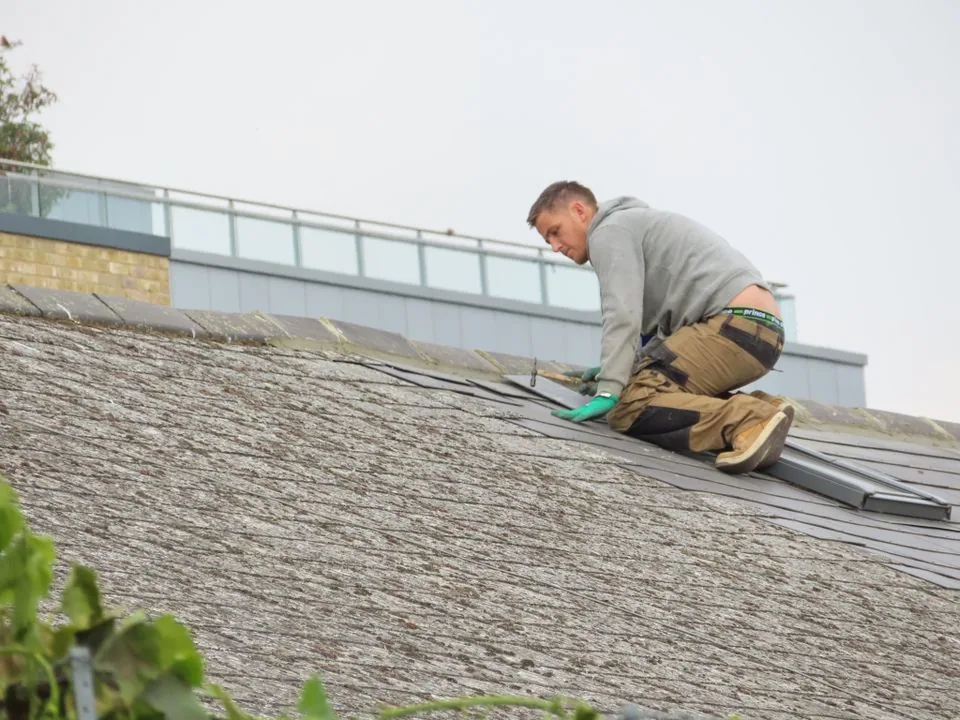
The roof inspection records the condition of the covering, underlay, gutter and downpipe, plus defects and recommendations. Unknown hidden damage can remain an open question.
The roof survey holds roof type, area, pitch and lengths at eaves, ridge, verge and valley. Your team supplies and checks the figures on site.
Materials have quantity, unit, supplier and delivery date. A calculator provides a cost breakdown, while the quote form is a separate entry for customer, covering, area and total.
How Sektura helps with everyday work
This is a fictional roofing job. A homeowner calls after a storm about displaced tiles and a water mark below the eaves. A bent gutter can be seen from the ground. No one can tell by phone whether the underlay is torn or how far the damage extends.
The roofer plans safe access, examines the tiles and gutter, and notes what remains hidden beneath the covering. The inspection record reflects what was actually visible.
She measures the affected area and gutter length, records the survey, checks the tile profile against the existing roof and lists the likely replacement materials separately.
The calculator helps with area, labour and line items. She reviews waste, access, disposal and supplier prices, then prepares the quote with a clear scope.
The owner sees the proposed repair. If opening the roof reveals more damage, the crew must reassess and discuss it. A quote does not establish insurance cover or a final hidden-damage finding.
Getting started is simple
With test details, create a project for a tiled roof and check which site and covering details your crew normally collects.
Record the covering, gutter and visible defect in an example inspection; put measured area and lengths in the roof survey.
Add a material item and run the calculator. Review its assumptions, then enter the quote separately with the scope and total you intend to offer.
Assess access, weather and fall hazards before going onto the roof. Software notes do not provide a protection plan.
No credit card is needed to start your trial.
Industry solution
Roofers and roof repair firms
Editorial workflow draft — not a product screenshot.
After a storm, an owner reports loose tiles on the roof.
Inspect the damaged area during a site visit.
Measure the affected roof area by hand.
Note tile needs and a possible repair date.
Damage, dimensions and materials are recorded for a repair quotation.
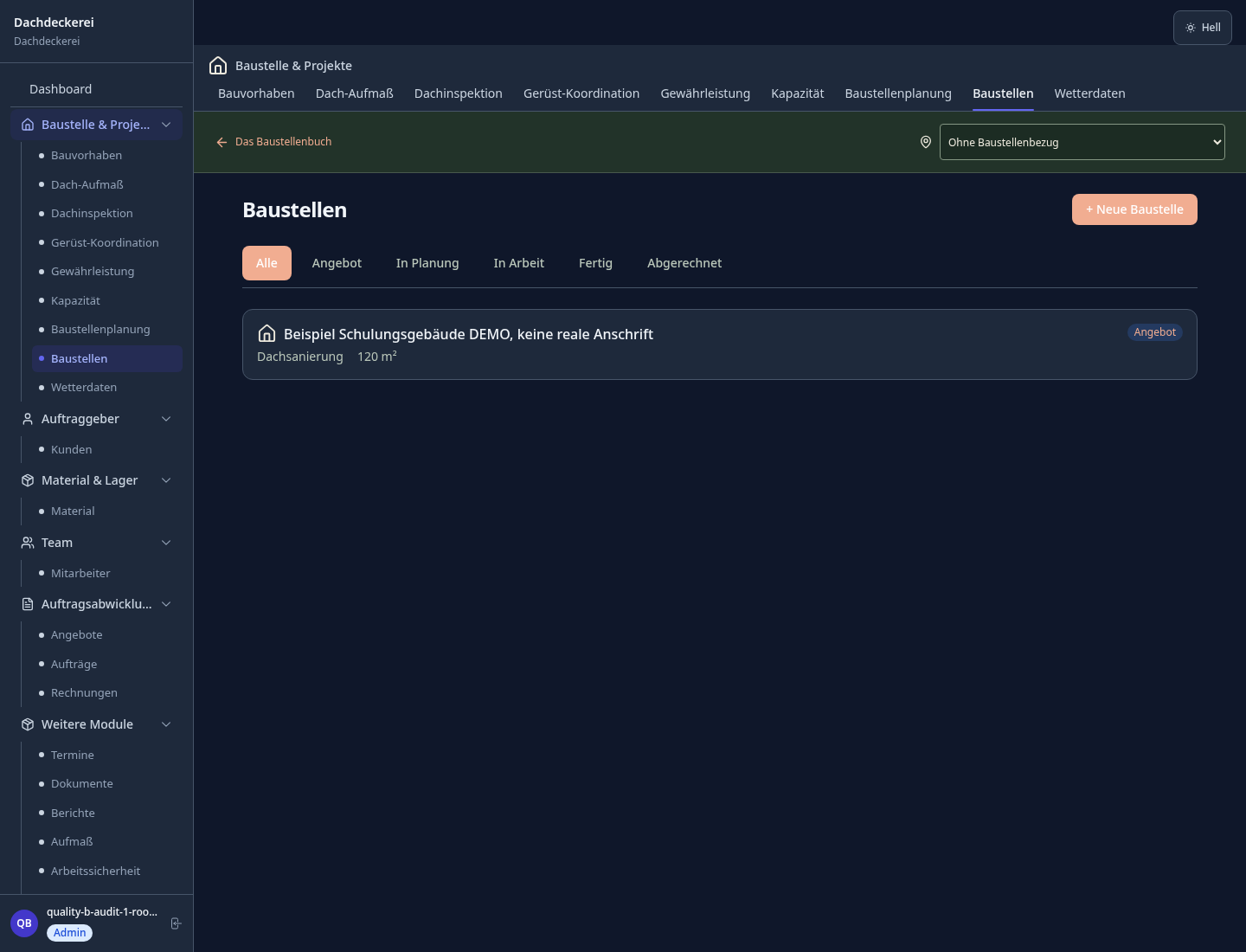
Manually enter and save roof area, pitch and dimensions.
Record roof condition, defects and recommendations.
Requirement calculation per m² including waste for all roofing materials.
Record the address, damage, technician and service costs.
Recurring roof maintenance via maintenance contract, automatic reminders.
Less paperwork
These features are included in every sektura solution.
Customer data with roof types, site locations and full project history for all roofing work.
Invoices for RoofDesk services under local law. Automatic numbering, PDF export and dunning management.
Plan roof inspections, surveys and handovers with addresses and notes.
Manage damage reports, survey plans, roof drawings, handover protocols and warranty documents centrally.
Roofing projects with specific fields: roof type, surface m², covering material, pitch and insulation. Automatic material calculation.
Material planning for RoofDesk: quantities, suppliers, prices, stock levels and material consumption per job.
Reports for RoofDesk: revenue by service type, utilisation, averages and profitability per job.
Vote on new RoofDesk features. Which functions matter most? Your vote counts in product development.
Getting started is simple
Set up roof types, materials and costing bases
Manual Roof Measurements — Manually enter and save roof area, pitch and dimensions.
Roof Inspection — Record roof condition, defects and recommendations.
Configure material calculation: tiles & membrane and enter initial data
Create the first invoice or quote and test the workflow
Before you switch, we check which data we can transfer from your existing system.
craftboxx · openHandwerk · Plancraft · Streit V.1
Germany · Austria · Switzerland · United Kingdom · France · Spain · Italy · Netherlands · Poland · Portugal · Sweden · Denmark · Norway · Finland · Czechia · Romania · Hungary · Türkiye · Russia · Ukraine · Indonesia · Vietnam · Thailand · Saudi Arabia · China · Japan · South Korea · India · Greece · Croatia · Serbia · Bulgaria · Slovakia · Slovenia · Lithuania · Latvia · Estonia · Albania · Malaysia · Philippines · Bangladesh · Pakistan
04 / Getting started
Choose your industry, country and billing cycle. You will see the corresponding industry price; book add-ons separately when needed.
days free trial
No credit card is needed to start your trial.
No credit card is needed to start your trial.
Add-ons are billed separately in EUR. Displayed prices reflect your selected country and billing cycle.
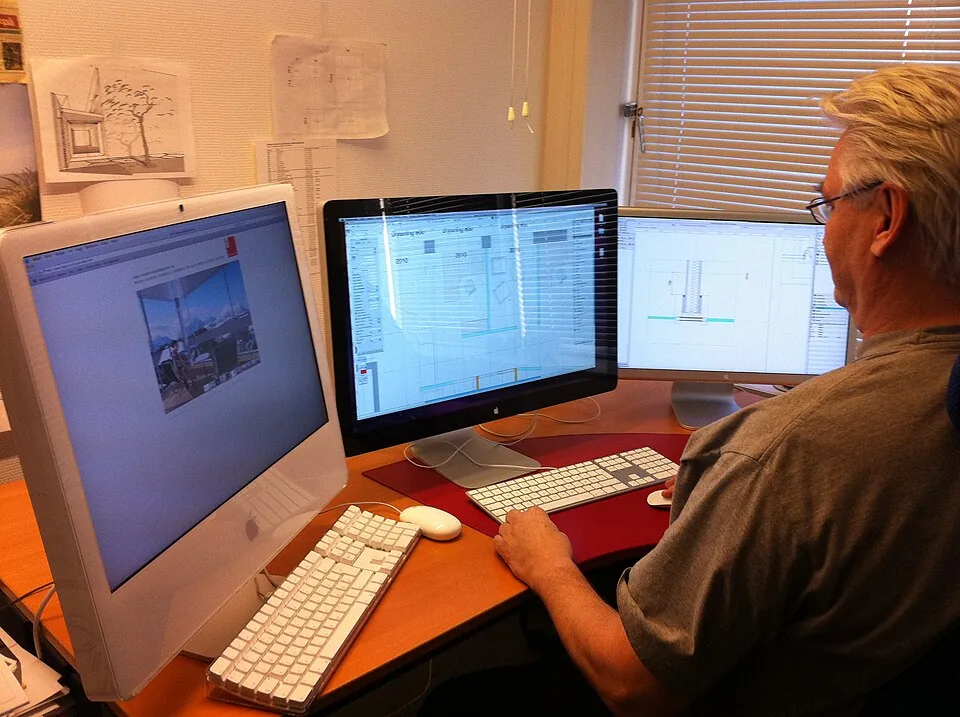
Project planning, construction supervision, CAD management and client management for architecture firms.
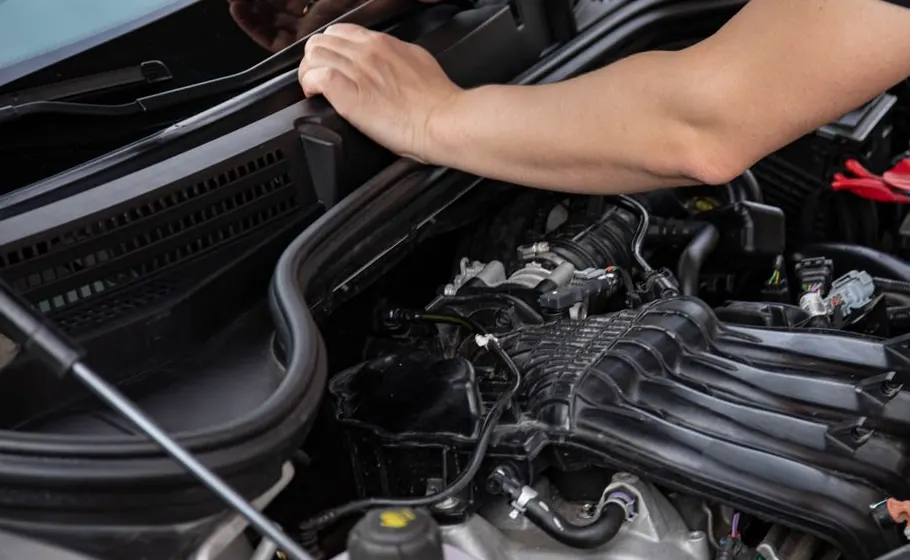
Job management for auto repair shops and garages

Job management for carpenters, joiners and cabinet makers — Furniture, kitchens & interior fit-out

Job management for electricians and electrical contractors
