Check parts against the real opening
Existing box, guides, drive and manufacturer specifications matter before parts are ordered.
Industry solution / Trades & Construction
For shutter installers handling a sticking unit from site survey through an accepted quote to the handover record.
Pricing & getting started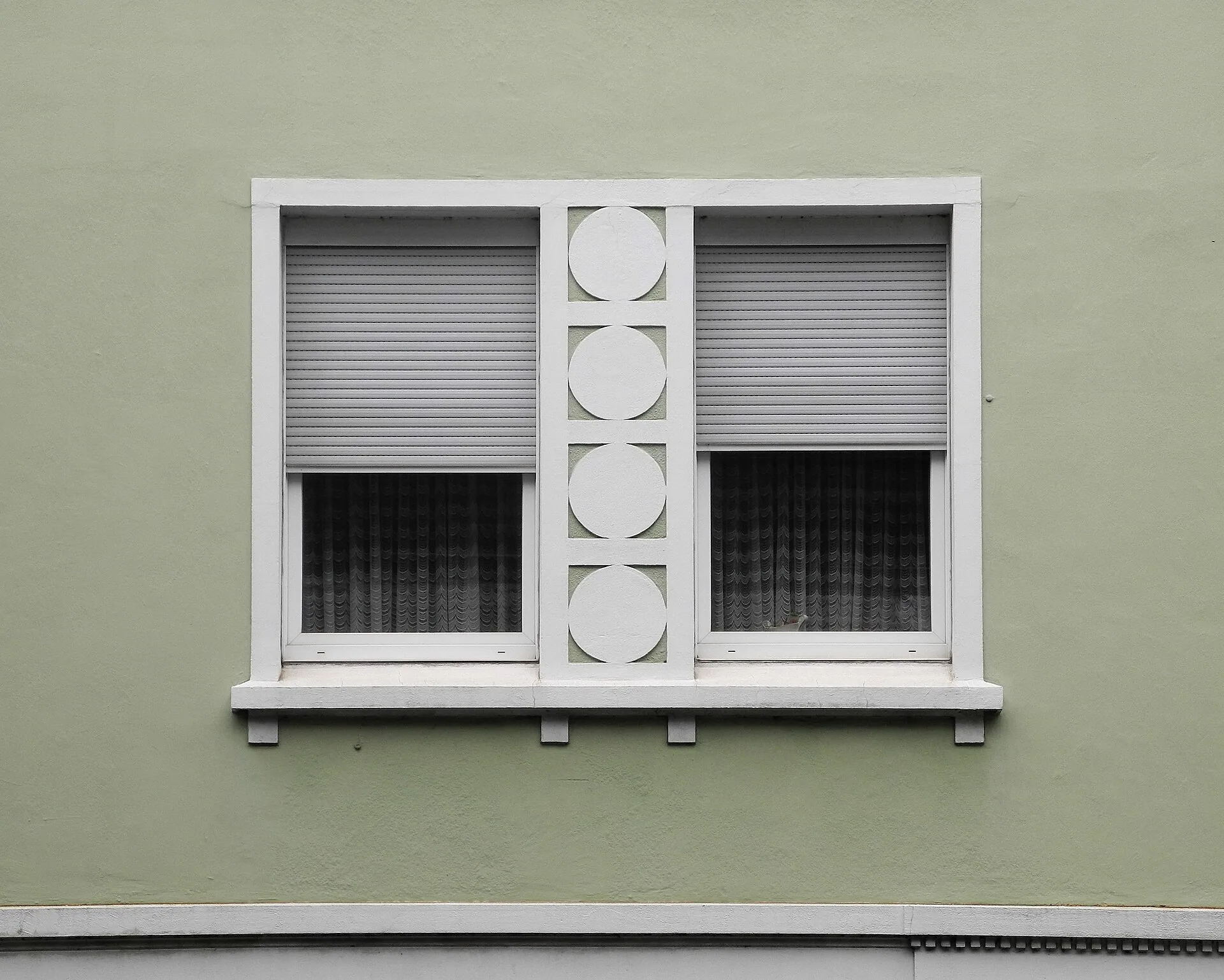
Room, product type, width and height are recorded; reveal and lintel depths can be added where measured.
The quote holds customer, work description and net amount. Only a quote marked accepted can be converted into an order.
The fitting report stores order, product, dimensions, installer, date and an acceptance entry for later reference.
How Sektura helps with everyday work
Example: A homeowner says her living-room roller shutter sticks halfway. The installer does not yet know whether the curtain, guide or drive is at fault.
On site, the installer checks the unit and records the room, shutter type and measured width and height.
After diagnosis, the firm decides between repair and replacement and writes the relevant work and net amount into a quote.
Once the quote is accepted and converted, the team carries out the work and fills in the fitting report.
The records connect measurement, commercial decision and handover; the installed shutter still needs a real function and safety check.
Getting started is simple
Agree where your team measures the opening and which depths and existing components must be checked.
Enter plausible millimetre dimensions for a sample room, using draft status until they are checked.
Add work and net amount, mark the sample quote accepted, convert it and review the fitting report.
Existing box, guides, drive and manufacturer specifications matter before parts are ordered.
No credit card is needed to start your trial.
Industry solution
Shutter installers and sunshade fitters
Editorial workflow draft — not a product screenshot.
A homeowner reports a roller shutter that sticks while closing.
Measure the opening and shutter on site.
Inspect the motor or spring setting.
Note the finding and a suitable repair visit.
Dimensions and findings describe the repair work for the job.
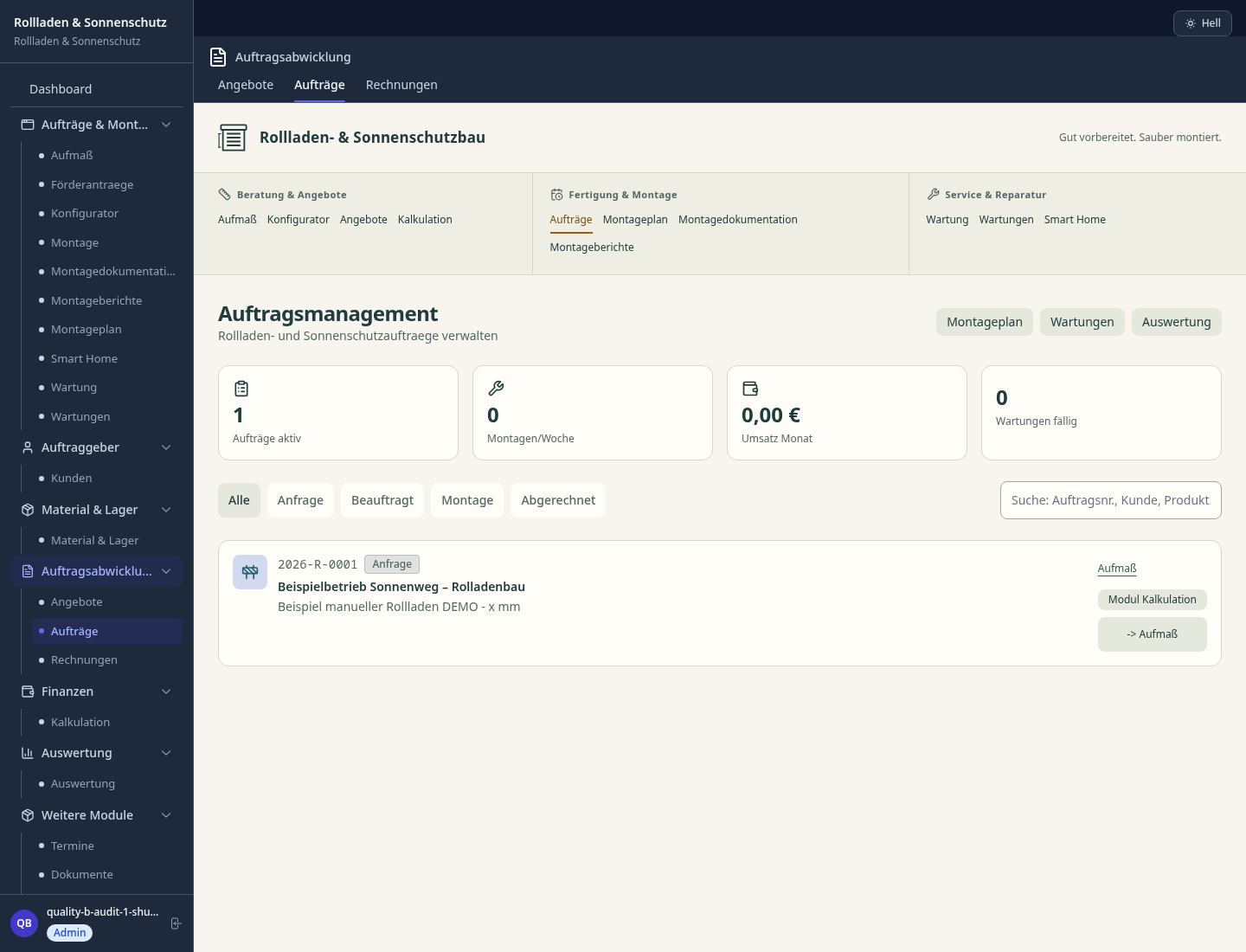
Configure width, height, guide rail, slat type and colour per order
Document torque, end positions, control type (smart home) per installation
Manage cycle counters, maintenance intervals and spare parts needs per installation
Slats, guides, shafts by system and supplier with reorder point
Digitally tick off and sign off: travel stop, storm latch, running noise test
Less paperwork
These features are included in every sektura solution.
Customer records with full project history for all Shutters Desk jobs and relevant contact and location information.
Invoices for Shutters Desk services under local law. Automatic numbering, PDF export and dunning management.
Appointments for Shutters Desk deployments with GPS address, staff assignment and automatic email reminders.
All Shutters Desk documents managed centrally: plans, protocols, warranties, certificates and manufacturer documentation.
Shutters Desk jobs with industry-specific fields, status tracking and automatic cost calculation.
Reports for Shutters Desk: revenue by service type, utilisation, averages and profitability per job.
Vote on new Shutters Desk features. Which functions matter most? Your vote counts in product development.
Getting started is simple
Set up service catalogue with hourly rates and material prices
Configure roller shutter dimension configurator and enter initial data
Configure motor configuration log and enter initial data
Configure spring lifespan & maintenance schedule and enter initial data
Create the first invoice or quote and test the workflow
Before you switch, we check which data we can transfer from your existing system.
craftboxx · openHandwerk · Plancraft · Streit V.1
Germany · Austria · Switzerland · United Kingdom · France · Spain · Italy · Netherlands · Poland · Portugal · Sweden · Denmark · Norway · Finland · Czechia · Romania · Hungary · Türkiye · Russia · Ukraine · Indonesia · Vietnam · Thailand · Saudi Arabia · China · Japan · South Korea · India · Greece · Croatia · Serbia · Bulgaria · Slovakia · Slovenia · Lithuania · Latvia · Estonia · Albania · Malaysia · Philippines · Bangladesh · Pakistan
04 / Getting started
Choose your industry, country and billing cycle. You will see the corresponding industry price; book add-ons separately when needed.
days free trial
No credit card is needed to start your trial.
No credit card is needed to start your trial.
Add-ons are billed separately in EUR. Displayed prices reflect your selected country and billing cycle.
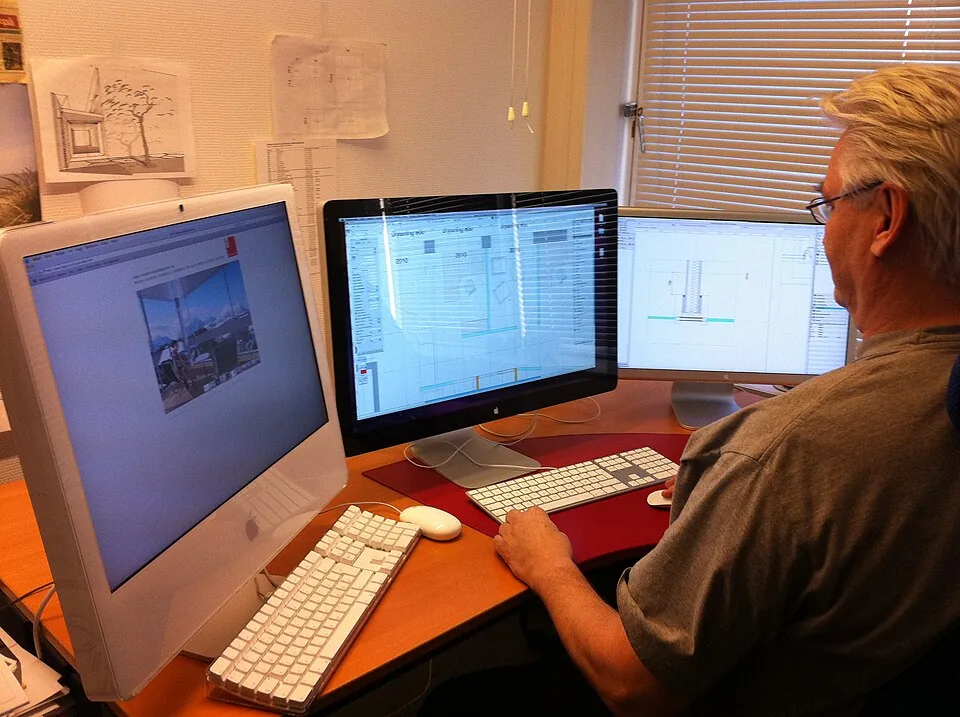
Project planning, construction supervision, CAD management and client management for architecture firms.
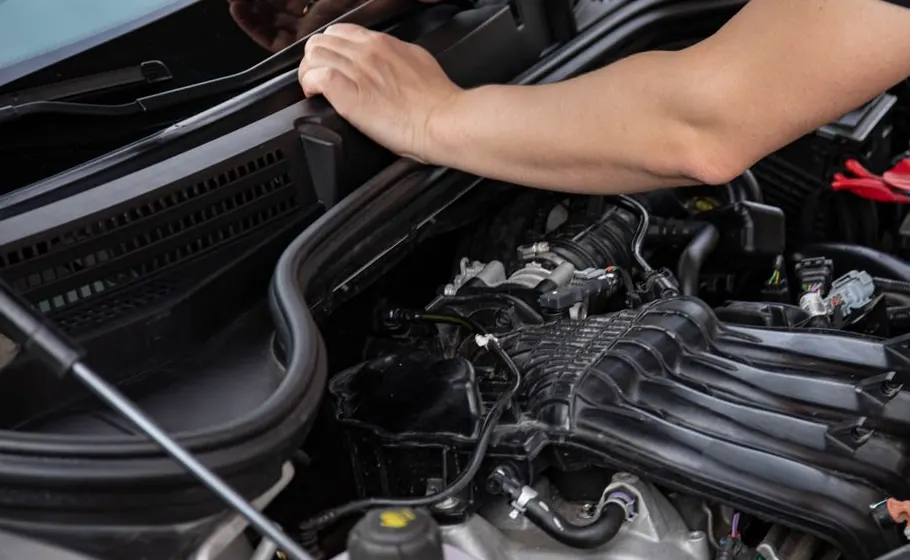
Job management for auto repair shops and garages

Job management for carpenters, joiners and cabinet makers — Furniture, kitchens & interior fit-out

Job management for electricians and electrical contractors
