Cash and card are different checks
Count the drawer against the expected cash balance. Match the card category with the external terminal report separately.
Industry solution / Service & Facility
For shop owners and counter staff who need a clear route from item to receipt to daily close. Recorded card tenders and counted cash can be checked without pretending the till controls an external card terminal.
Pricing & getting started
Save an item number, barcode, price and tax details so staff can select the right product.
The transaction list and cancellation records make a disputed receipt easier to trace.
Compare expected with counted cash and keep a note instead of hiding a shortfall.
How Sektura helps with everyday work
In this fictional small shop, the owner sees a difference between card sales recorded at the till and the separate terminal's end-of-day report.
She opens the transactions and looks for a cancellation or a sale posted near closing.
She compares the till's card category with the terminal report, knowing they are separate records.
She counts cash for the daily close and notes the unresolved card difference for the next check.
The difference has a named source; no bank settlement is silently assumed.
Getting started is simple
Use a fictional product with a checked tax rate and price.
In an isolated test setup, record a sale without any real card charge.
Reopen its receipt and transaction, then compare tender totals and counted cash.
Count the drawer against the expected cash balance. Match the card category with the external terminal report separately.
No credit card is needed to start your trial.
Industry solution
Shops and businesses operating a checkout
Editorial workflow draft — not a product screenshot.
A shop reports a difference between card payments and its daily closing.
Gather receipts and card totals for the day concerned.
Compare card totals with the recorded till closing.
Note the difference and an open question for the shop.
The unresolved difference is documented for a discussion with the shop.
Configure and manage Technical Security Device
X-receipt, interim reports, till discrepancies
Record sales, create receipts, select payment methods
View receipts, voids and payment transactions
Revenue by hour, top articles, cashier ranking
Less paperwork
These features are included in every sektura solution.
Customer records with full project history for all POSSystemDesk jobs and relevant contact and location information.
Invoices for POSSystemDesk services under local law. Automatic numbering, PDF export and dunning management.
Appointments for POSSystemDesk deployments with GPS address, staff assignment and automatic email reminders.
All POSSystemDesk documents managed centrally: plans, protocols, warranties, certificates and manufacturer documentation.
POSSystemDesk jobs with industry-specific fields, status tracking and automatic cost calculation.
Reports for POSSystemDesk: revenue by service type, utilisation, averages and profitability per job.
Vote on new POSSystemDesk features. Which functions matter most? Your vote counts in product development.
Getting started is simple
Set up service catalogue with prices and SLAs
Configure tse integration (kassensichv) and enter initial data
Configure x-report, z-report & daily closing and enter initial data
Configure multi-payment & card terminal and enter initial data
Create the first invoice or quote and test the workflow
Before you switch, we check which data we can transfer from your existing system.
ready2order · helloCash · SumUp · Lightspeed
Germany · Austria · Switzerland · United Kingdom · France · Spain · Italy · Netherlands · Poland · Portugal · Sweden · Denmark · Norway · Finland · Czechia · Romania · Hungary · Türkiye · Russia · Ukraine · Indonesia · Vietnam · Thailand · Saudi Arabia · China · Japan · South Korea · India · Greece · Croatia · Serbia · Bulgaria · Slovakia · Slovenia · Lithuania · Latvia · Estonia · Albania · Malaysia · Philippines · Bangladesh · Pakistan
04 / Getting started
Choose your industry, country and billing cycle. You will see the corresponding industry price; book add-ons separately when needed.
days free trial
No credit card is needed to start your trial.
No credit card is needed to start your trial.
Add-ons are billed separately in EUR. Displayed prices reflect your selected country and billing cycle.

Industry software for chimney sweeps — sweep districts, emissions measurements, fireplace inspections and invoicing.

Job management for cleaning companies and facility services
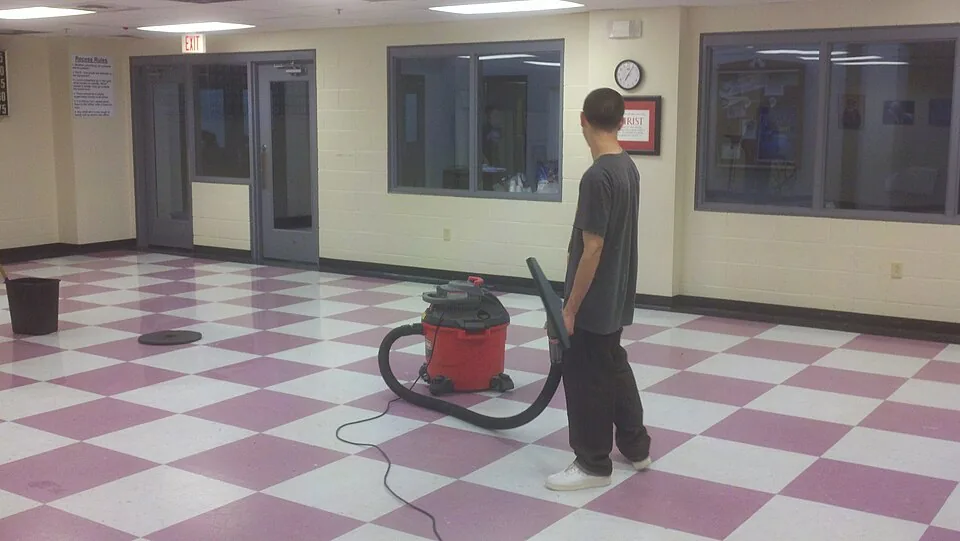
Job management for commercial cleaning companies
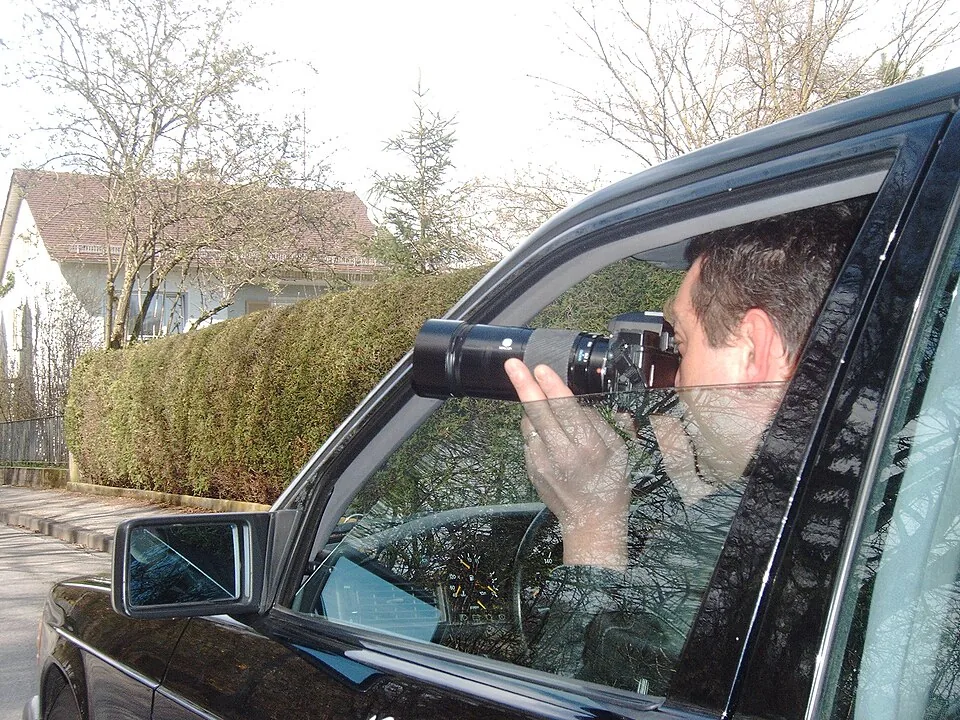
Case management for private investigators and detective agencies

.jpg)

