Protect health data
Review staff roles and your privacy process before using real patient records.
Industry solution / Health & Medicine
For physiotherapy practices coordinating patients, prescriptions, treatment notes and billing.
Pricing & getting started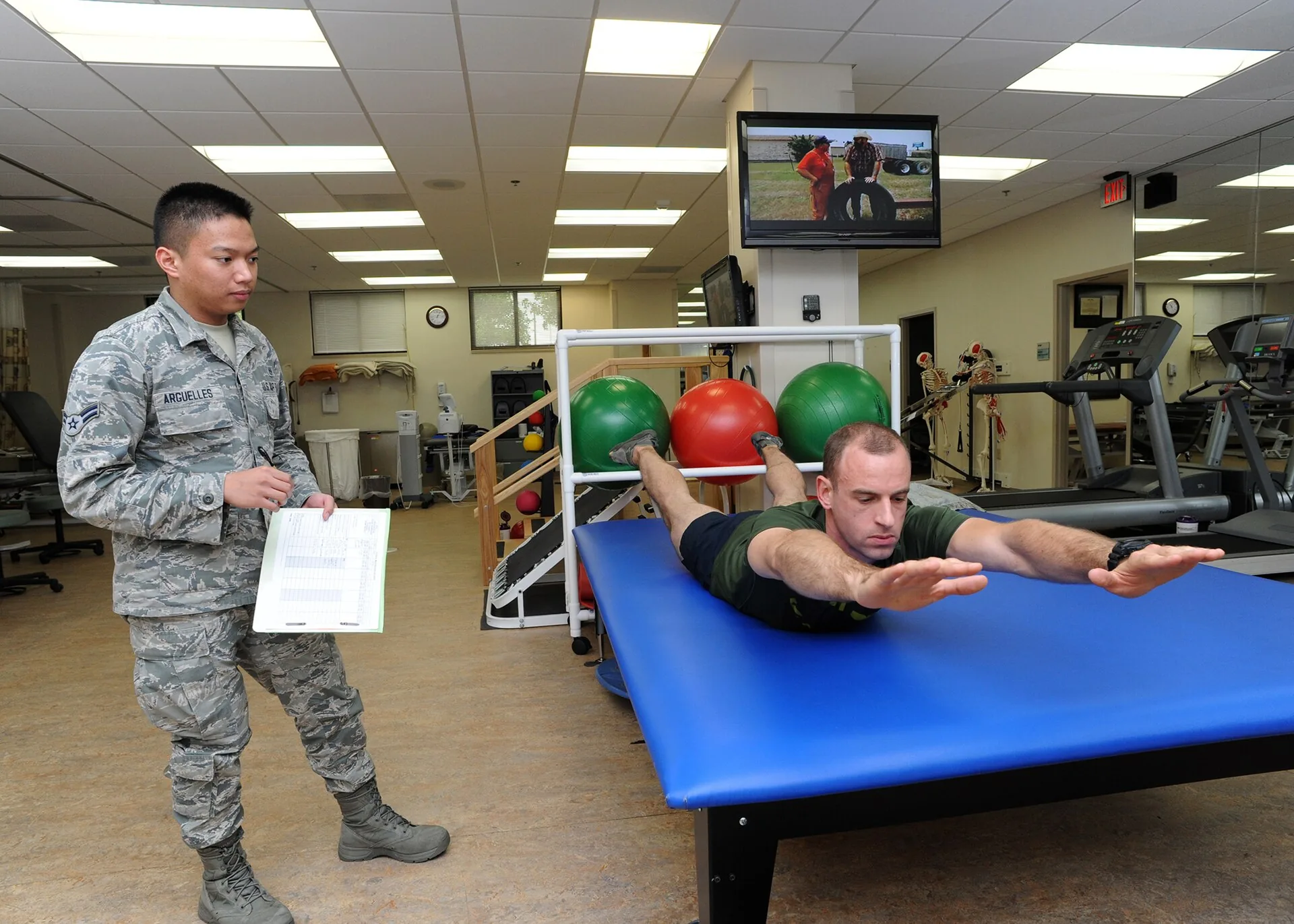
Record treatment type, prescription number and planned and completed sessions.
Keep clinical findings and session notes with the appointment.
Record insurance or self-pay status and review data before release.
How Sektura helps with everyday work
In this fictional visit, a patient brings a prescription and reports difficulty on stairs.
Check prescription, treatment type and appointment with authorised access.
Assess movement and record the treatment actually provided.
Update session count, discuss exercises and check billing prerequisites.
The practice can see prescription and recorded course together; clinical decisions stay with practitioners.
Getting started is simple
Enter therapists, rooms and offered treatments.
Use synthetic patient data and session counts.
Record a sample note and review billing data.
Review staff roles and your privacy process before using real patient records.
No credit card is needed to start your trial.
Industry solution
Physiotherapy clinics with individual visits
Editorial workflow draft — not a product screenshot.
A patient attends a first visit after a knee injury with a therapy referral.
Review the referral and reported symptoms.
Note movement and load tolerance during assessment.
Discuss exercises for the next visit with the patient.
The treatment note holds baseline findings and agreed exercises.
Structured SOAP notes with physiotherapy-specific assessment forms and assessments
Prescription management with automatic therapeutic catalogue check and remaining quantity display
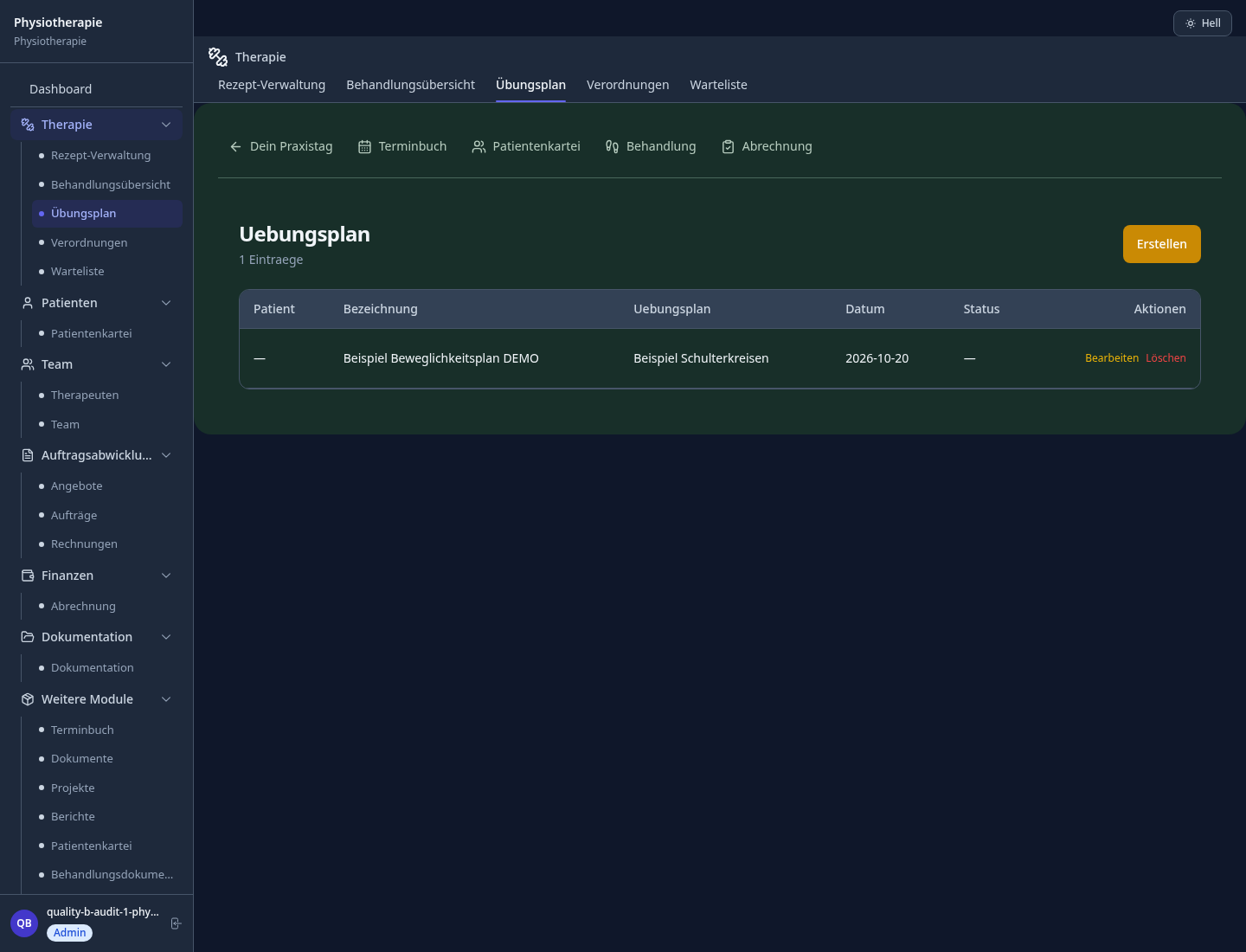
Individual exercise plan with illustration and video library for self-practice
Validated questionnaires for measurable treatment outcomes and quality evidence
Real-time appointment booking with therapist utilisation analysis and room usage planning
Less paperwork
These features are included in every sektura solution.
Customer records with full project history for all PhysioDesk jobs and relevant contact and location information.
Invoices for PhysioDesk services under local law. Automatic numbering, PDF export and dunning management.
Appointments for PhysioDesk deployments with GPS address, staff assignment and automatic email reminders.
All PhysioDesk documents managed centrally: plans, protocols, warranties, certificates and manufacturer documentation.
PhysioDesk jobs with industry-specific fields, status tracking and automatic cost calculation.
Reports for PhysioDesk: revenue by service type, utilisation, averages and profitability per job.
Vote on new PhysioDesk features. Which functions matter most? Your vote counts in product development.
Getting started is simple
Import patient records and prescriptions
Configure soap assessment documentation and enter initial data
Configure therapeutic prescription & billing and enter initial data
Configure therapy plan & home exercise program and enter initial data
Create the first invoice or quote and test the workflow
Before you switch, we check which data we can transfer from your existing system.
Theorg · Starke Praxis · Samedi · appointmed
Germany · Austria · Switzerland · United Kingdom · France · Spain · Italy · Netherlands · Poland · Portugal · Sweden · Denmark · Norway · Finland · Czechia · Romania · Hungary · Türkiye · Russia · Ukraine · Indonesia · Vietnam · Thailand · Saudi Arabia · China · Japan · South Korea · India · Greece · Croatia · Serbia · Bulgaria · Slovakia · Slovenia · Lithuania · Latvia · Estonia · Albania · Malaysia · Philippines · Bangladesh · Pakistan
04 / Getting started
Choose your industry, country and billing cycle. You will see the corresponding industry price; book add-ons separately when needed.
days free trial
No credit card is needed to start your trial.
No credit card is needed to start your trial.
Add-ons are billed separately in EUR. Displayed prices reflect your selected country and billing cycle.

Software for care services – professional management of patients, care levels, insurance status and medication plans.
Patient management for dental practices and orthodontic clinics
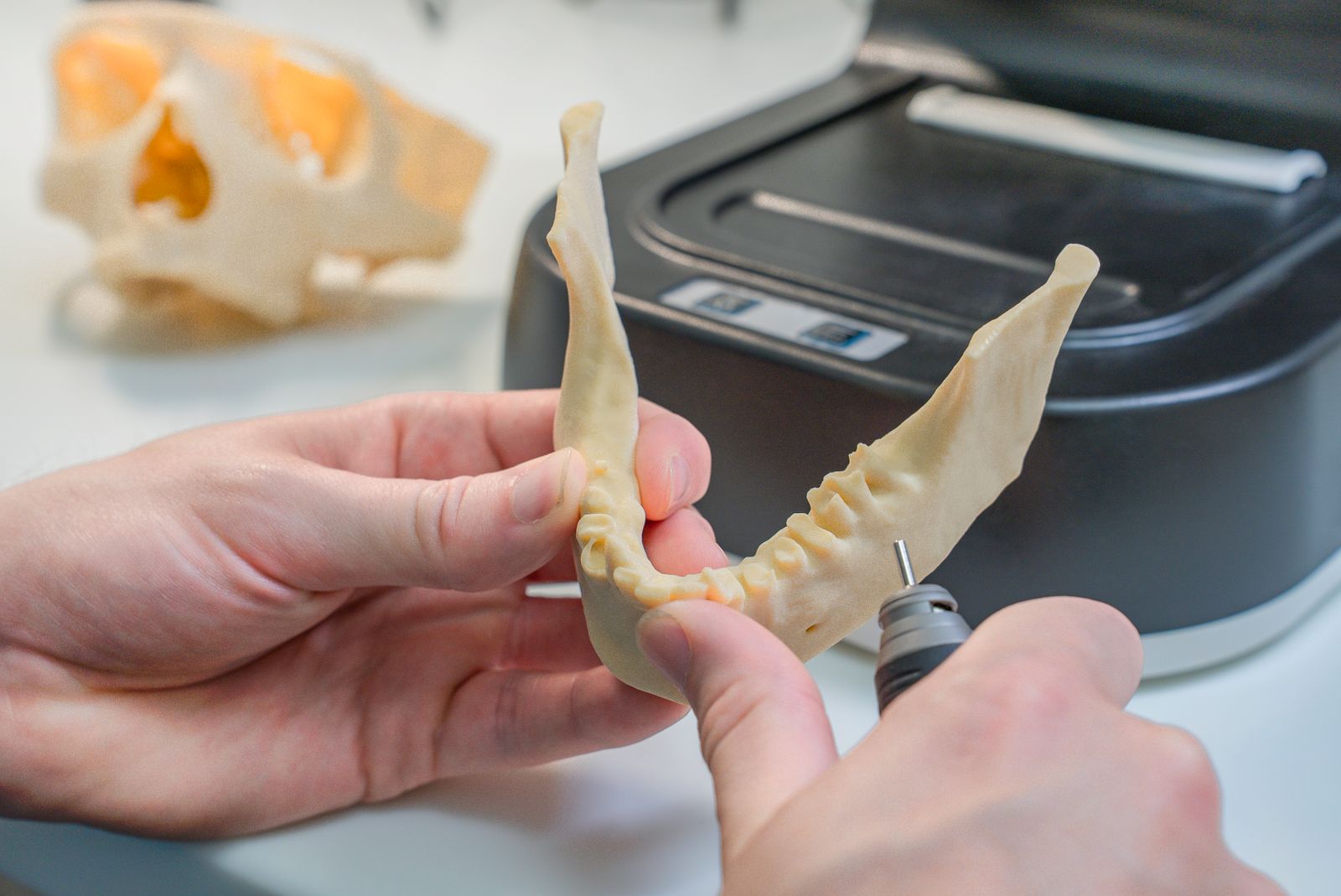
Order management for dental labs — CAD/CAM fabrication, crowns, bridges, dentures and BEL II billing.

Practice management for general practitioners