Protect health information
Assess lawful use, permissions, retention and professional rules before live use; a trial should contain no real health data.
Industry solution / Health & Medicine
A busy clinic moves from reception to waiting room to clinician and follow-up. Sektura connects the patient record, appointment and visit note so staff can hand over a specific case while the clinician retains every clinical decision.
Pricing & getting started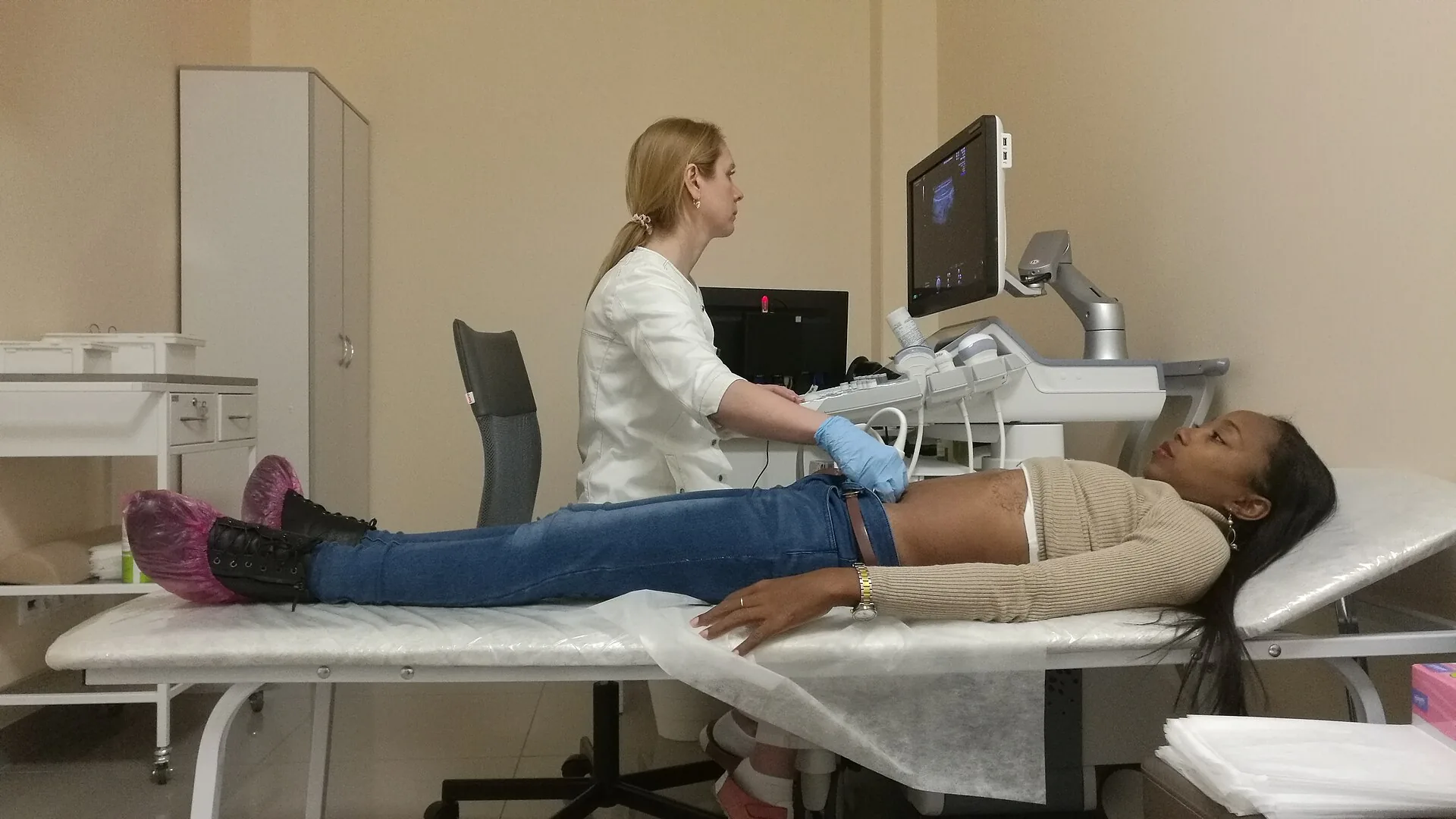
The patient record brings recorded details and recent visits into view before the clinician documents the next encounter.
Appointments and waiting-room states show whether a patient is expected, waiting, called or being seen.
The encounter note can hold history, findings, treatment and a proposed next appointment; lab measurements are separate entries for professional review.
How Sektura helps with everyday work
Fictional clinic example: A patient brings a printed laboratory result to a planned follow-up. Reception confirms the visit; the clinician needs to interpret the value in context.
Staff check the patient and appointment, mark arrival and open the correct chart.
A value, unit and date can be entered manually in the lab list. The clinician writes their own assessment in the consultation note.
If appropriate, the practice books another appointment and records what needs review then.
The next colleague can follow the case. The system has neither imported the printout nor diagnosed the patient.
Getting started is simple
Decide who may view or edit sensitive records, and use fictional information for evaluation.
Add a fictitious patient and appointment, then check their link in the chart.
Move the waiting-room state and save a neutral sample note against the appointment.
Assess lawful use, permissions, retention and professional rules before live use; a trial should contain no real health data.
No credit card is needed to start your trial.
Industry solution
Specialist practices discussing test findings
Editorial workflow draft — not a product screenshot.
A patient visits a specialist practice to discuss an available laboratory result.
Match the appointment and the report she brought to her case.
Document the doctor’s discussion and agreed advice.
Clarify required documents and a possible follow-up appointment with the patient.
The report, consultation note and agreed next steps are recorded in the patient case.
Examination, case history, clinical documentation and therapy plan
EBM/GOAe Billing · Germany: GOÄ invoices require a fee code, factor and service date. Amounts are calculated under GOÄ; flat fees cannot be invoiced.
Reports, referrals, sick notes and templates
Vaccination record, STIKO recommendations, vaccination dates and batch documentation
Surgery hours, online booking, waiting times and resource planning
Less paperwork
These features are included in every sektura solution.
Customer records with full project history for all MedicalDesk jobs and relevant contact and location information.
Invoices for MedicalDesk services under local law. Automatic numbering, PDF export and dunning management.
Appointments for MedicalDesk deployments with GPS address, staff assignment and automatic email reminders.
All MedicalDesk documents managed centrally: plans, protocols, warranties, certificates and manufacturer documentation.
MedicalDesk jobs with industry-specific fields, status tracking and automatic cost calculation.
Reports for MedicalDesk: revenue by service type, utilisation, averages and profitability per job.
Vote on new MedicalDesk features. Which functions matter most? Your vote counts in product development.
Getting started is simple
Import patient or client master data
Configure epa & e-prescription integration and enter initial data
Configure gkv/pkv billing & goä and enter initial data
Configure ai documentation assistant and enter initial data
Create the first invoice or quote and test the workflow
Before you switch, we check which data we can transfer from your existing system.
Doctolib · Samedi · Dr. Flex · CGM
Germany · Austria · Switzerland · United Kingdom · France · Spain · Italy · Netherlands · Poland · Portugal · Sweden · Denmark · Norway · Finland · Czechia · Romania · Hungary · Türkiye · Russia · Ukraine · Indonesia · Vietnam · Thailand · Saudi Arabia · China · Japan · South Korea · India · Greece · Croatia · Serbia · Bulgaria · Slovakia · Slovenia · Lithuania · Latvia · Estonia · Albania · Malaysia · Philippines · Bangladesh · Pakistan
04 / Getting started
Choose your industry, country and billing cycle. You will see the corresponding industry price; book add-ons separately when needed.
days free trial
No credit card is needed to start your trial.
No credit card is needed to start your trial.
Add-ons are billed separately in EUR. Displayed prices reflect your selected country and billing cycle.
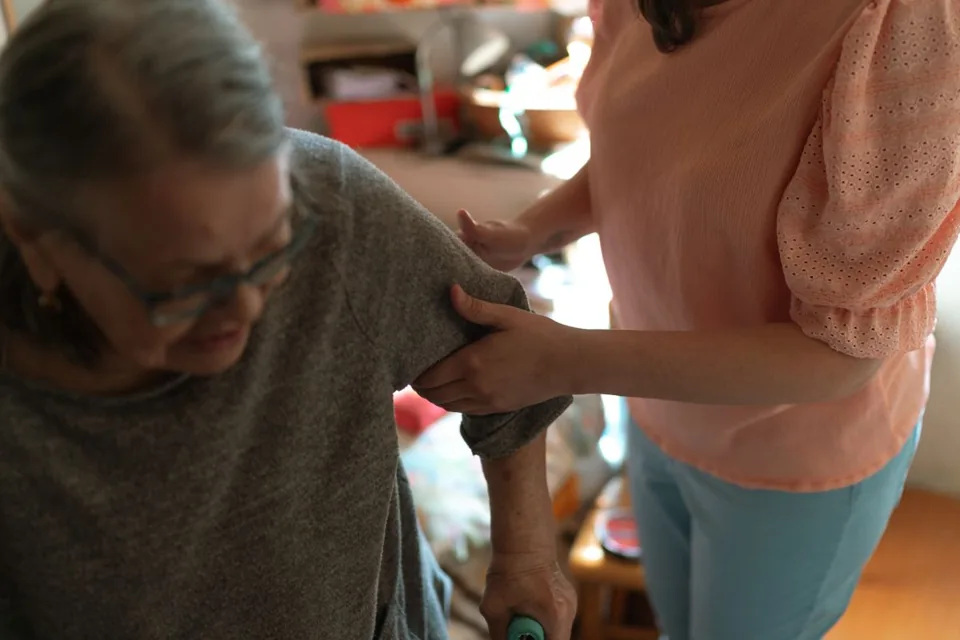
Software for care services – professional management of patients, care levels, insurance status and medication plans.
Patient management for dental practices and orthodontic clinics
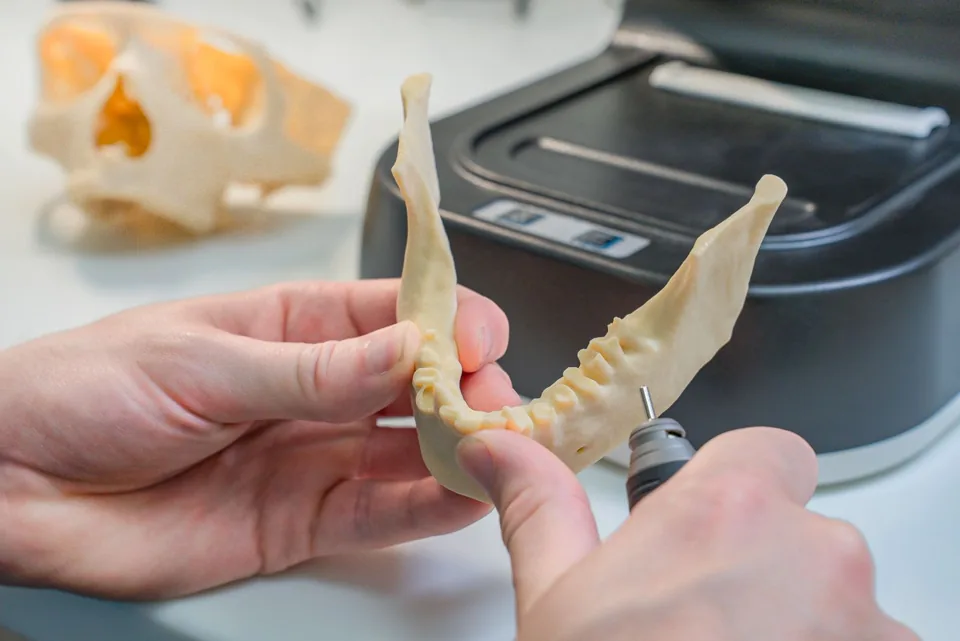
Order management for dental labs — CAD/CAM fabrication, crowns, bridges, dentures and BEL II billing.

Practice management for general practitioners